> ## Documentation Index
> Fetch the complete documentation index at: https://docs.requestly.com/llms.txt
> Use this file to discover all available pages before exploring further.
# Using Variables in API Requests
Once you've defined variables in Requestly, whether global, environment, collection, or subcollection, you can reference them directly in your API requests. This allows you to dynamically inject values into URLs, headers, request bodies, scripts, and more.
## **Use Variables in API Requests**
### **Step 1: Create or Open a Request**
Create or open an existing request in the **API Client**.
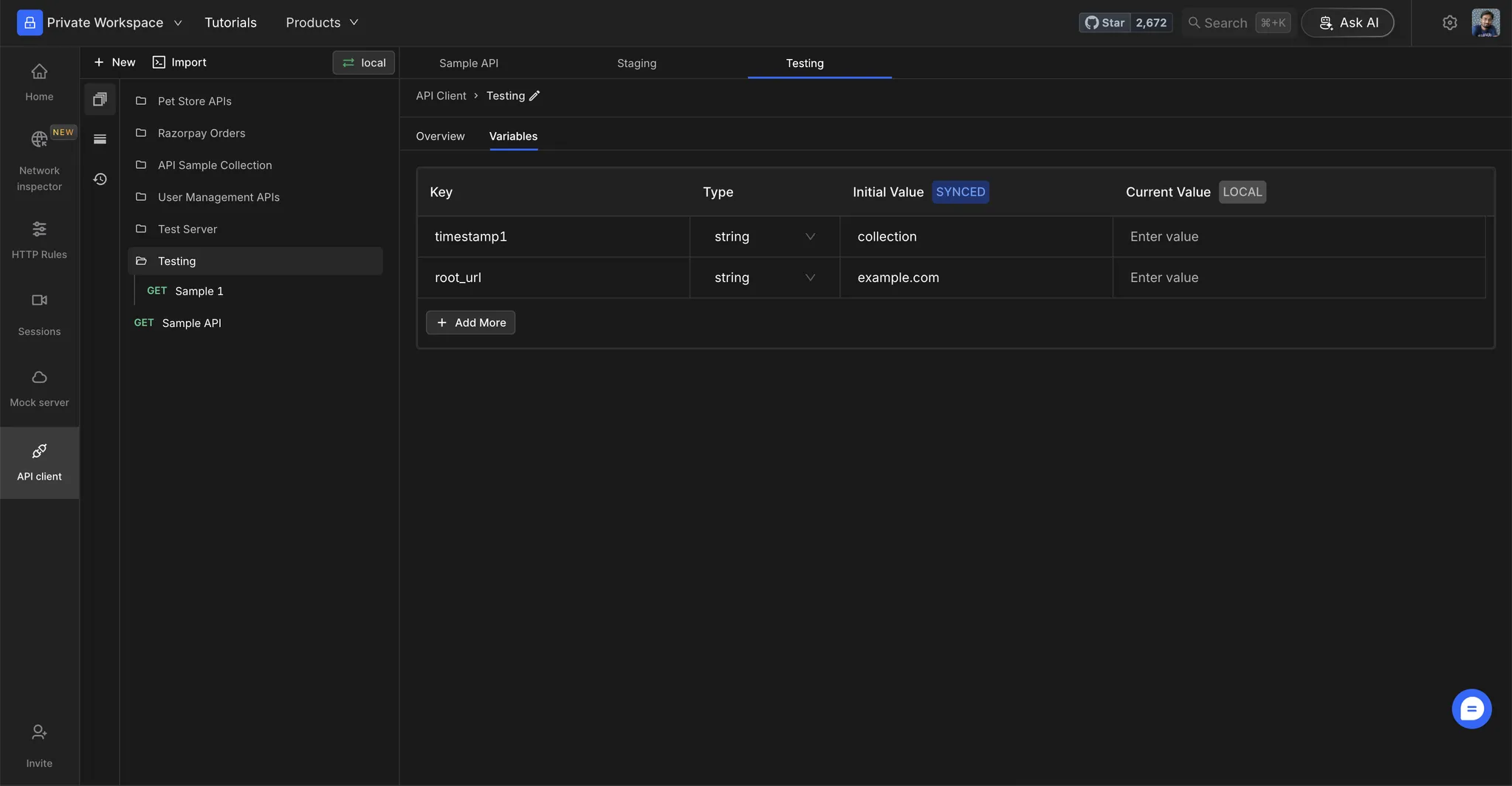 ### **Step 2: Replace Static Values**
Replace static values with your environment variables using the `{{variable_name}}` syntax.
### **Step 2: Replace Static Values**
Replace static values with your environment variables using the `{{variable_name}}` syntax.
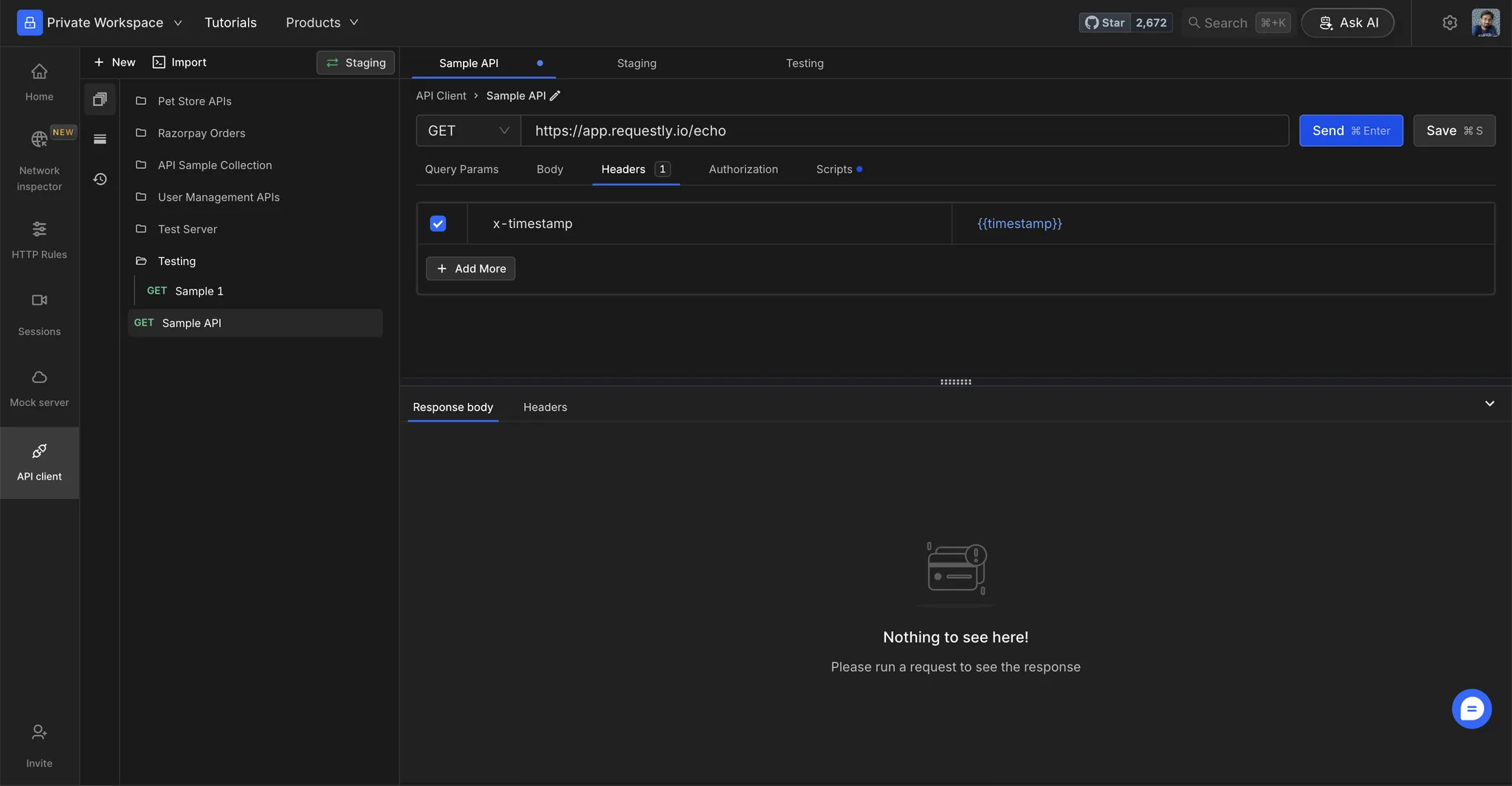 ### **Step 3: View Variable Values**
Hover over a variable to see its resolved value.
### **Step 3: View Variable Values**
Hover over a variable to see its resolved value.
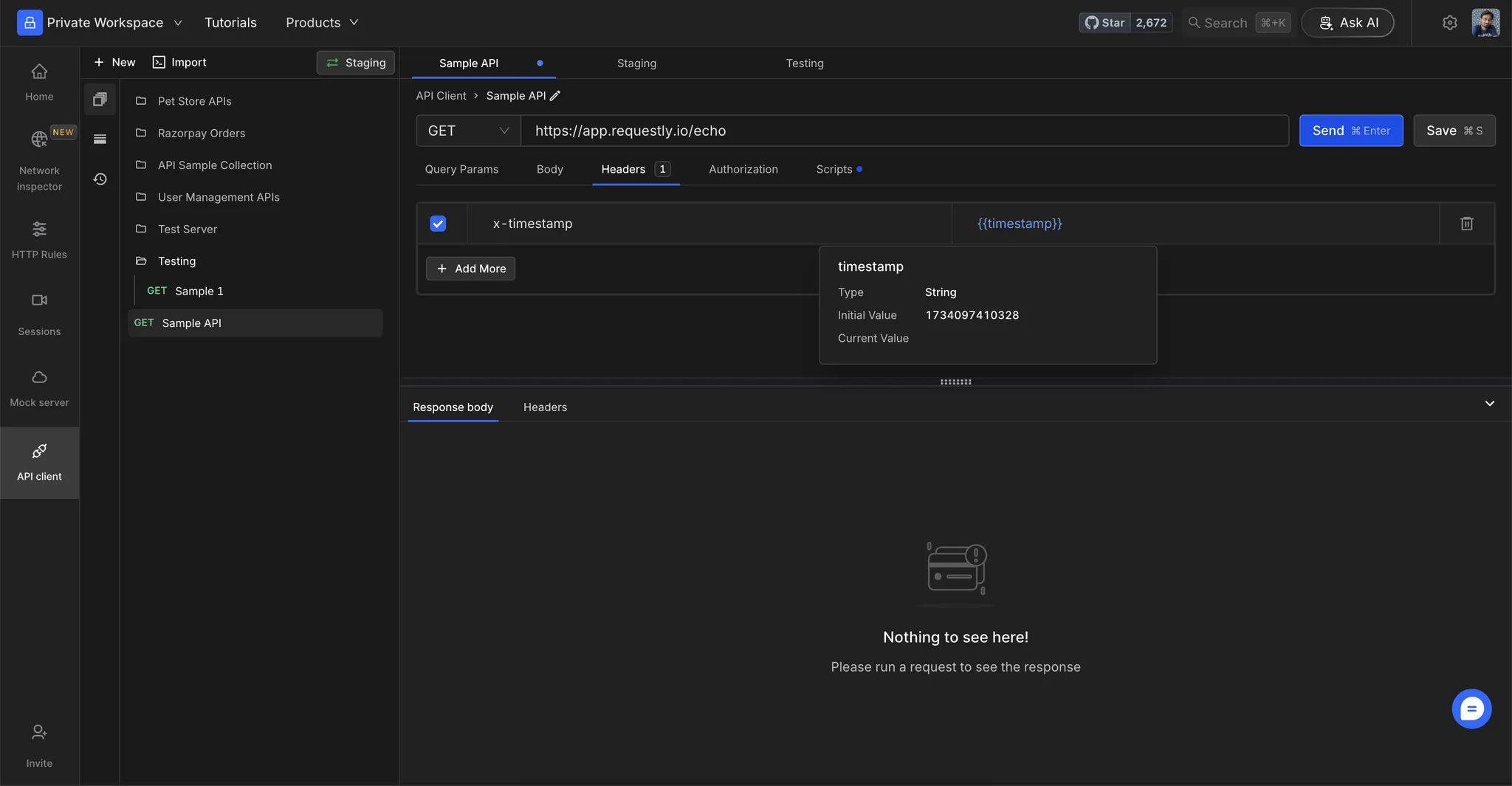 ## **Test Your Setup**
### **Step 1: Execute the Request**
Click **Send** to execute the request.
### **Step 2: Verify Resolved Values**
Check the resolved values in the **Request Preview** to ensure that variables are substituted correctly.
## **Test Your Setup**
### **Step 1: Execute the Request**
Click **Send** to execute the request.
### **Step 2: Verify Resolved Values**
Check the resolved values in the **Request Preview** to ensure that variables are substituted correctly.
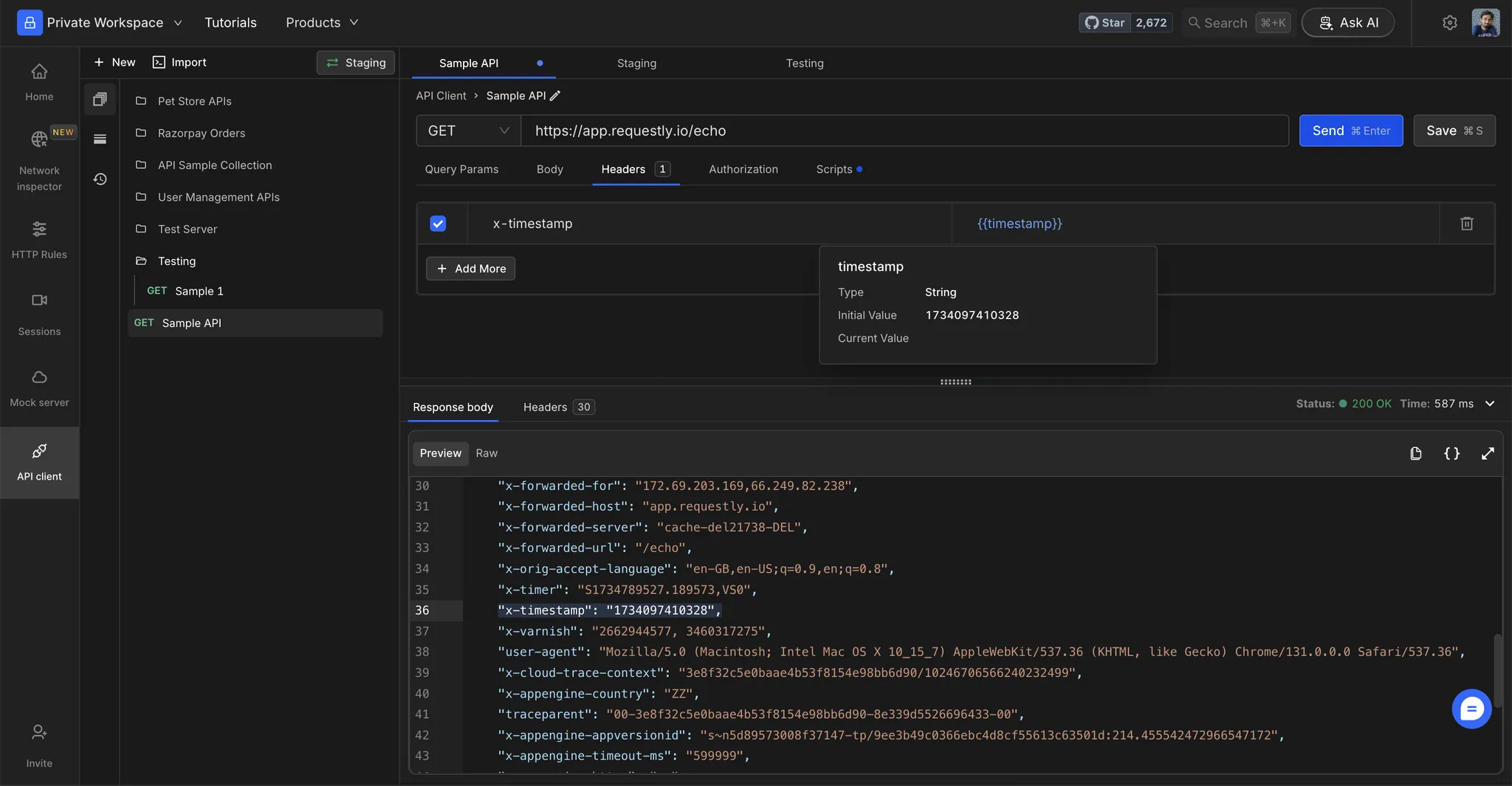 If a variable isn't resolving, verify that the variable name matches exactly (case-sensitive) and is present in the selected environment.
## **Composite variables**
Composite variables allow you to reference one variable inside another variable's value. This is useful when you want to build dynamic values from other variables.
### **How it works**
Define a variable that references another variable using the `{{variable_name}}` syntax:
| Variable Name | Value |
| -------------- | ------------------------- |
| `base_url` | `api.example.com` |
| `api_endpoint` | `https://{{base_url}}/v1` |
When `api_endpoint` is resolved, it becomes `https://api.example.com/v1`.
### **Example: Building dynamic URLs**
You can chain multiple variables together:
| Variable Name | Value |
| ------------- | ------------------------------------ |
| `env` | `staging` |
| `region` | `us-east` |
| `base_url` | `{{env}}.{{region}}.api.example.com` |
| `full_url` | `https://{{base_url}}/users` |
The `full_url` resolves to `https://staging.us-east.api.example.com/users`.
### **Circular dependency handling**
If you create circular references (e.g., `var_a = {{var_b}}` and `var_b = {{var_a}}`), Requestly detects this and leaves the variables unresolved to prevent infinite loops.
Autocompletion and syntax highlighting for variable references inside the variables table is not currently supported.
If a variable isn't resolving, verify that the variable name matches exactly (case-sensitive) and is present in the selected environment.
## **Composite variables**
Composite variables allow you to reference one variable inside another variable's value. This is useful when you want to build dynamic values from other variables.
### **How it works**
Define a variable that references another variable using the `{{variable_name}}` syntax:
| Variable Name | Value |
| -------------- | ------------------------- |
| `base_url` | `api.example.com` |
| `api_endpoint` | `https://{{base_url}}/v1` |
When `api_endpoint` is resolved, it becomes `https://api.example.com/v1`.
### **Example: Building dynamic URLs**
You can chain multiple variables together:
| Variable Name | Value |
| ------------- | ------------------------------------ |
| `env` | `staging` |
| `region` | `us-east` |
| `base_url` | `{{env}}.{{region}}.api.example.com` |
| `full_url` | `https://{{base_url}}/users` |
The `full_url` resolves to `https://staging.us-east.api.example.com/users`.
### **Circular dependency handling**
If you create circular references (e.g., `var_a = {{var_b}}` and `var_b = {{var_a}}`), Requestly detects this and leaves the variables unresolved to prevent infinite loops.
Autocompletion and syntax highlighting for variable references inside the variables table is not currently supported.