> ## Documentation Index
> Fetch the complete documentation index at: https://docs.requestly.com/llms.txt
> Use this file to discover all available pages before exploring further.
# Browse history and diffs
> Expand the Commits section of the Requestly Git panel to read a branch's history on a commit graph, and open a read-only diff tab for a commit or a changed file.
The **Git** panel carries the current branch's history, and every commit and changed file in it opens as a read-only diff tab beside your requests. Reading what changed never leaves the app. Git applies to [local projects](/api-client/git/overview#requirements) only, so the **Git** tab is hidden while a team project is active.
Git requires the **desktop app**. [Download Requestly](https://requestly.com/downloads).
## Open the Commits section
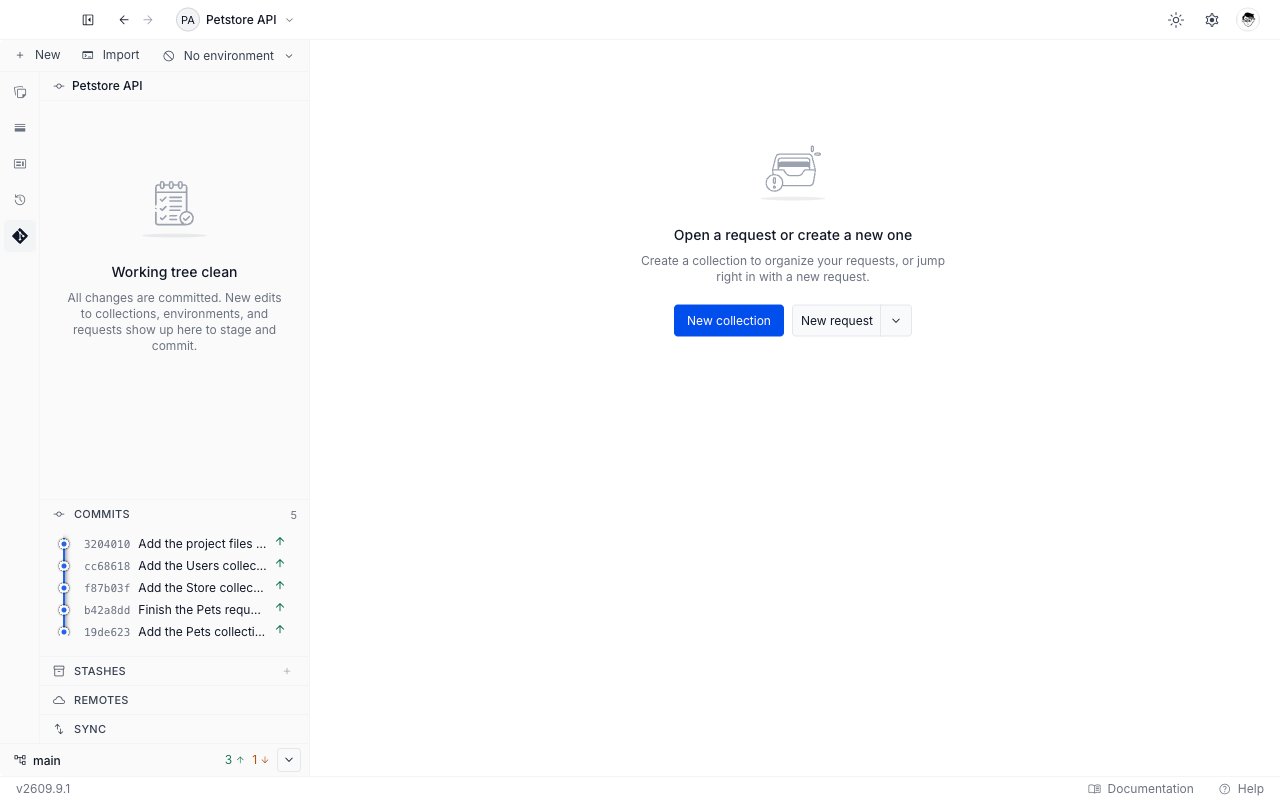
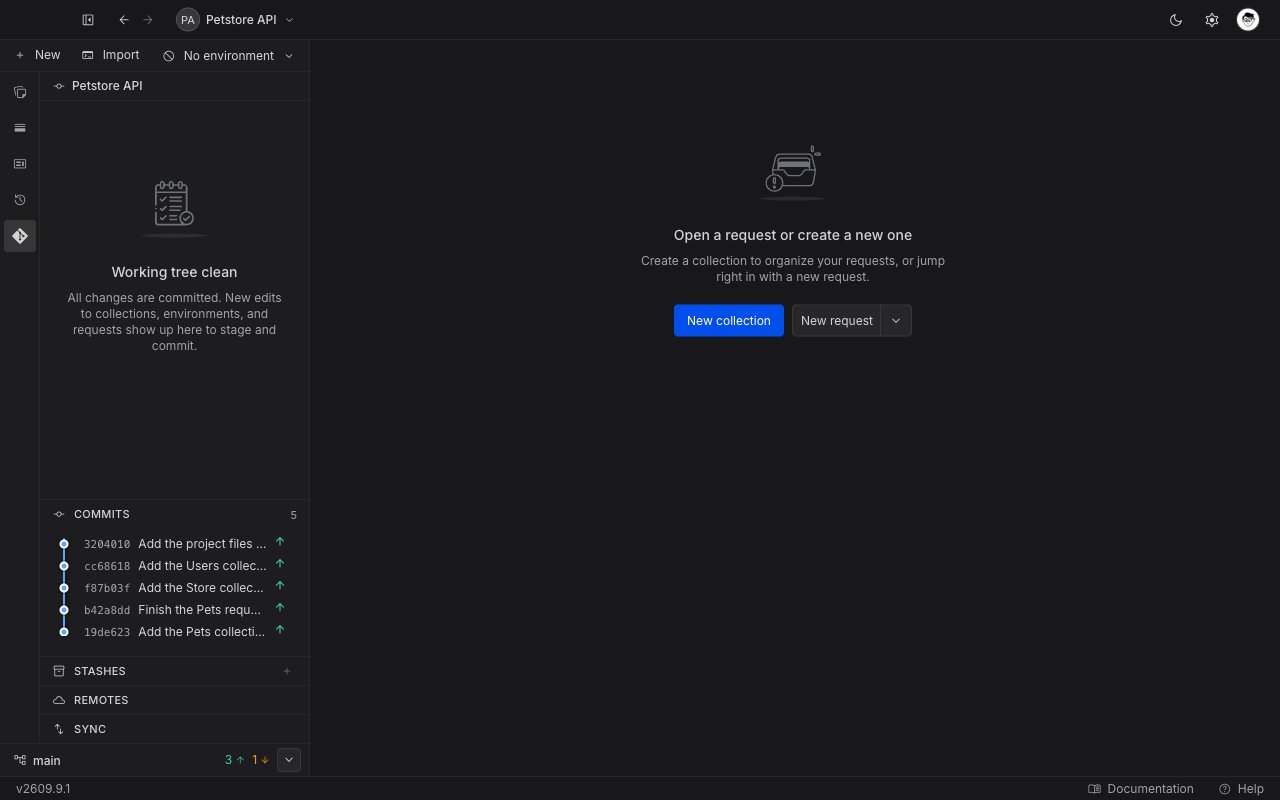
**Commits** is the first of the three sections below the file area of the **Git** panel, above **Stashes** and **Remotes**. Click its header to expand it, and click again to collapse.
The number at the right of the header is how many commits the current branch's history holds. It renders only once the branch has at least one commit, so a branch with none shows the **Commits** header on its own. Requestly loads the history when you expand the section, so a collapsed section costs nothing.
The three sections are hidden while a merge is in progress, because the panel gives the whole file area to resolving the conflict.
## Read the commit graph
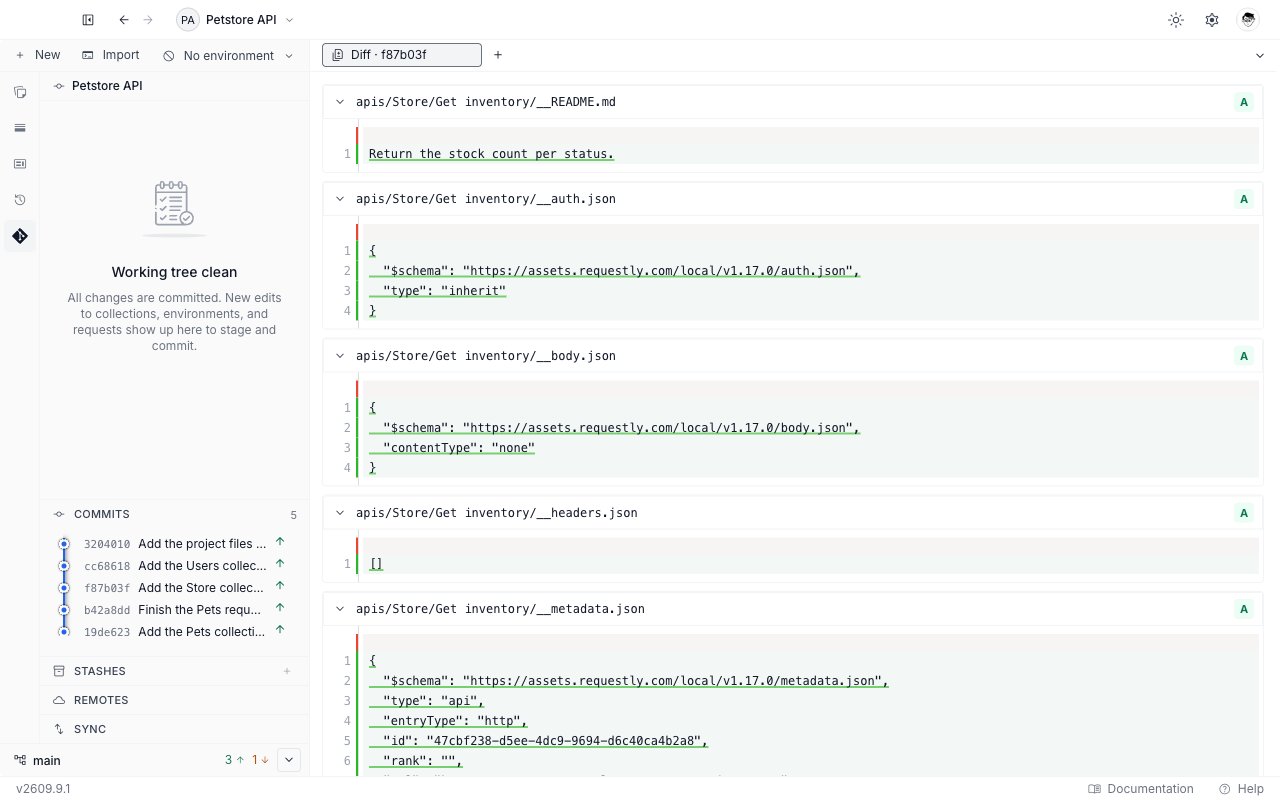
Expanded, the section draws the history as a graph, newest commit at the top. Each row is one commit.
| Part of a row | What it shows |
| ----------------------------------------- | ----------------------------------------------------------------------------------------------------- |
| The dot and the coloured line at the left | Where the commit sits in the branch structure. A merge shows its lines joining. |
| The short id | The first characters of the commit id, in a quiet monospace type. |
| The message | The commit's first line. A long message is cut with an ellipsis, so hover it to read the whole thing. |
| A green up arrow at the right | The commit is not on the remote yet. Hover it for "Pending to push". |
Rows work from the keyboard. Tab to a commit, then press Enter or Space to open its diff.
 Scroll the section to load older commits, fifty at a time, up to five hundred loaded at once. The history reloads on its own after you commit or pull while the section is open. Collapsing drops the loaded commits, and expanding again starts from the newest.
### When the section has nothing to show
| What you see | What it means |
| --------------------------------------- | ----------------------------------------------------------------------------------------------------- |
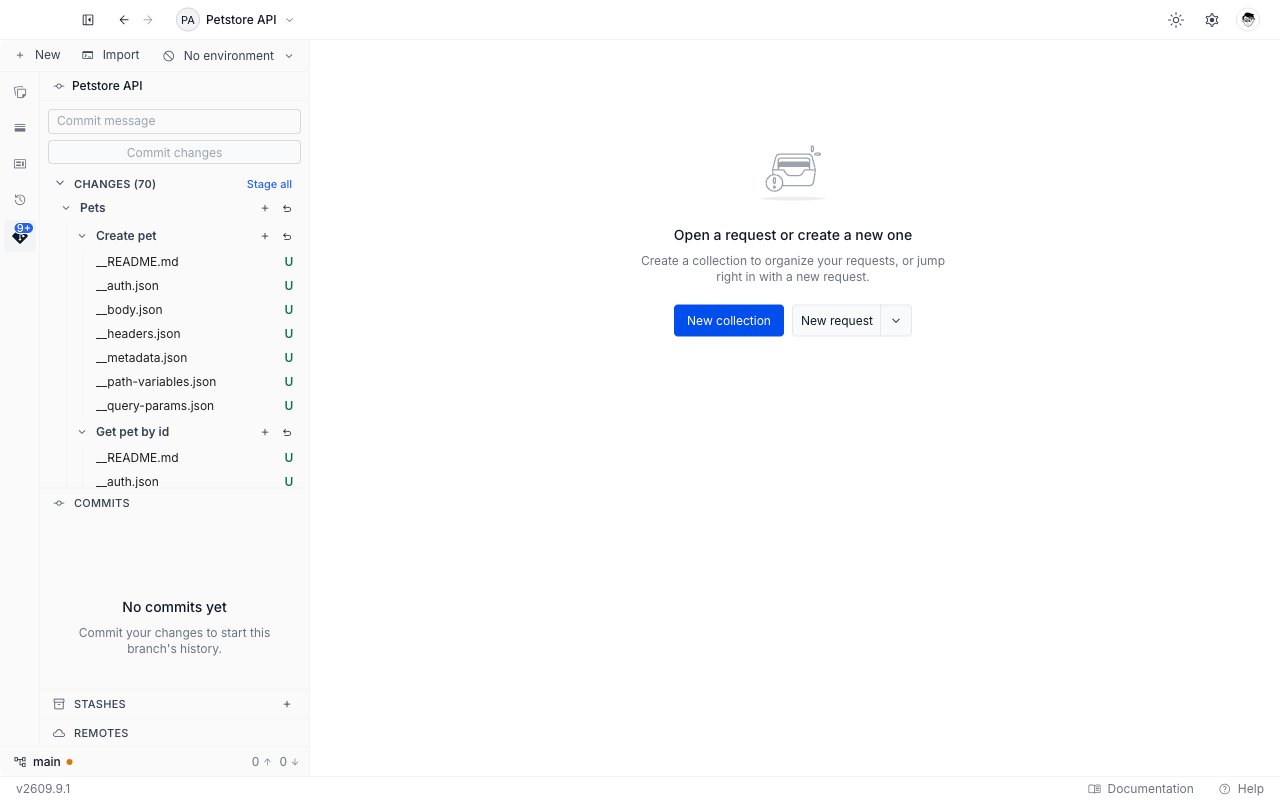
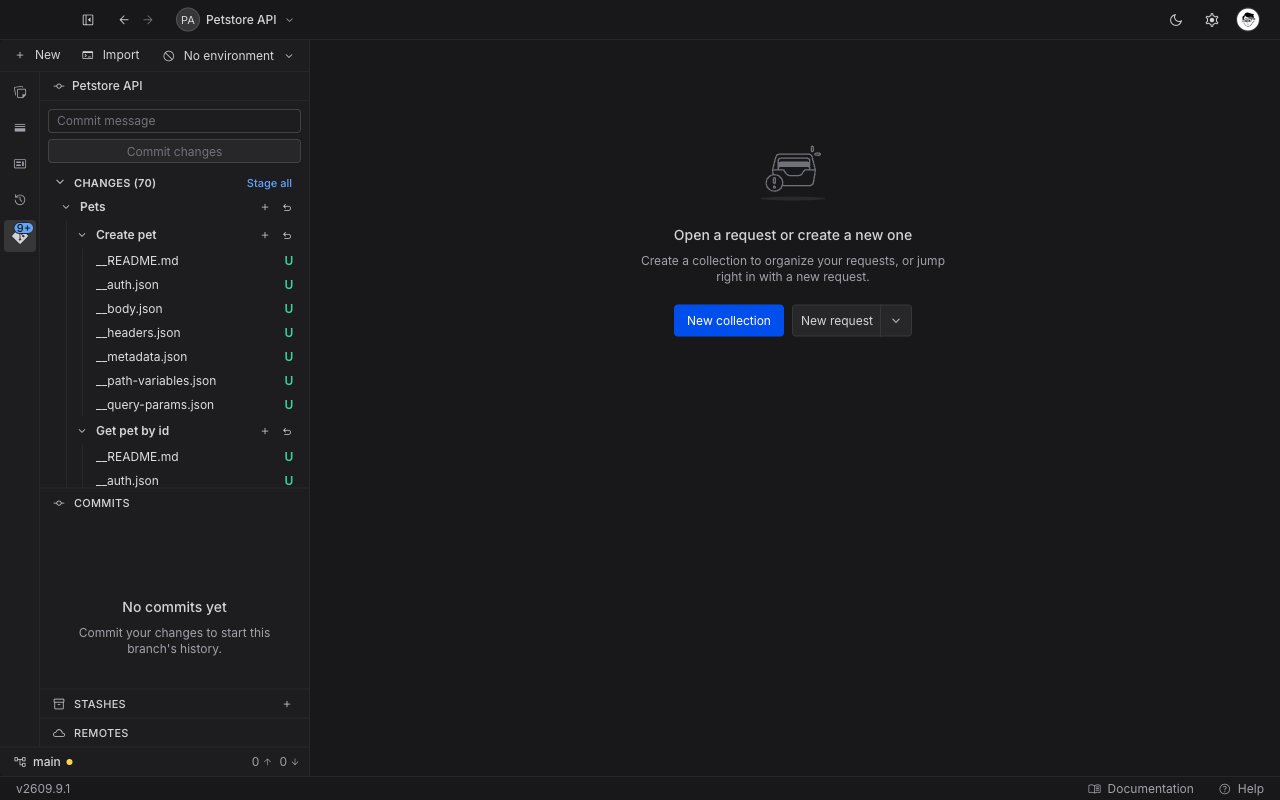
| "No commits yet" | The repository has no commits. Stage some files and write the first one, and the history starts here. |
| An error message and a **Retry** button | The history could not be read. Click **Retry**. |
Scroll the section to load older commits, fifty at a time, up to five hundred loaded at once. The history reloads on its own after you commit or pull while the section is open. Collapsing drops the loaded commits, and expanding again starts from the newest.
### When the section has nothing to show
| What you see | What it means |
| --------------------------------------- | ----------------------------------------------------------------------------------------------------- |
| "No commits yet" | The repository has no commits. Stage some files and write the first one, and the history starts here. |
| An error message and a **Retry** button | The history could not be read. Click **Retry**. |
 ## Open a diff
Three places in the **Git** panel open a diff, and each one opens a tab beside your requests.
| Where you click | What the diff shows |
| ----------------------------------- | ----------------------------------------- |
| A commit in the **Commits** section | Every file that commit changed. |
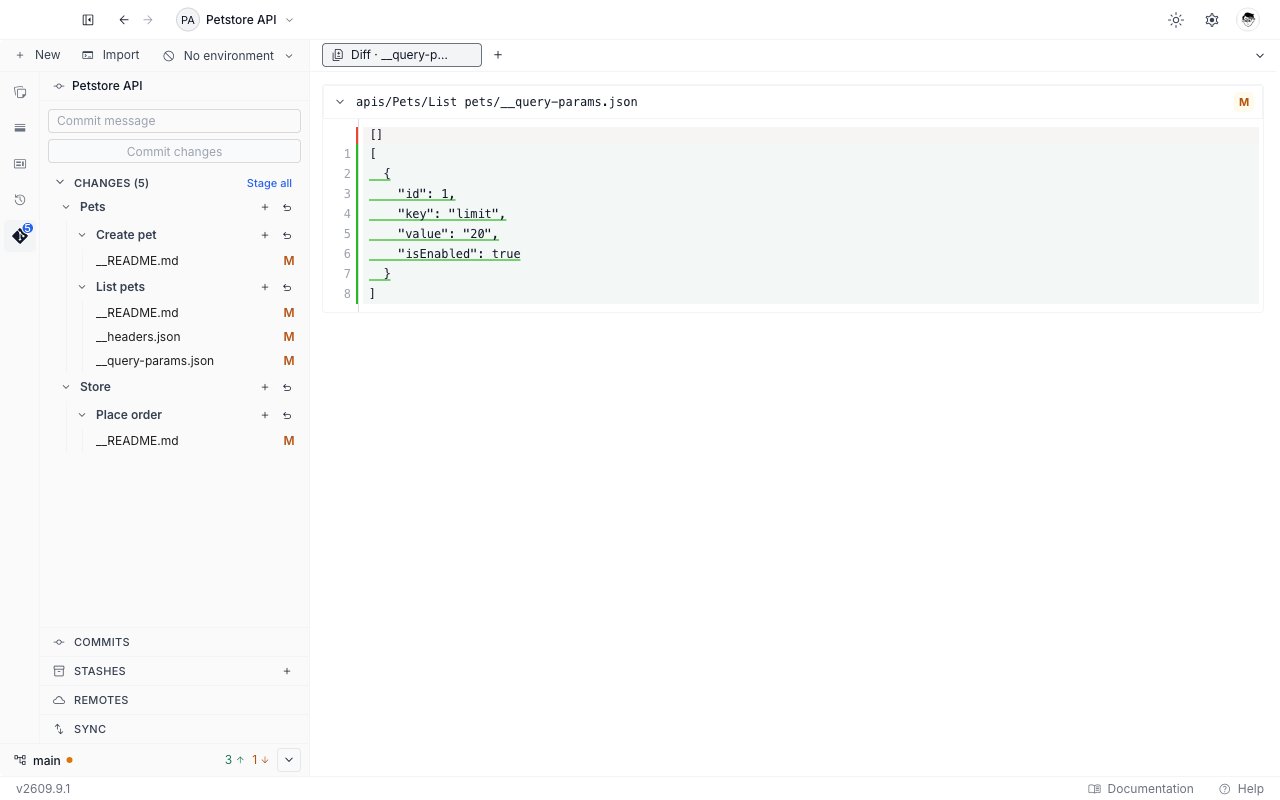
| A file name under **Changes** | Your working copy against what is staged. |
| A file name under **Staged** | What is staged against the last commit. |
A stash in the **Stashes** section opens the same kind of tab, for the files that stash captured. See [Stash changes](/api-client/git/stashes).
The tab is named after what it holds: `Diff · 1a2b3c4` for a commit, and `Diff · ` for a single file. Several diffs can stay open at once, and closing the tab is how you dismiss one.
## Open a diff
Three places in the **Git** panel open a diff, and each one opens a tab beside your requests.
| Where you click | What the diff shows |
| ----------------------------------- | ----------------------------------------- |
| A commit in the **Commits** section | Every file that commit changed. |
| A file name under **Changes** | Your working copy against what is staged. |
| A file name under **Staged** | What is staged against the last commit. |
A stash in the **Stashes** section opens the same kind of tab, for the files that stash captured. See [Stash changes](/api-client/git/stashes).
The tab is named after what it holds: `Diff · 1a2b3c4` for a commit, and `Diff · ` for a single file. Several diffs can stay open at once, and closing the tab is how you dismiss one.
 A merge commit's diff shows what the merge brought in, measured against the branch it was merged into. Plain Git prints nothing at all for a merge commit, so this is the more useful answer.
## Read a diff
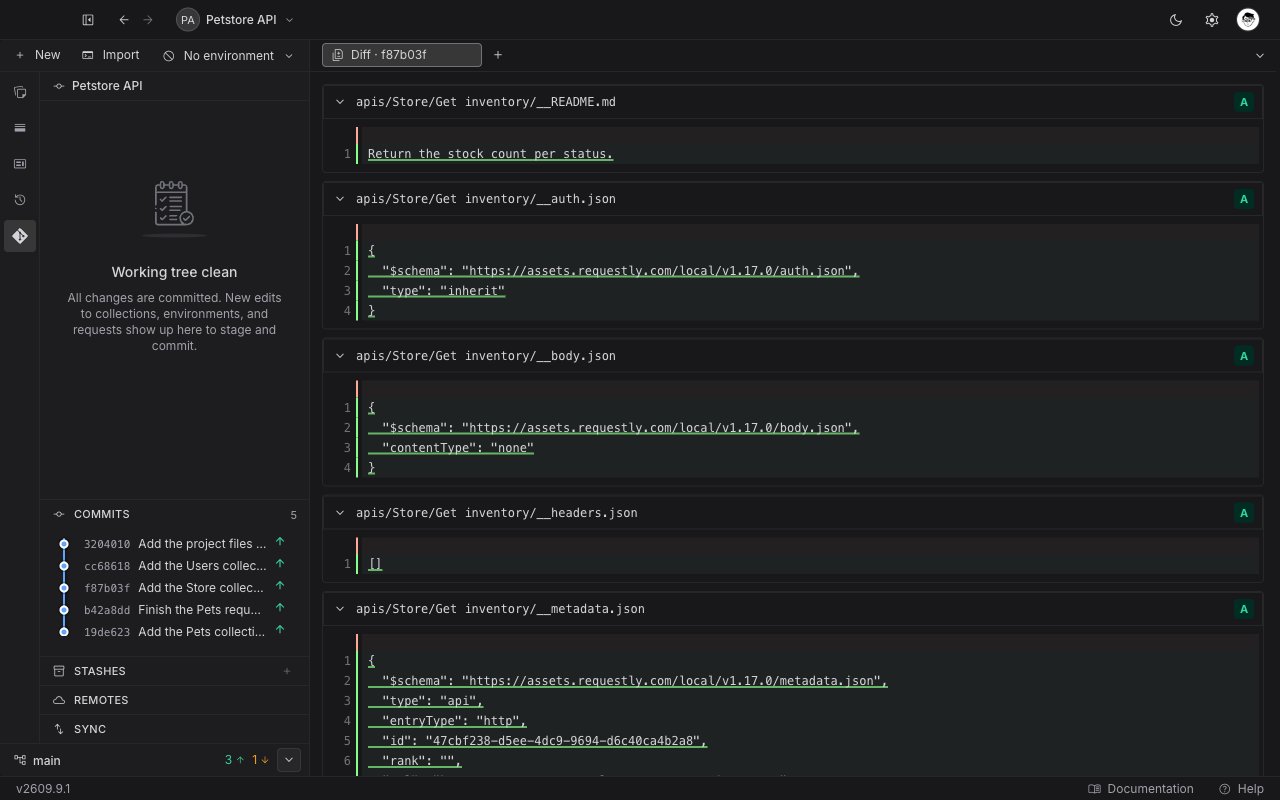
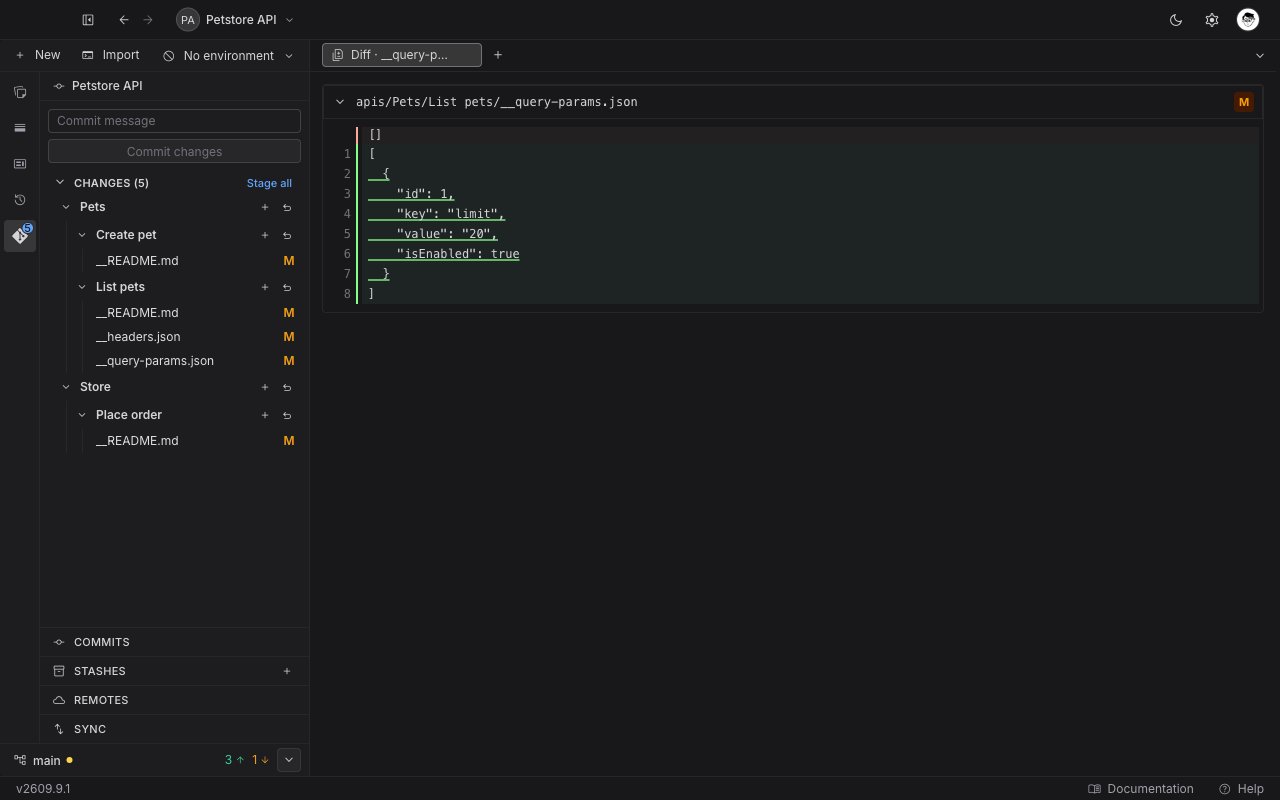
A diff tab stacks one section per file. Each section starts with a header carrying the file path and a one-letter chip, and holds the line-by-line comparison below it. Click the header to collapse a file you have finished with.
The chip uses the same letters as the change list, described under [Status letters](/api-client/git/commit-changes#status-letters). Hover it for the full word. One letter differs: a file Git has never tracked shows the letter `A` here, because a diff has nothing earlier to compare it against, though its tooltip still reads Untracked.
| The file | What the comparison shows |
| ---------------------------------------- | -------------------------------------------------------------------------------------- |
| Modified | The removed and added lines together, in one column. |
| Added | Every line as an addition. |
| Deleted | Every line as a removal. |
| Binary, or larger than Requestly renders | A note in place of the comparison. Requestly does not load the content of such a file. |
A merge commit's diff shows what the merge brought in, measured against the branch it was merged into. Plain Git prints nothing at all for a merge commit, so this is the more useful answer.
## Read a diff
A diff tab stacks one section per file. Each section starts with a header carrying the file path and a one-letter chip, and holds the line-by-line comparison below it. Click the header to collapse a file you have finished with.
The chip uses the same letters as the change list, described under [Status letters](/api-client/git/commit-changes#status-letters). Hover it for the full word. One letter differs: a file Git has never tracked shows the letter `A` here, because a diff has nothing earlier to compare it against, though its tooltip still reads Untracked.
| The file | What the comparison shows |
| ---------------------------------------- | -------------------------------------------------------------------------------------- |
| Modified | The removed and added lines together, in one column. |
| Added | Every line as an addition. |
| Deleted | Every line as a removal. |
| Binary, or larger than Requestly renders | A note in place of the comparison. Requestly does not load the content of such a file. |
 A diff is read-only. Nothing you do in the tab changes a file, stages anything, or touches a commit.
### When a diff has nothing to show
A commit that changed no files reads "No file changes in this commit." A diff that cannot be read shows the reason and a **Retry** button. The [Git overview](/api-client/git/overview#messages-you-may-see) lists the messages Requestly can show, with what each one means.
## Next steps
Send the commits carrying an up arrow to the remote, and bring your teammates' work in.
Open the branch picker to switch, create, or delete a branch.
A diff is read-only. Nothing you do in the tab changes a file, stages anything, or touches a commit.
### When a diff has nothing to show
A commit that changed no files reads "No file changes in this commit." A diff that cannot be read shows the reason and a **Retry** button. The [Git overview](/api-client/git/overview#messages-you-may-see) lists the messages Requestly can show, with what each one means.
## Next steps
Send the commits carrying an up arrow to the remote, and bring your teammates' work in.
Open the branch picker to switch, create, or delete a branch.