> ## Documentation Index
> Fetch the complete documentation index at: https://docs.requestly.com/llms.txt
> Use this file to discover all available pages before exploring further.

# Push and pull

> Use the Sync section of the Requestly Git panel to fetch from the remote, read the ahead and behind counts, and push or pull a local project's commits.

Once a local project has commits and a remote, the **Sync** section moves work between your machine and the remote. It is the only place you need for fetch, pull, and push. Git applies to [local projects](/api-client/git/overview#requirements) only, so the **Git** tab is hidden while a team project is active.

<Info>
  Git requires the **desktop app**. [Download Requestly](https://requestly.com/downloads).
</Info>

## Open the Sync section

**Sync** is the last section of the **Git** panel, below **Commits**, **Stashes**, and **Remotes**. Click its header to expand or collapse it.

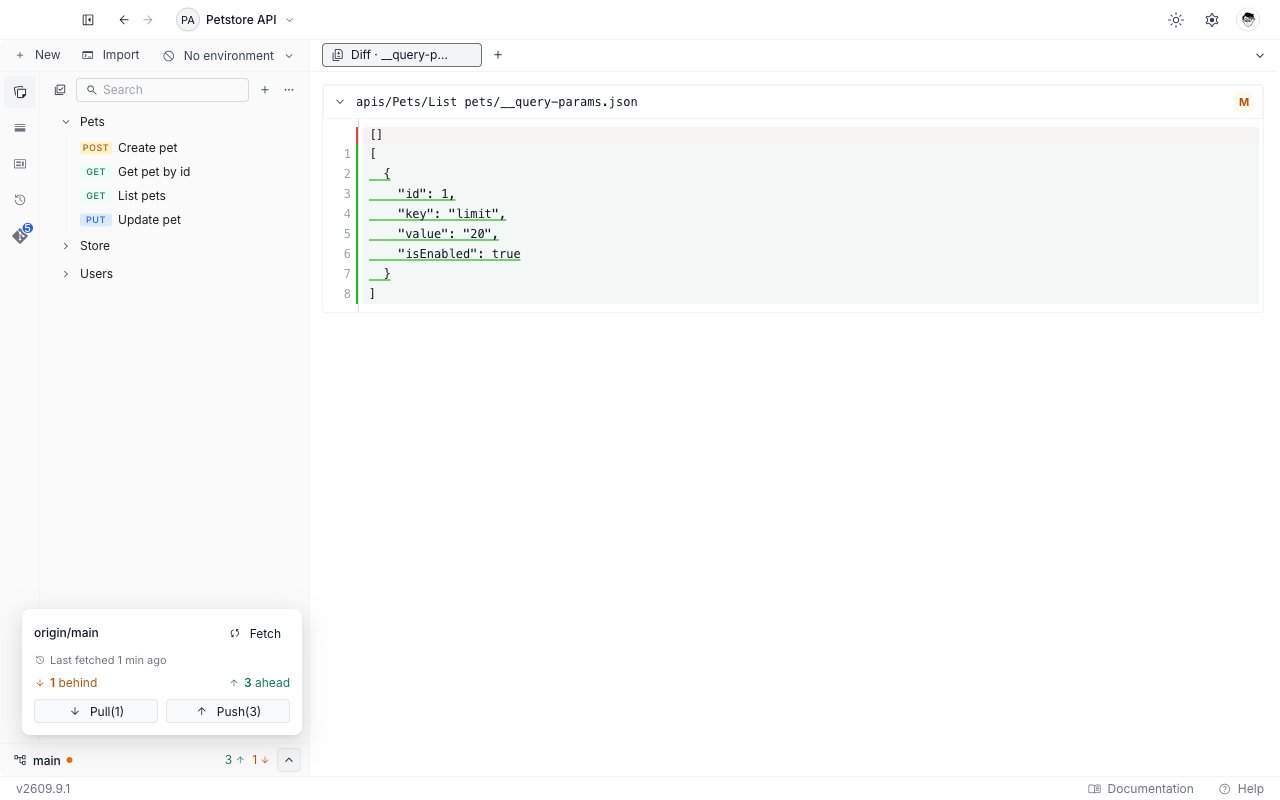
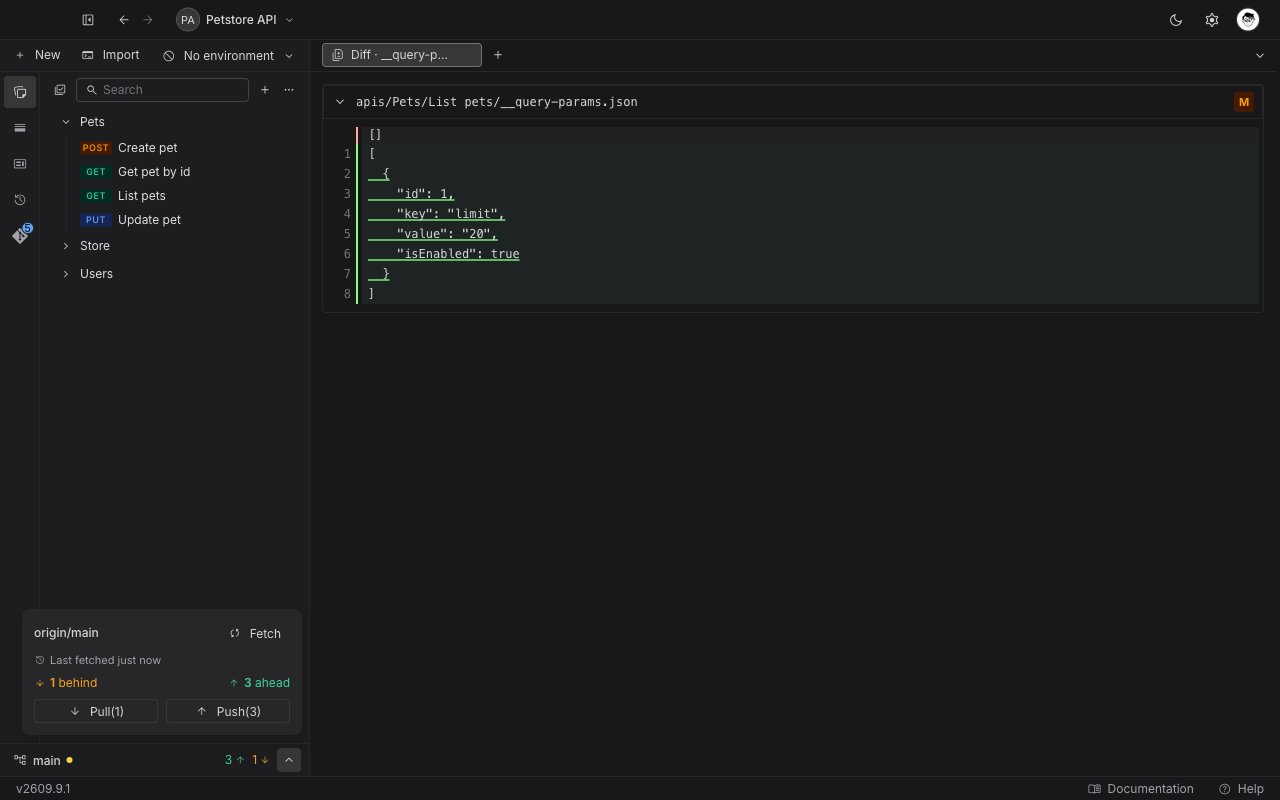
The same controls are reachable from any sidebar tab. The status bar at the bottom of the sidebar carries a chevron on the right. On the **Git** tab it expands the inline **Sync** section. On every other tab it opens the same controls in a small popover, so you never have to switch tabs to push.

<Frame>
  <img src="https://mintcdn.com/requestly/eF9SdqtaJHfrCNE2/images/git-sync-popover.light.png?fit=max&auto=format&n=eF9SdqtaJHfrCNE2&q=85&s=4ee8496b0af83020fd6fef284c433e09" alt="A diff tab open on the Collections tab, with the Sync popover above the status bar showing origin slash main, Fetch, the behind and ahead counts, and Pull and Push buttons" className="dark:hidden" width="1280" height="800" data-path="images/git-sync-popover.light.png" />

  <img src="https://mintcdn.com/requestly/eF9SdqtaJHfrCNE2/images/git-sync-popover.dark.png?fit=max&auto=format&n=eF9SdqtaJHfrCNE2&q=85&s=4cb349fed15036b2b097d3db7665931a" alt="A diff tab open on the Collections tab, with the Sync popover above the status bar showing origin slash main, Fetch, the behind and ahead counts, and Pull and Push buttons" className="hidden dark:block" width="1280" height="800" data-path="images/git-sync-popover.dark.png" />
</Frame>

<Note>
  **Sync** is hidden in two cases: a repository you have just initialized, with no commits and no remote yet, and a repository with a merge in progress. It comes back once you commit, add a remote, or finish the merge.
</Note>

## Add a remote first

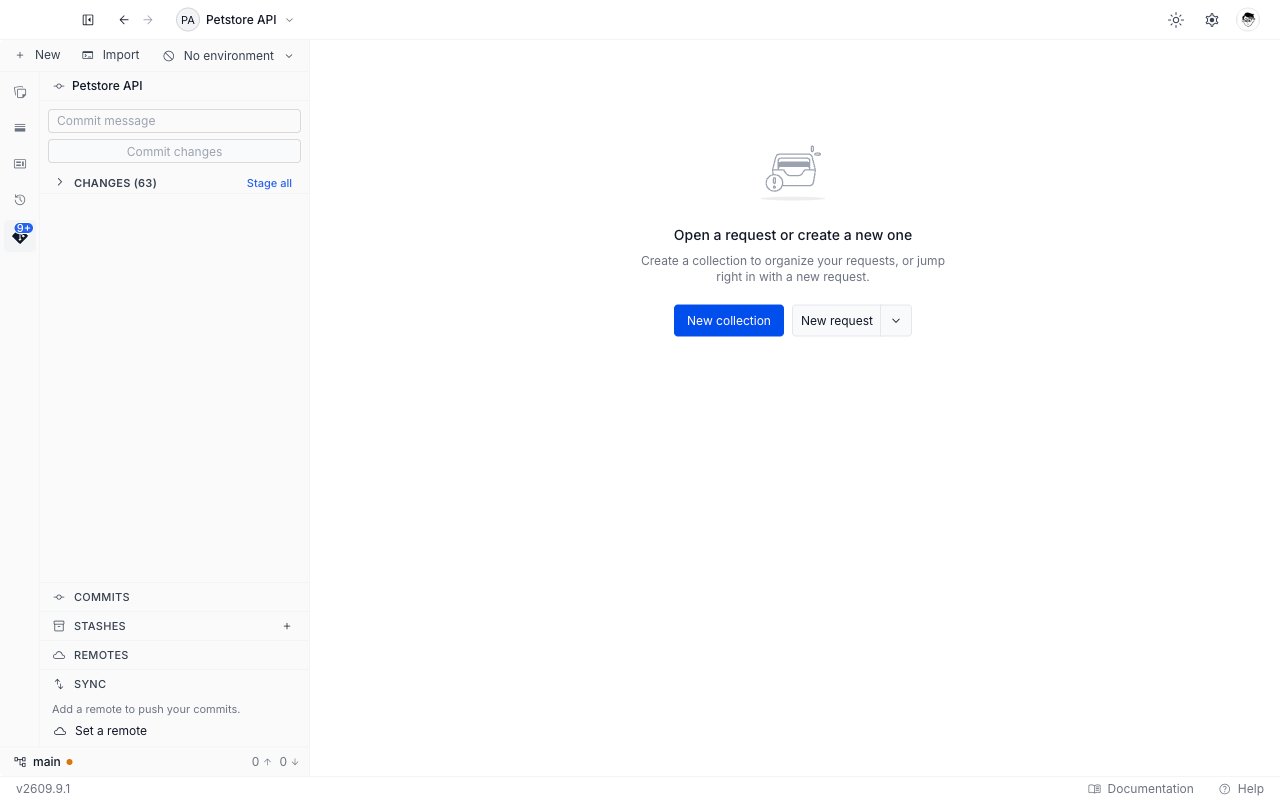
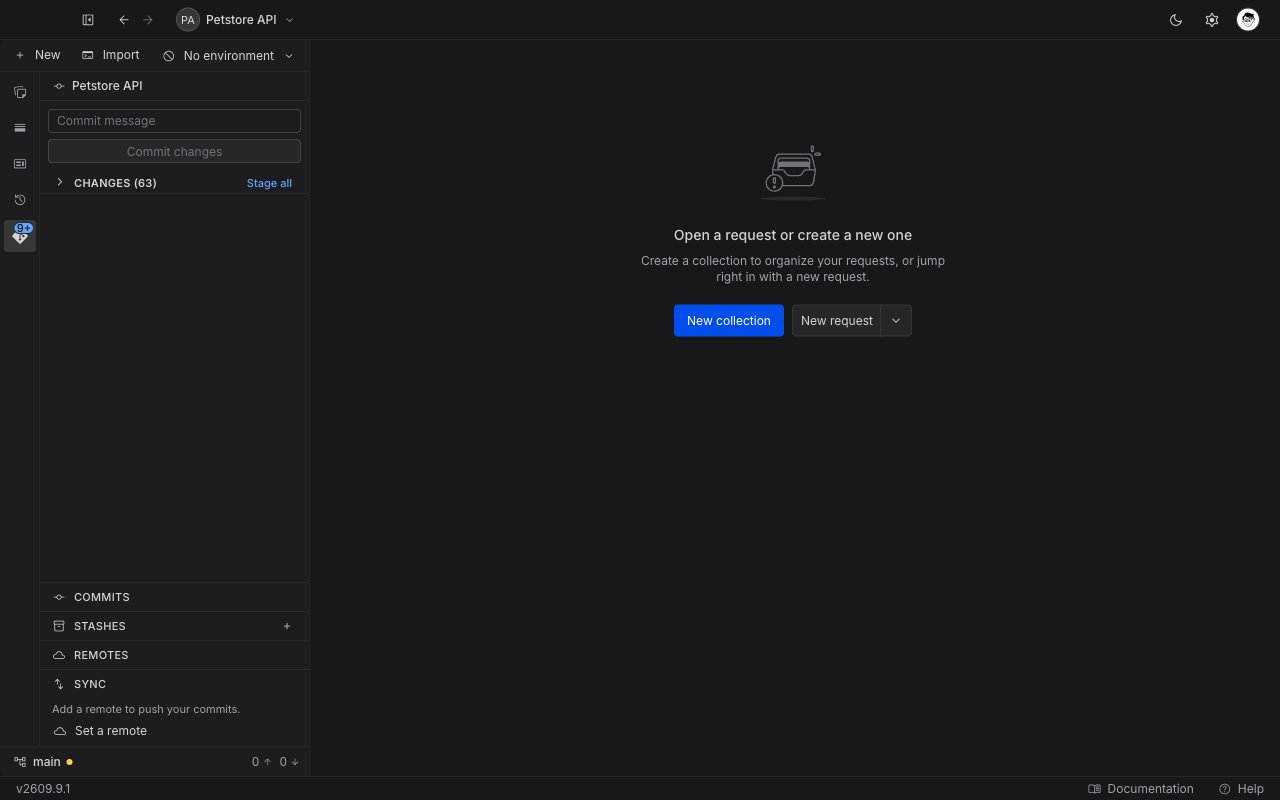
A repository you initialized in Requestly has no remote yet. **Sync** then reads "Add a remote to push your commits." and offers one action, **Set a remote**, which opens the [Remotes tab](/api-client/git/remotes). The same nudge is what the panel shows before you have a repository at all, so it is not a sign that the initialization worked.

A repository you cloned already has its remote, so **Sync** is ready to use.

<Frame>
  <img src="https://mintcdn.com/requestly/eF9SdqtaJHfrCNE2/images/git-sync-no-remote.light.png?fit=max&auto=format&n=eF9SdqtaJHfrCNE2&q=85&s=65532240b59519d555b642f21c176da1" alt="The Sync section of the Git panel with no remote set, reading Add a remote to push your commits above a Set a remote button" className="dark:hidden" width="1280" height="800" data-path="images/git-sync-no-remote.light.png" />

  <img src="https://mintcdn.com/requestly/eF9SdqtaJHfrCNE2/images/git-sync-no-remote.dark.png?fit=max&auto=format&n=eF9SdqtaJHfrCNE2&q=85&s=0da0d2fe3349768451ccda92fda550d0" alt="The Sync section of the Git panel with no remote set, reading Add a remote to push your commits above a Set a remote button" className="hidden dark:block" width="1280" height="800" data-path="images/git-sync-no-remote.dark.png" />
</Frame>

## Read the sync state

With a remote configured, **Sync** shows four things.

| What you see                                  | What it tells you                                                                                               |
| --------------------------------------------- | --------------------------------------------------------------------------------------------------------------- |
| The upstream name, such as `origin/main`      | The branch your commits go to. Before the first push it reads `origin`, because the branch has no upstream yet. |
| "Last fetched `<time>`", or "Not fetched yet" | How current the counts below are.                                                                               |
| "N behind"                                    | Commits the remote has that you do not. The number turns amber when it is above zero.                           |
| "N ahead"                                     | Commits you have that the remote does not. The number turns green when it is above zero.                        |

Click **Fetch** to ask the remote for its latest state. Fetch changes nothing in your working tree. It only refreshes the two counts, so it is safe to run at any time.

<Frame>
  <img src="https://mintcdn.com/requestly/eF9SdqtaJHfrCNE2/images/git-sync-section.light.png?fit=max&auto=format&n=eF9SdqtaJHfrCNE2&q=85&s=4a81771893889ac7e8be338cfe16de88" alt="The expanded Sync section showing the upstream origin slash main, a Fetch button, the last fetched time, one behind and three ahead, and the Pull and Push buttons" className="dark:hidden" width="1280" height="800" data-path="images/git-sync-section.light.png" />

  <img src="https://mintcdn.com/requestly/eF9SdqtaJHfrCNE2/images/git-sync-section.dark.png?fit=max&auto=format&n=eF9SdqtaJHfrCNE2&q=85&s=52dc039a49fcbb67fcb24f4c4fdfbf80" alt="The expanded Sync section showing the upstream origin slash main, a Fetch button, the last fetched time, one behind and three ahead, and the Pull and Push buttons" className="hidden dark:block" width="1280" height="800" data-path="images/git-sync-section.dark.png" />
</Frame>

## Pull and push

**Pull** and **Push** sit side by side under the counts. Both are always visible. The one that does not apply is disabled rather than hidden, so the panel never moves under your cursor.

Each button names its count when there is work to do. With two commits to pull and three to push, they read **Pull(2)** and **Push(3)**.

<Steps>
  <Step title="Pull first">
    **Pull** is enabled when the behind count is above zero. Requestly pulls with a merge, so any overlapping edits arrive as a normal merge conflict you [resolve in the app](/api-client/git/resolve-conflicts).
  </Step>

  <Step title="Push your commits">
    **Push** is enabled when you have commits to send, or when the branch has no upstream yet. Click it to send your commits to the remote.
  </Step>
</Steps>

### The first push

The first push on a new branch also sets the branch's upstream. That is why **Push** is available before the ahead count means anything: until the upstream exists, Git cannot tell you how far ahead you are. After that first push, the ahead and behind counts work on their own.

## When a sync fails

Failures arrive as a toast in the corner of the app, and most carry an action button. Three situations account for nearly all of them: the remote holds commits you do not have yet, your working tree holds uncommitted changes that a pull would overwrite, and the two histories started separately. Each toast names the situation and offers the action that settles it.

The [Git overview](/api-client/git/overview#messages-you-may-see) lists every message Requestly can show, with what each one means.

A failure about a missing or rejected credential is different: the toast carries **Add token** or **Update token**, and clicking it reconnects the account and retries the operation for you. See [Providers and authentication](/api-client/git/providers-and-authentication#when-requestly-asks-you-to-reconnect).

## Next steps

<CardGroup cols={2}>
  <Card title="Stage and commit changes" icon="code-commit" href="/api-client/git/commit-changes">
    Read the change list, stage or discard files, and write a commit.
  </Card>

  <Card title="Resolve merge conflicts" icon="code-merge" href="/api-client/git/resolve-conflicts">
    Work through a pull that stopped on conflicting files, finish the merge, or abort it.
  </Card>
</CardGroup>