> ## Documentation Index
> Fetch the complete documentation index at: https://docs.requestly.com/llms.txt
> Use this file to discover all available pages before exploring further.
# Managing your project
> Learn how to manage projects in Requestly
### Renaming a project
Projects can be renamed by following these steps
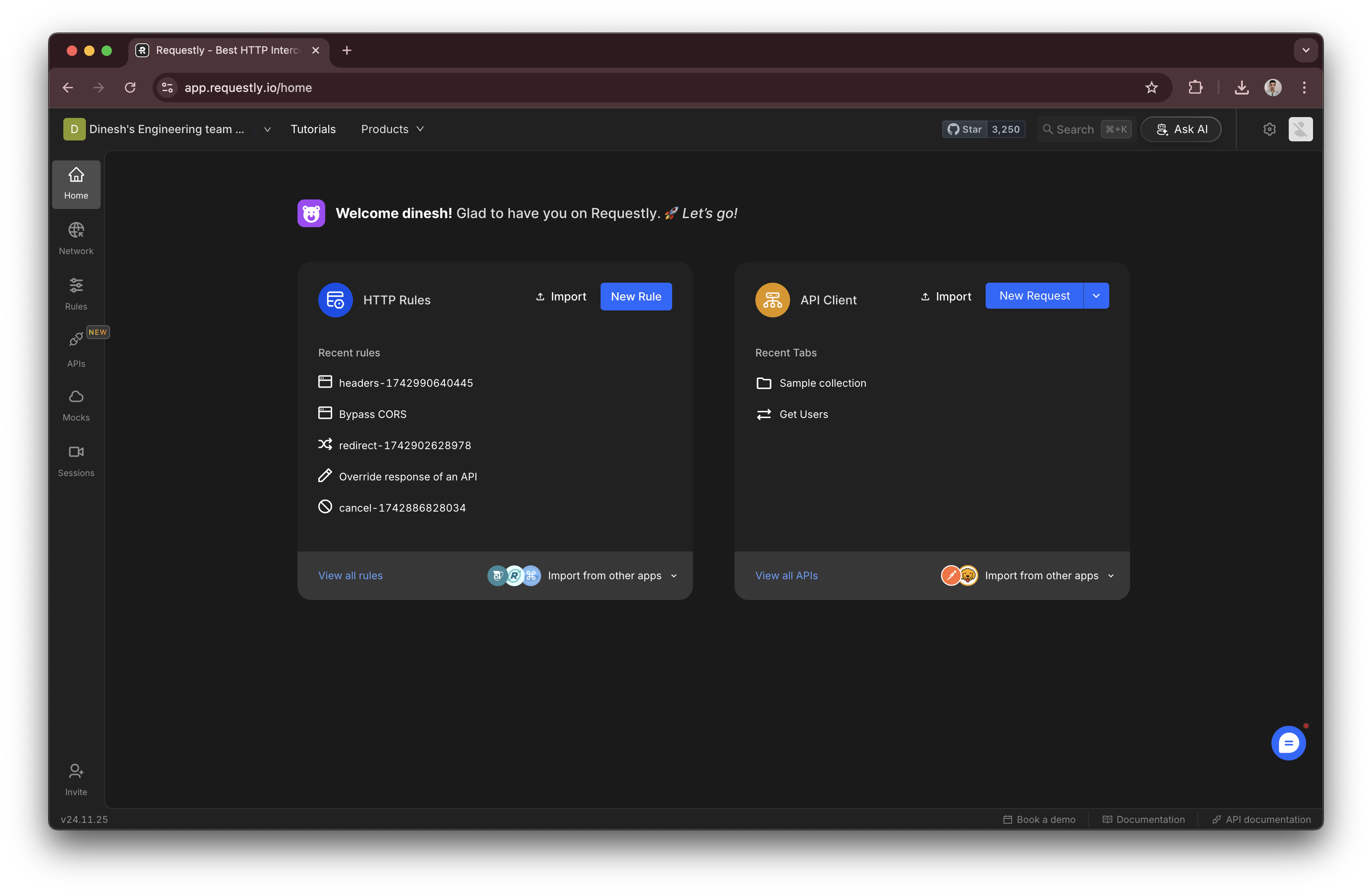
In the Requestly dashboard, locate and click on your project name at the top.
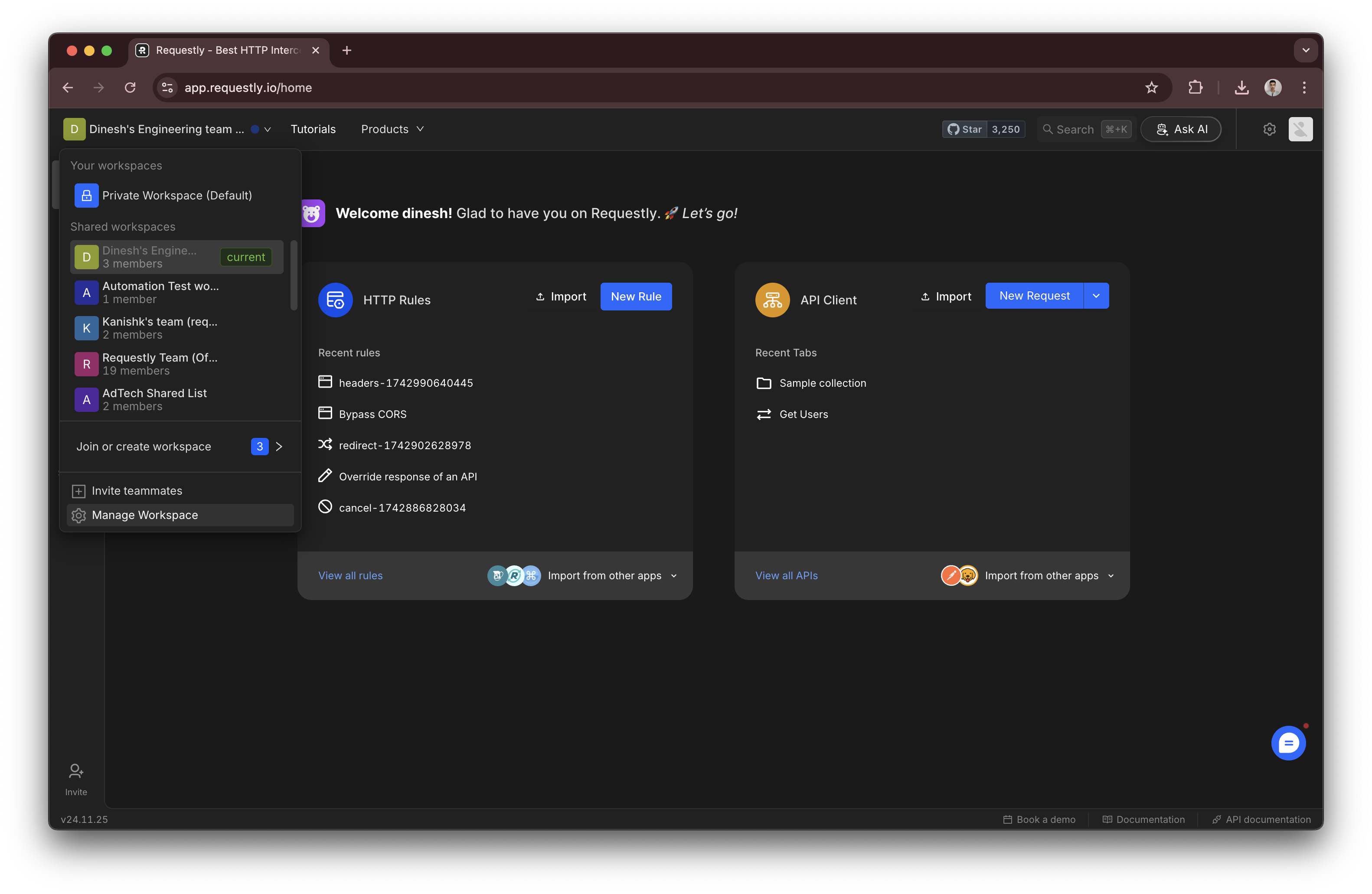
 From the dropdown or navigation menu, select **Project Settings**.
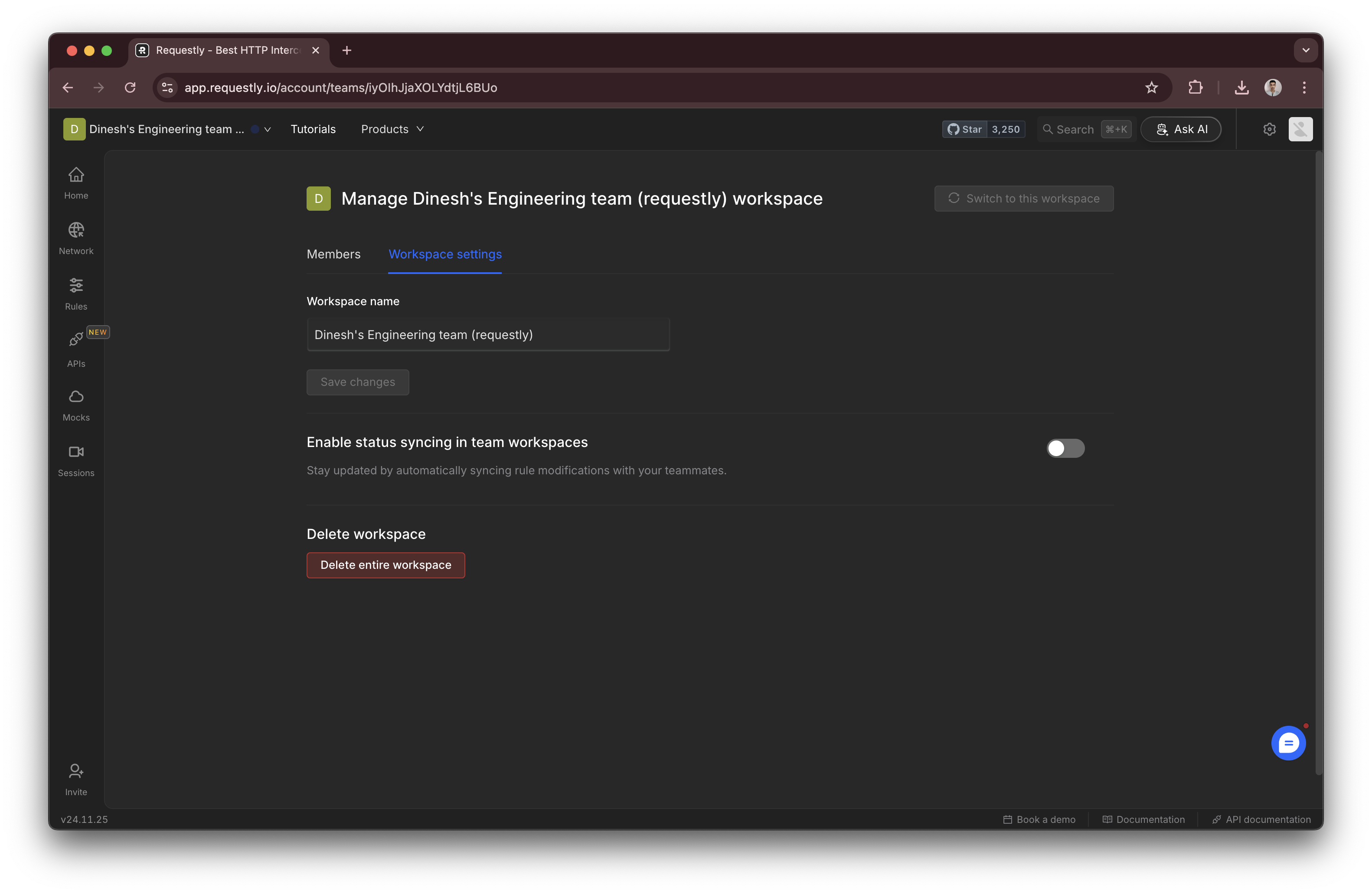
 In the **Project Settings** section, find the **Project Name** field and enter the new name
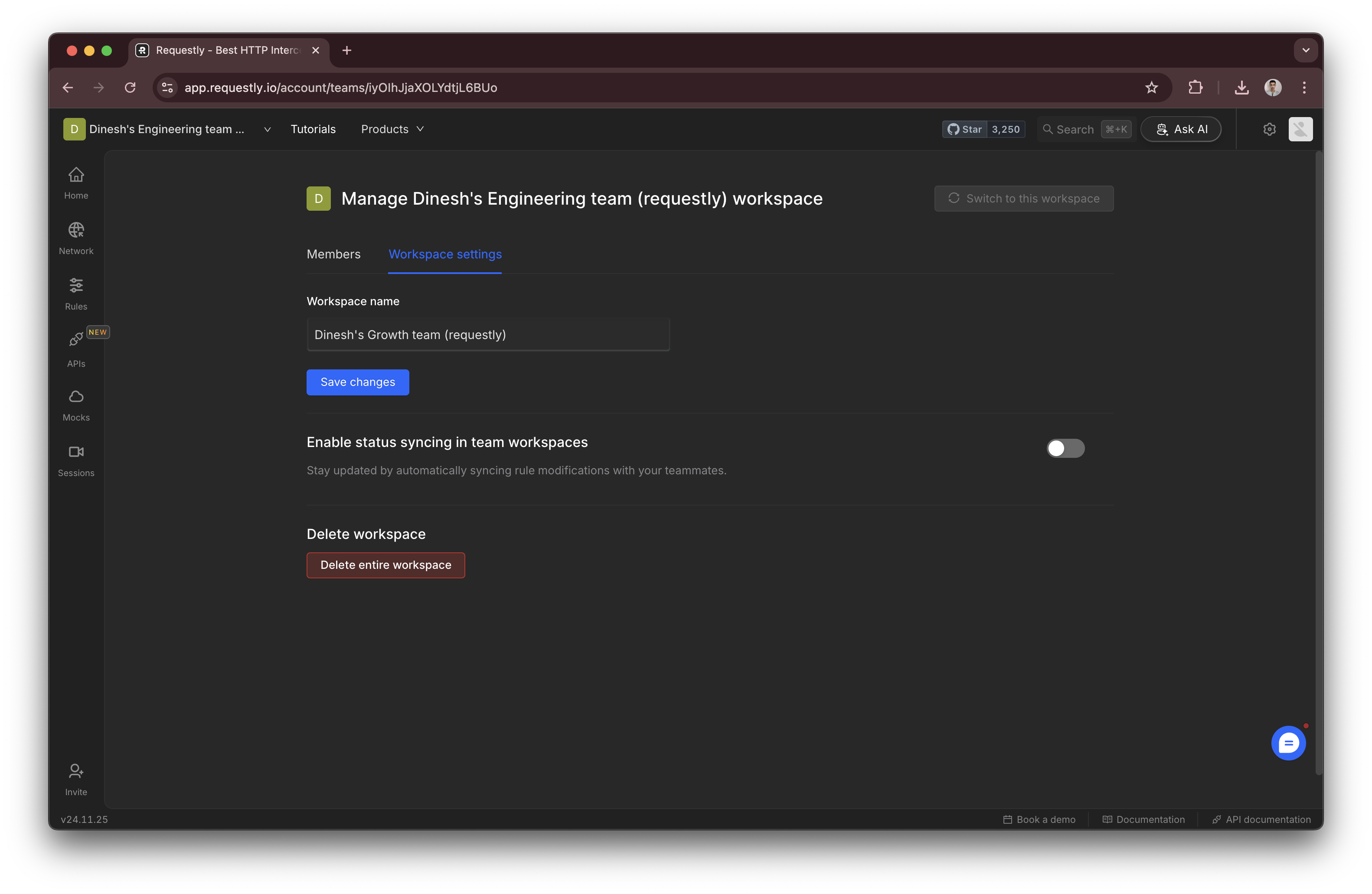 Click the **Save Changes** button to apply the new project name.
### Delete a project
Projects can be deleted using the **Delete Project** button in the project settings
Click the **Save Changes** button to apply the new project name.
### Delete a project
Projects can be deleted using the **Delete Project** button in the project settings
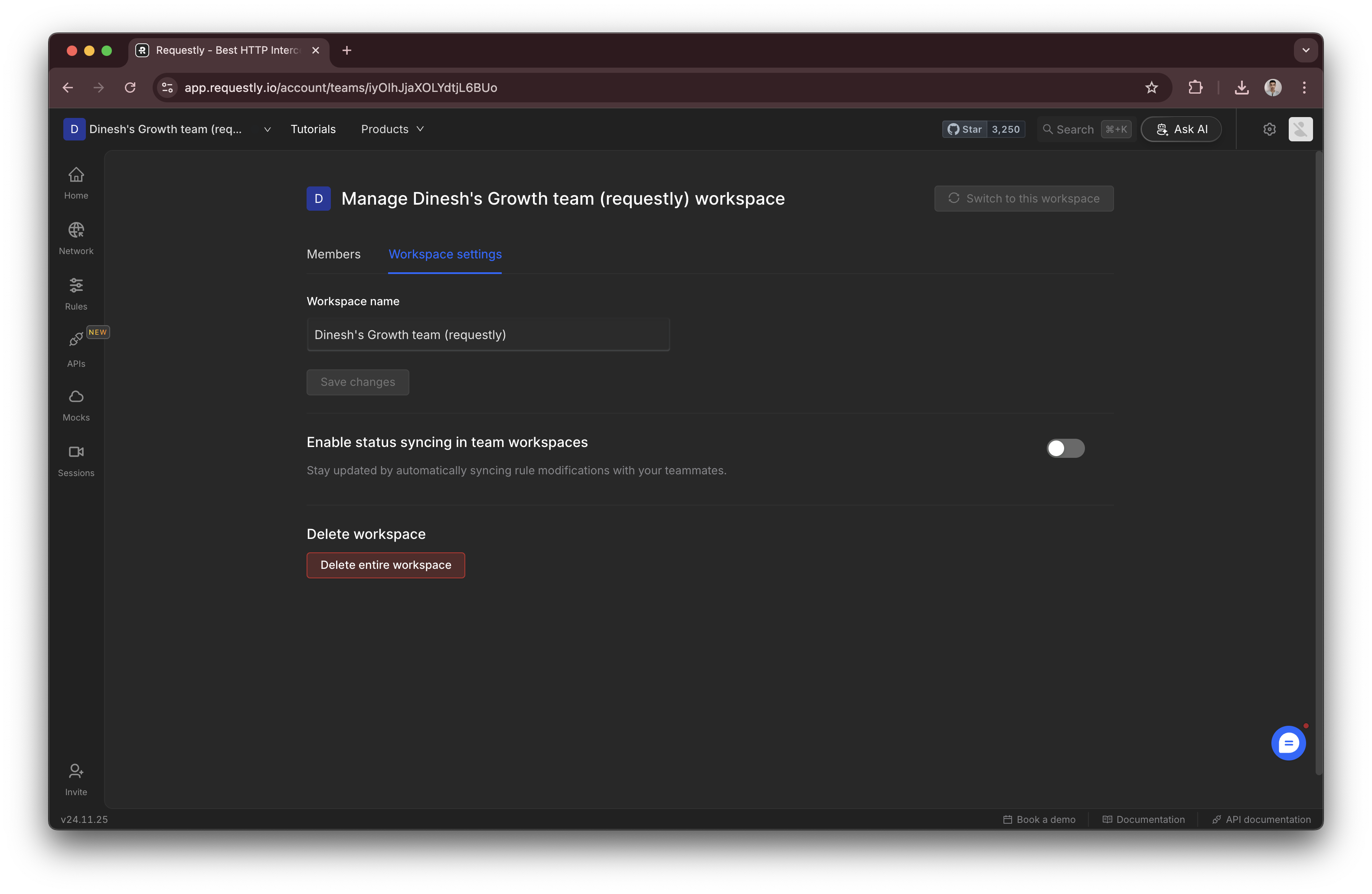 Deleted projects and their contents are retained for 7 days before being permanently removed. See the [Data Recovery Policy](../../account/data-recovery) if you need to restore a deleted project.