> ## Documentation Index
> Fetch the complete documentation index at: https://docs.requestly.com/llms.txt
> Use this file to discover all available pages before exploring further.
# Local project
> Learn how to set up local projects in Requestly
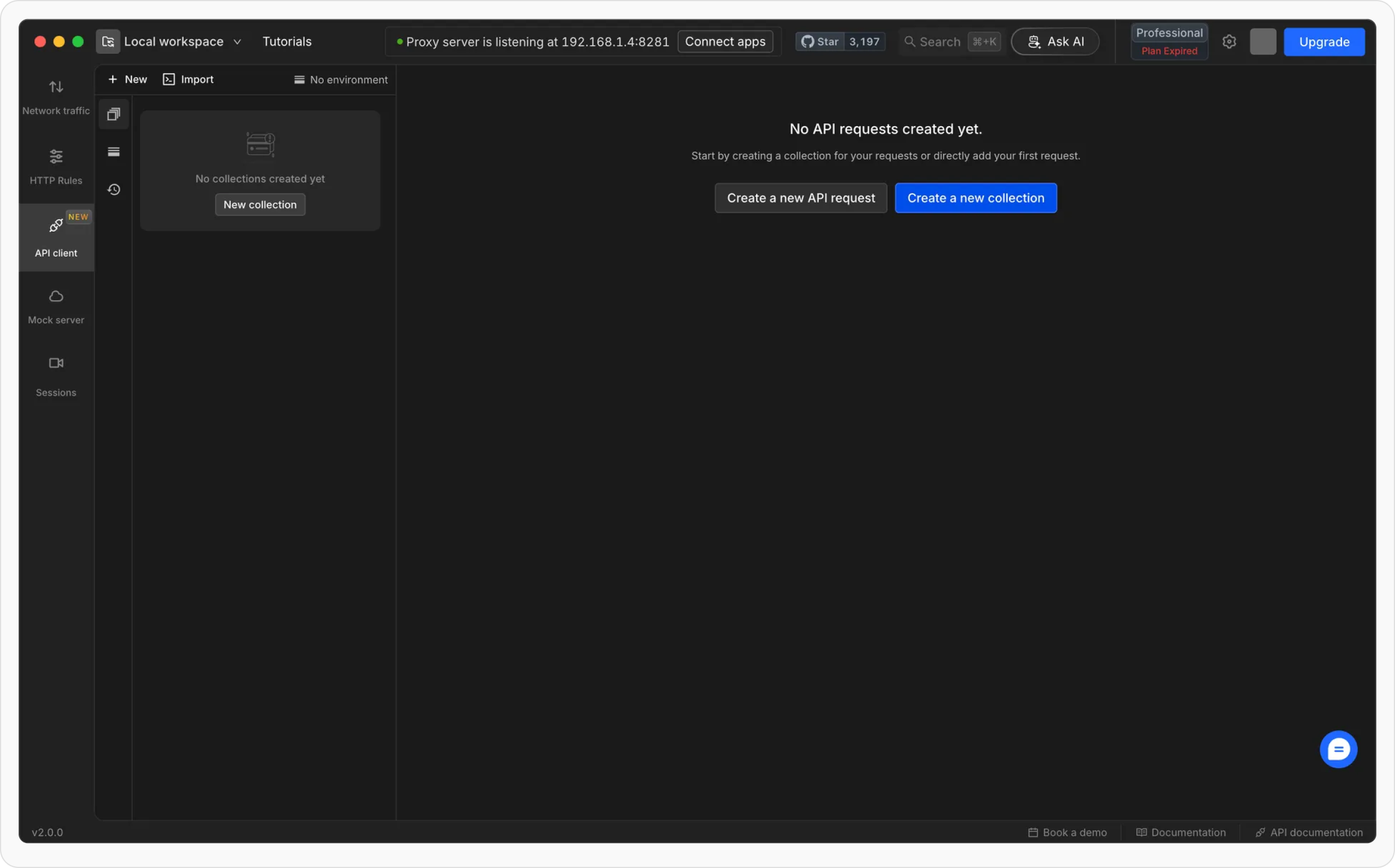
**Local project** in Requestly, like [team projects](https://docs.requestly.com/collaboration/how-to-get-started-with-shared-workspace), is a way to isolate your work. The key difference is that it stores all your data on your local system, ensuring full privacy. Your collections, requests, and environment data stay on your device and can’t be accessed by anyone else
Local project data lives entirely on your device, so it is not backed up by Requestly and cannot be restored by our team if deleted. See the [Data Recovery Policy](../account/data-recovery) for details.
## **How to create a local project**
Click on the **current project name** at the top-left corner of the app to open the project dropdown.
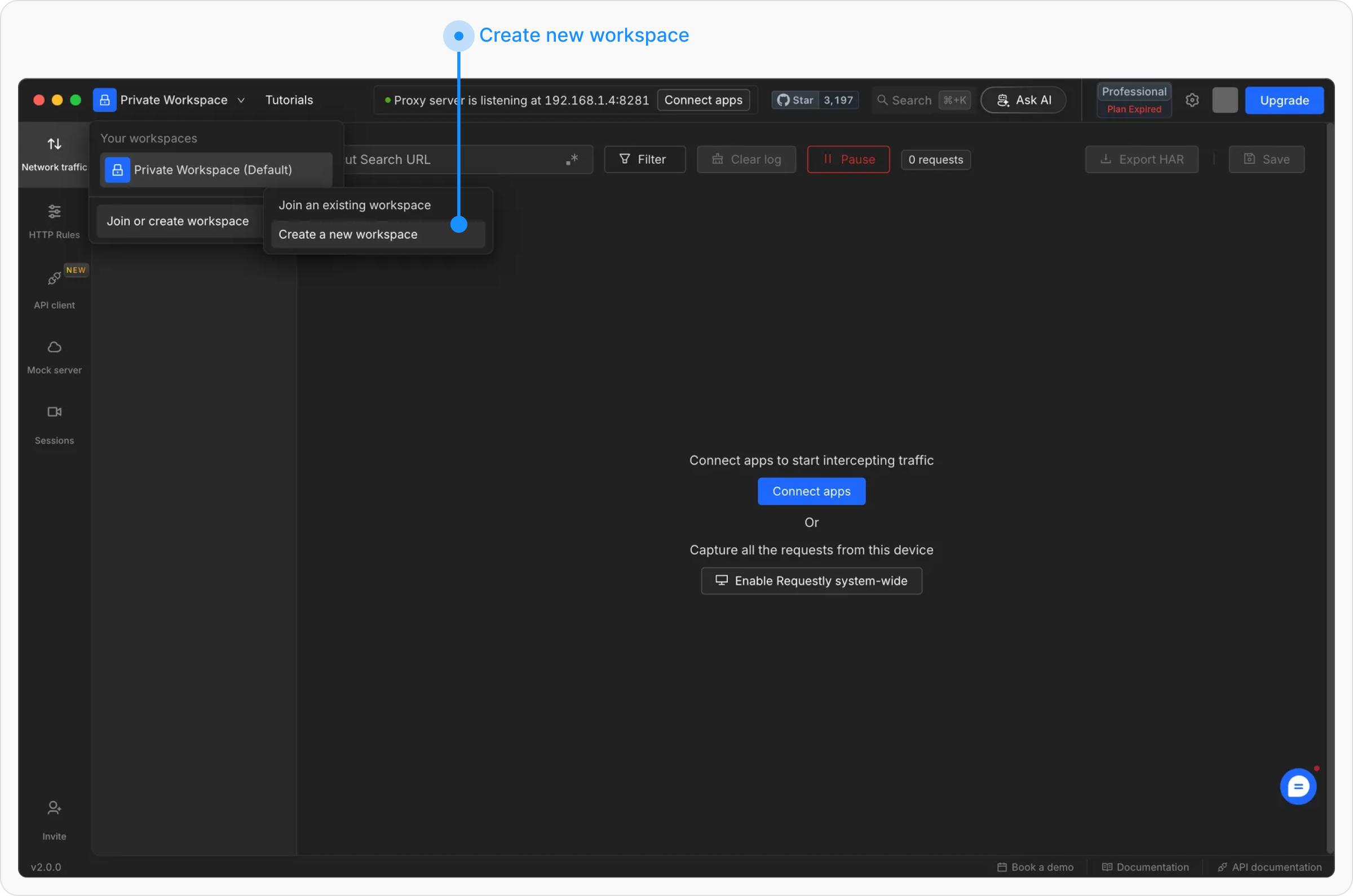
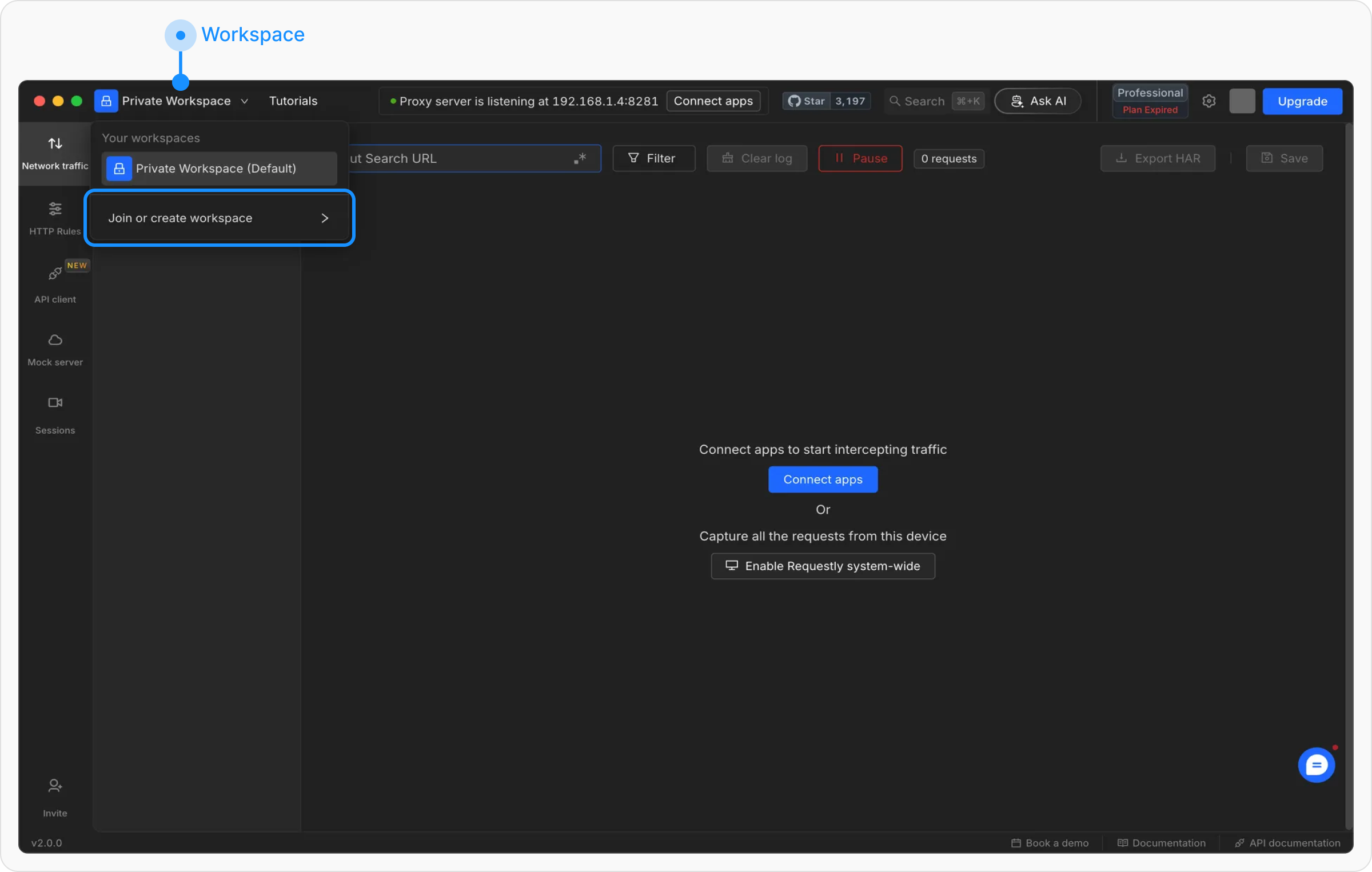 In the dropdown, click on **“Join or Create Project”** to access the project creation options, then select **“Create Project”** to start the setup
 Select **“Local project”** as the project type. Enter a **project name** and choose a **folder** where all configurations and API data will be stored.
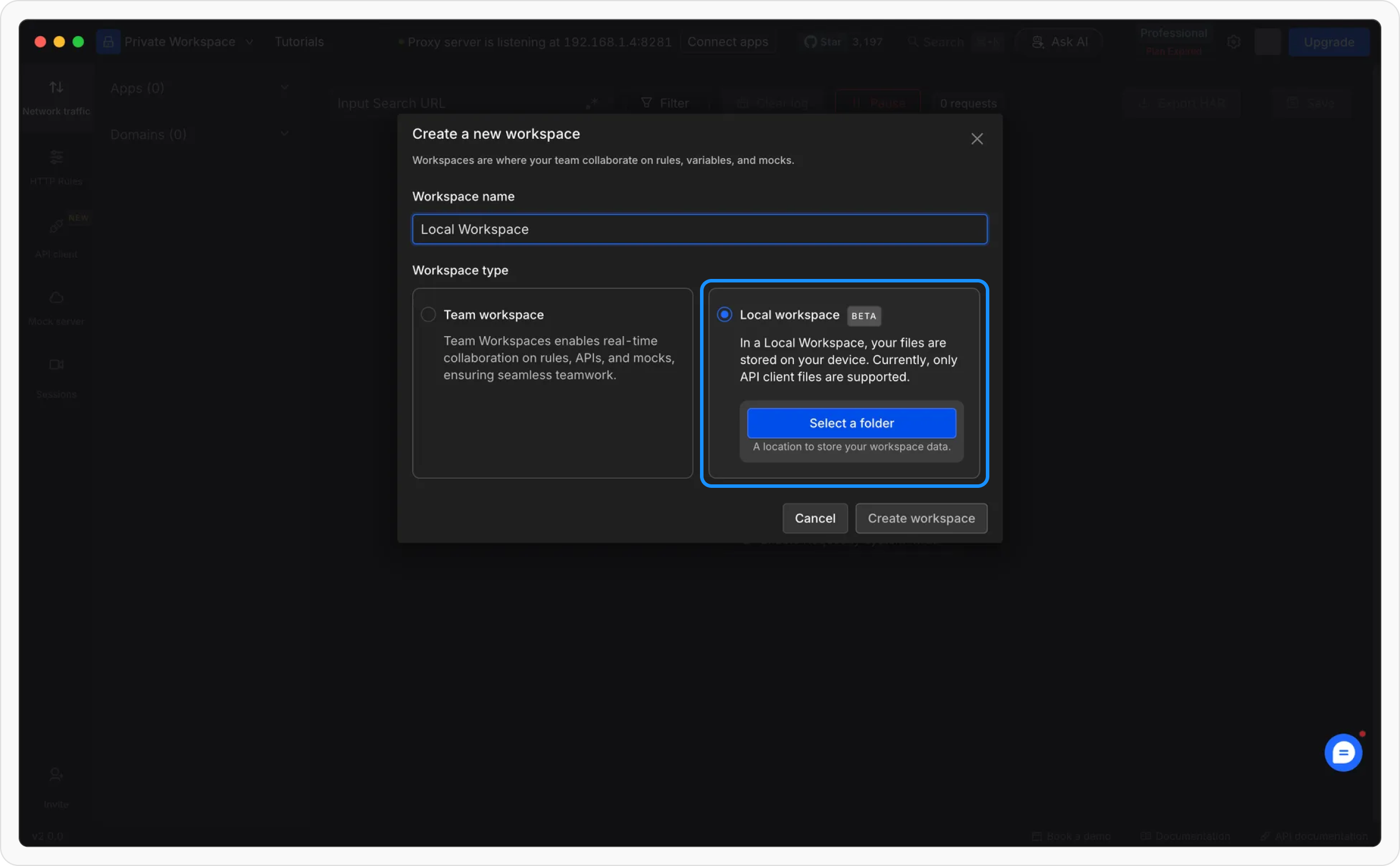 Once all details are entered, click **“Create”** to finalize the setup. Your local project is now ready to use!
 ## **How to delete a local project**
Click the **current project name** in the top left to open the project dropdown.
## **How to delete a local project**
Click the **current project name** in the top left to open the project dropdown.
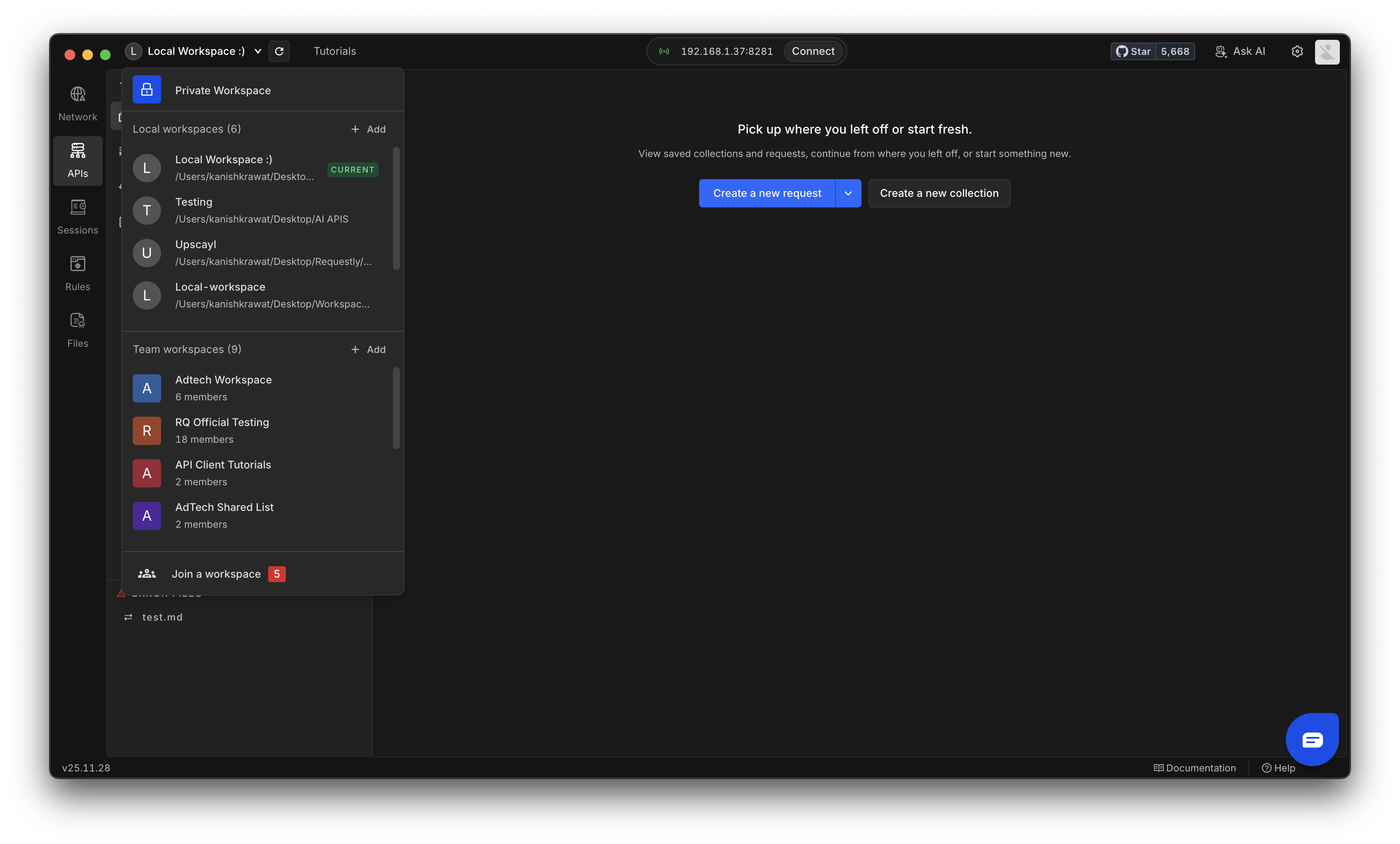 Select the local project you want to remove and open its **Settings**.
You can also delete any related files or folders stored on your device if you want to clean up everything linked to that project
Select the local project you want to remove and open its **Settings**.
You can also delete any related files or folders stored on your device if you want to clean up everything linked to that project
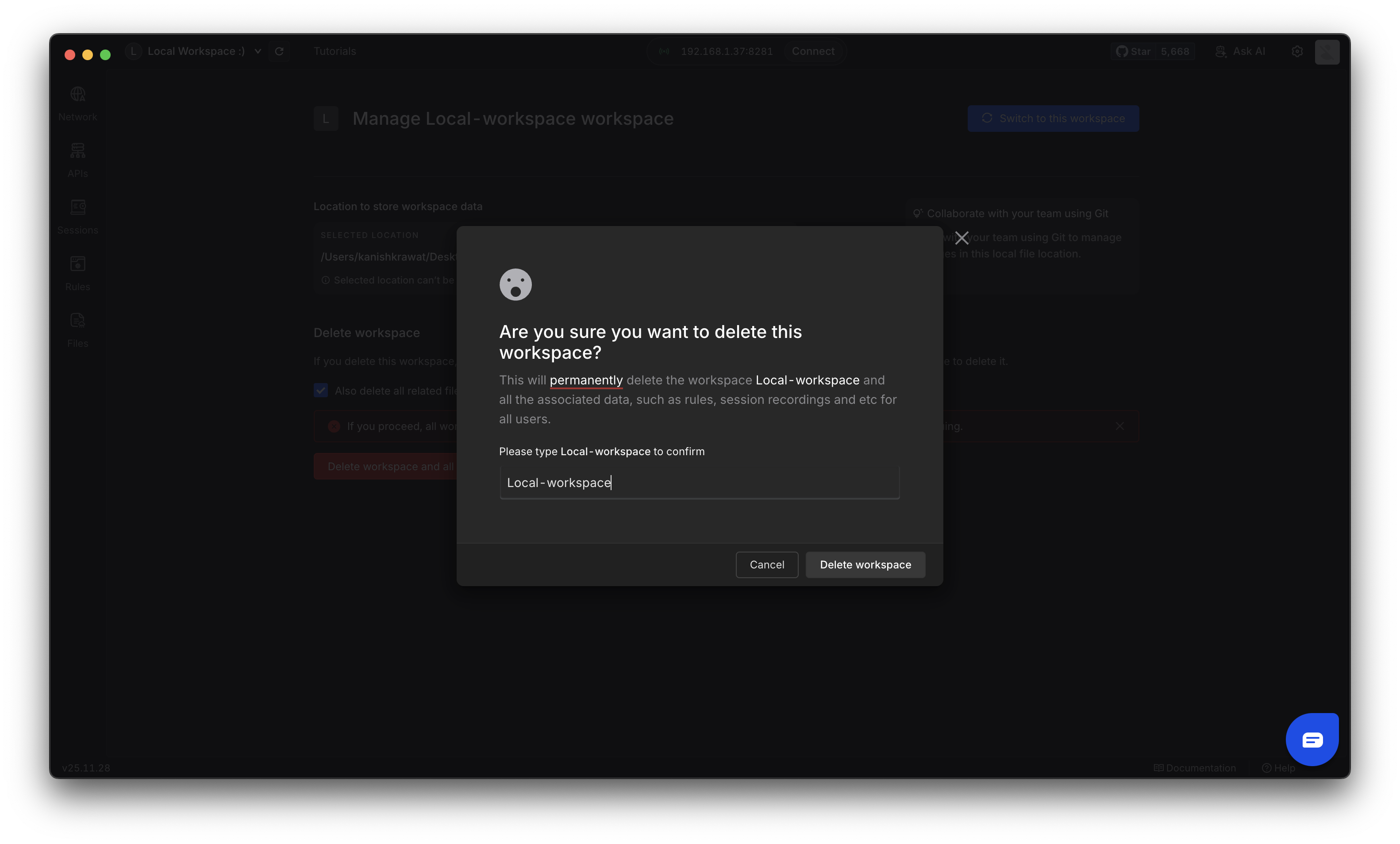
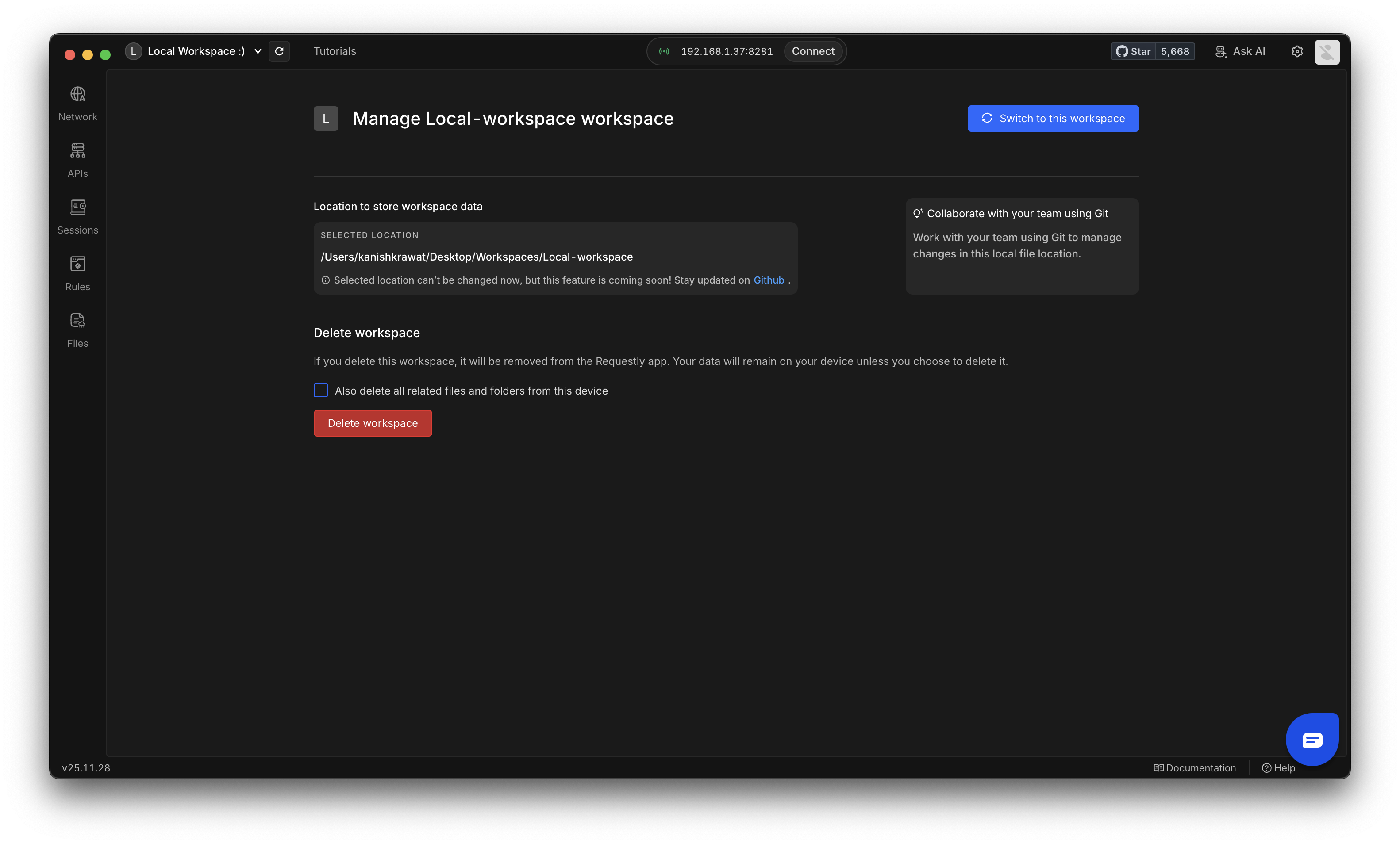 Click **Delete Project** and confirm the action by entering the project name. Then click the **Delete Project** button to complete the removal.