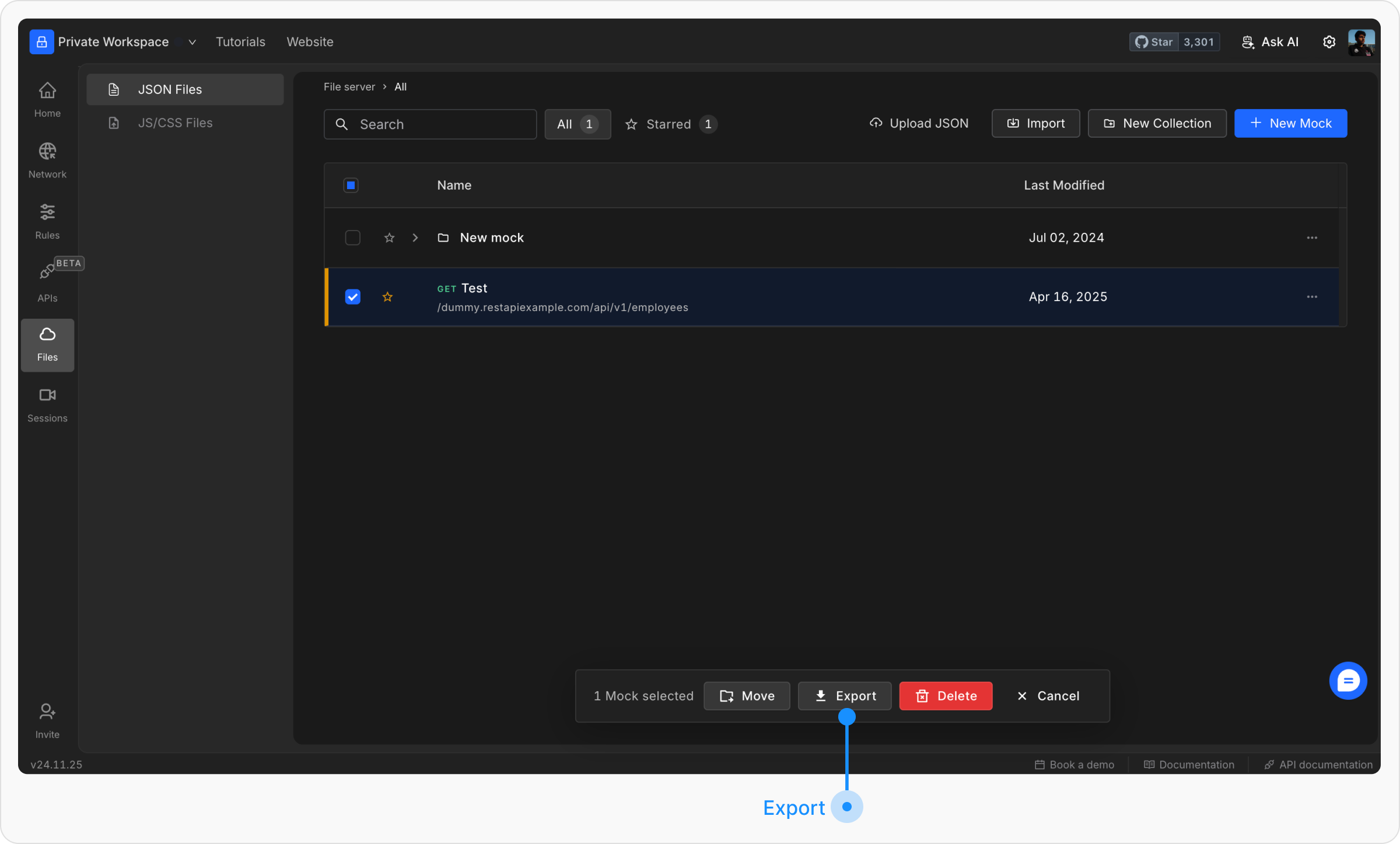
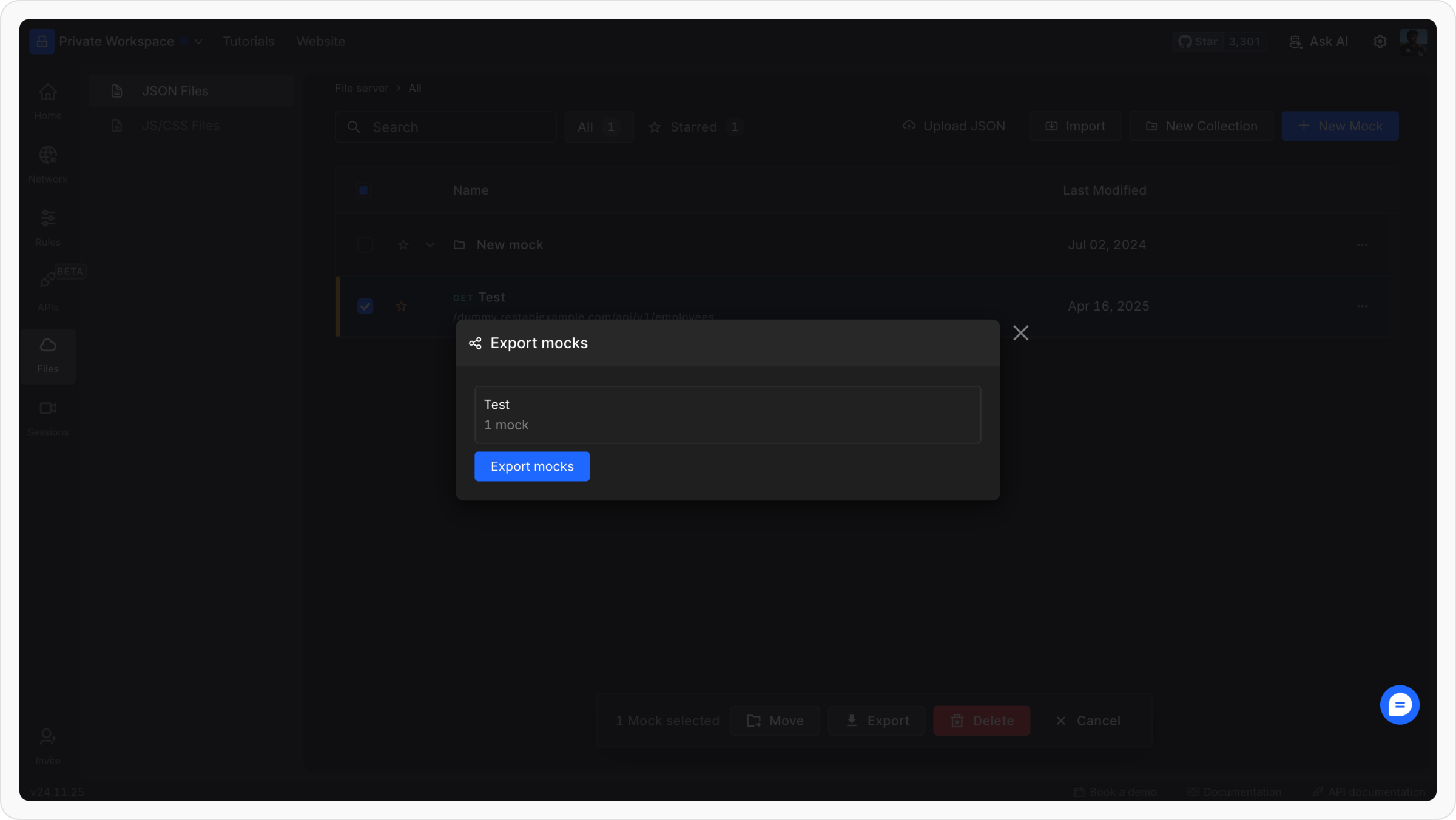
Requestly Interceptor makes it easy to import and export File Server files as JSON. This helps you share, back up, or reuse mocks across different projects with just a few clicks.Documentation Index
Fetch the complete documentation index at: https://docs.requestly.com/llms.txt
Use this file to discover all available pages before exploring further.
Steps to Import Files:
Access the Import Option
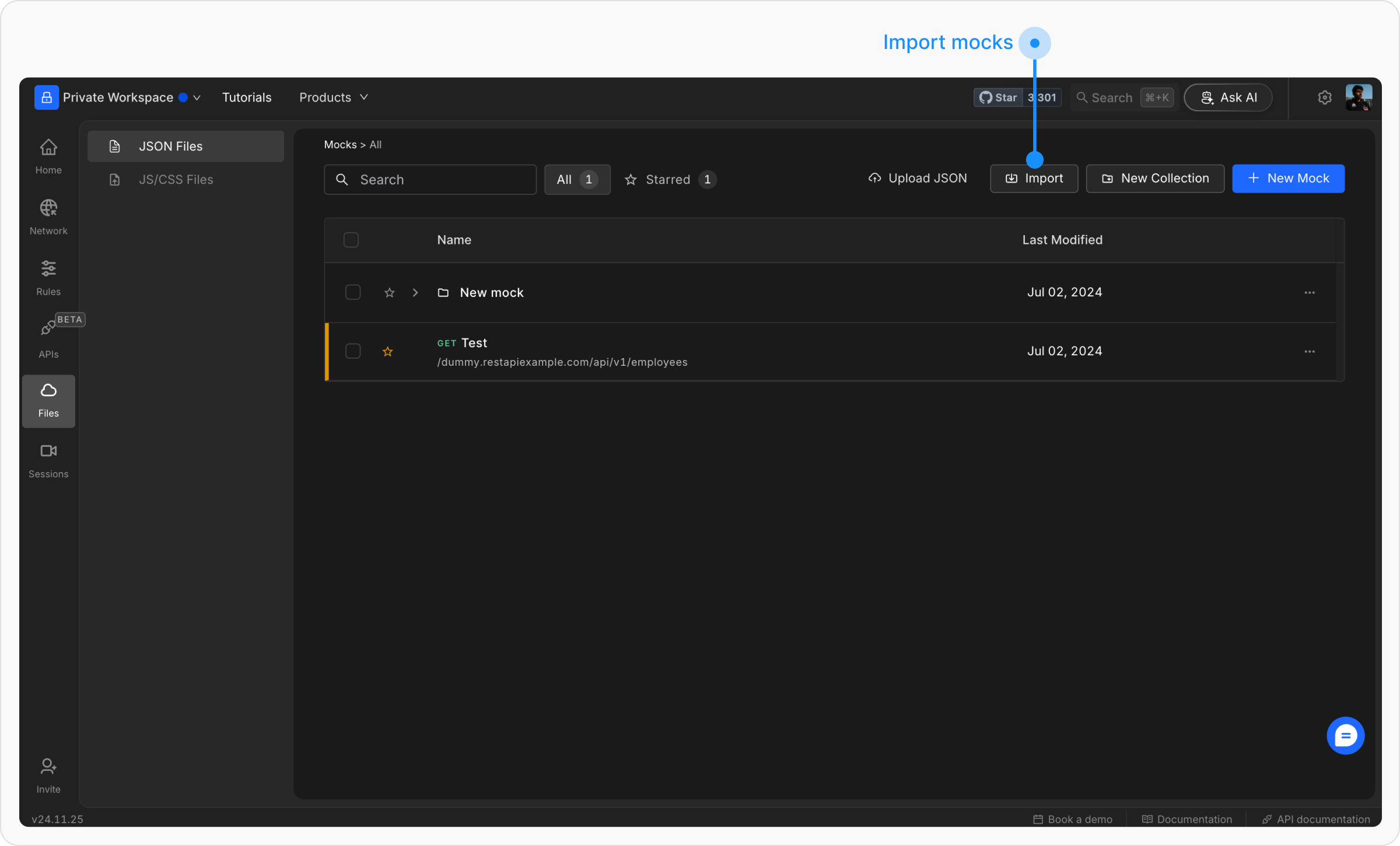
Go to File Server. Under the JSON Files section, click on the Import button.