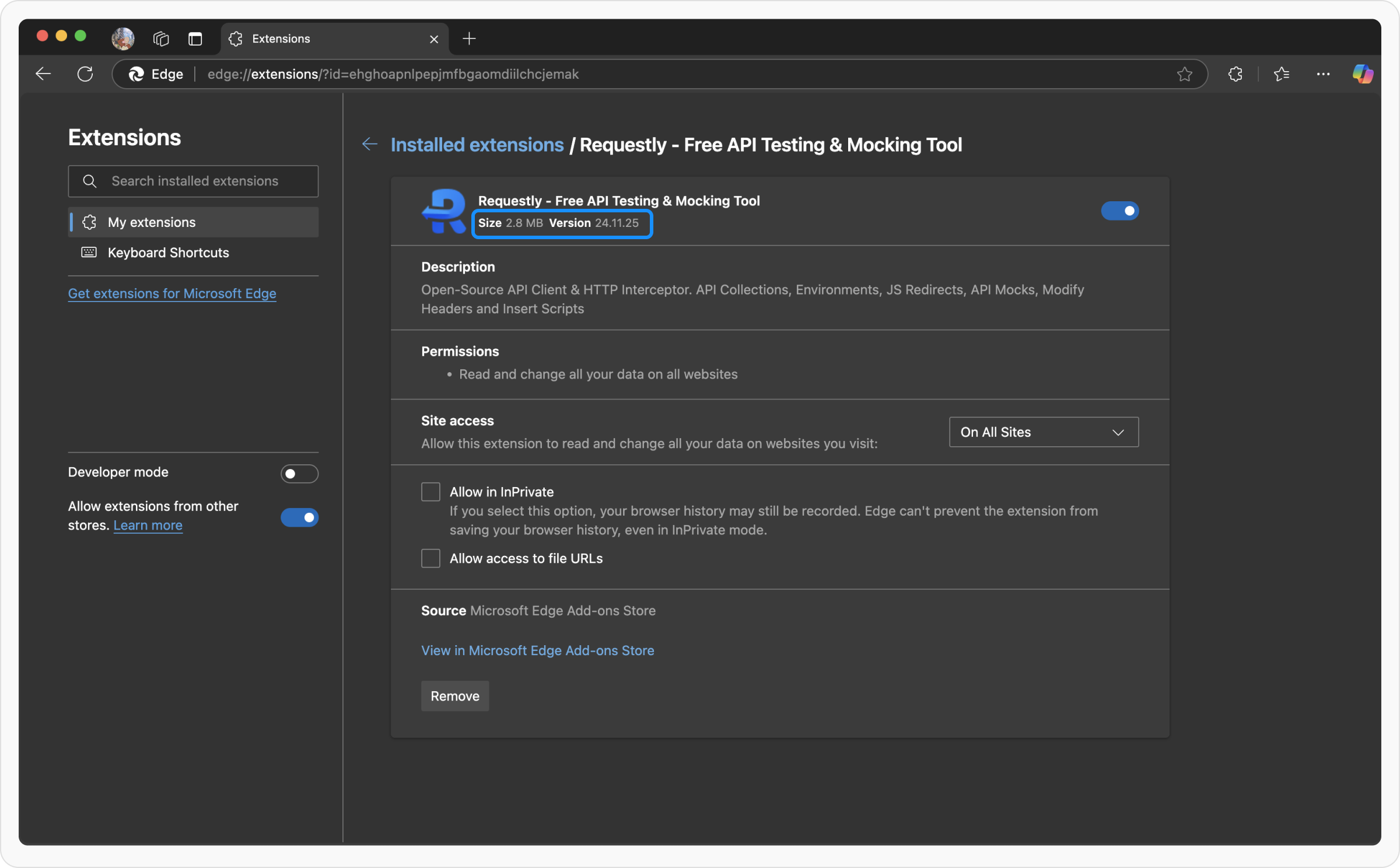
You can check the version of Requestly Interceptor you are using in three ways:Documentation Index
Fetch the complete documentation index at: https://docs.requestly.com/llms.txt
Use this file to discover all available pages before exploring further.
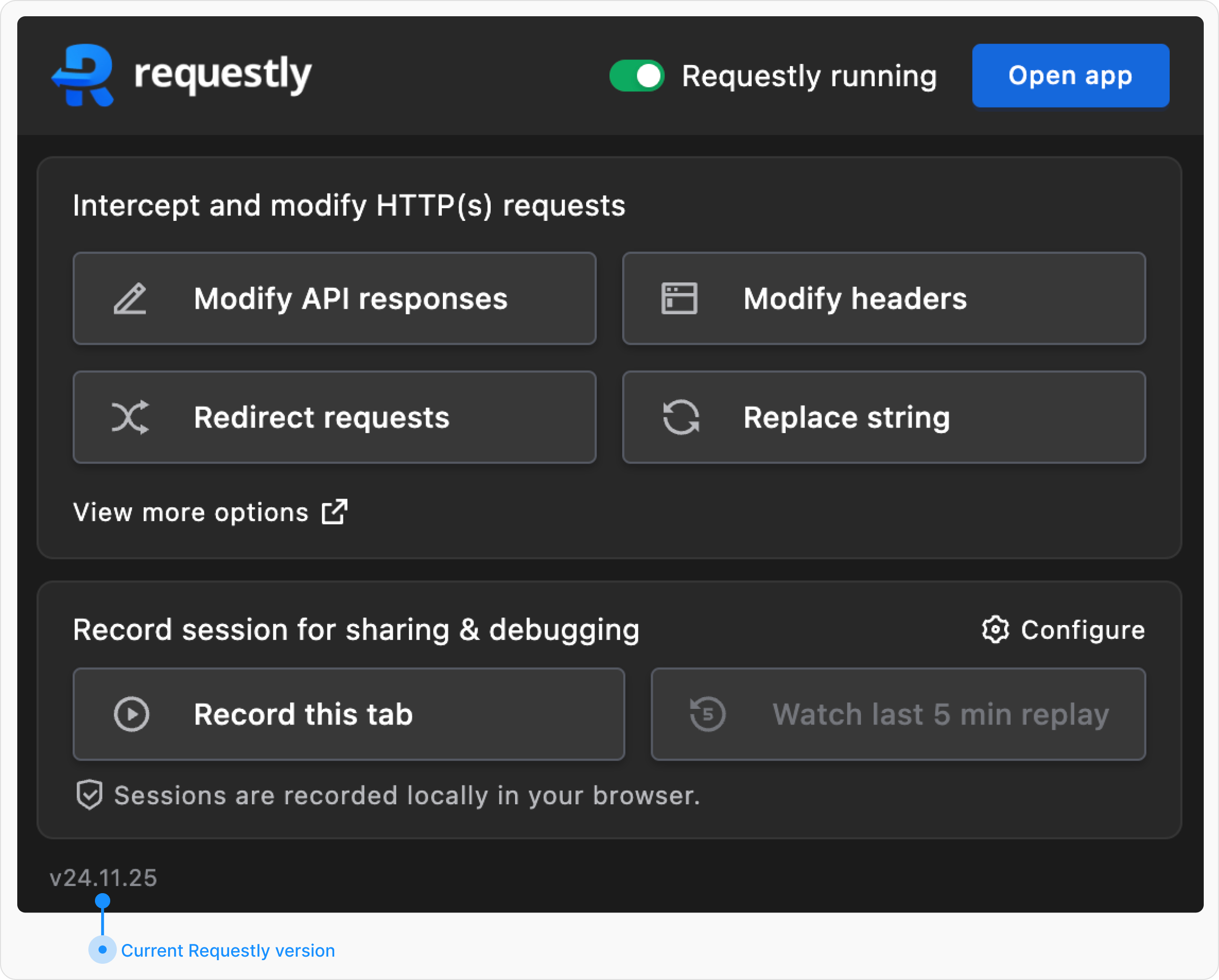
Using the Requestly Interceptor Extension Popup
- Click on the Requestly Interceptor extension icon in your browser’s extension list.
- A popup window will appear.
- Look at the bottom-left corner of the popup to find your current Requestly Interceptor version.
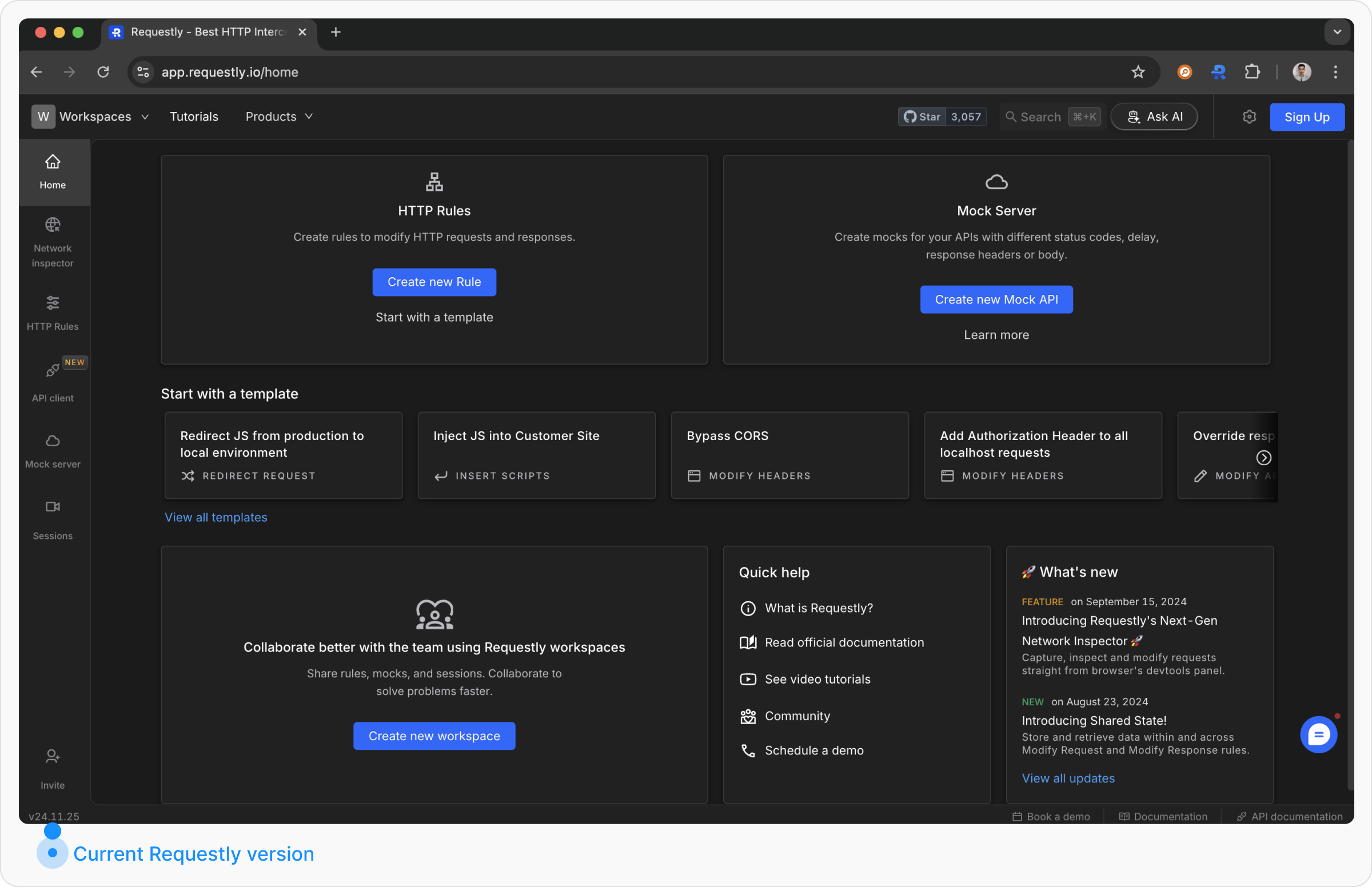
Checking on the Requestly Interceptor Dashboard
- Open the Requestly Interceptor Dashboard by visiting app.requestly.io.
- Look at the bottom-left corner of the dashboard.
- Your current Requestly Interceptor version will be displayed there.
Checking via Browser Extension Settings
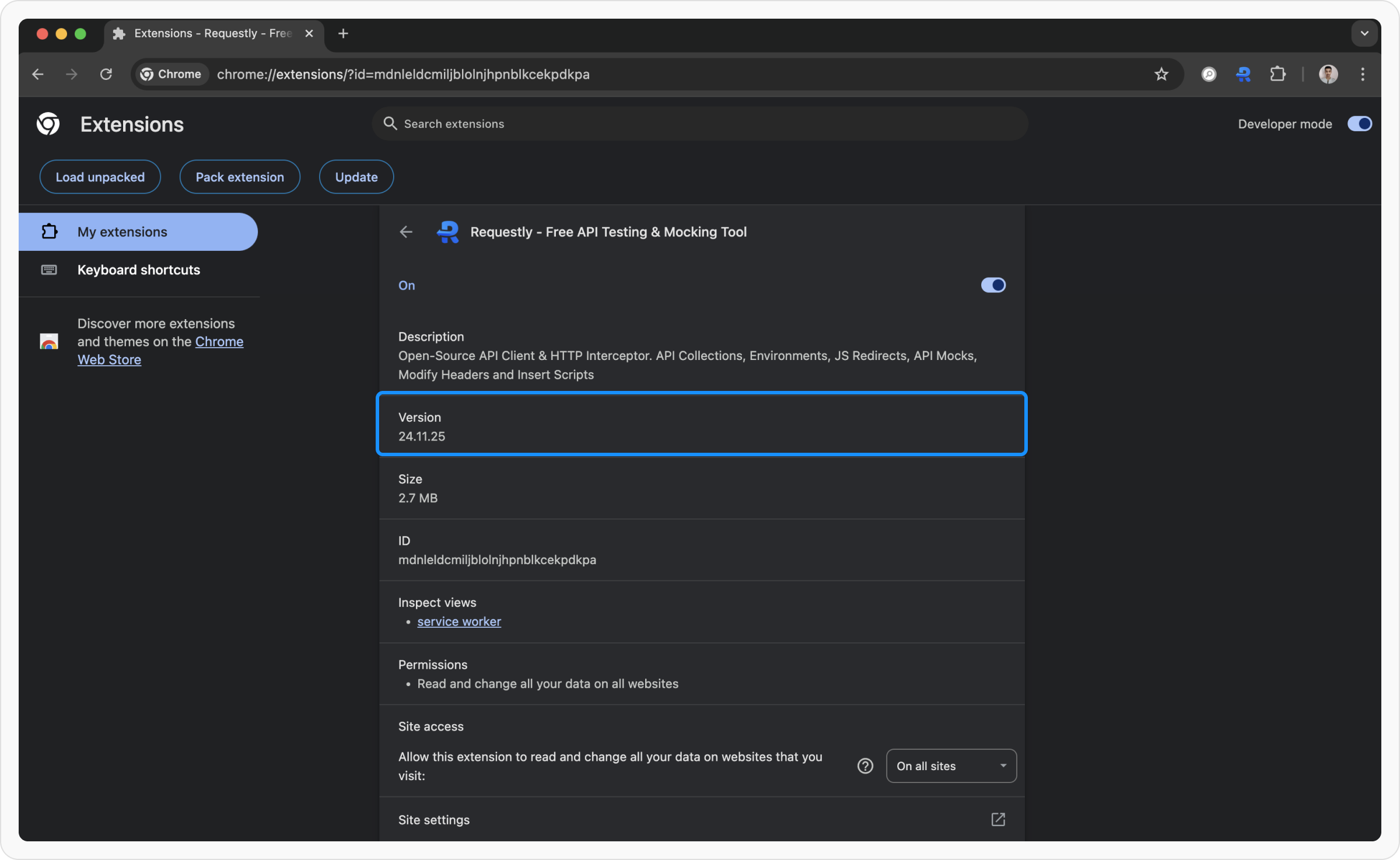
You can also find the Requestly Interceptor version through your browser’s extension settings:- Google Chrome: Go to
chrome://extensions/?id=mdnleldcmiljblolnjhpnblkcekpdkpa
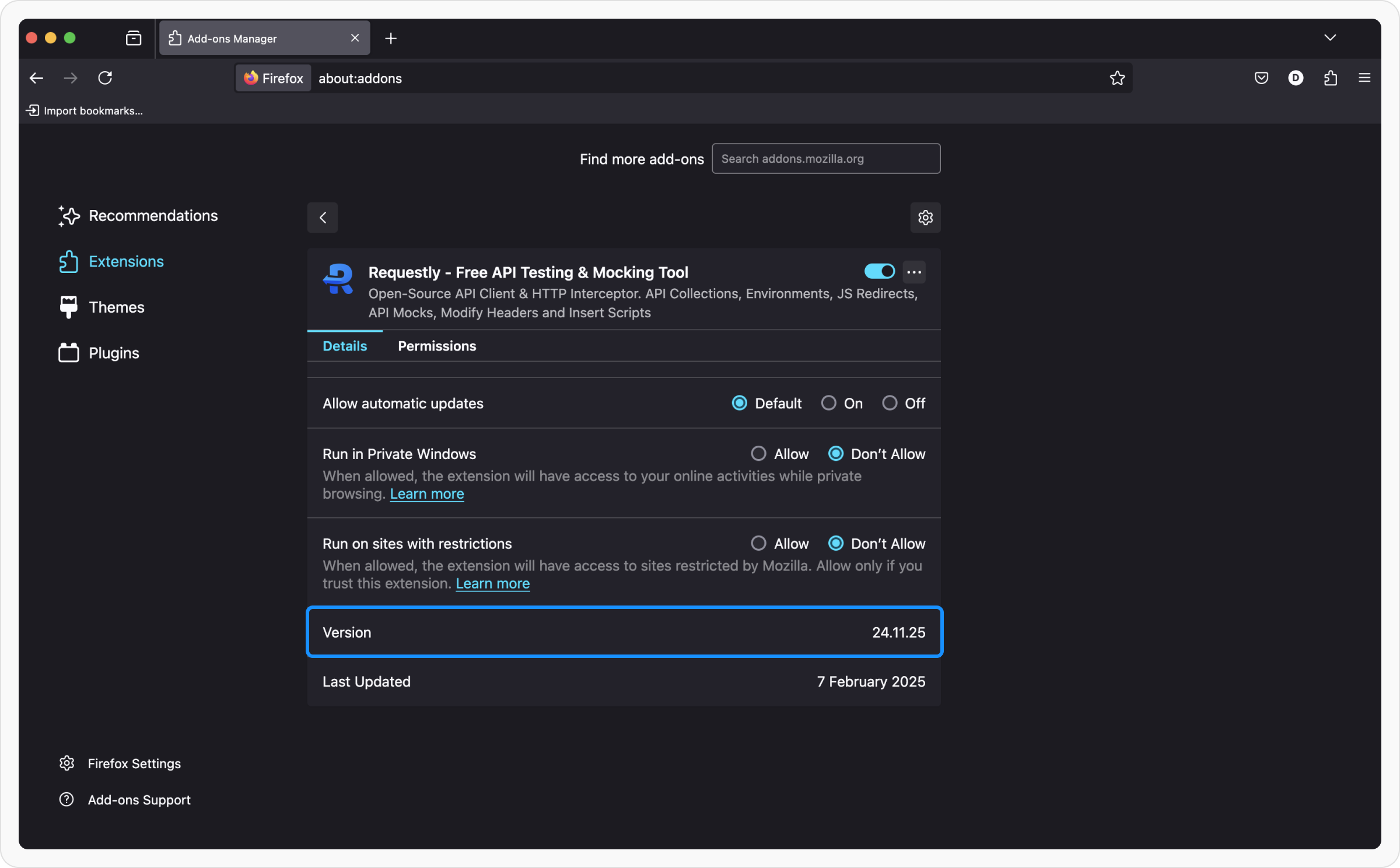
- Mozilla Firefox: Open
about:addons, find Requestly Interceptor, and check the version.
- Microsoft Edge: Go to
edge://extensions/?id=ehghoapnlpepjmfbgaomdiilchcjemak