Header Editor is a Chrome extension used to modify HTTP request and response headers directly in the browser. If you’re switching to Requestly Interceptor, a free, modern, and collaborative alternative, this guide will help you migrate your Header Editor configuration seamlessly. With Requestly Interceptor, you get powerful and user-friendly tools for header modification completely free of charge.Documentation Index
Fetch the complete documentation index at: https://docs.requestly.com/llms.txt
Use this file to discover all available pages before exploring further.
Requestly Interceptor does not support the import of “Modify Response Body” configurations from Header Editor.
Exporting Configuration from Header Editor
Open the Header Editor Extension
Click on the Header Editor icon in your browser’s extensions toolbar and click on manage.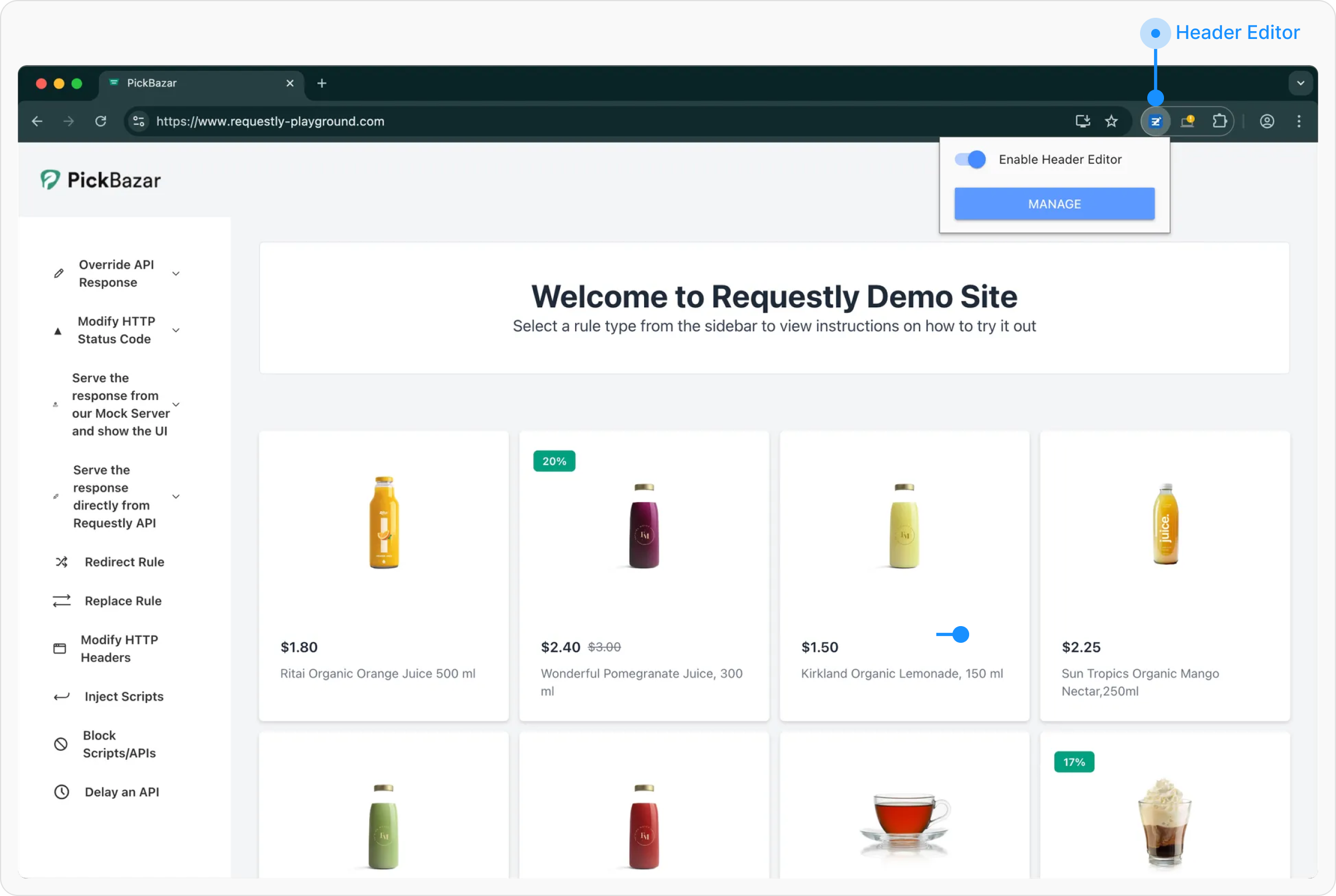
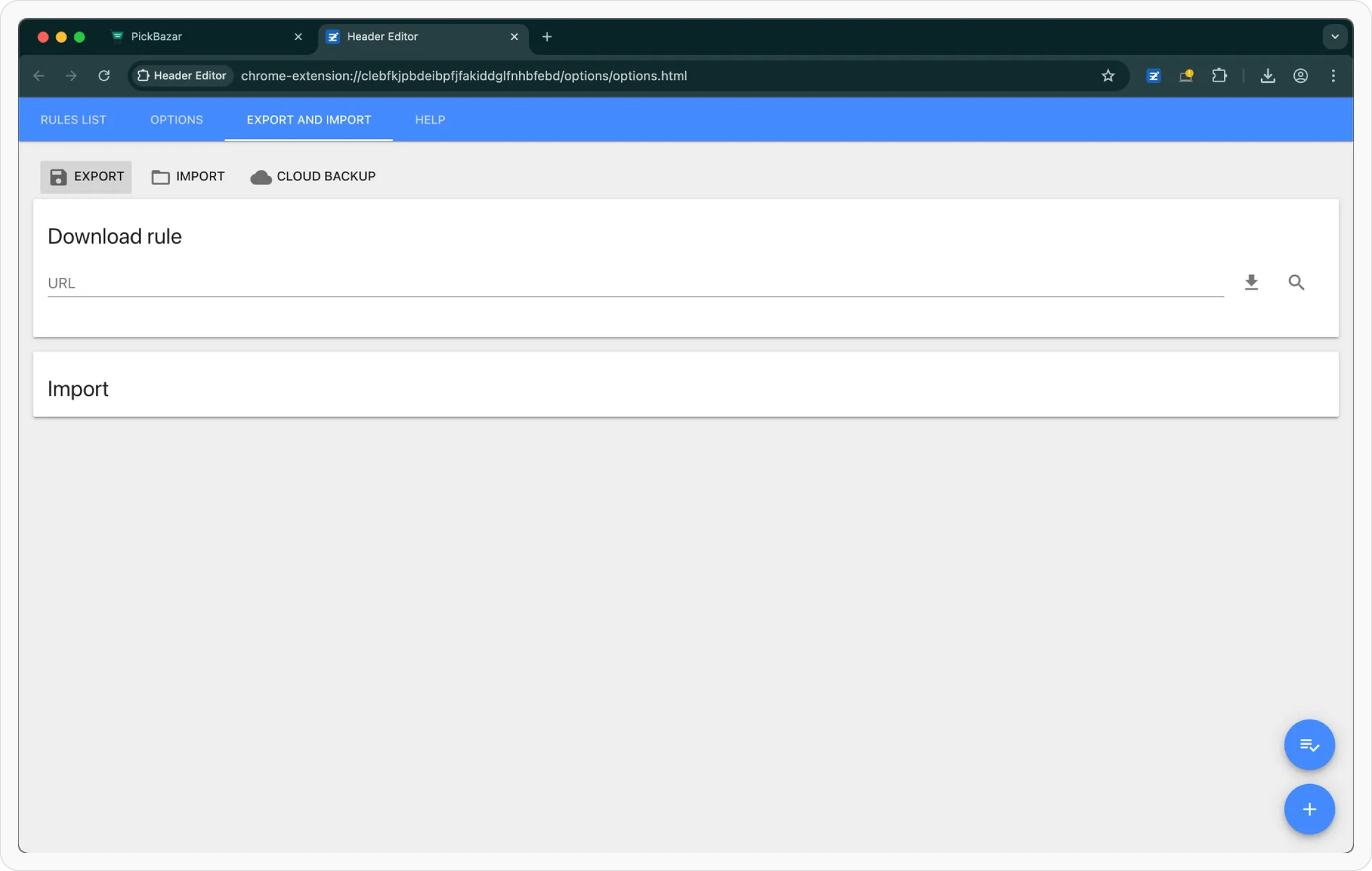
Navigate to the “Export and Import” Tab
Once the extension interface opens, go to the Export and Import tab in the sidebar.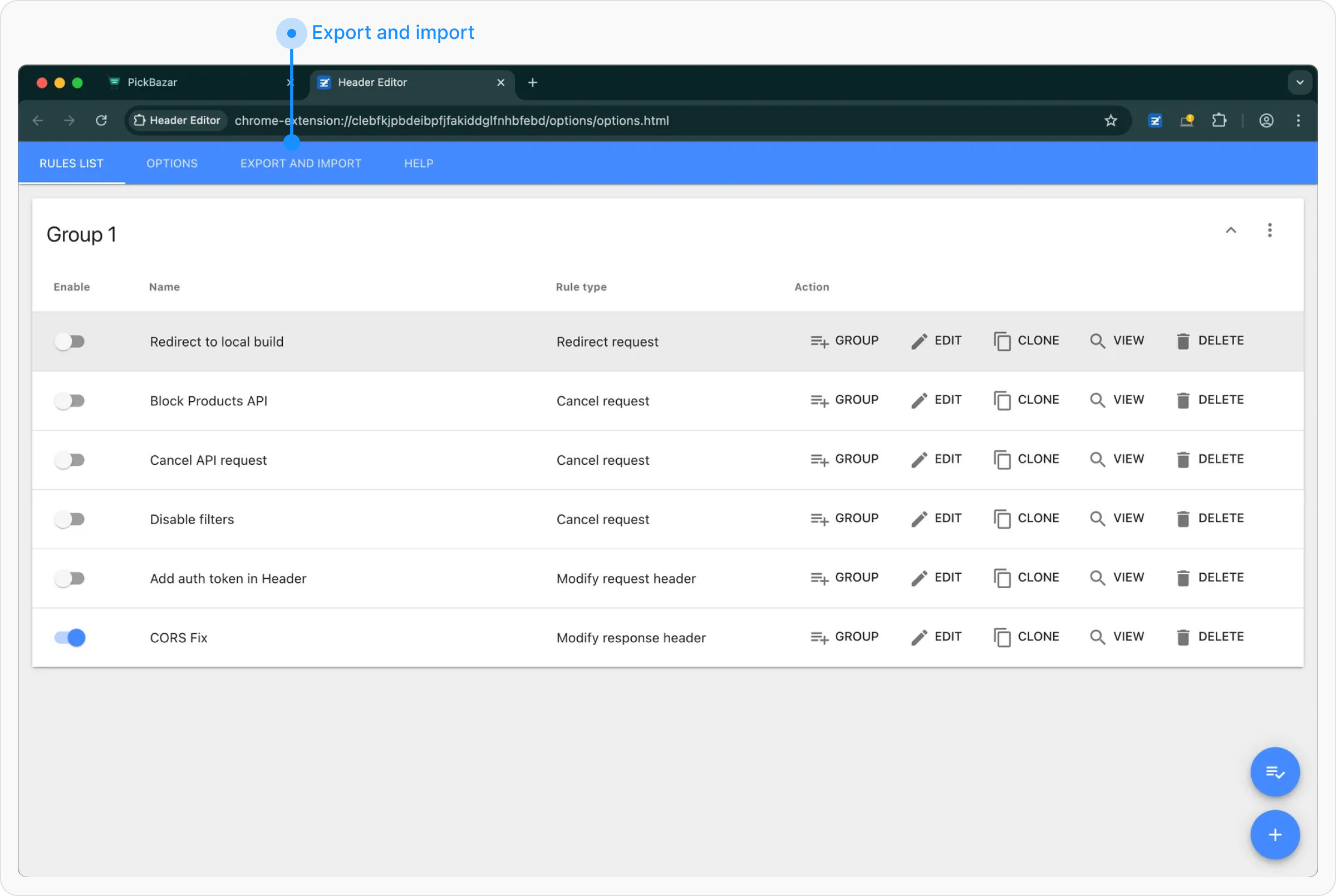
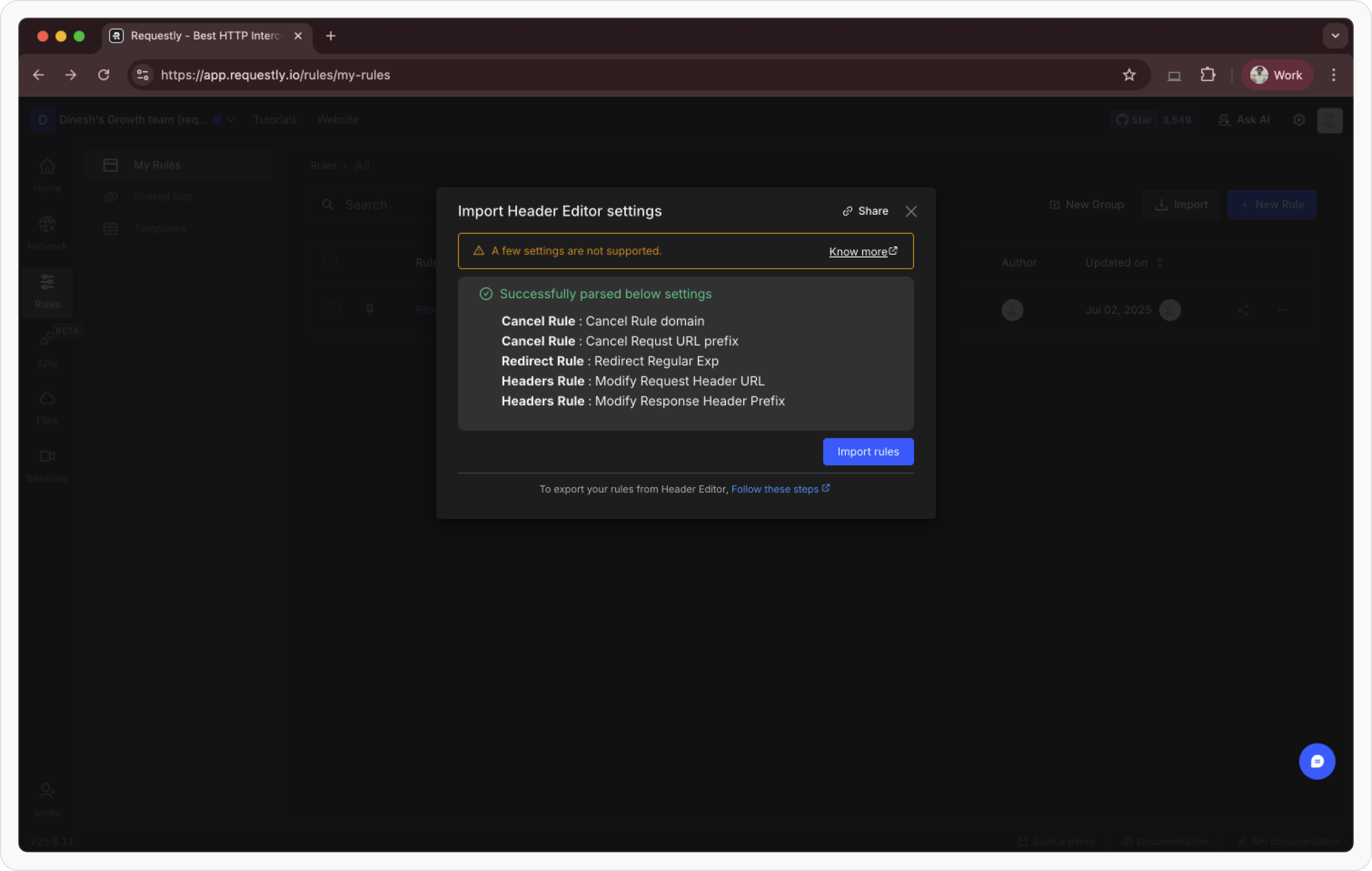
Importing Configurations into Requestly Interceptor
After exporting your configurations from Header Editor, follow these steps to import them into Requestly Interceptor:Open your Requestly Interceptor Dashboard
If you don’t have any existing rules, you’ll see an Import from Header Editor option directly on the screen. Click it to open the import popup.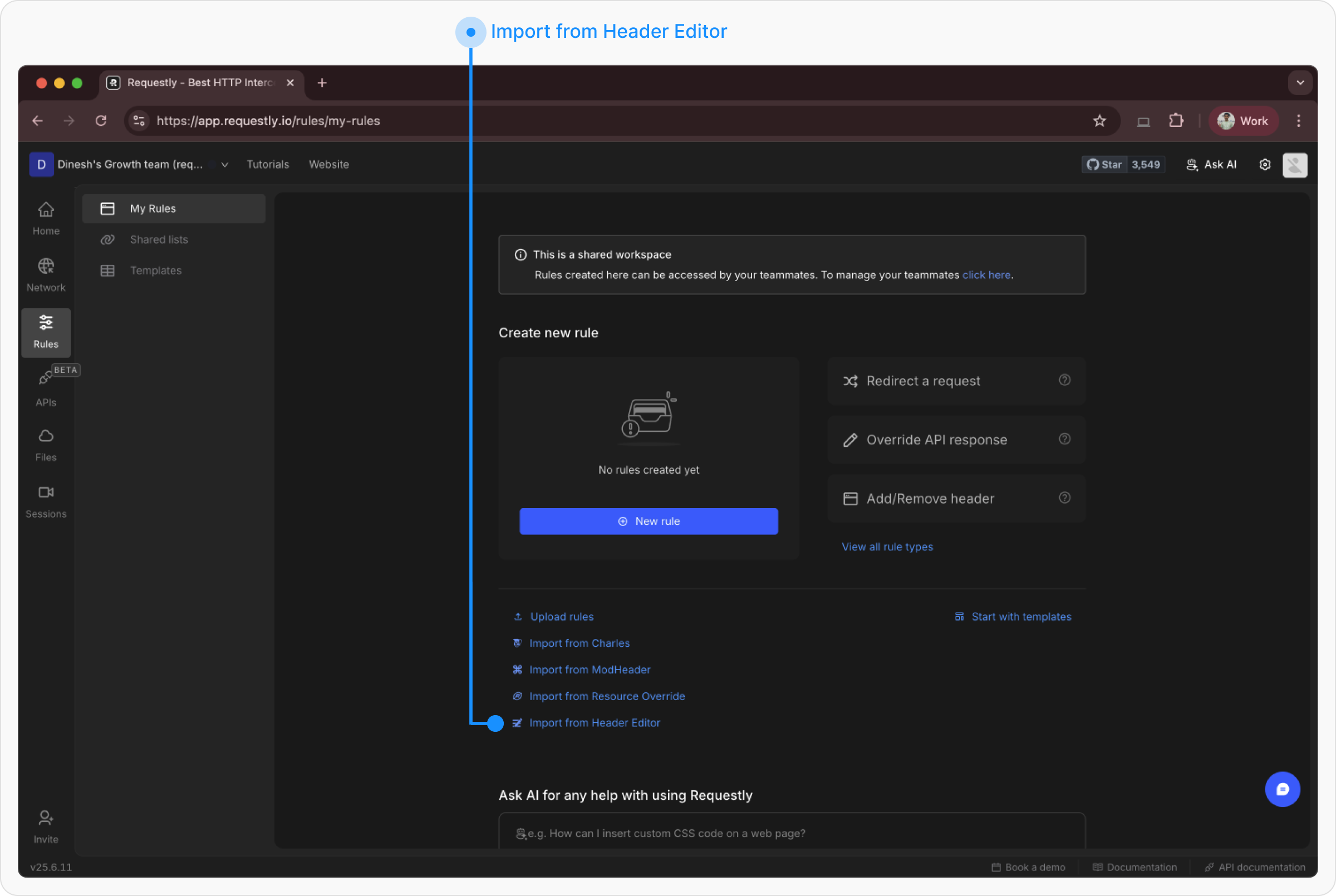
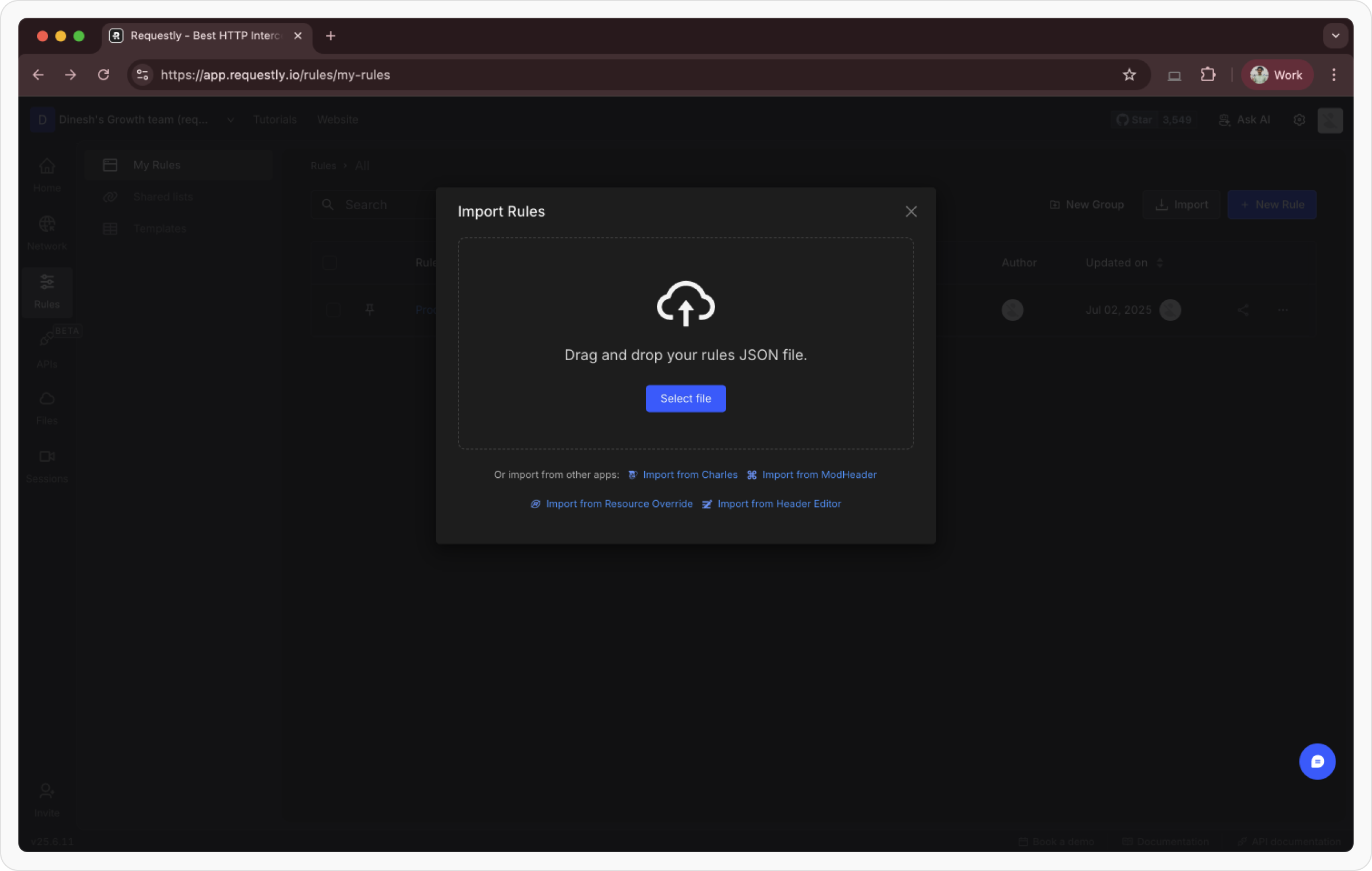
Upload the Exported File
On the import page, drag and drop your exported config 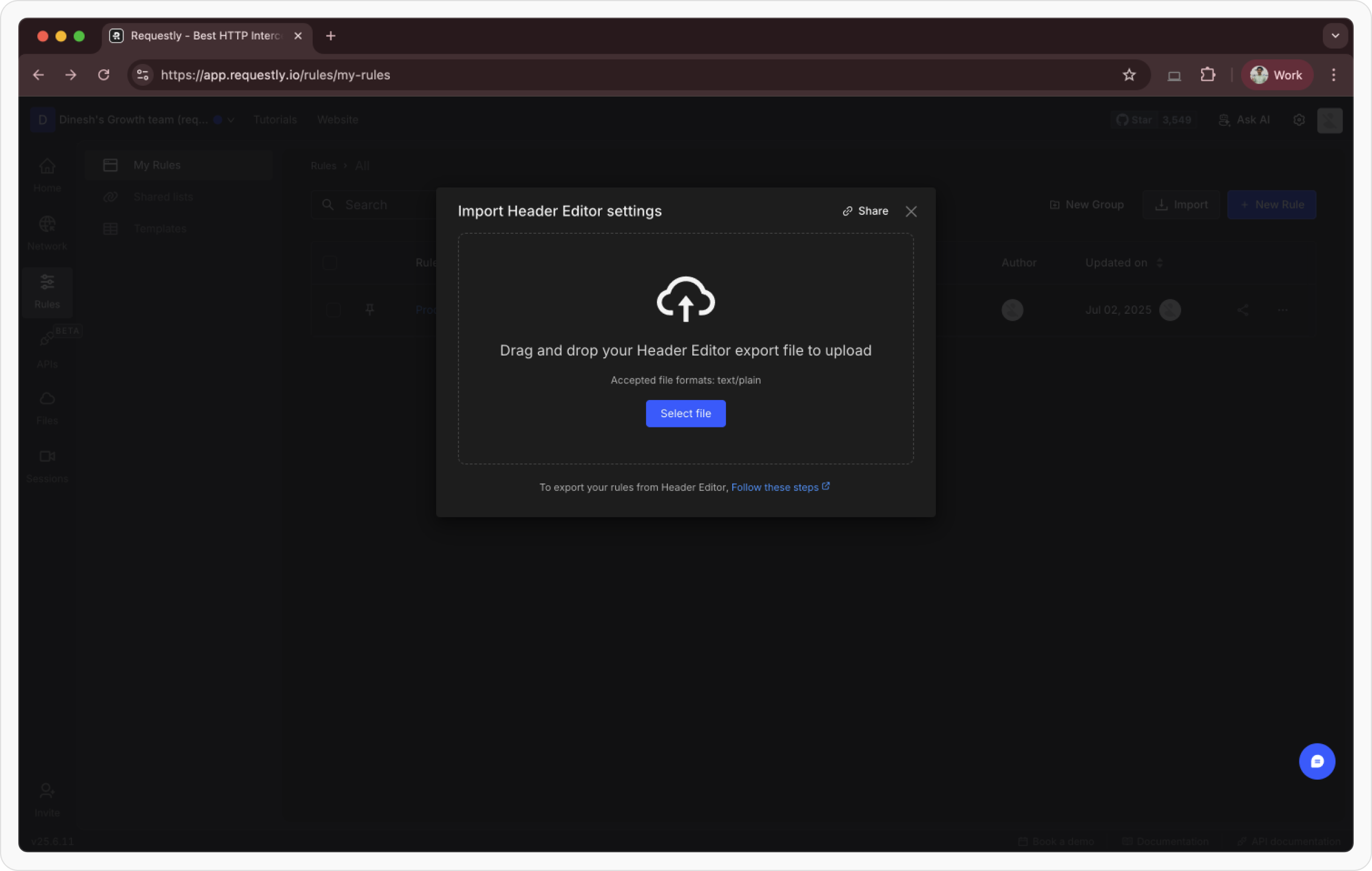
.txt , or click to browse and select it from your system.