Documentation Index
Fetch the complete documentation index at: https://docs.requestly.com/llms.txt
Use this file to discover all available pages before exploring further.
Import Resource Override Configurations
Instead of manually setting up rules, you can quickly import your Resource Override configuration and apply them with a few simple steps.Go to Developer Tools (DevTools)
Open your browser’s DevTools and navigate to the “Override” option.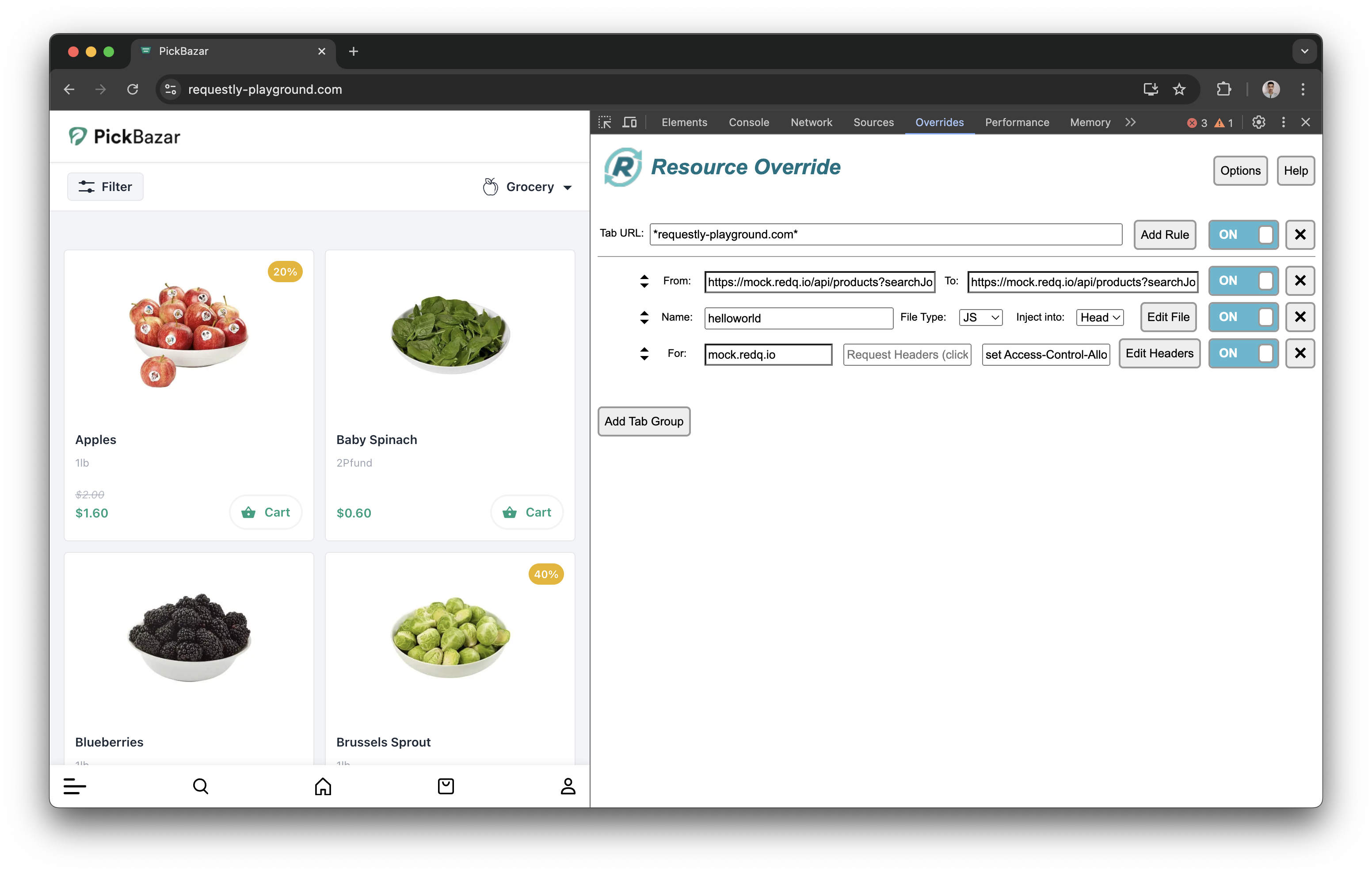
Download Rule Configuration
Click on the “Options” menu and then click “Save Rule” to download your current rule configuration.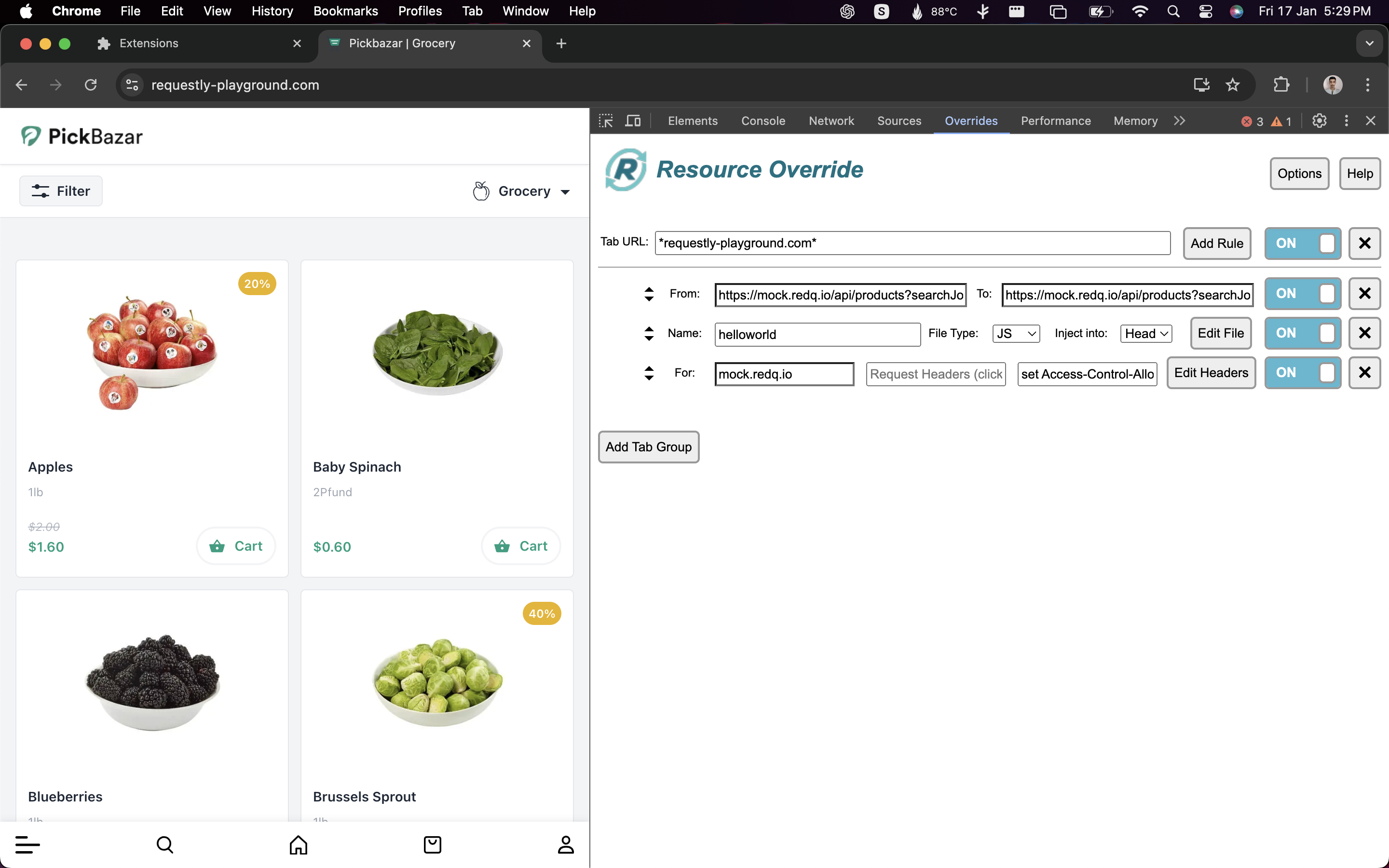
Open Requestly Interceptor Dashboard
Go to the Requestly Interceptor dashboard and navigate to the HTTP Rules section.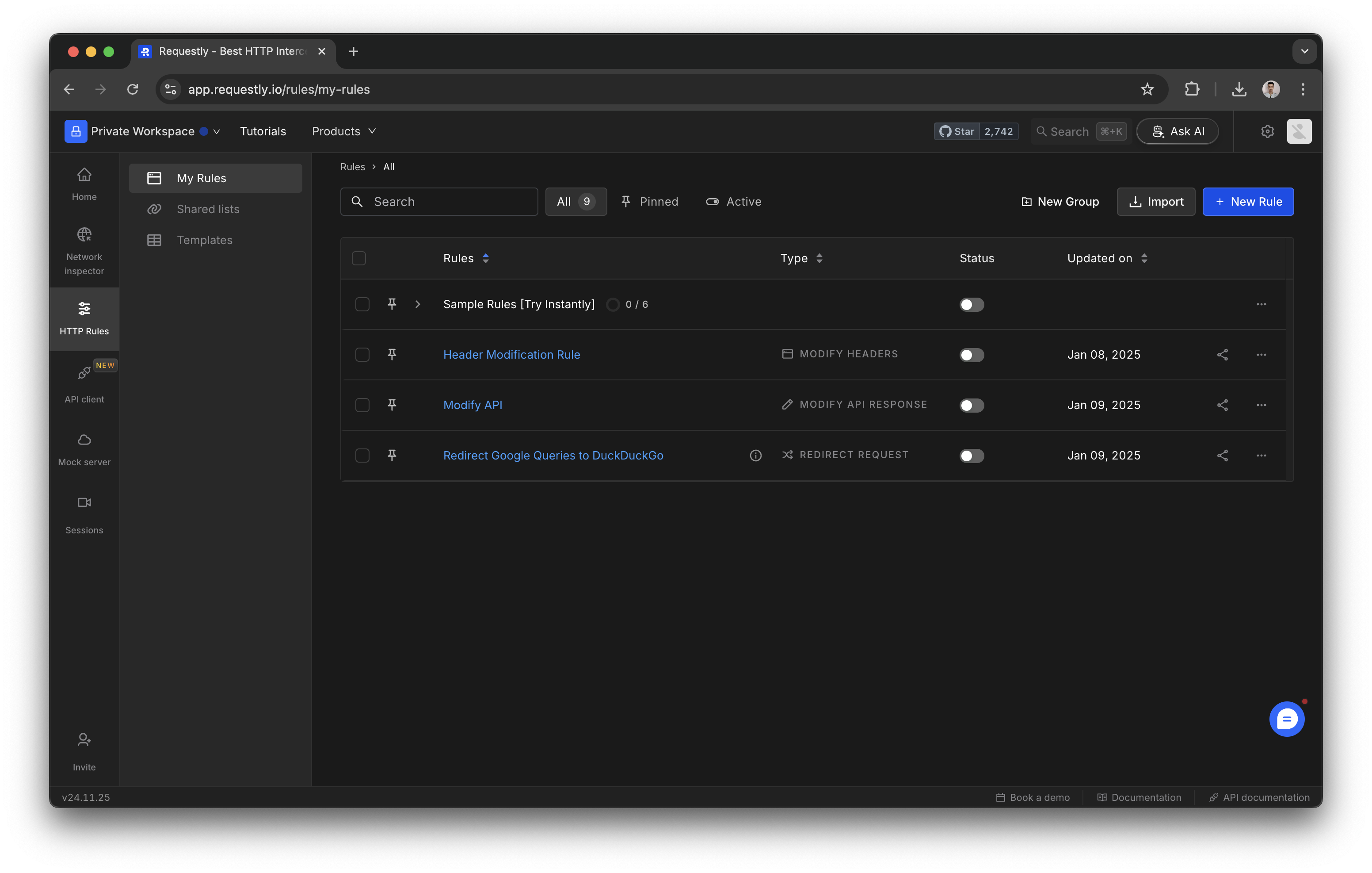
Click on “Import” and select “Resource Override”
Click the Import button in the HTTP Rules section. Choose “Resource Override” from the available import options.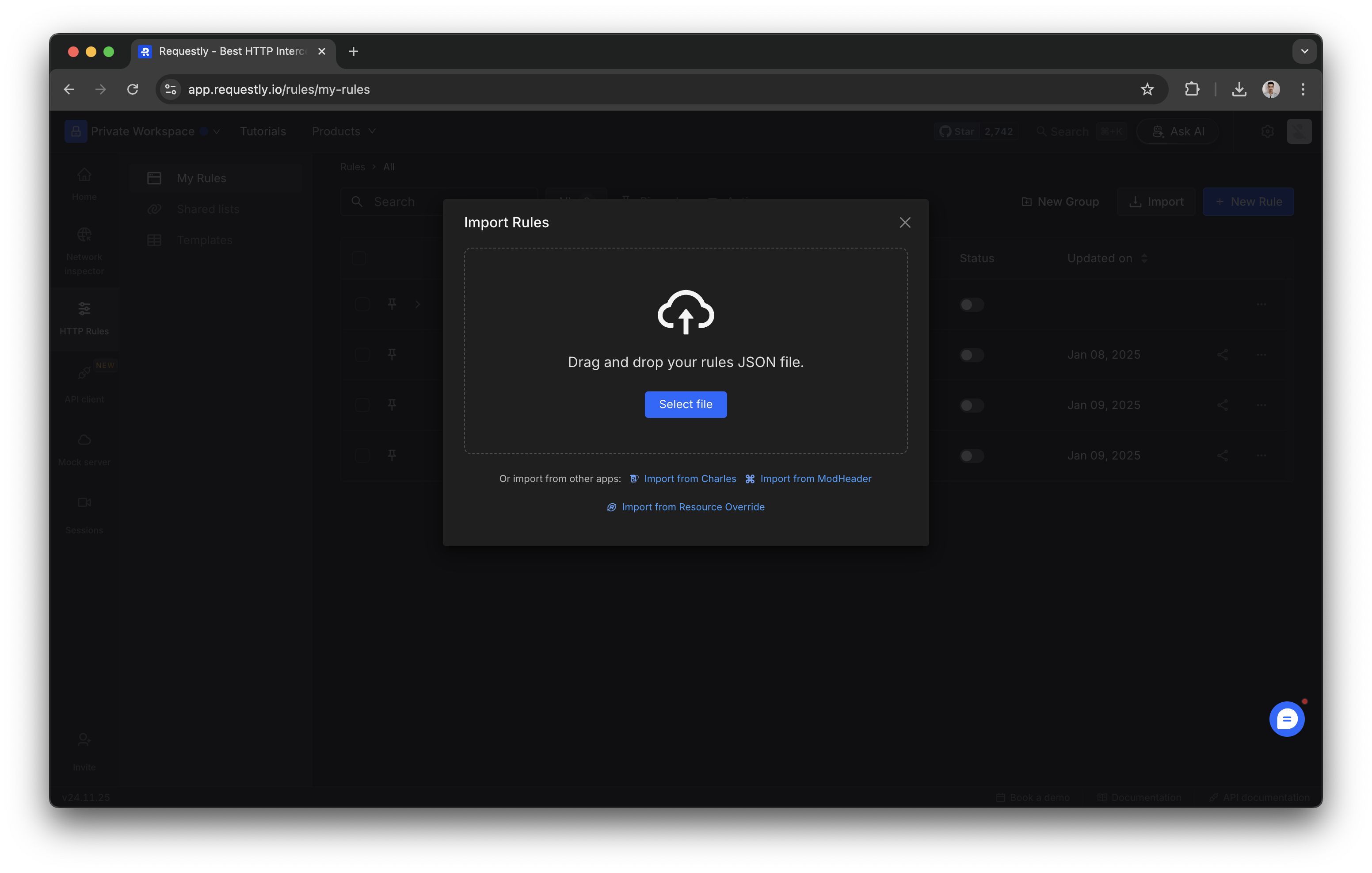
Resource Override Features Comparison
Learn more about equivalent features of Requestly Interceptor that you were used in Resource Override.URL → URL
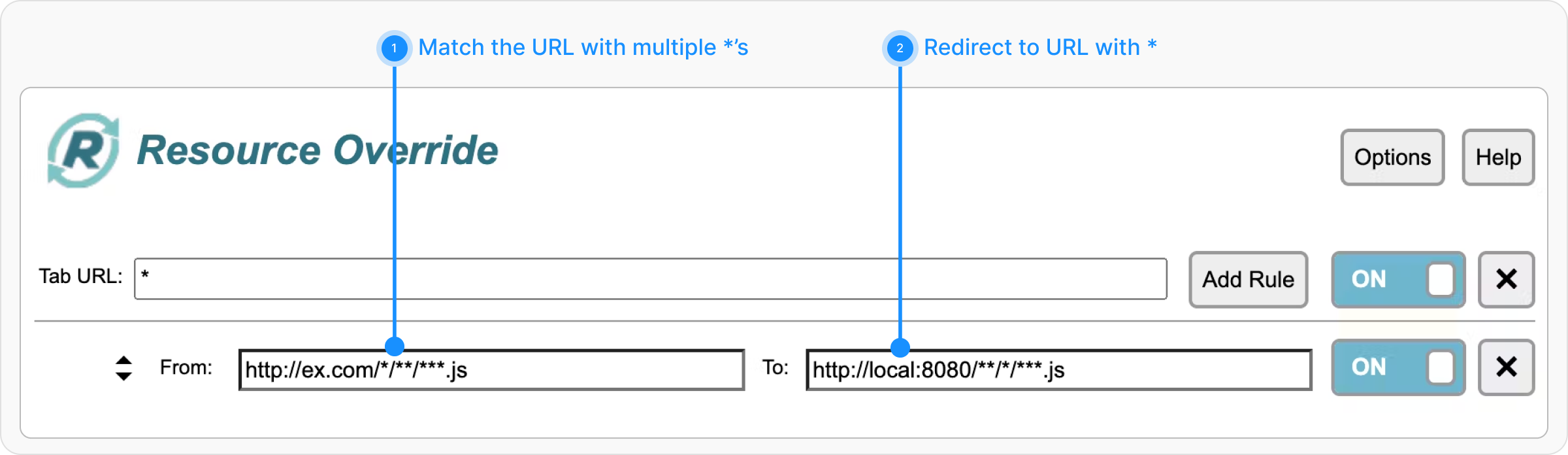
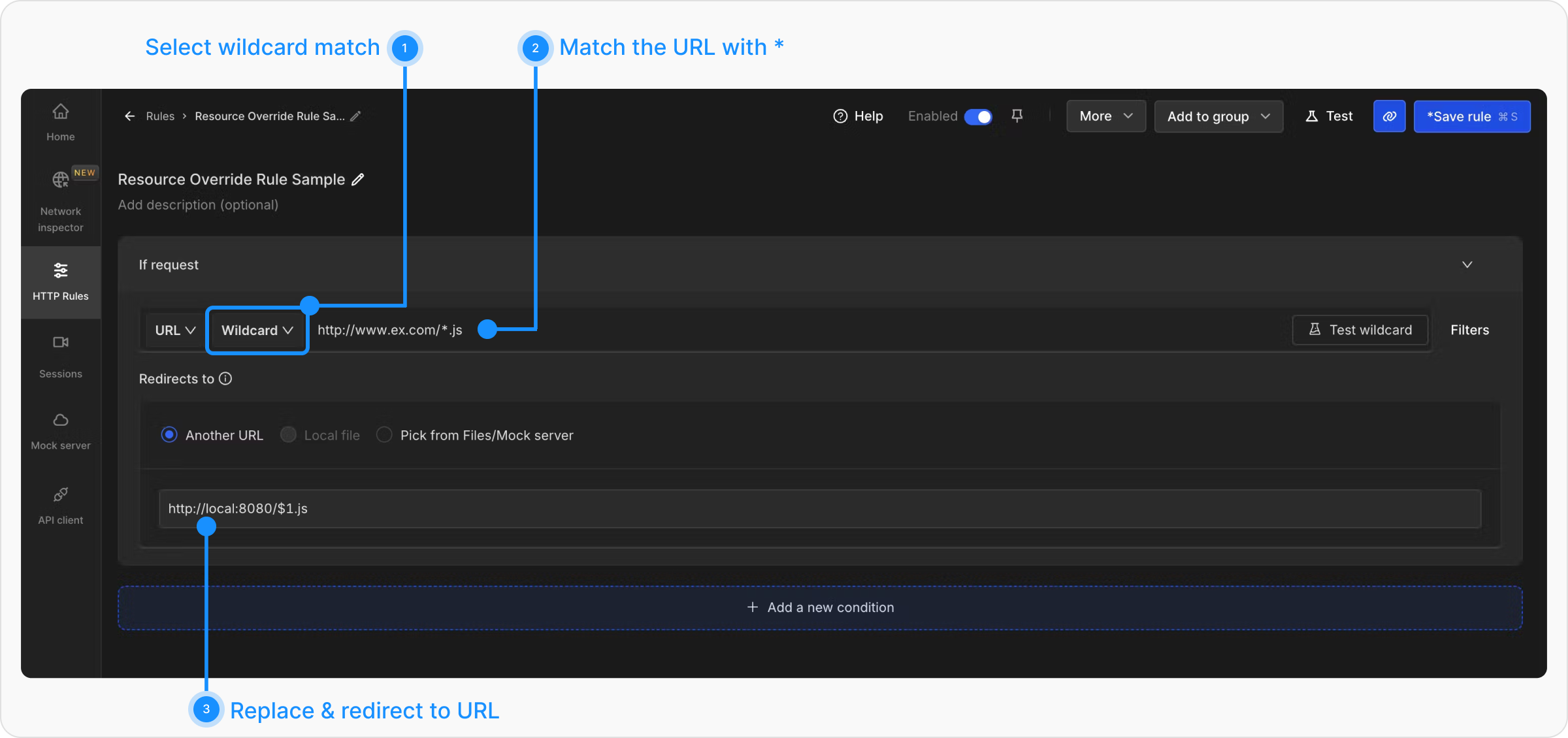
Every request URL is compared with the Match URL and is redirected to the Replace URL if the match is successful. Exact Match If your Resource Override configuration is with exact match without using any * in it.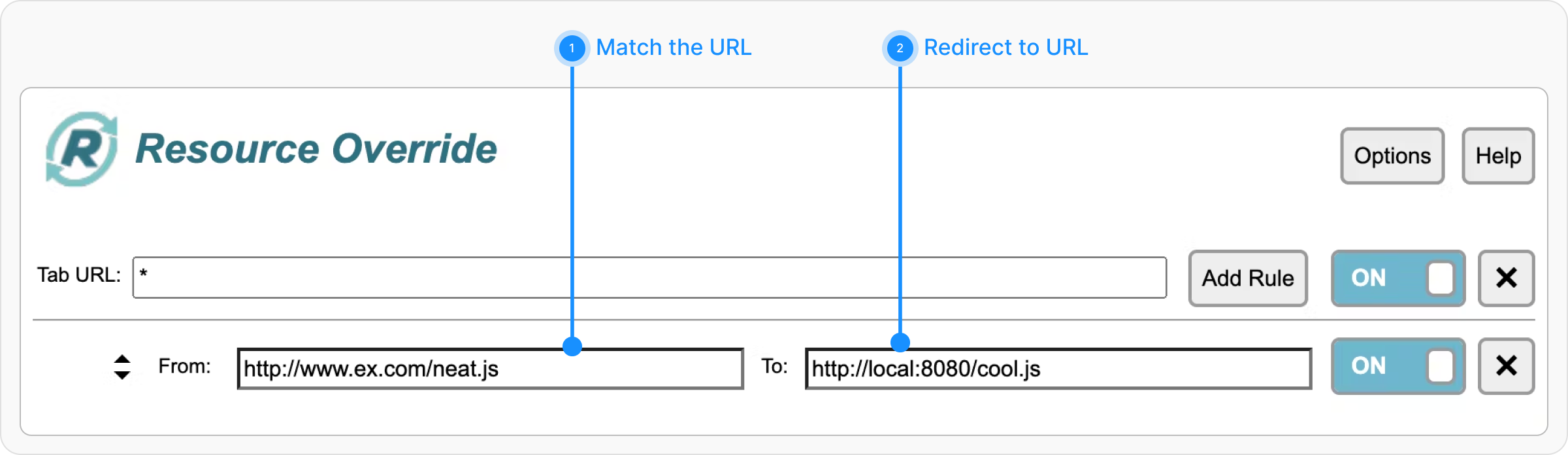
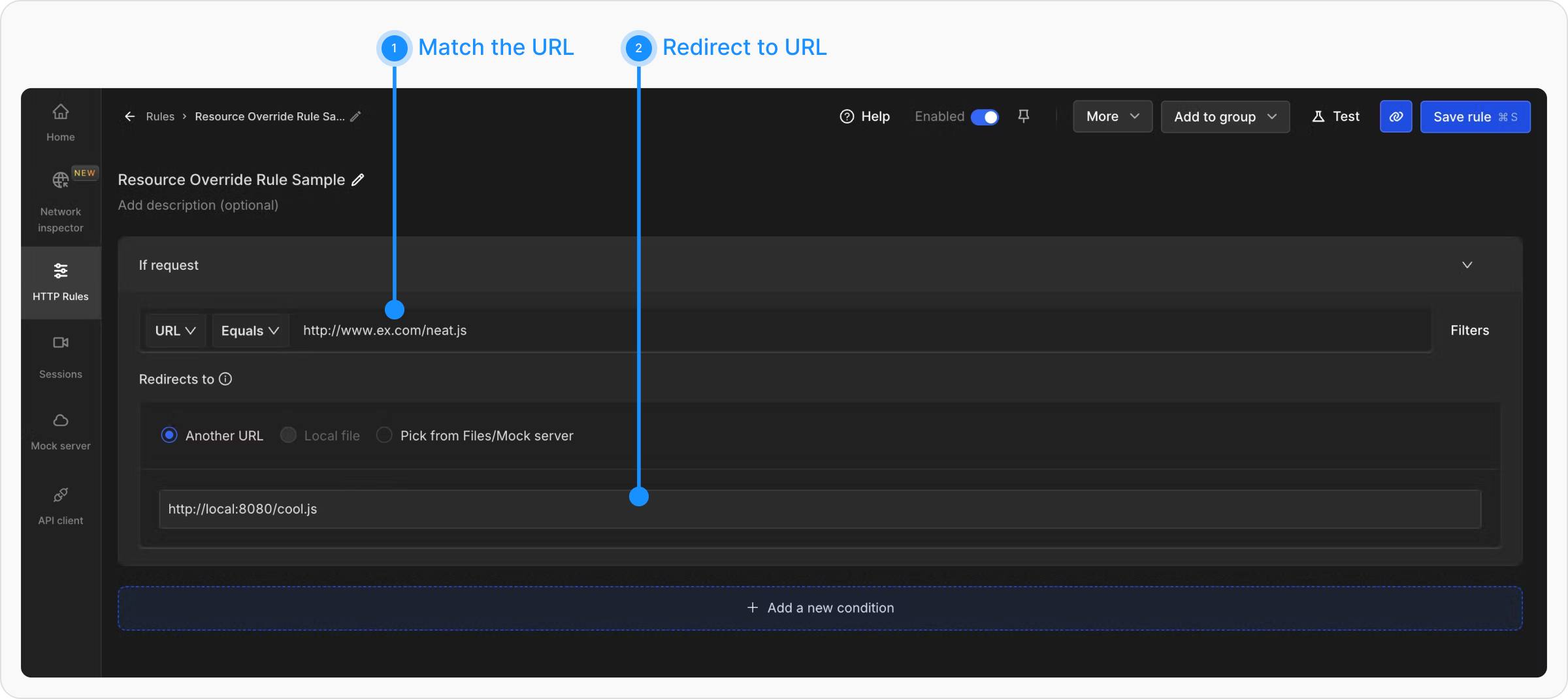
$1, Alternatively, if you want to modify the request instead of redirecting it, you can use the Replace Rule. The matched portion of the URL can be replaced using $1
e.g. In Requestly Interceptor, You will use HTTP Redirect Rule like
Multiple Wildcard Operators
If your Resource Override configuration is a wildcard match with multiple *’s in it.
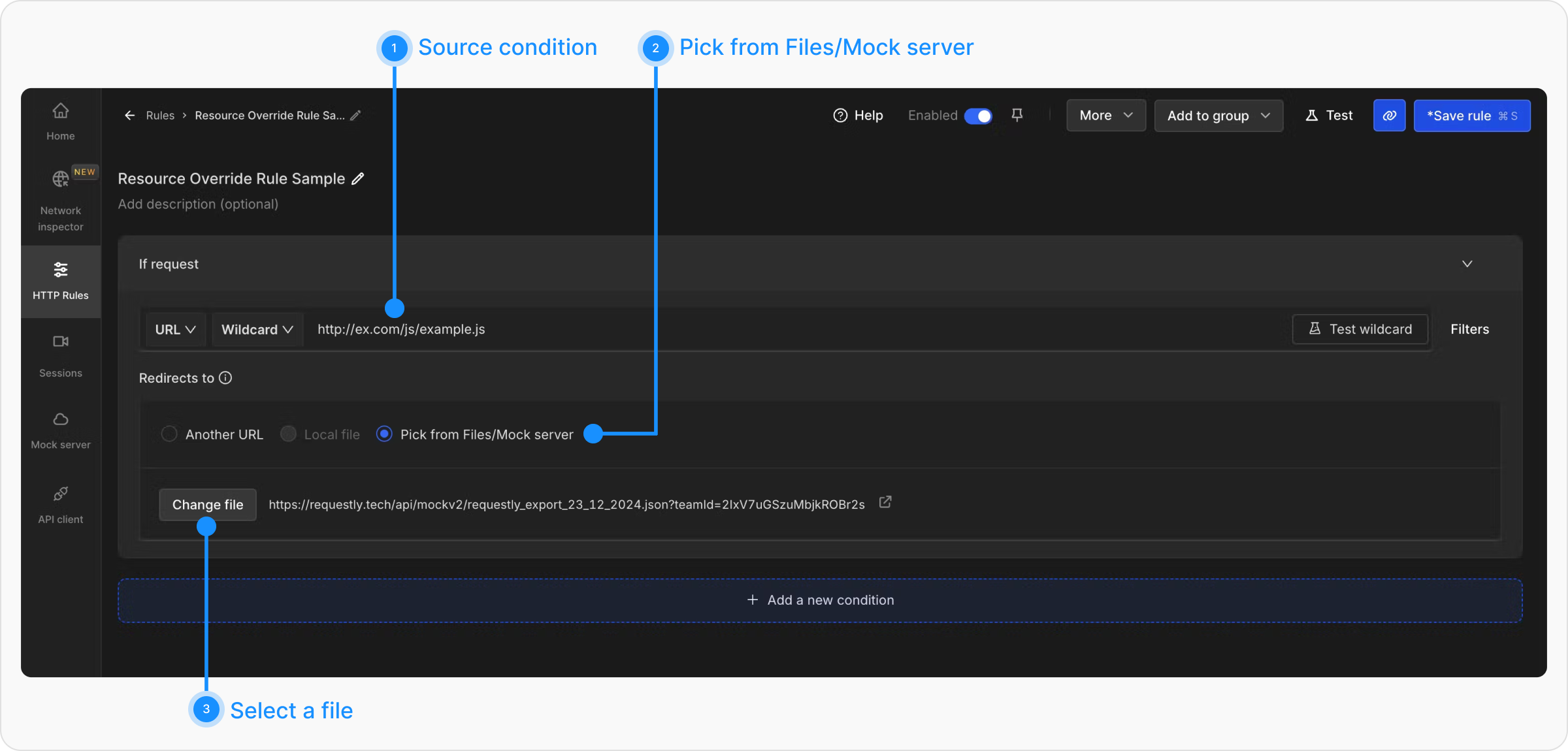
URL → File
When you want to load a file in place of the Matched URL.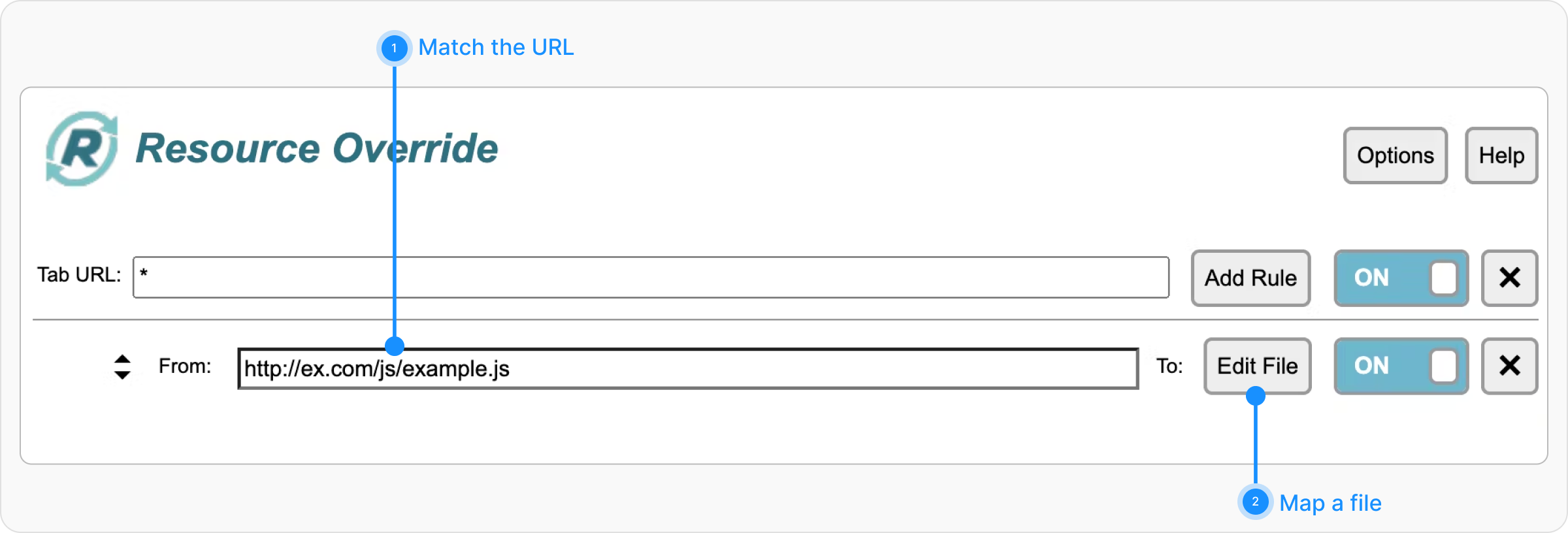
Inject File
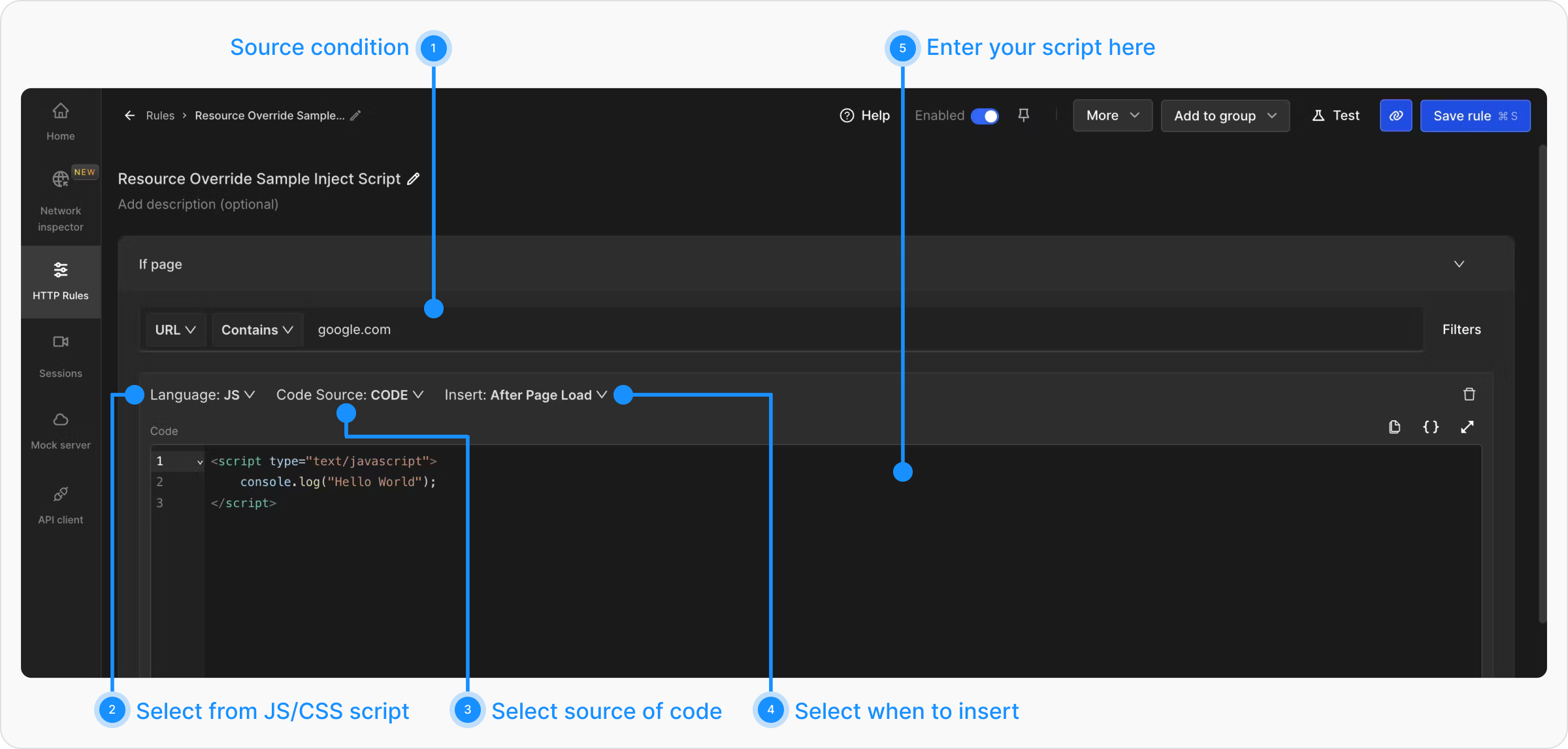
In Resource Override, you can select a file(JS/CSS) and inject that into a webpage.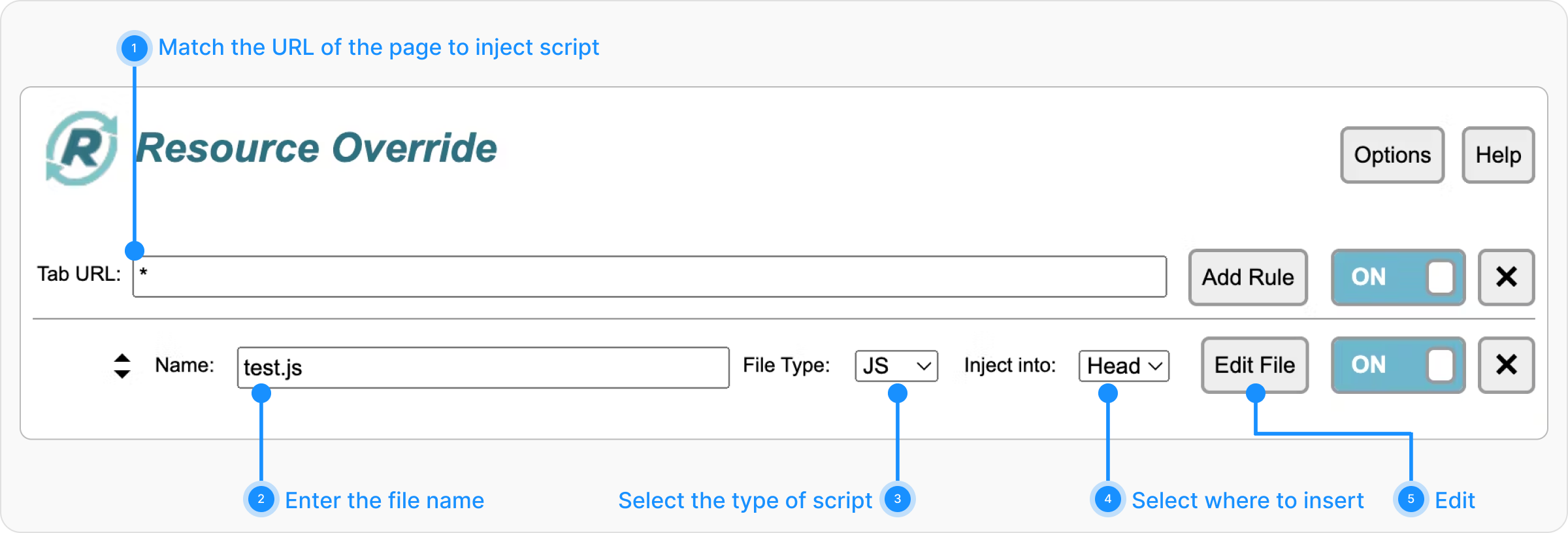
Change Headers
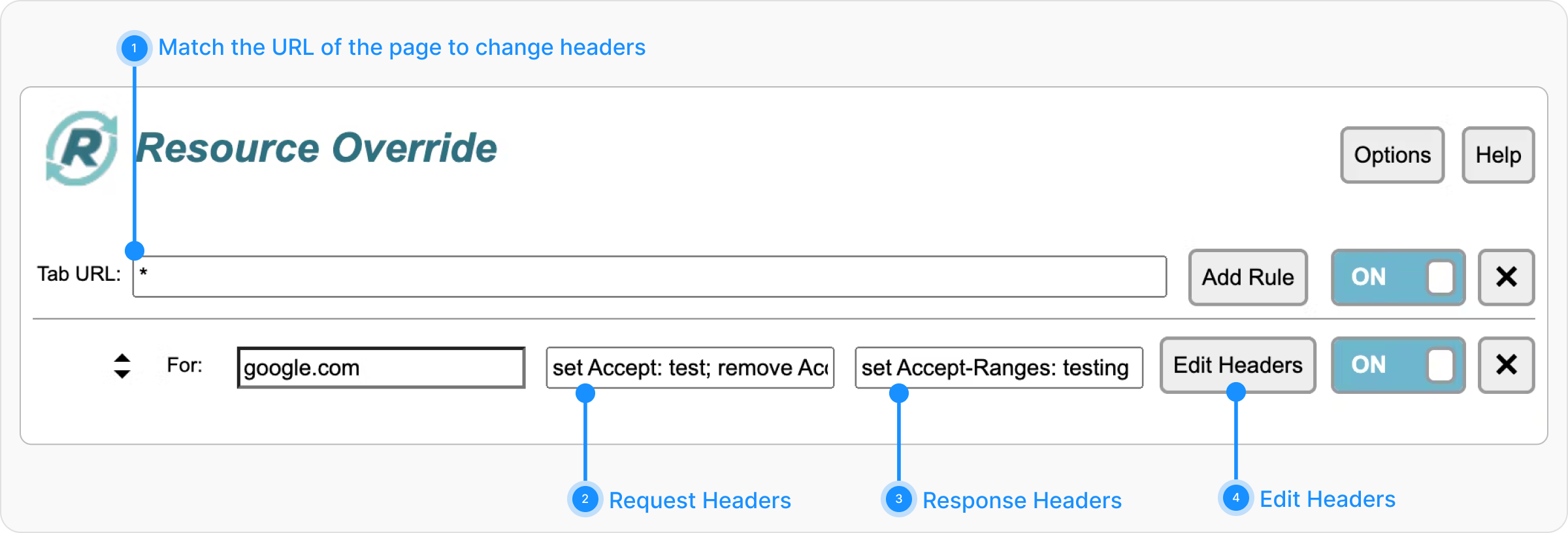
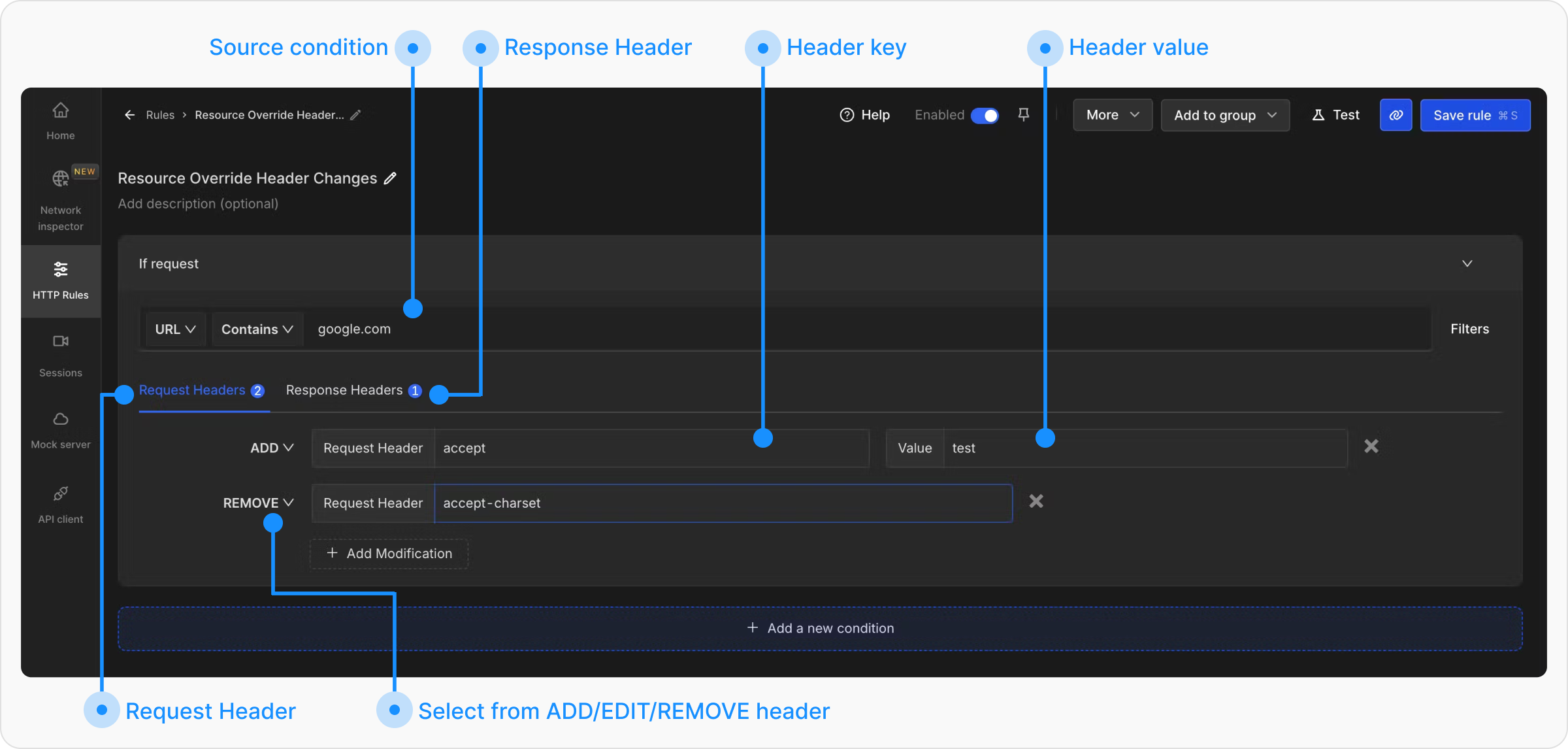
In Resource Override, you can use Change Headers to update the Request or Response Headers.