

If you’re experiencing trust issues or certificate warnings when using Requestly Interceptor to intercept traffic in Safari or via the system-wide proxy, it may be due to an invalid or untrusted Root Certificate. Error indication: You may see a security warning or certificate error in your browser (especially Safari) when Requestly Interceptor attempts to intercept traffic. This typically indicates that the Requestly Interceptor Root Certificate has expired, been invalidated, or is not trusted by the system.Documentation Index
Fetch the complete documentation index at: https://docs.requestly.com/llms.txt
Use this file to discover all available pages before exploring further.
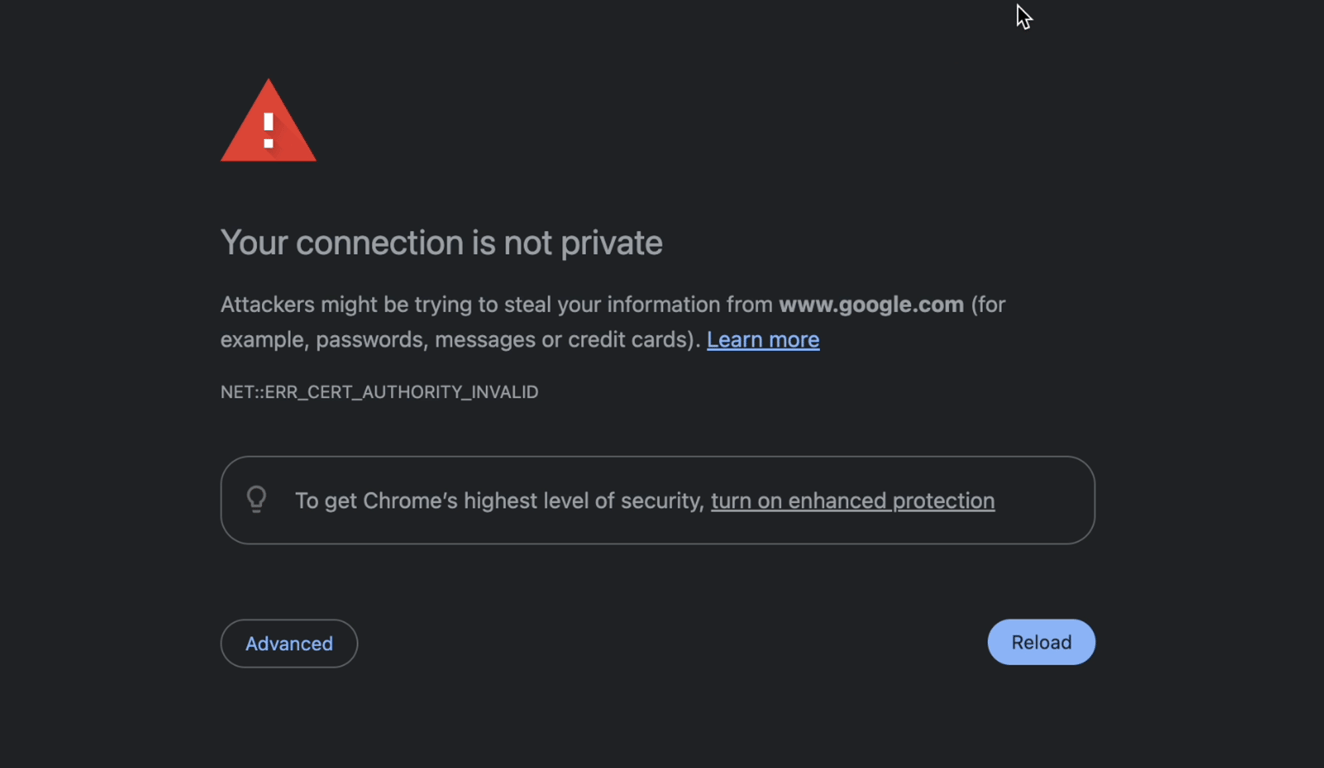
Solution: Regenerate Requestly Interceptor SSL Certificates
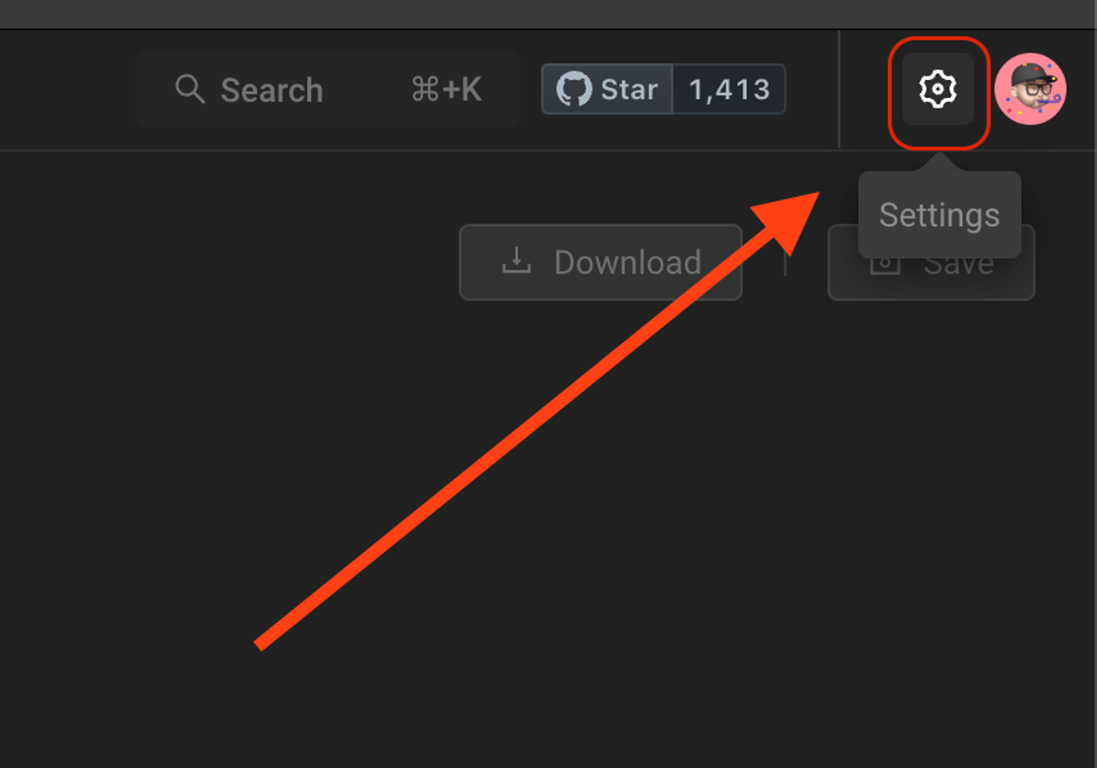
Follow these steps to resolve certificate trust issues:Access Settings in Requestly Interceptor:
- Open the Requestly Interceptor desktop application.
- Click on the Settings Icon located at the top right.
Regenerate SSL Certificates
-
Inside the Settings, find and click the
Regeneratebutton. - This action regenerates the SSL certificates.
