

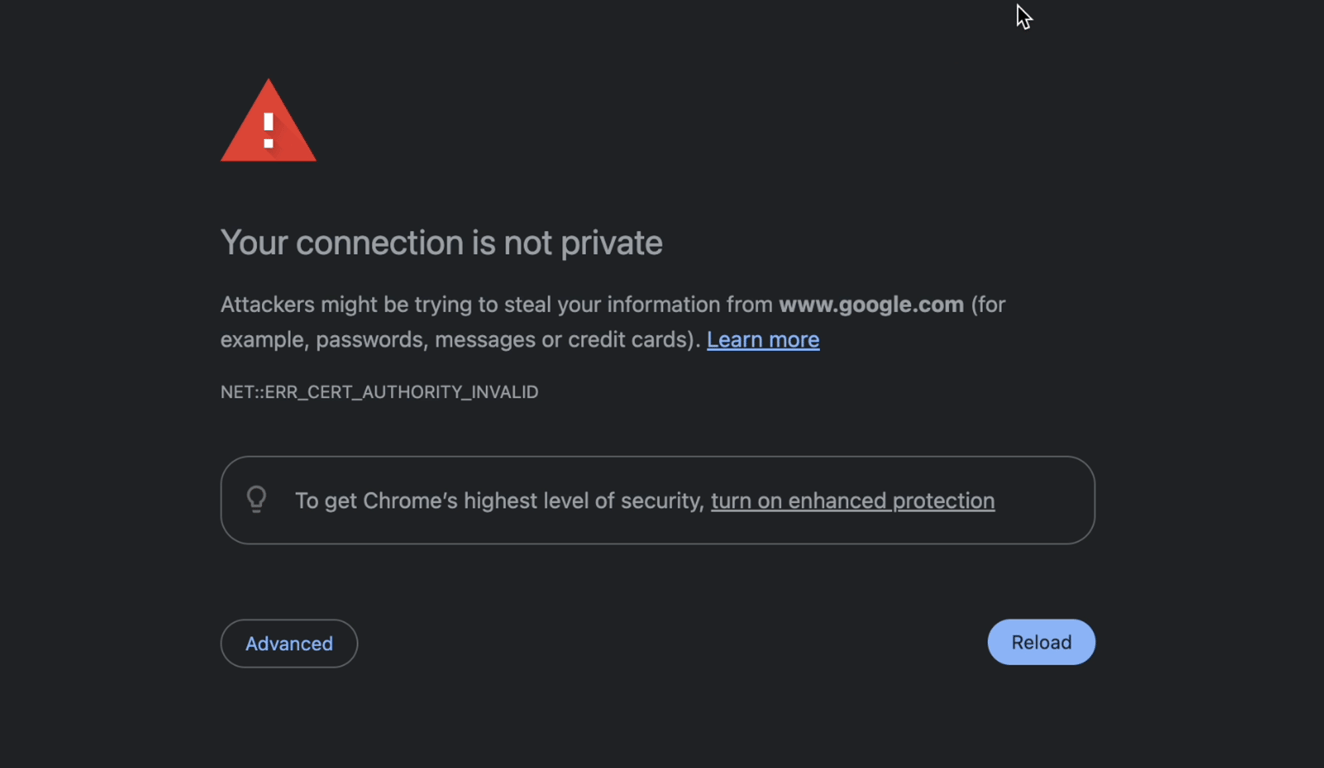
Solution: Regenerate Requestly Interceptor SSL Certificates
Follow these steps to resolve certificate trust issues:Access Settings in Requestly Interceptor:
- Open the Requestly Interceptor desktop application.
- Click on the Settings Icon located at the top right.

Regenerate SSL Certificates
-
Inside the Settings, find and click the
Regeneratebutton. - This action regenerates the SSL certificates.
