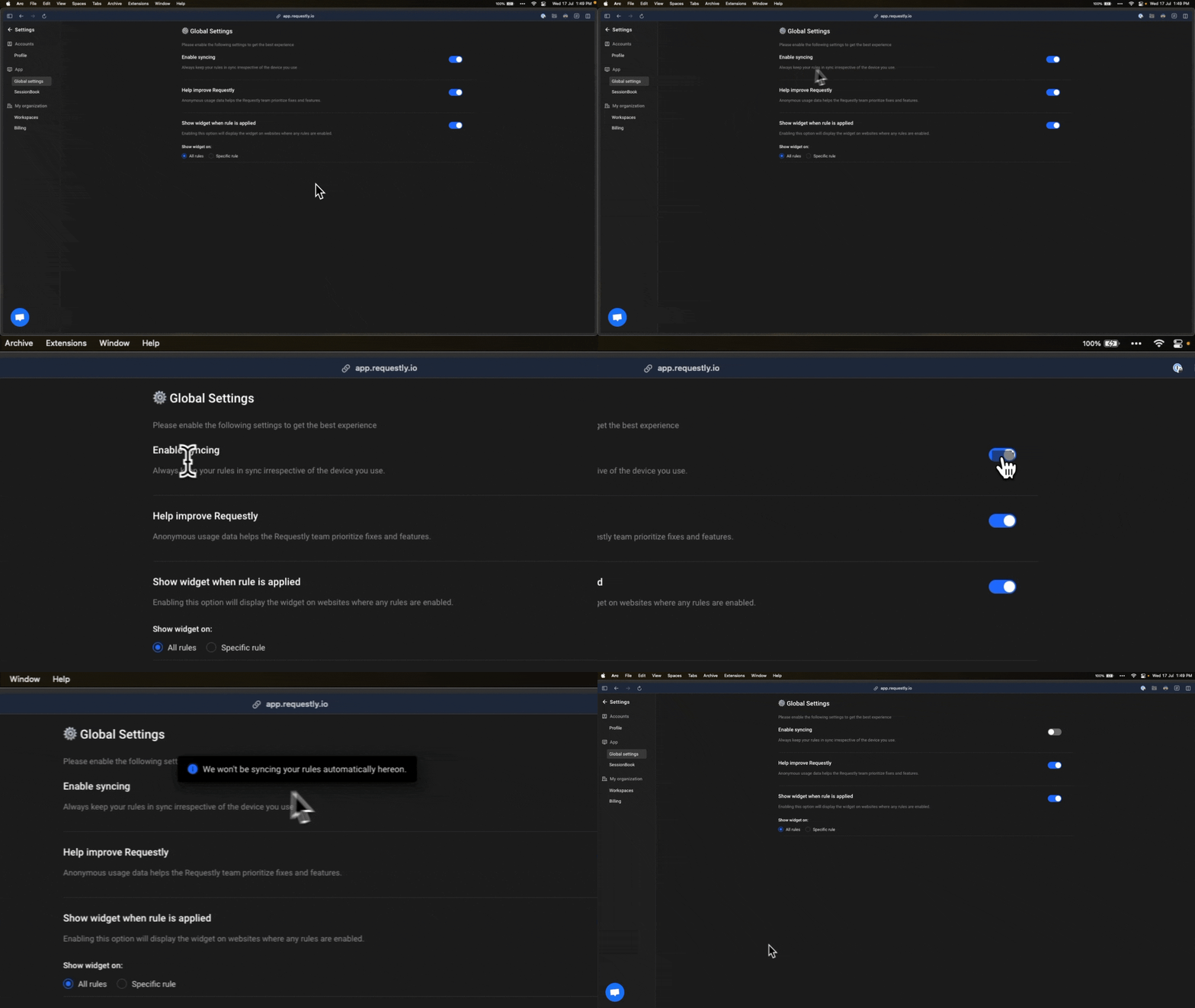
You can stop your rules from syncing across devices anytime by turning off the sync feature in Requestly Interceptor settings.Documentation Index
Fetch the complete documentation index at: https://docs.requestly.com/llms.txt
Use this file to discover all available pages before exploring further.
Go to Settings
Navigate to the Requestly Interceptor Settings page
Open the Requestly Interceptor extension and click on the Settings tab in the left sidebar.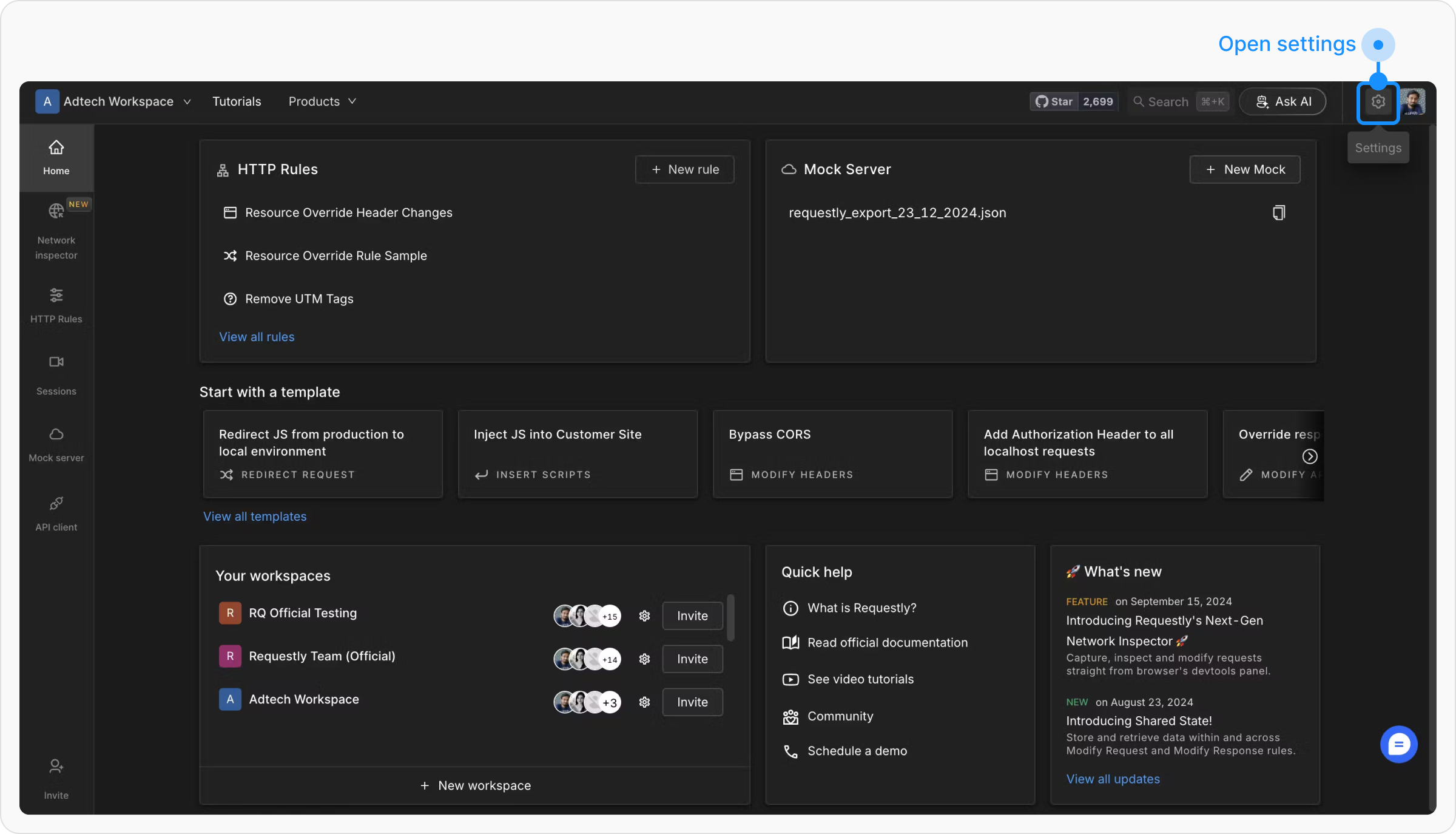
Open the Requestly Interceptor extension and click on the Settings tab in the left sidebar.
Navigate to the Global Settings Section
In the Global Settings menu, locate the Enable Syncing section.