BrowserStack Live allows you to test websites on real browsers and operating systems. With Requestly Interceptor, you can modify network requests, mock APIs, redirect URLs, inject scripts, and debug your application directly inside your live sessions. You can use Requestly Interceptor in BrowserStack Live in two ways:Documentation Index
Fetch the complete documentation index at: https://docs.requestly.com/llms.txt
Use this file to discover all available pages before exploring further.
- Preload the Requestly Interceptor extension (recommended)
- Manually install the extension inside the browser session
Preloading the Requestly Interceptor Extension (Recommended)
BrowserStack allows certain extensions to be preloaded so they are automatically available in every new session. This is the fastest and most reliable way to use Requestly Interceptor in Live.Steps to Preload Requestly Interceptor
Log in to BrowserStack Live
Log in to your BrowserStack Live dashboard.
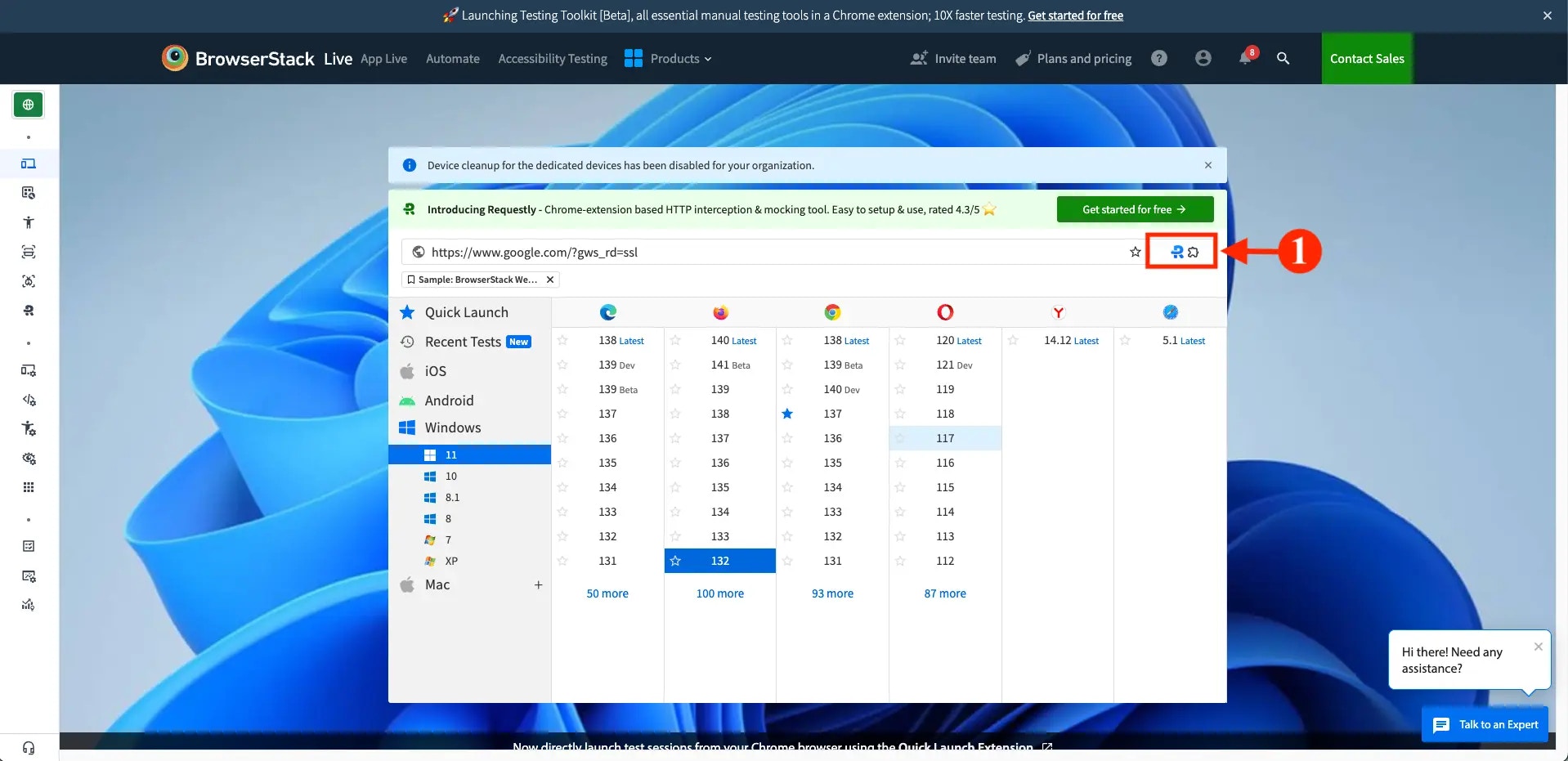
Enable Requestly Interceptor
The Extensions window opens with the Requestly Interceptor extension already added by default. Enable the extension using the toggle switch.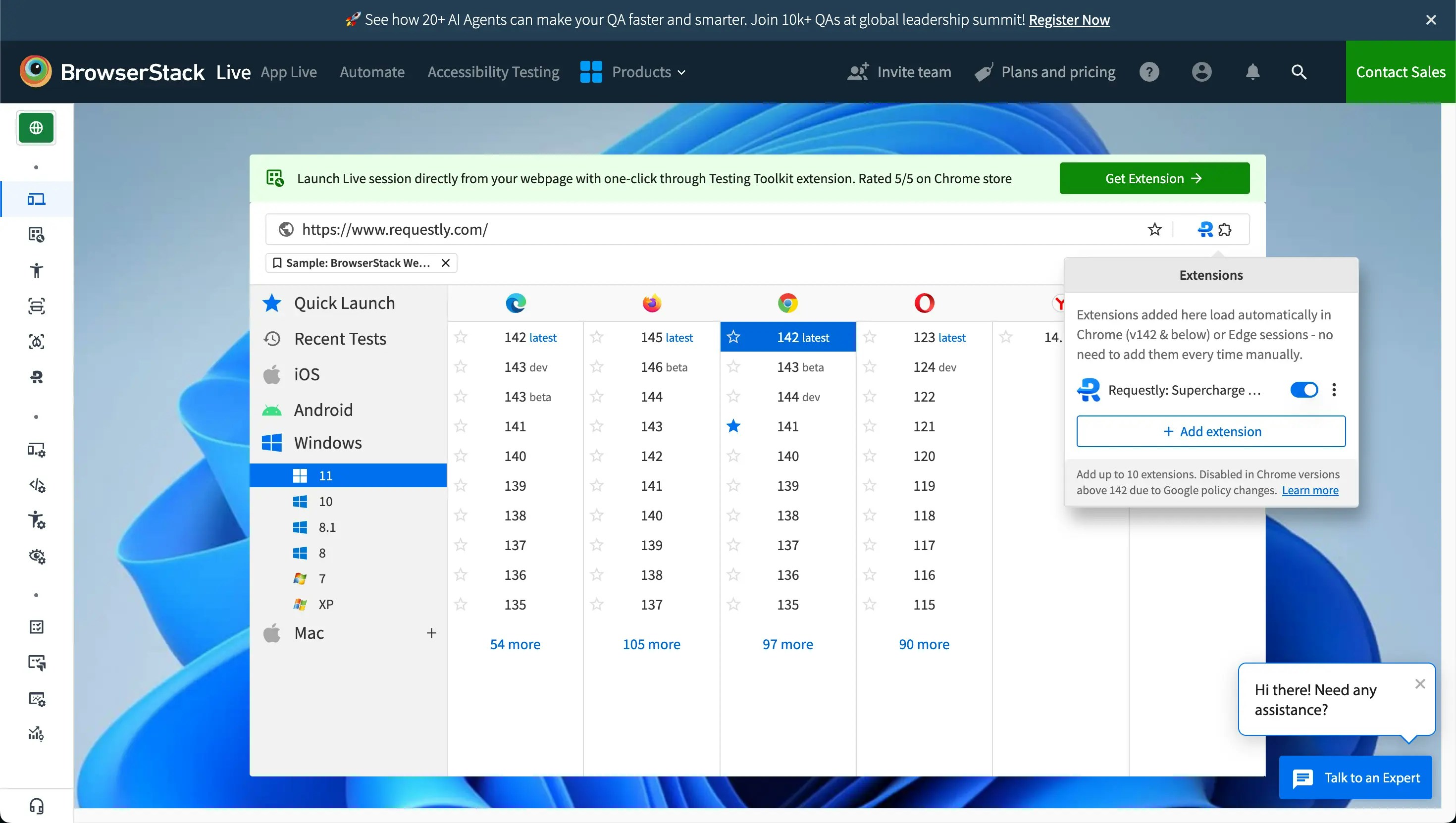
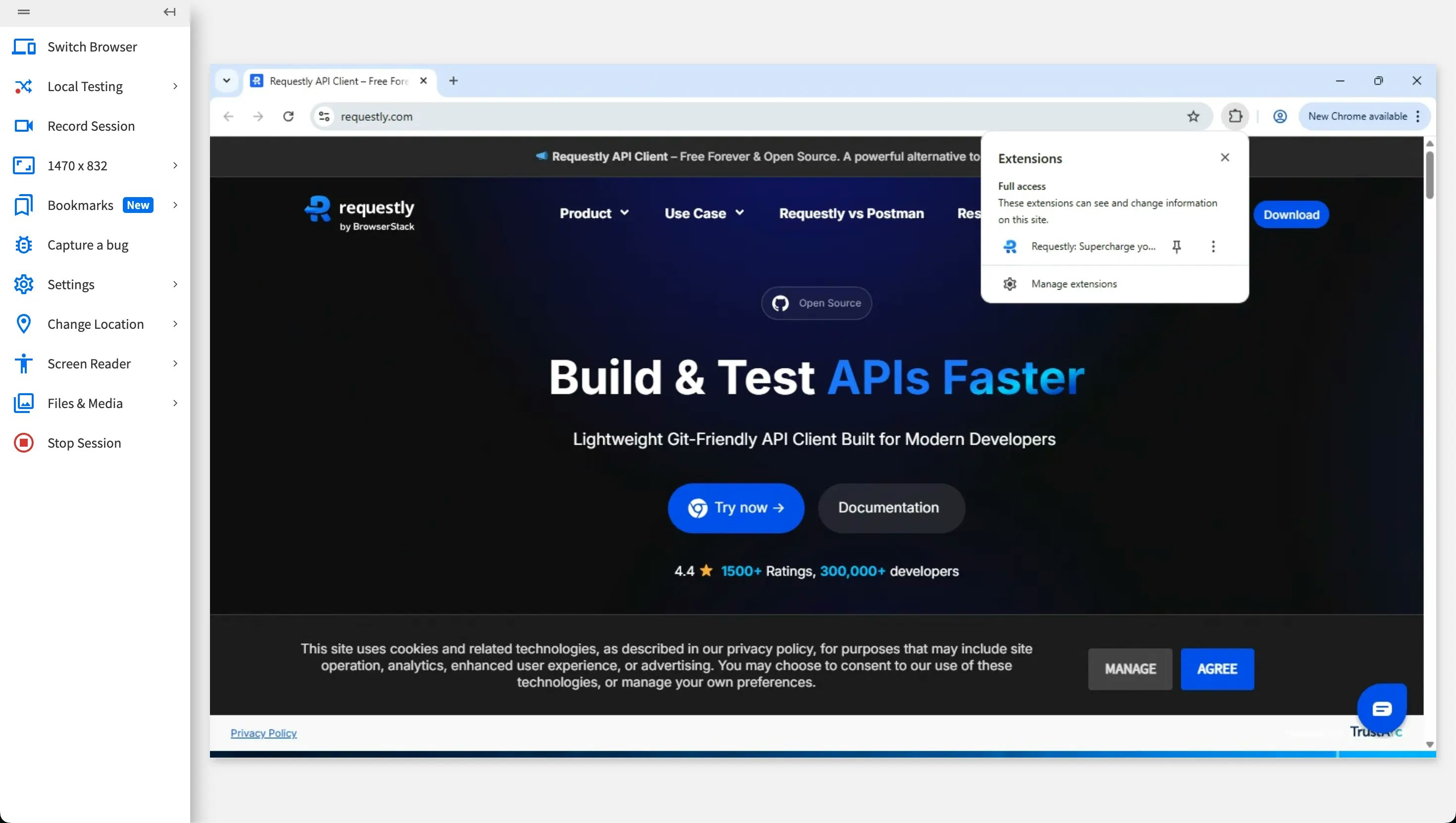
Supported OS & Browsers for Preloading
Preloading is supported only in desktop sessions.| Operating System | Supported Browsers |
|---|---|
| Windows | Chrome (up to version 142), Edge |
| macOS | Chrome (up to version 142), Edge |
Note: Firefox does not support preloading extensions. You can still install Requestly Interceptor manually during your session.
Manually Installing Requestly Interceptor in BrowserStack Live
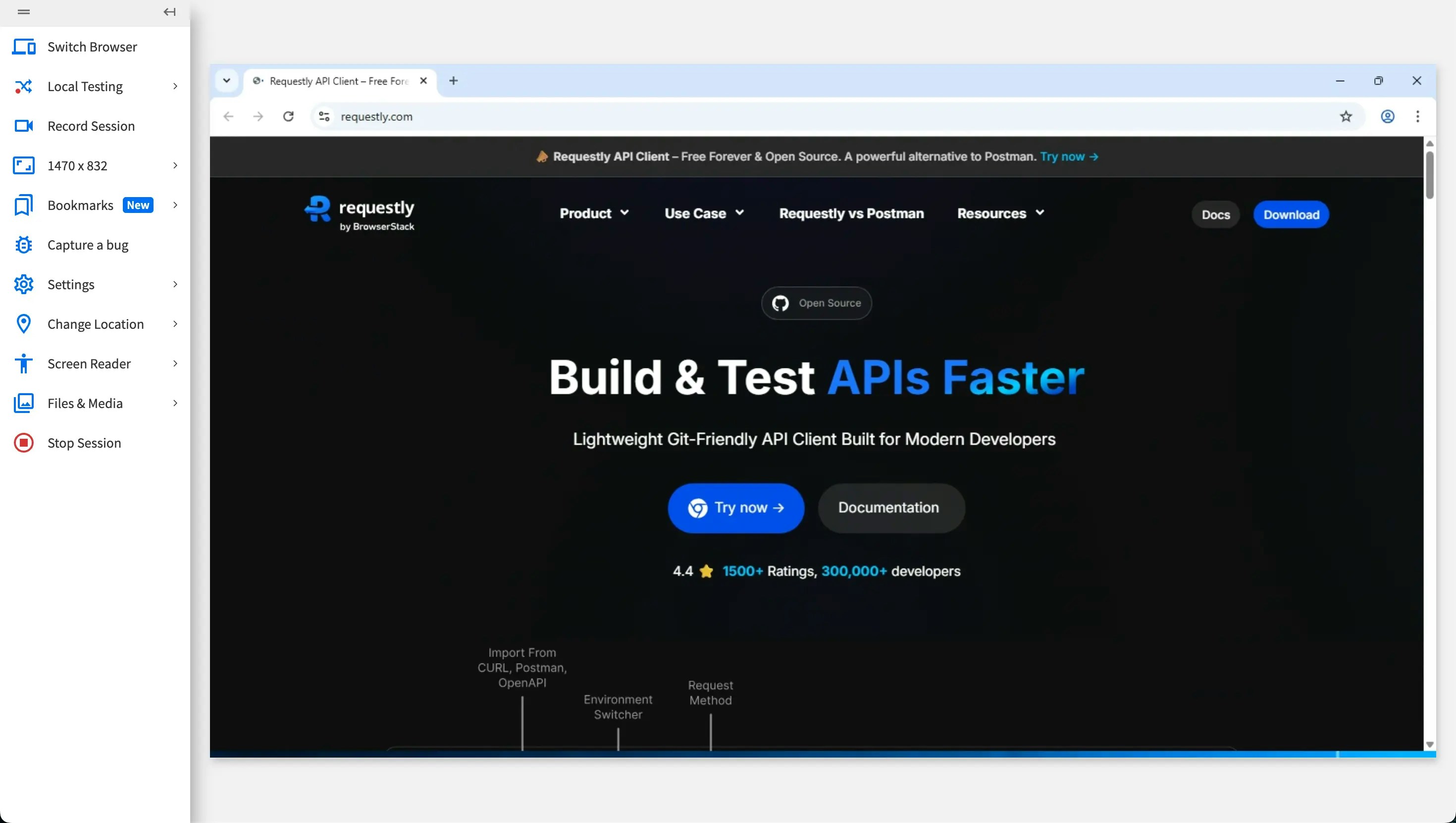
If your browser or session does not support preloading, you can manually install Requestly Interceptor inside the Live session.Chrome / Edge
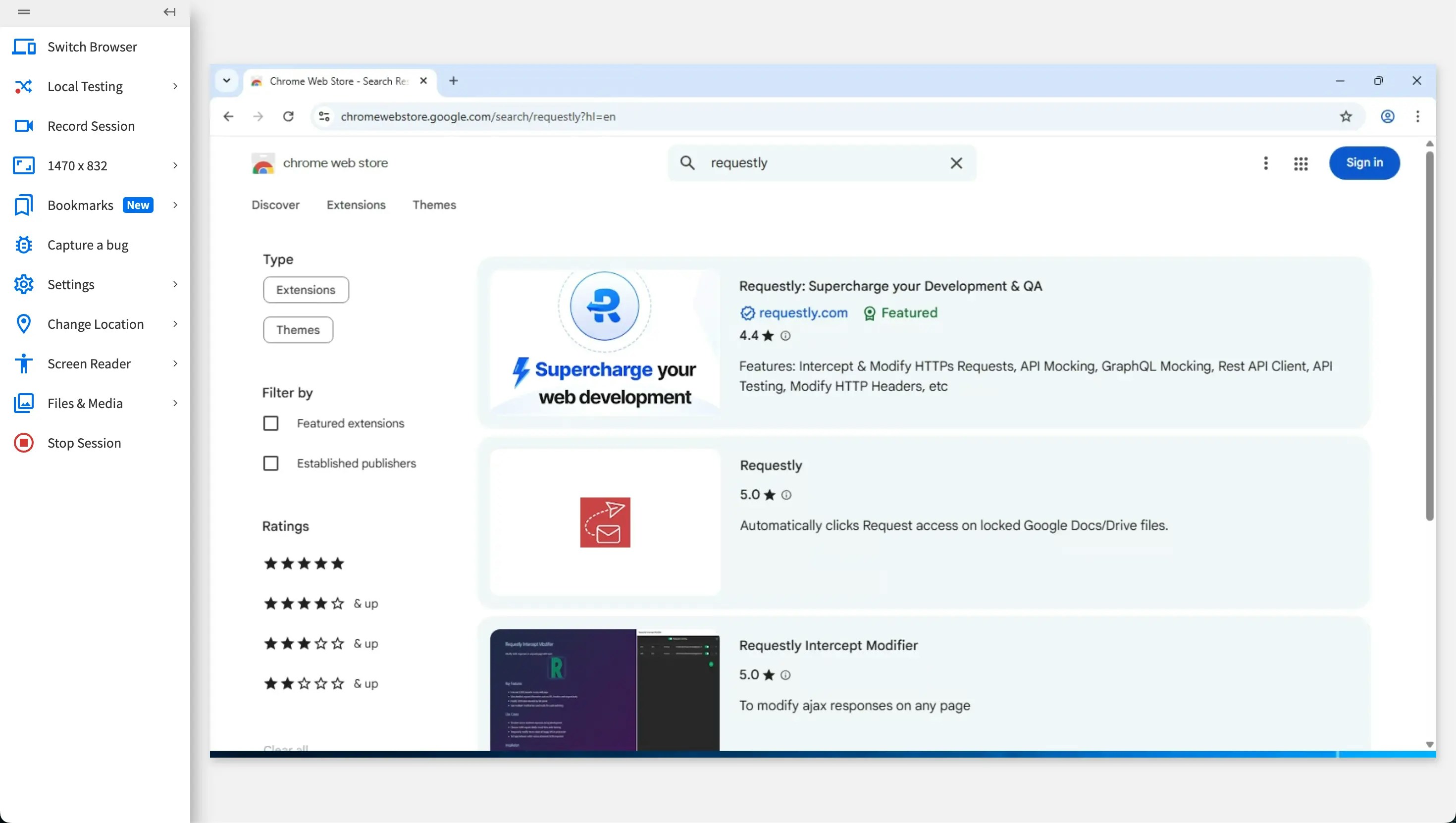
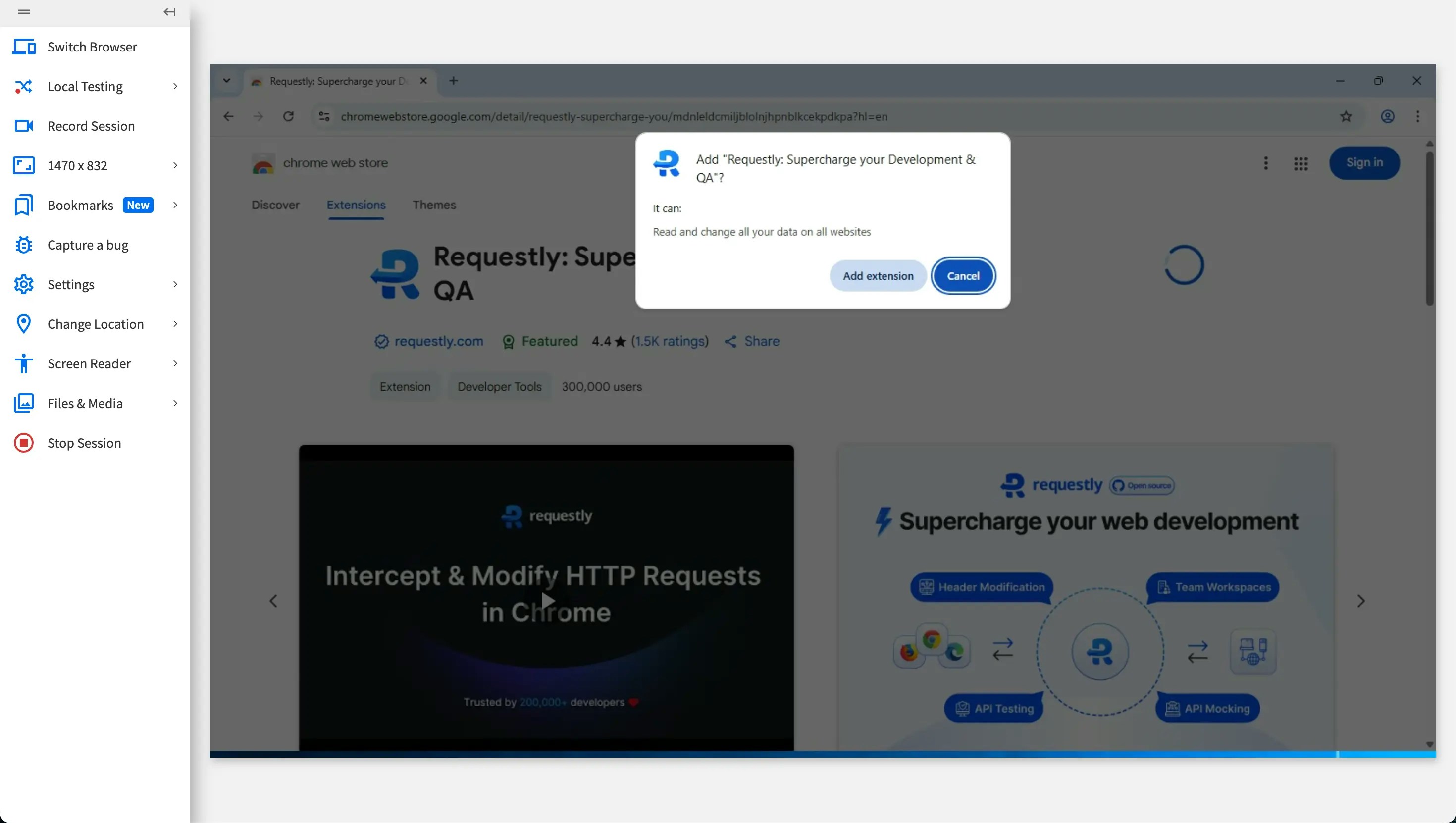
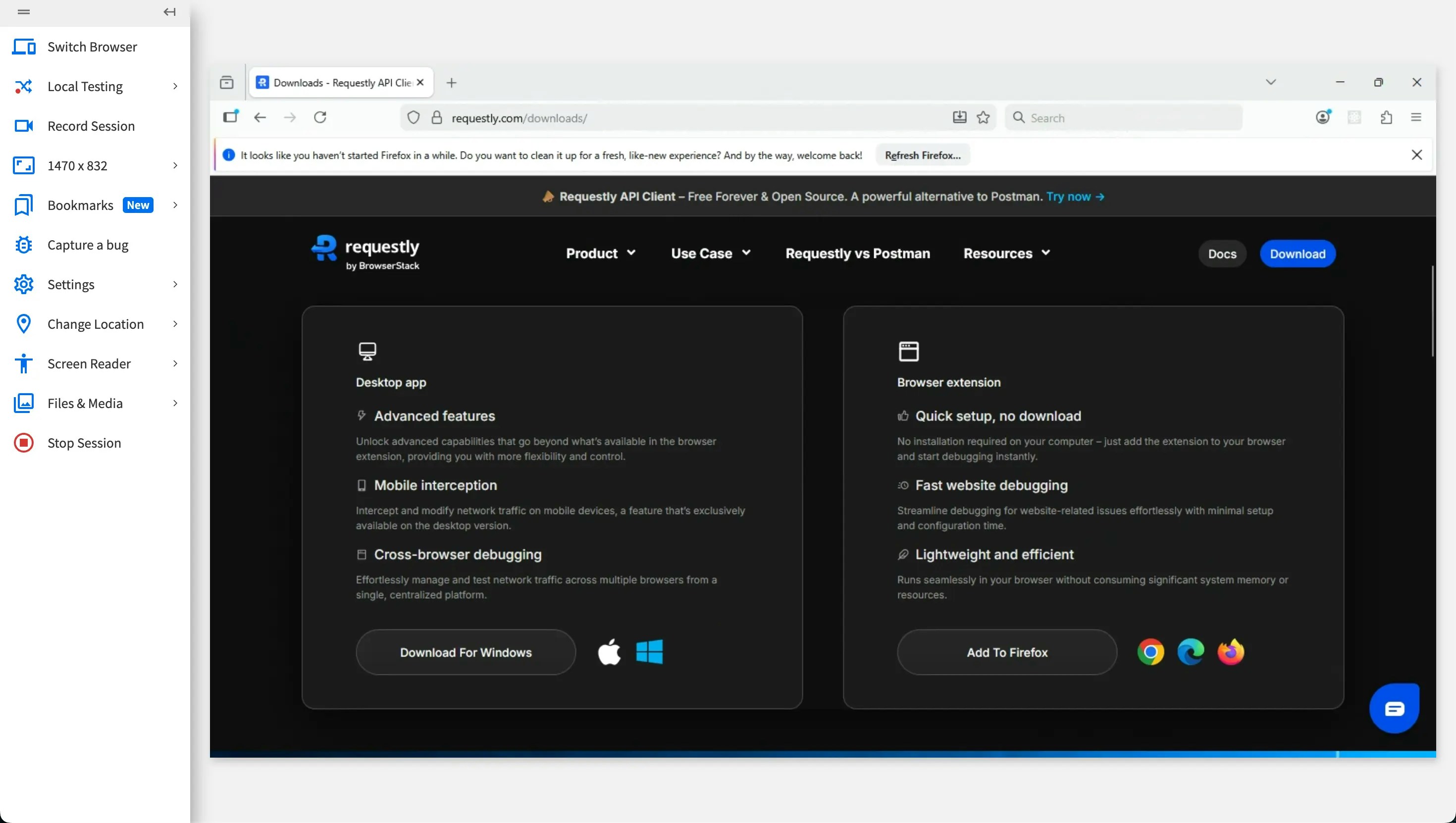
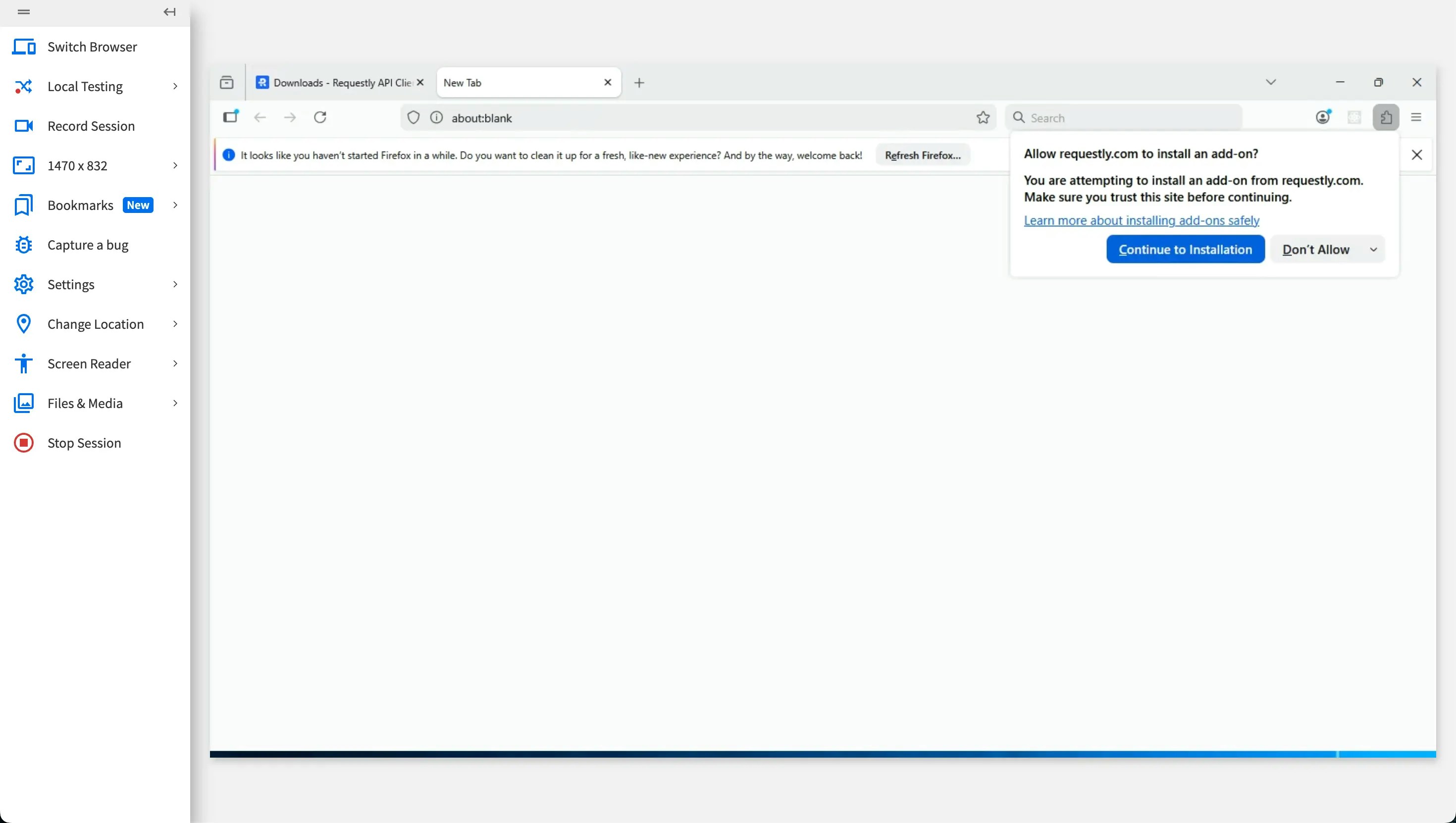
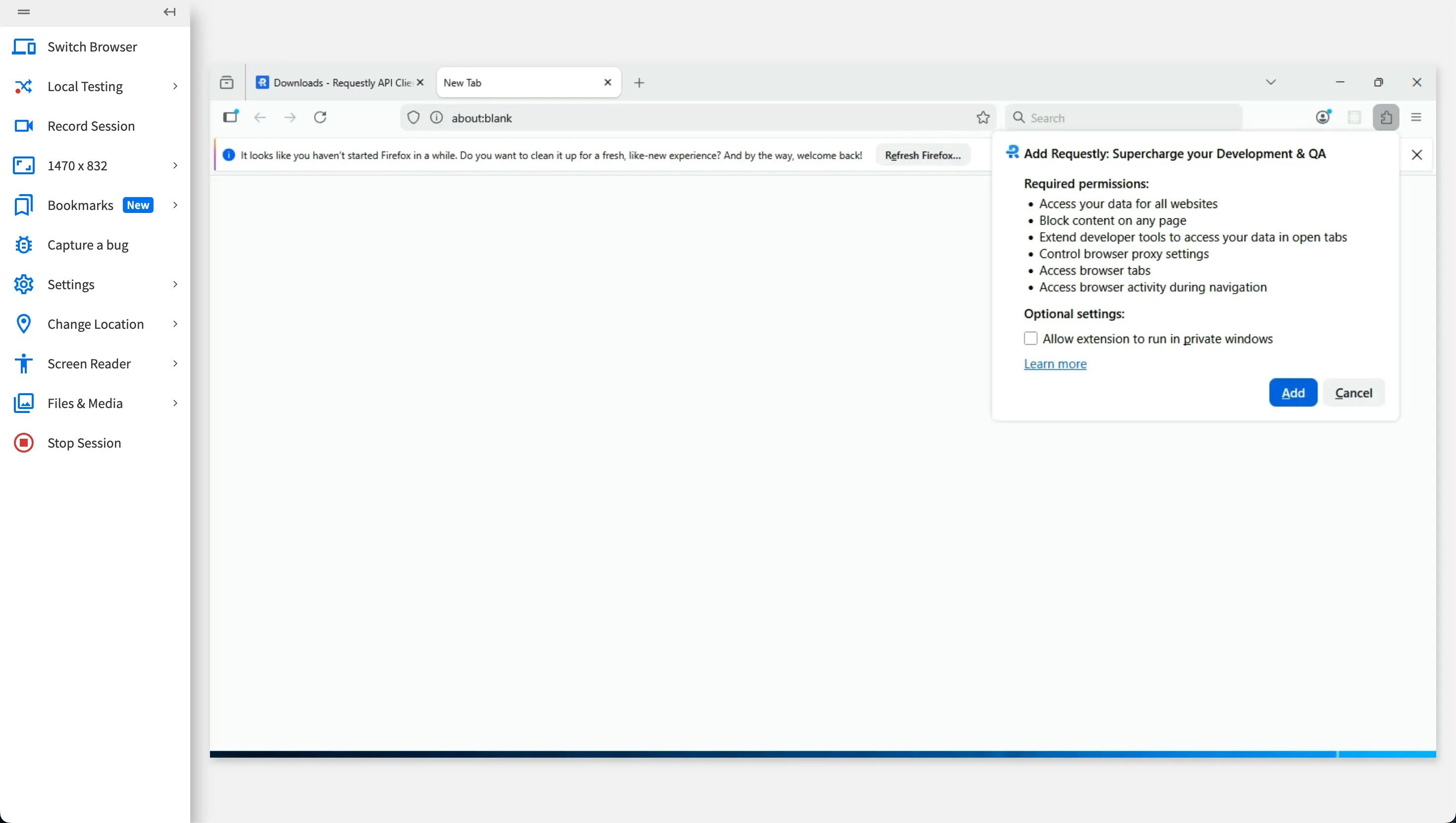
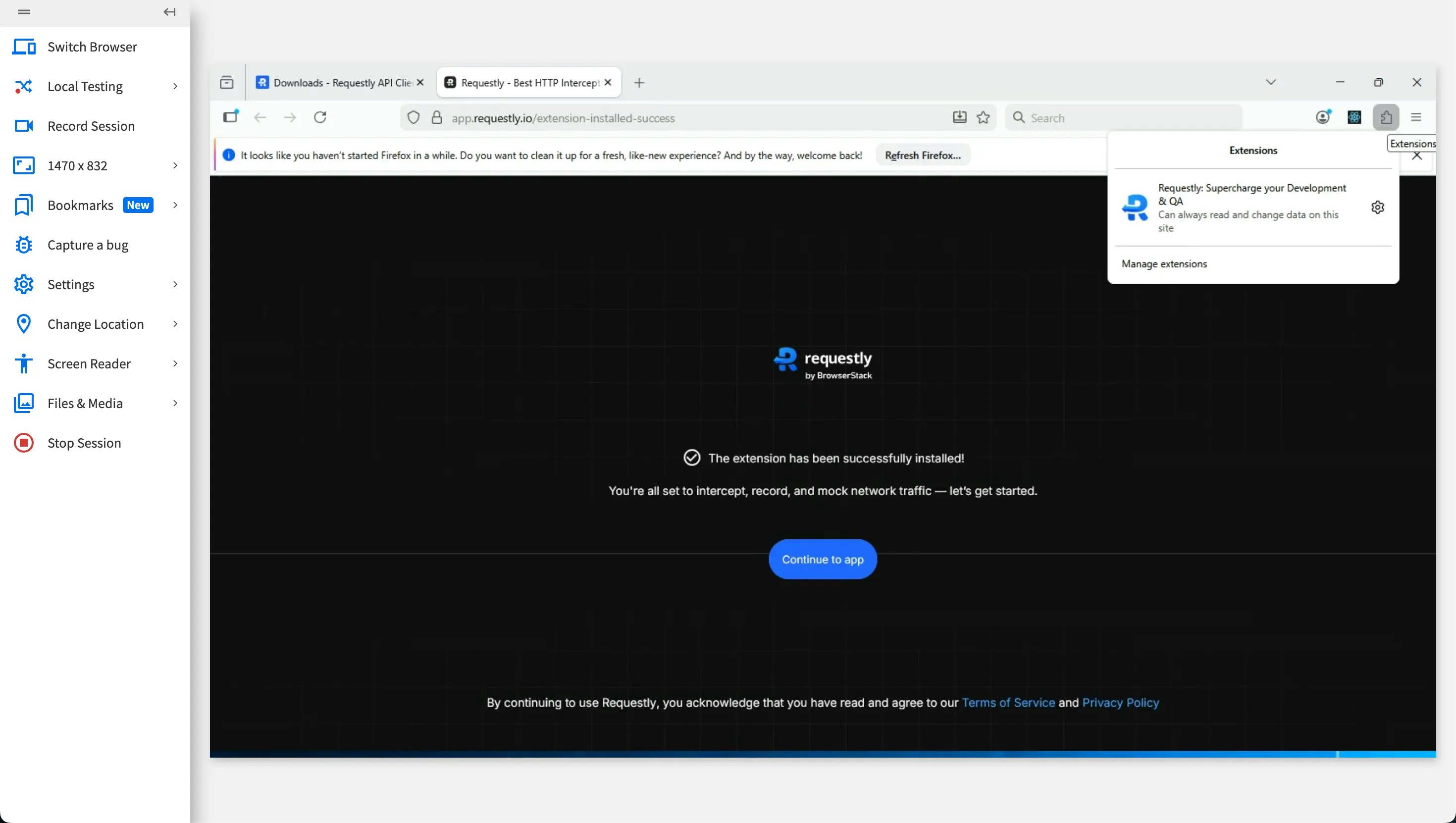
Firefox
For Firefox users, Requestly Interceptor can be installed through the Requestly Interceptor download page.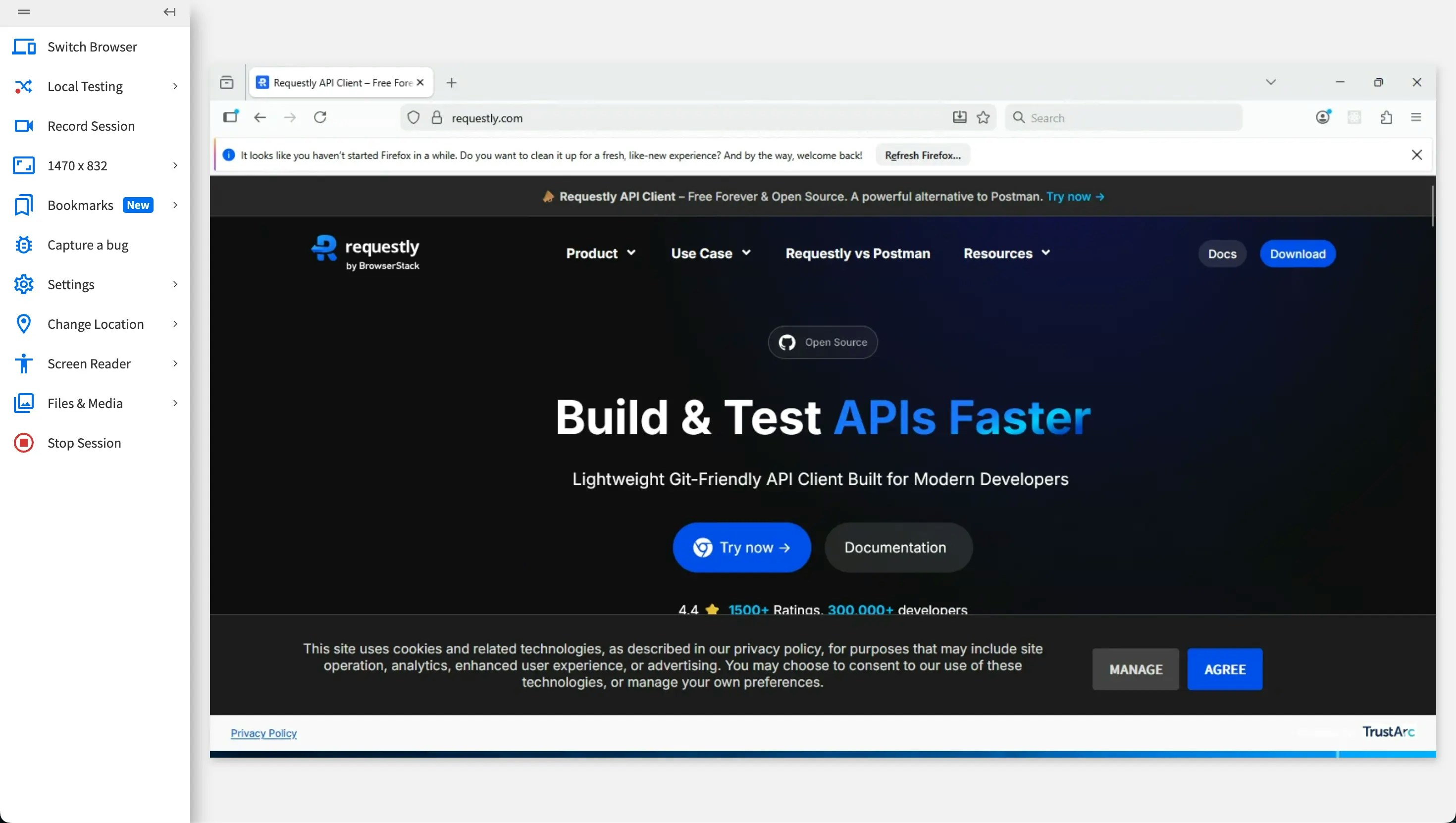
Visit Download Page
Visit the Requestly Interceptor download page: https://requestly.in/downloads