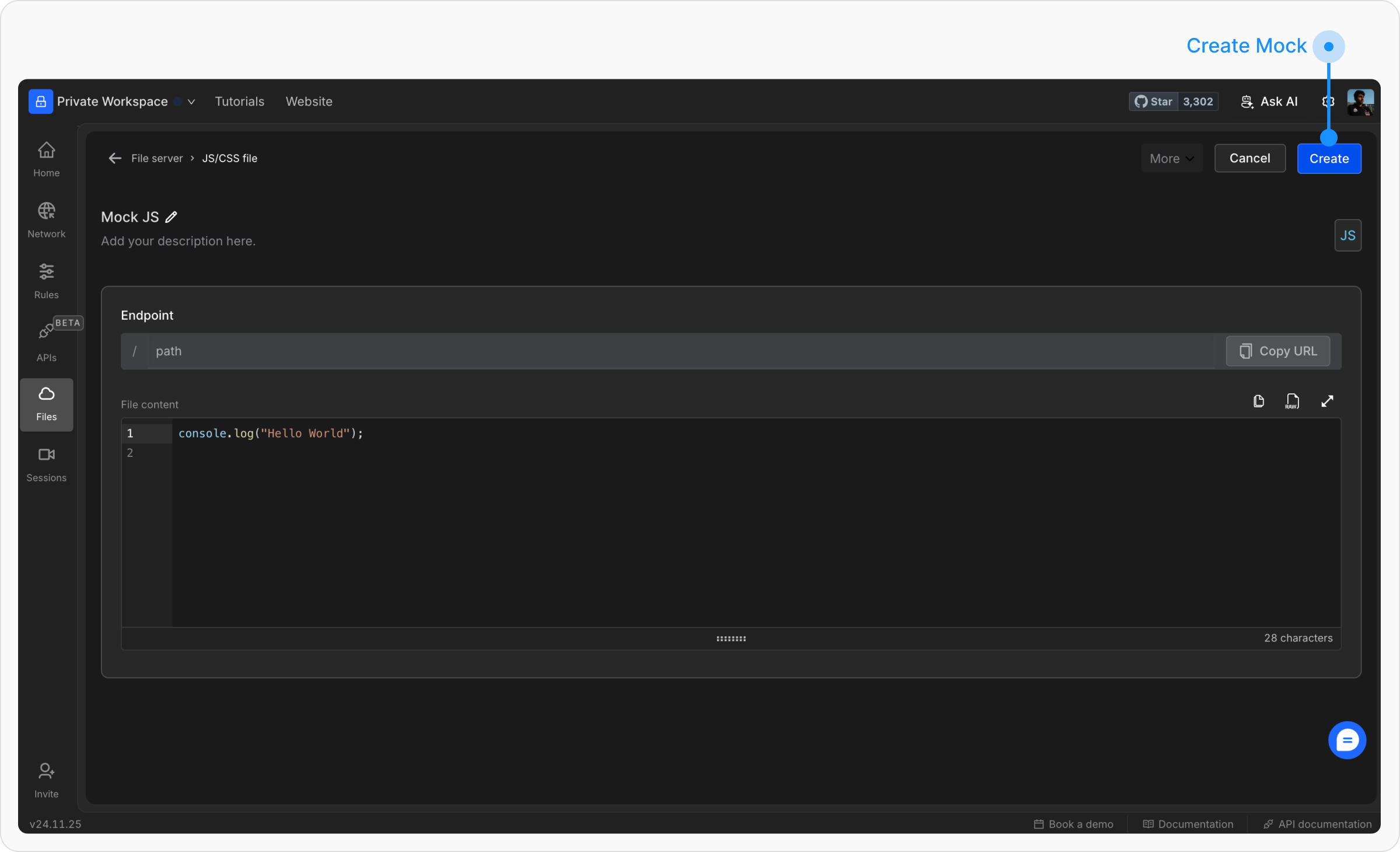
You can upload and use JavaScript and CSS files on Requestly Interceptor’s File Server. This lets developers host JS or CSS files for testing and development purposes. Here are the steps to create a JS/CSS File:Documentation Index
Fetch the complete documentation index at: https://docs.requestly.com/llms.txt
Use this file to discover all available pages before exploring further.
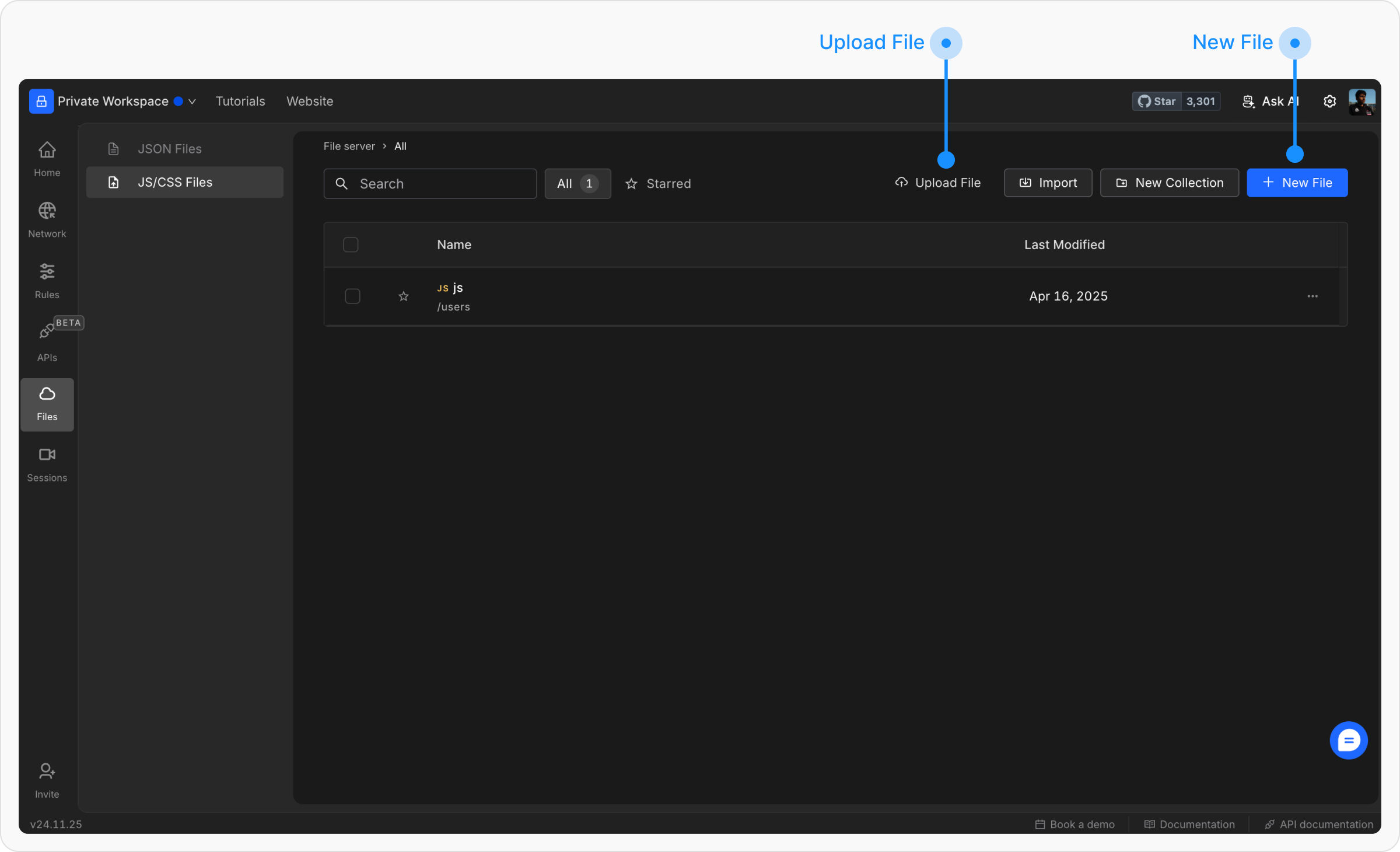
Go to the File Server in Requestly Interceptor.
From the Requestly Interceptor dashboard, click on “Files” then “JS/CSS Files” in the left menu bar.
Select the type of file you want to host.
From the popup, select the type of file you want to host (CSS or JS)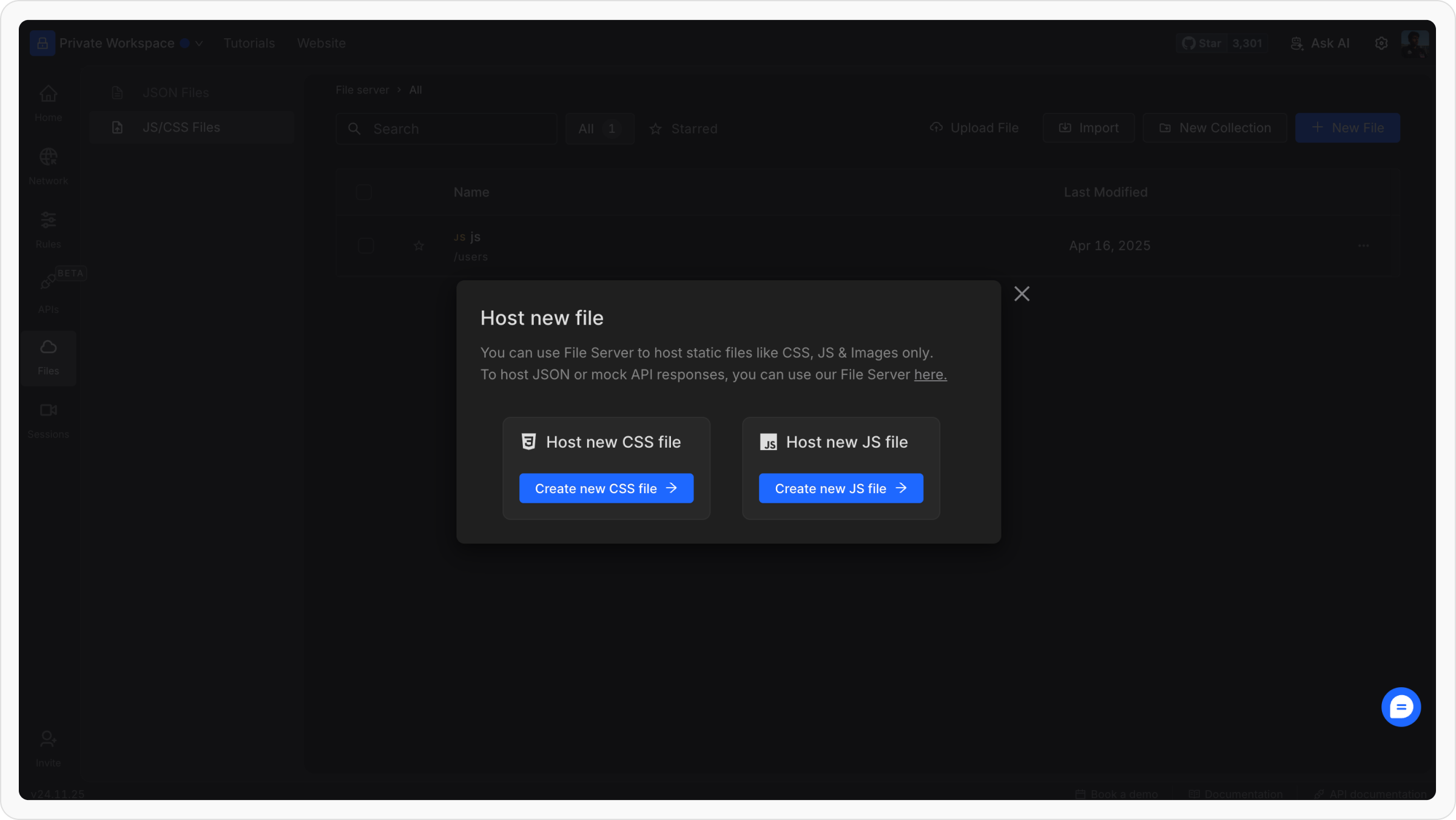
Configure the file
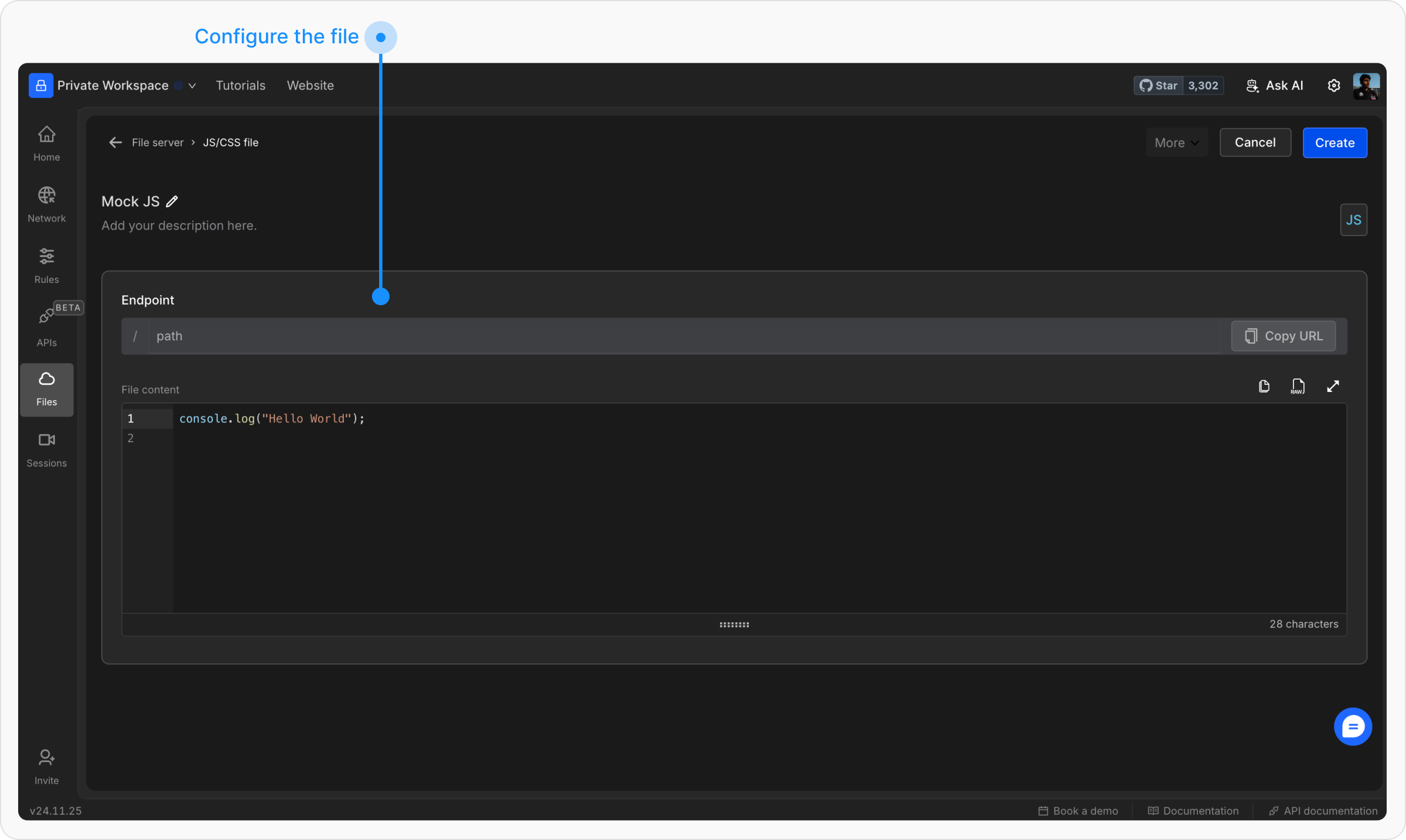
- Name: Provide a descriptive name for the file.
- Data: Input the file content directly or upload the file.
- Endpoint: Define a unique endpoint for accessing the file.