This comparison covers Requestly’s interception and rules capabilities. For the API client, the desktop app is the primary and recommended experience.
Platform & Browser Support
Browser Extension - Supports all major web browsers, including all Chromium-based browsers, Firefox, and Safari (limited support) Desktop App - Supports all browsers and any app making network requests. like desktop apps, backend services, mobile devices, etc.📎 The extension runs inside the browser environment. The desktop app operates system-wide and works with any browser, application or even hardware devices like smartphones etc.
HTTP Interception
🔧 Use the desktop app if you need to work with network traffic beyond the browser, such as from curl, Postman, mobile devices, or backend services.
HTTP Rules
💡 The extension works within the limitations of browser APIs. Features like serving local files or modifying HTML/CSS content are only supported in the desktop app due to broader system access.
Mocking & Debugging
📌 Tip: Use Desktop App when mocking multiple endpoints or importing HAR files.
Workspaces & Import/Export
Visibility of Executed Rules
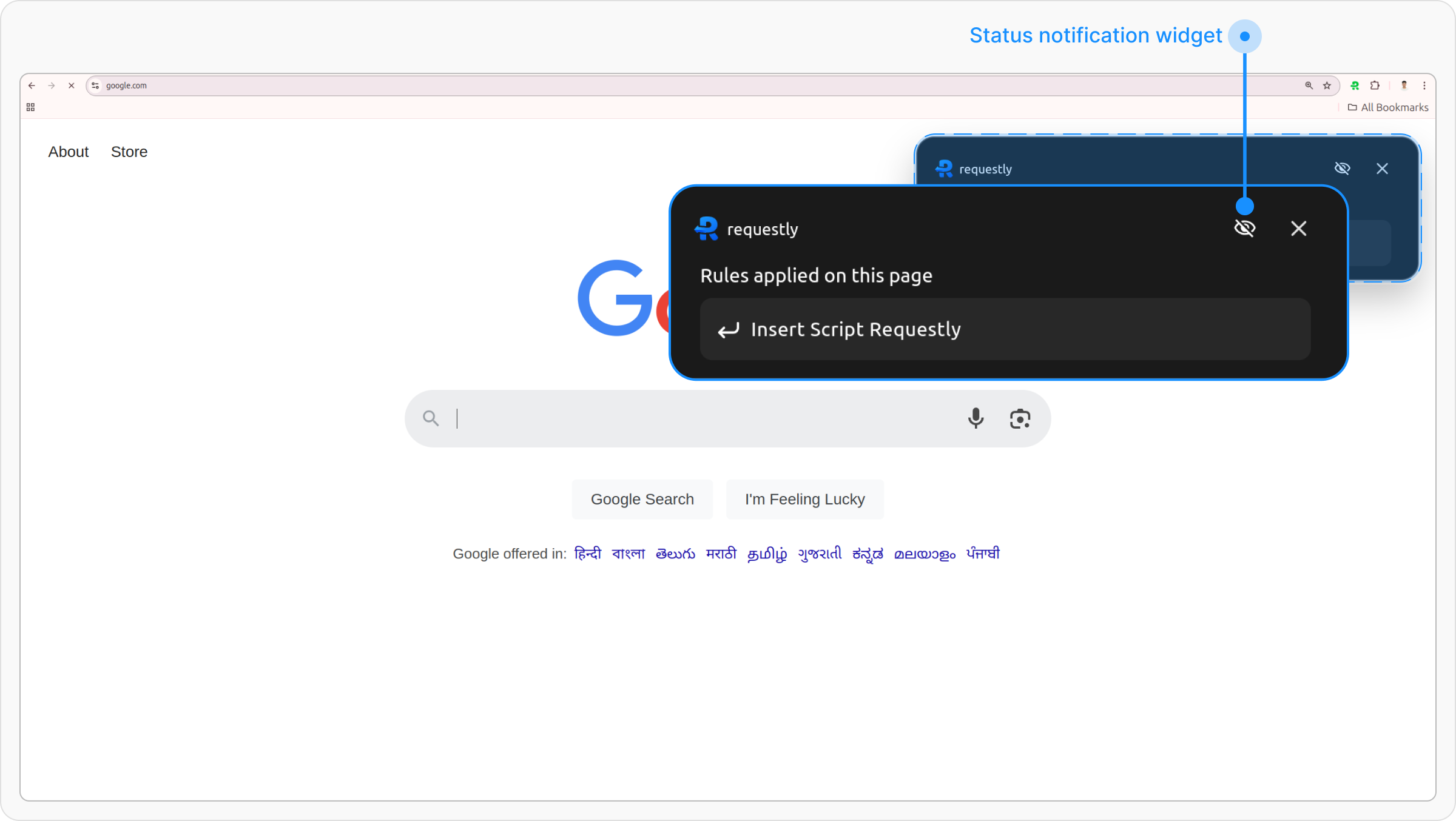
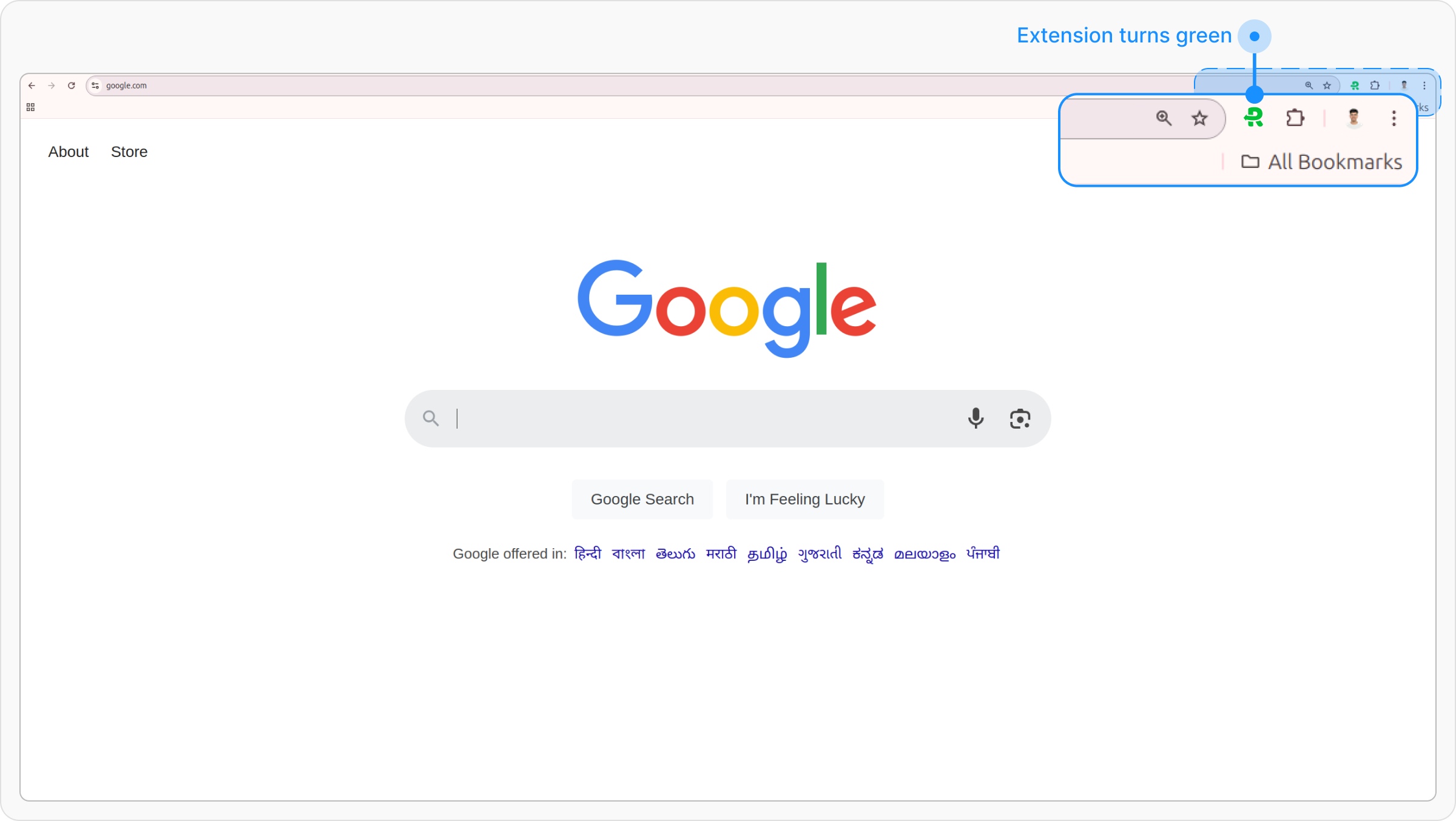
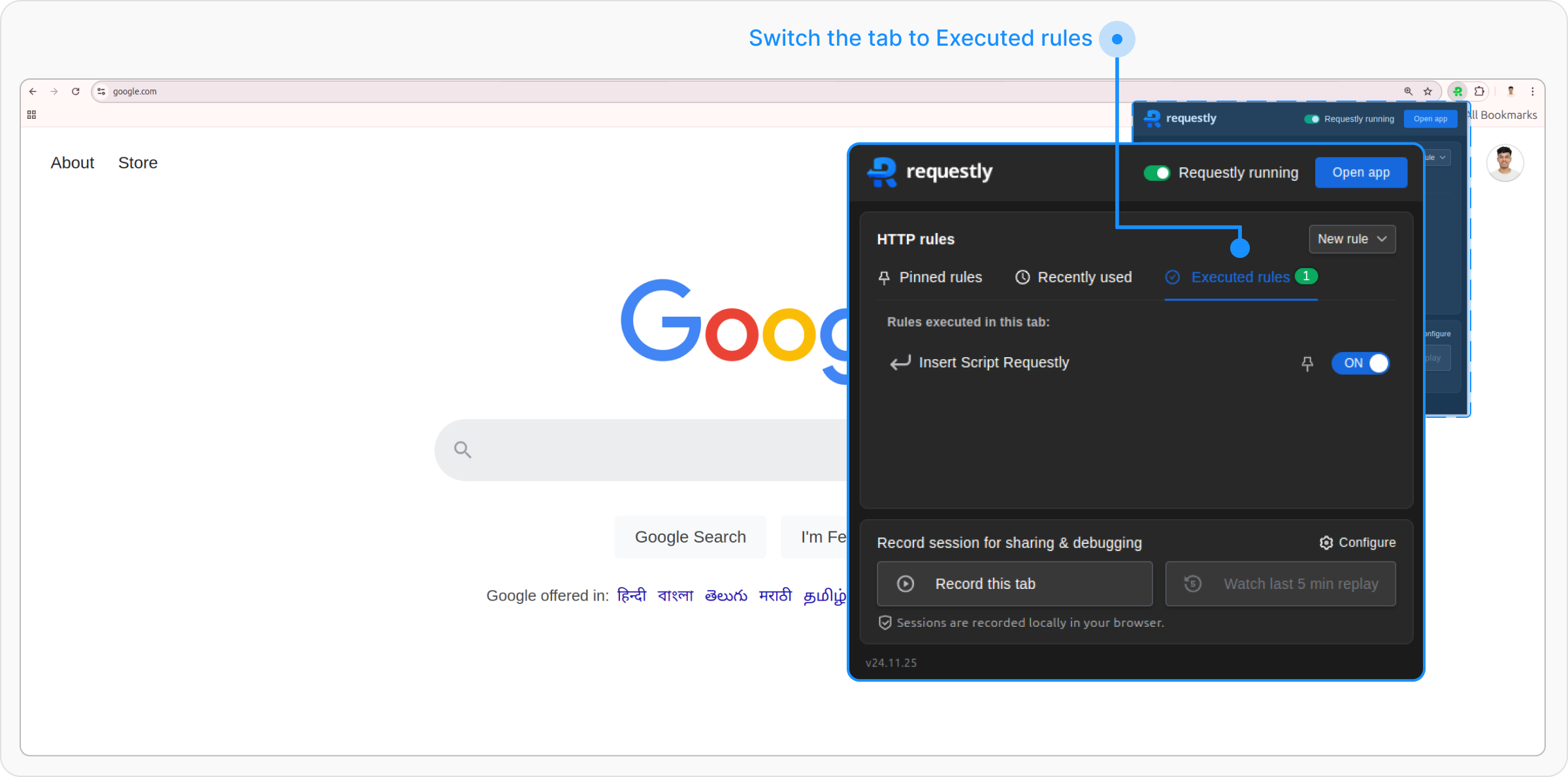
The way Requestly shows rule executions varies between the browser extension and desktop app, tailored to their respective environments:- Browser Extension
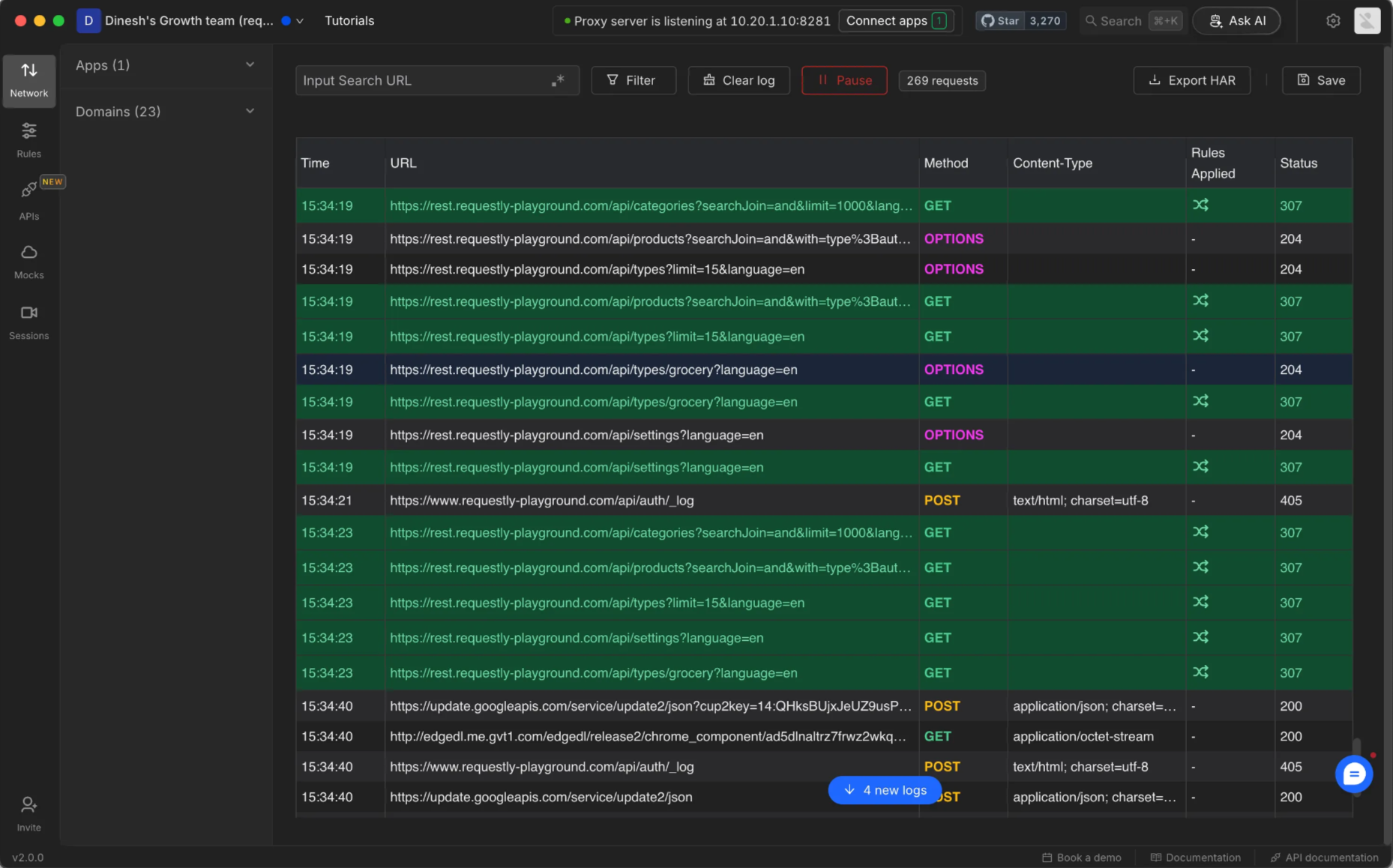
- Desktop App
1. A pop-up notification shows which rule was triggered when browsing.