

Multiple responses
Each route’s responses are shown as tiles in a horizontal strip in the response pane. Click a tile to edit it, click Add to create another, and drag tiles to reorder them. A colored dot on each tile reflects its status code: green for2xx, blue for 3xx, amber for 4xx, red for 5xx.
Every route must keep at least one response, so the delete control is disabled when only one remains. In Rules-based mode you can mark one response as the default with the flag toggle. The default is served when no other response’s rules match. The default flag is ignored in the other two modes.
Each response has three sub-tabs: Body, Headers, and Rules. Rules are covered on their own page - see Matching rules.
Body, status, and latency
On the Body tab, edit the response body in the editor and set the Status code. Use the copy and prettify buttons for JSON and XML bodies. Inline bodies are capped at 5 MB, and the editor warns you as you approach the limit.Inline bodies do not get a content type automatically. When returning JSON, add a
Content-Type: application/json header on the Headers tab so the caller parses it correctly.GET /slow route with status 503, a latency of 1500, and this body:
Headers
On the Headers tab, add response headers as key-value pairs, with autocomplete for common header names such asContent-Type and Cache-Control. Every header you add is returned verbatim to the caller.
For example, a GET /headers route with Content-Type: application/json, X-Custom-Header: rq-mock-demo, and X-Powered-By: Requestly-Mock:
Dynamic values
You can insert placeholders into a response body or header value, and the mock replaces them with values from the incoming request each time it serves. Wrap a placeholder in double curly braces. Request-derived placeholders:{{request.method}}- the HTTP method of the request.{{request.path}}- the request path.{{request.urlParam.<name>}}- a path parameter captured by:name, or{{request.urlParam.0}}for a*wildcard.{{request.queryParam.<key>}}- a query-string value.{{request.header.<key>}}- a request header value. On a private mock,x-api-keyis consumed by Requestly and is not available here.{{request.body.<path>}}- a field from the JSON request body.{{request.cookie.<key>}}- a request cookie value.
{{$randomUUID}}- a random UUID.{{$timestamp}}- the current timestamp.
GET /users/:id returns the id from the URL:
Selection modes
Once a request matches a route, that route’s selection mode decides which of its responses to serve. Set it from the mode dropdown at the top of the response pane.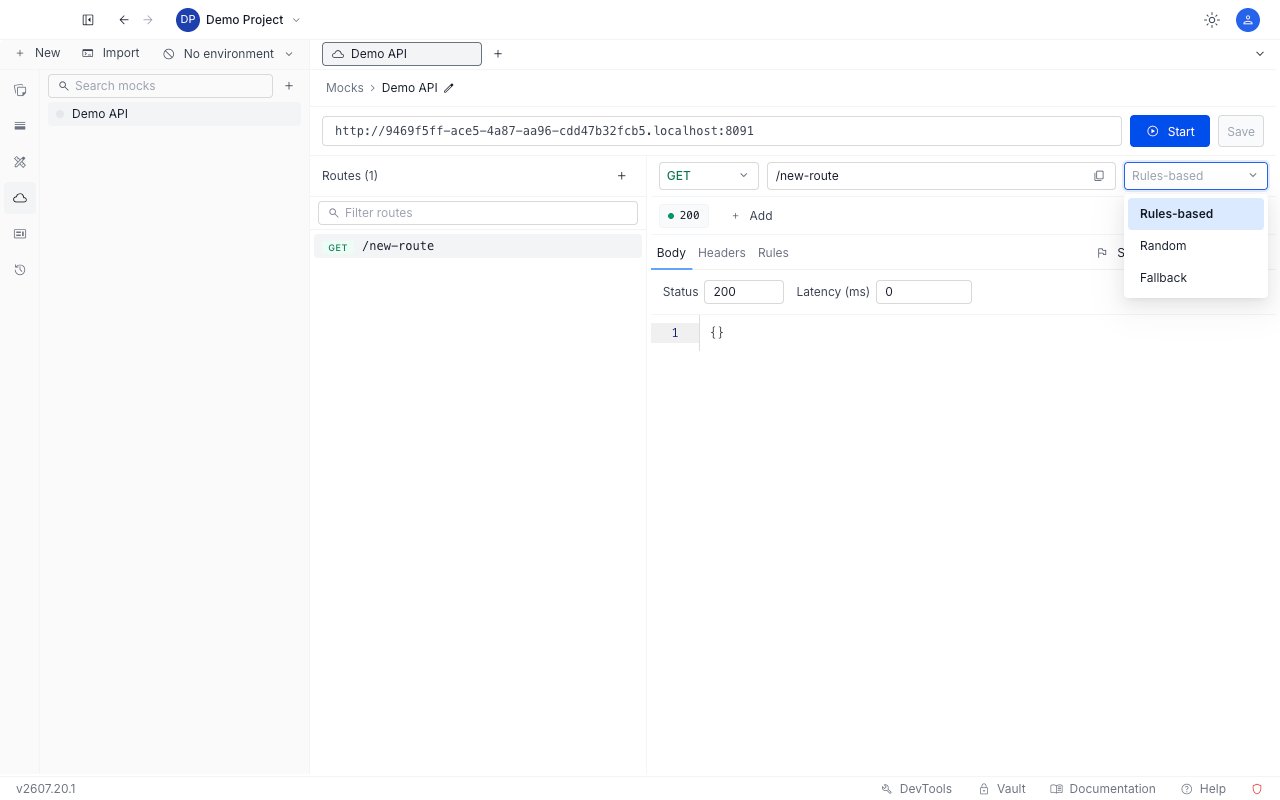
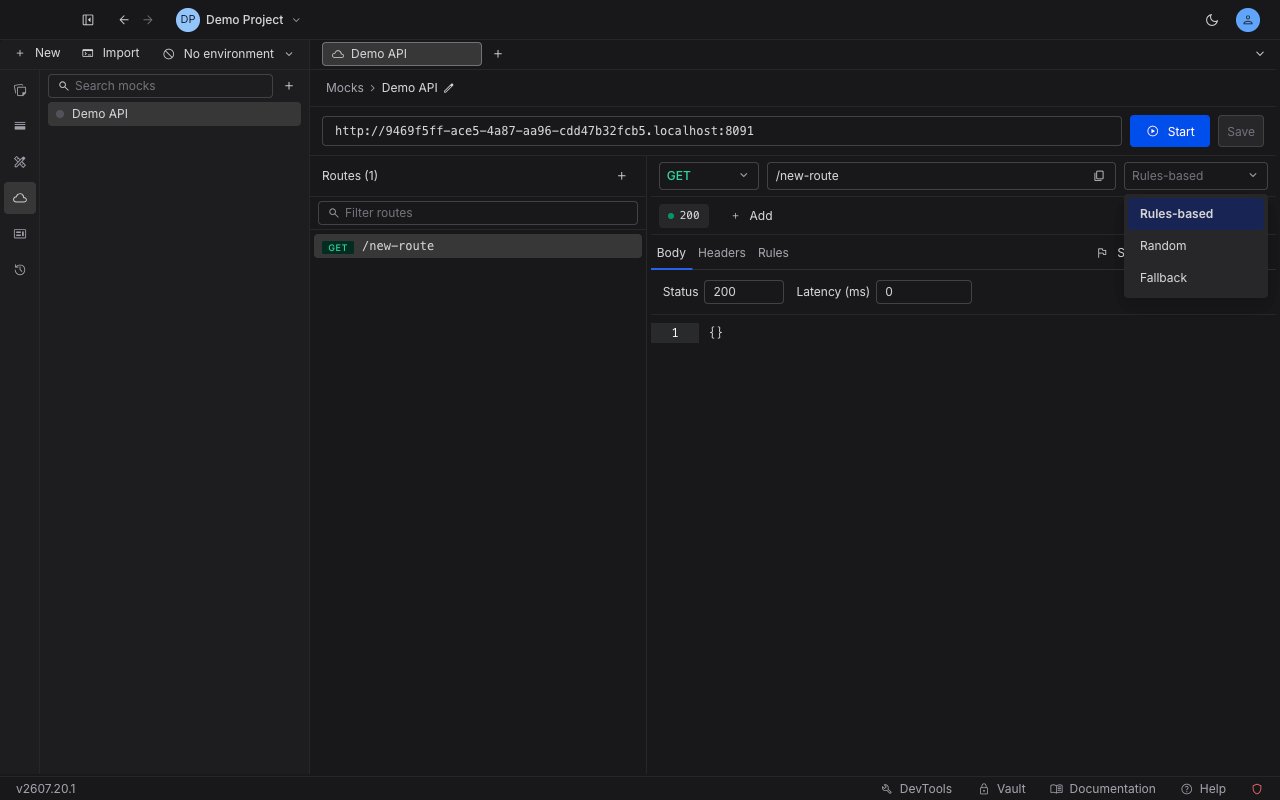
Rules-based
Rules-based mode returns the first response whose rules all match, and falls back to the default response when none do. For example, aGET /account route with a “premium” response gated by a rule (?plan=premium) and a “free” response marked default:
?plan=basic request matches no rule, so it falls back to the default. See Matching rules for how to write the rule.
Random
Random mode picks one response at random on every request. For example, aGET /random route with two responses, {"pick":"A"} and {"pick":"B"}, returns a mix across identical requests:
Fallback
Fallback mode tries the current route’s rules and, if none match, hands the request to the next route that matches it. For example, a firstGET /fallback route in fallback mode answers only when ?x=1, and a following * /fallback route answers everything else:
x=1 matches no rule on the first route, so it falls through and is resolved by the second route. Route order controls which route is tried first - see route ordering.