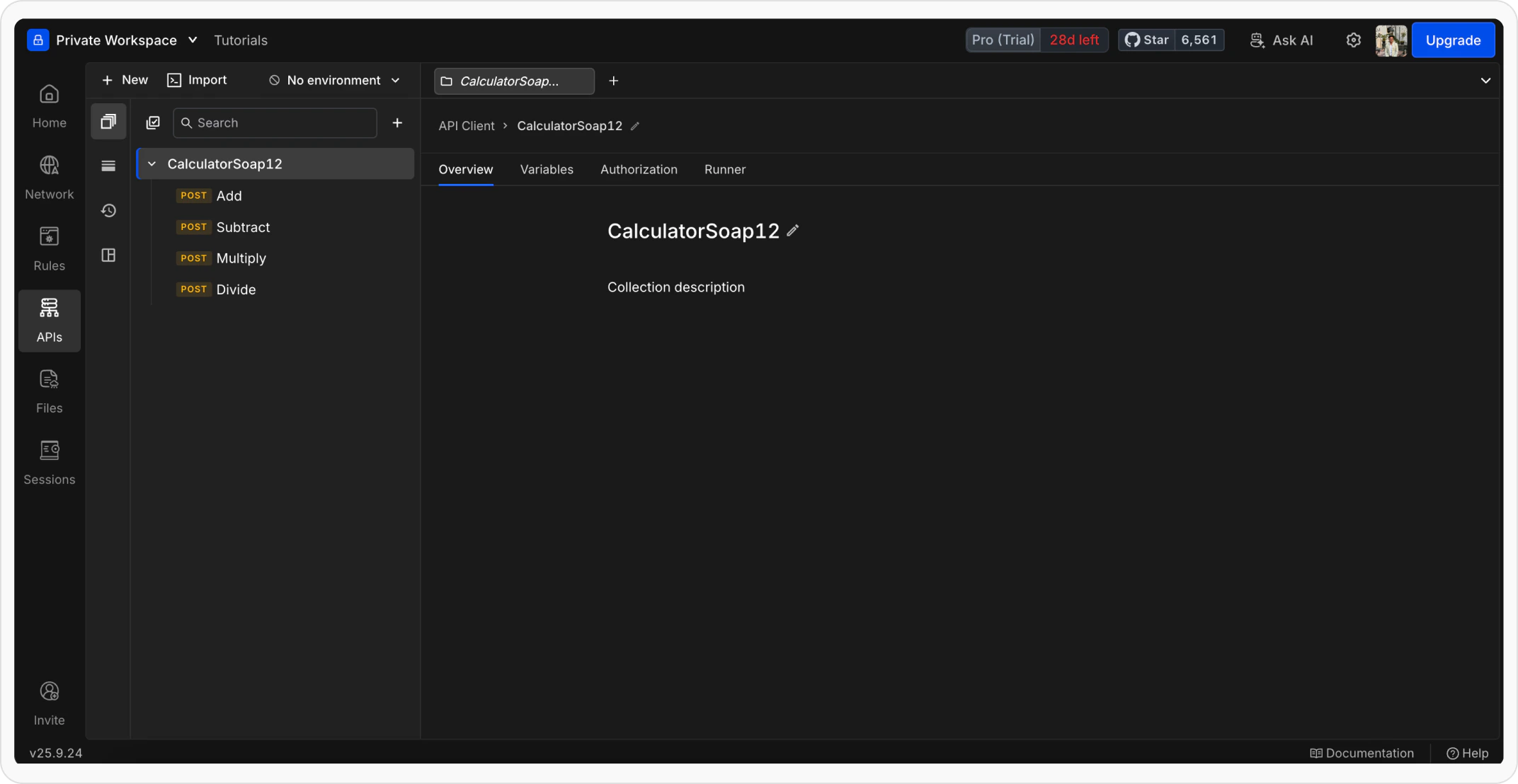
1
Open Import Option
Open Requestly Desktop App and click the 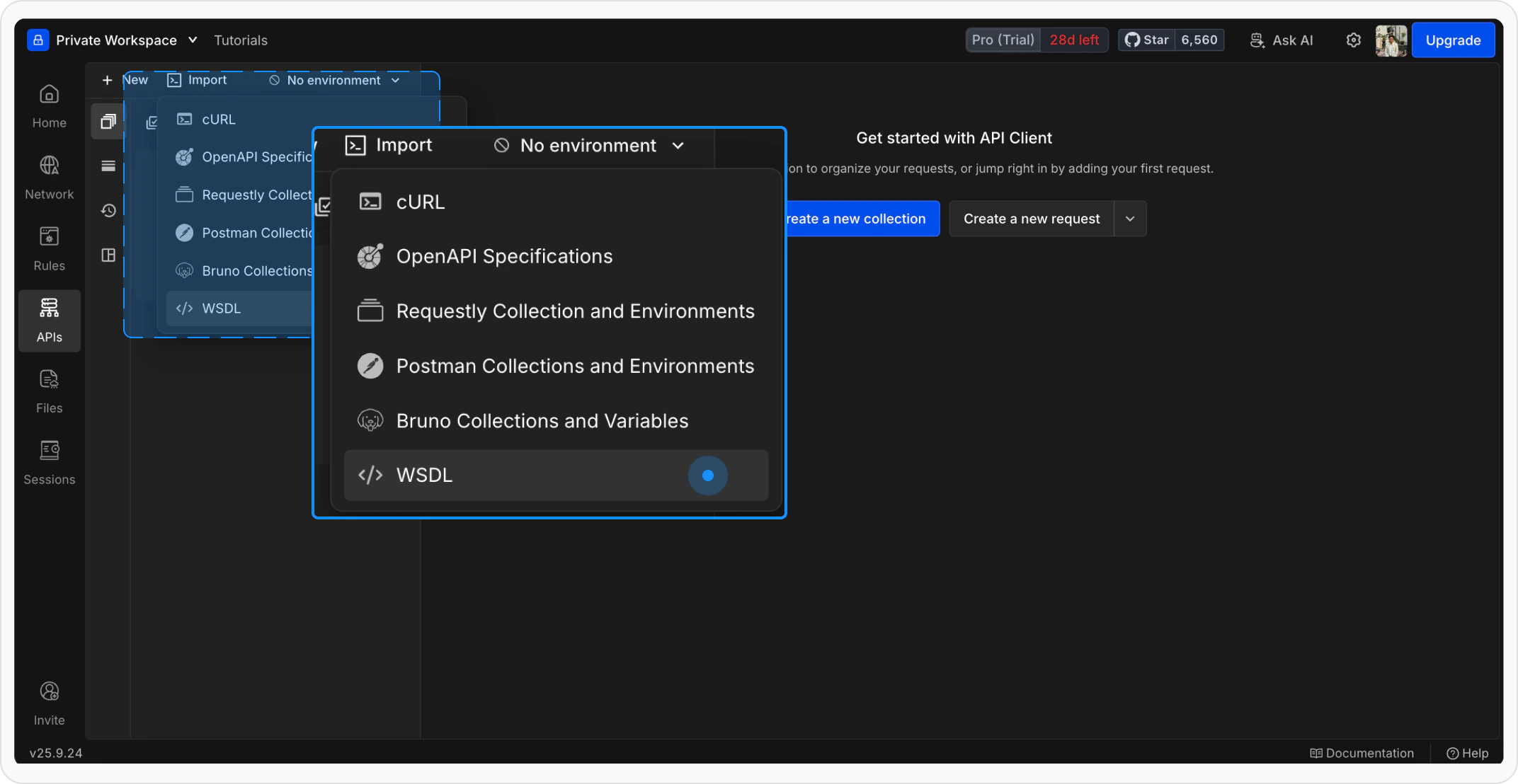
Import button.2
Choose WSDL Source
Select how you want to import your WSDL: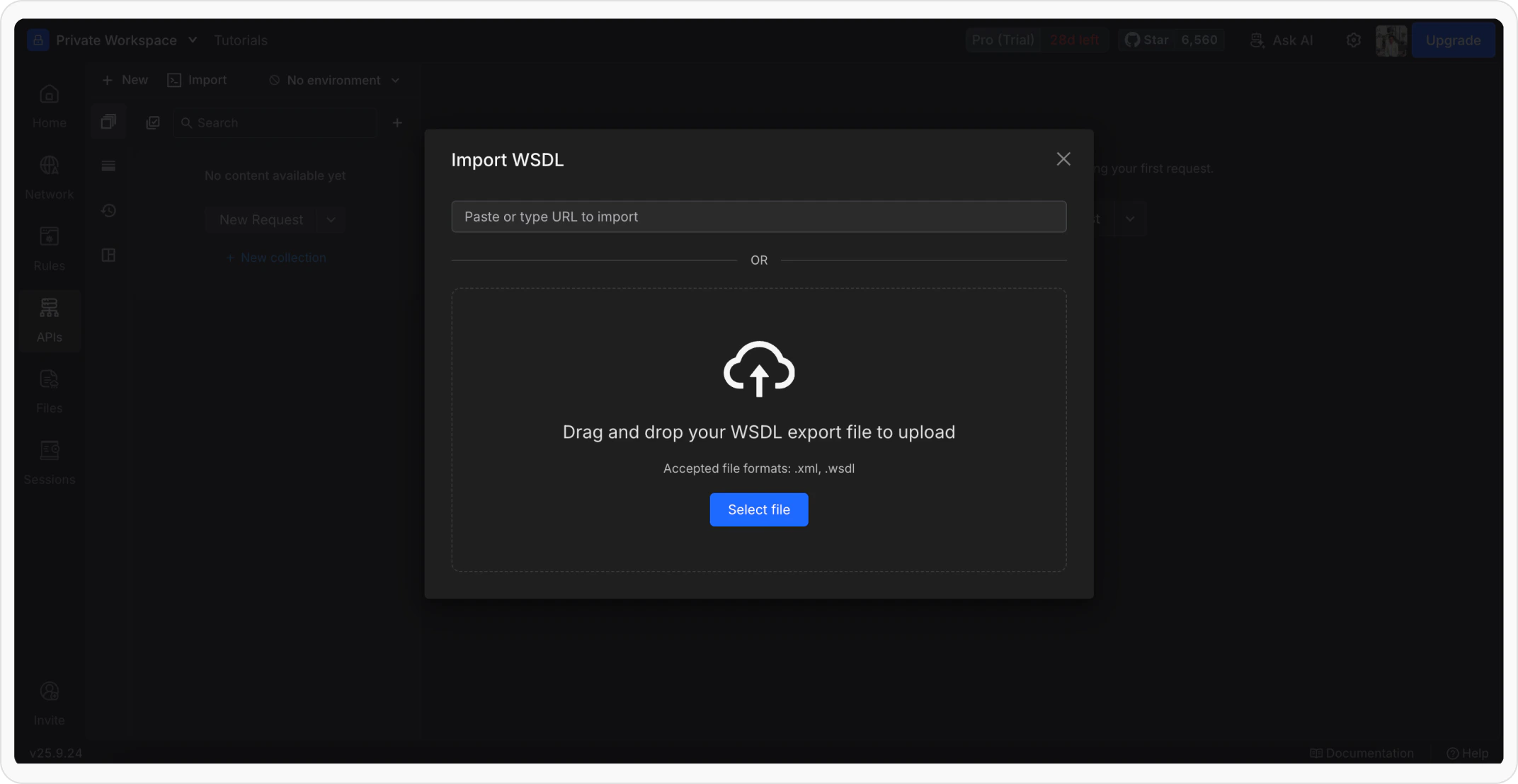
- Paste a WSDL URL
- Upload a .xml or .wsdl file
3
Select SOAP Version
If the WSDL defines both SOAP 1.1 and 1.2, you can select the SOAP version from the dropdown while importing. You can also choose how to organize the generated requests into a collection for better management.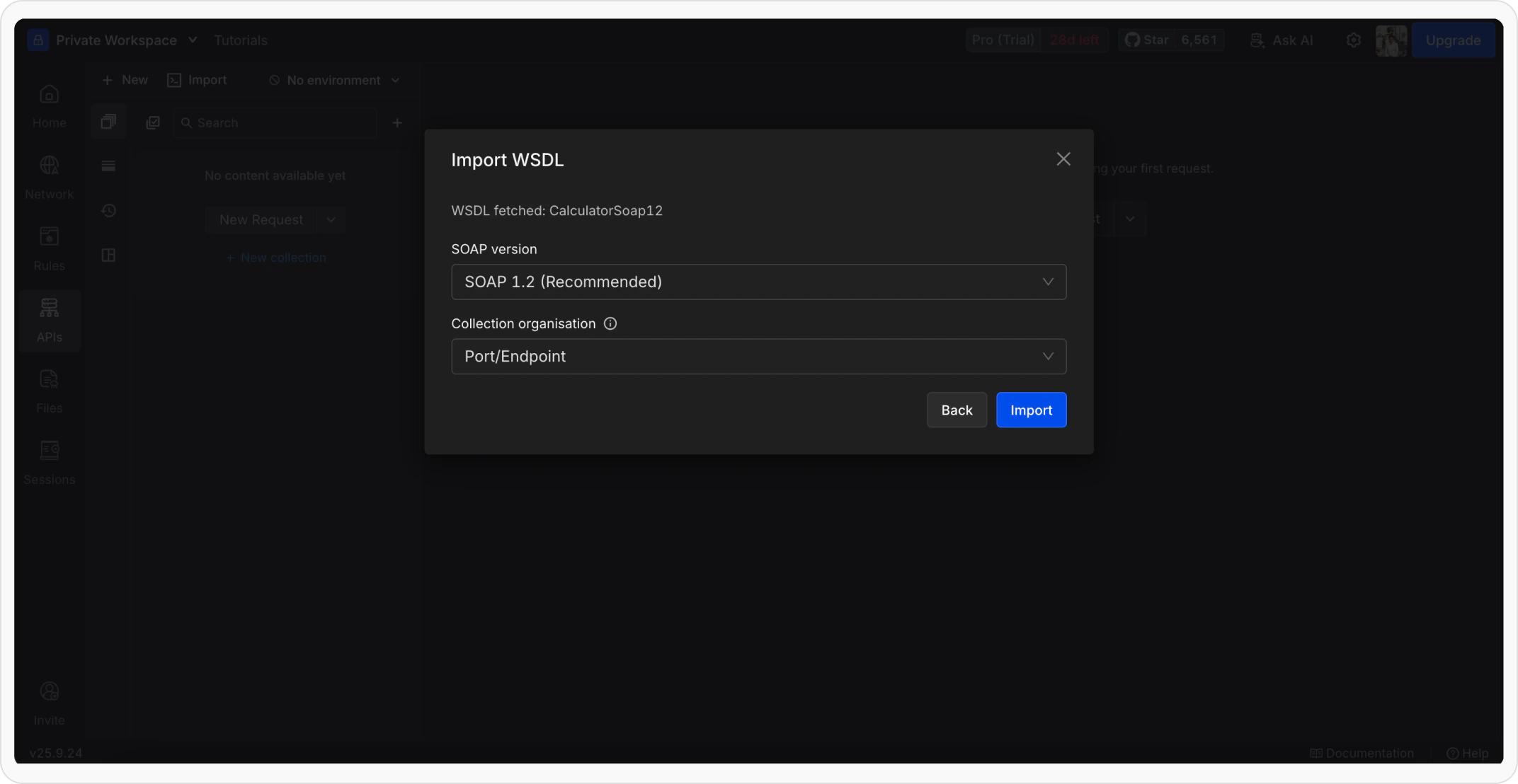
4
Create Request from WSDL
Select an options and import the request. The request body, headers, and endpoint will be pre-filled based on the WSDL definition.