Local Workspace in Requestly, like Team Workspace, is a type of workspace. The key difference is that it stores all your data on your local system, ensuring full privacy. Your collections, requests, and environment data stay on your device and can’t be accessed by anyone else
Local Workspace is currently in early beta and available only for the API Client on the desktop app. Since it’s still in development, some features may not work as expected.Want to try it out? Email us at [email protected] to get early access!

How to Create a Local Workspace

1

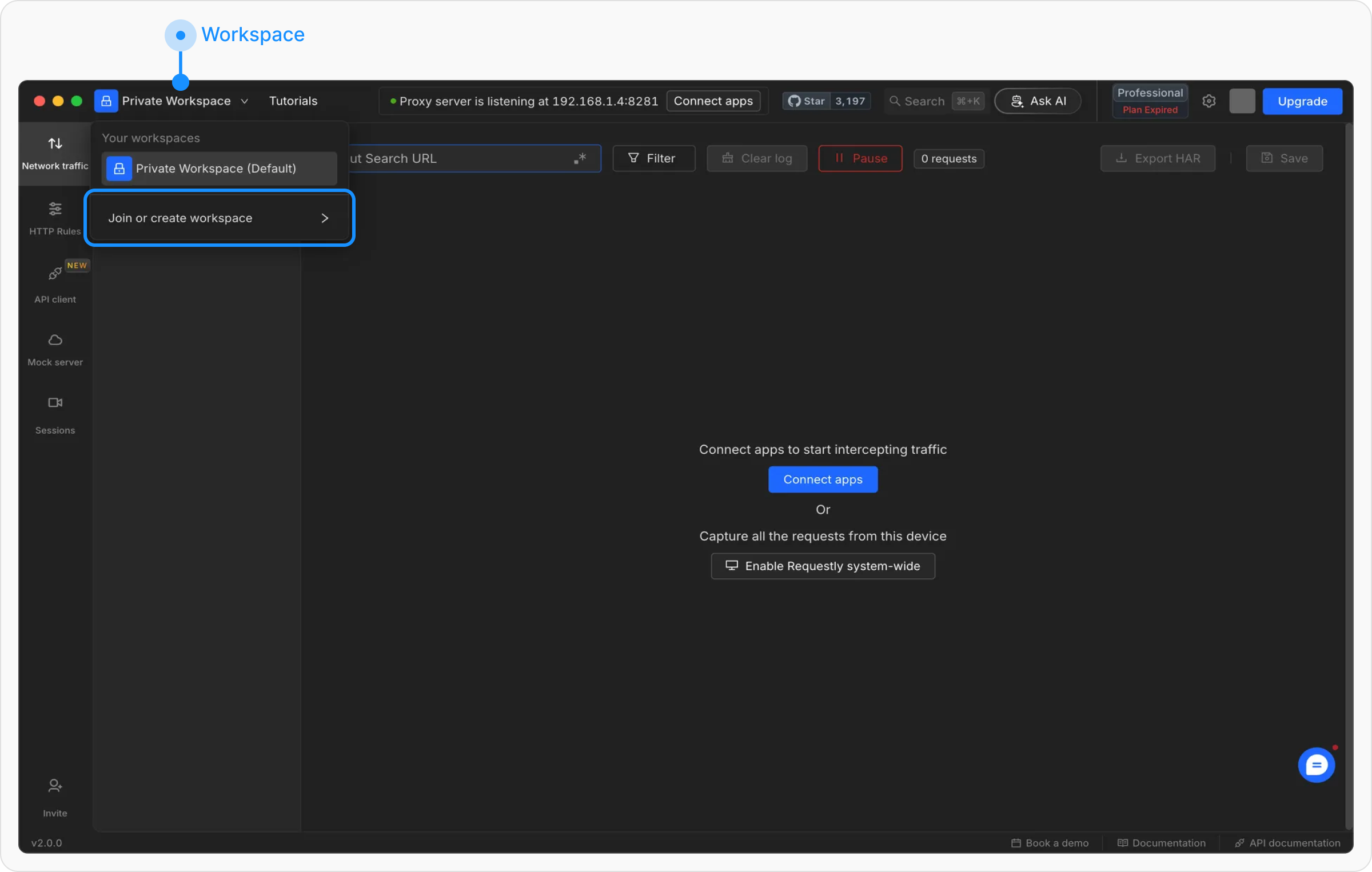
Open the Workspace Menu

Click on the current workspace name at the top-left corner of the Dashboard to open the workspace dropdown.
2

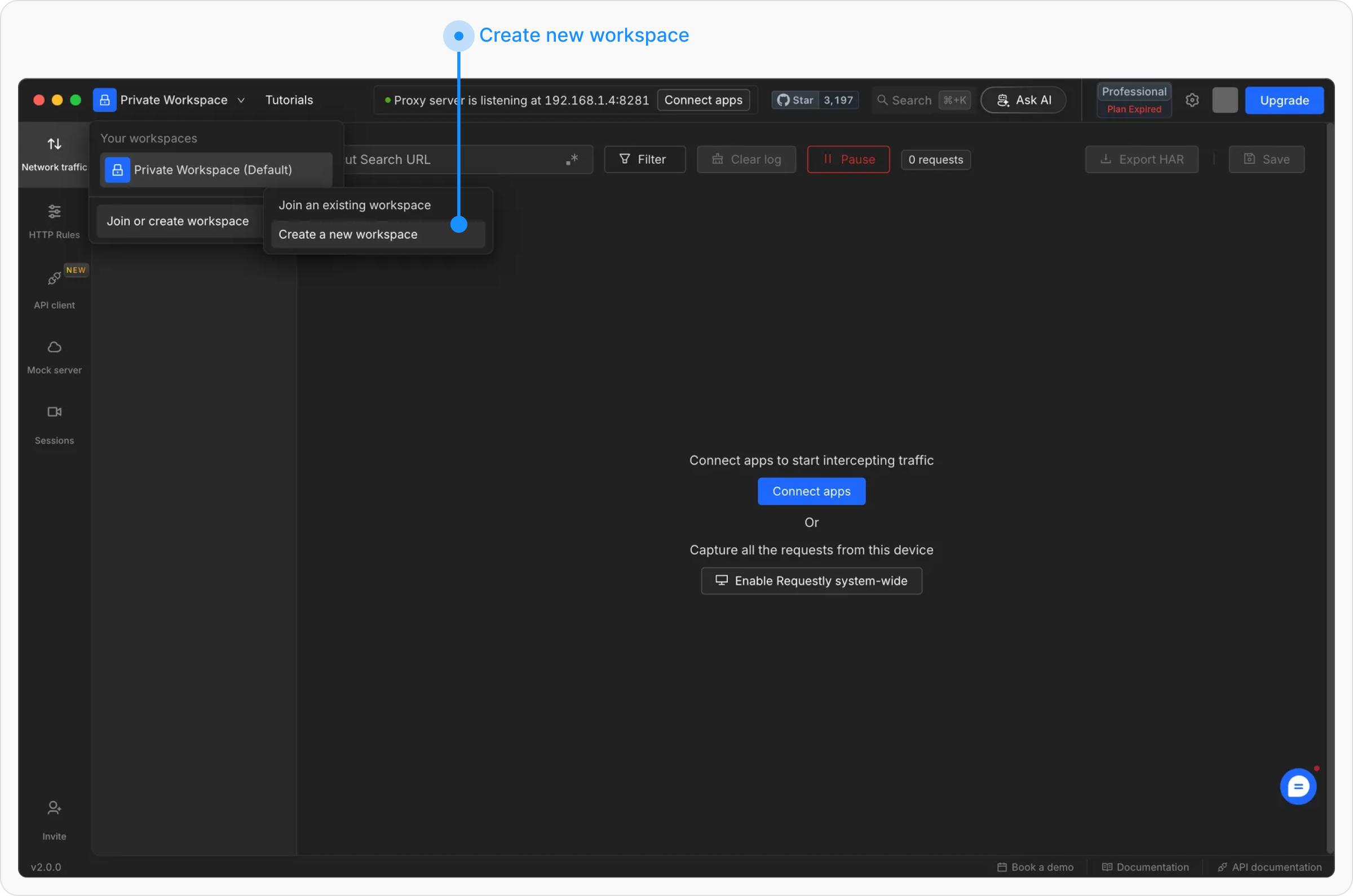
Select “Join or Create Workspace”

In the dropdown, click on “Join or Create Workspace” to access the workspace creation options, then select “Create Workspace” to start the setup
3

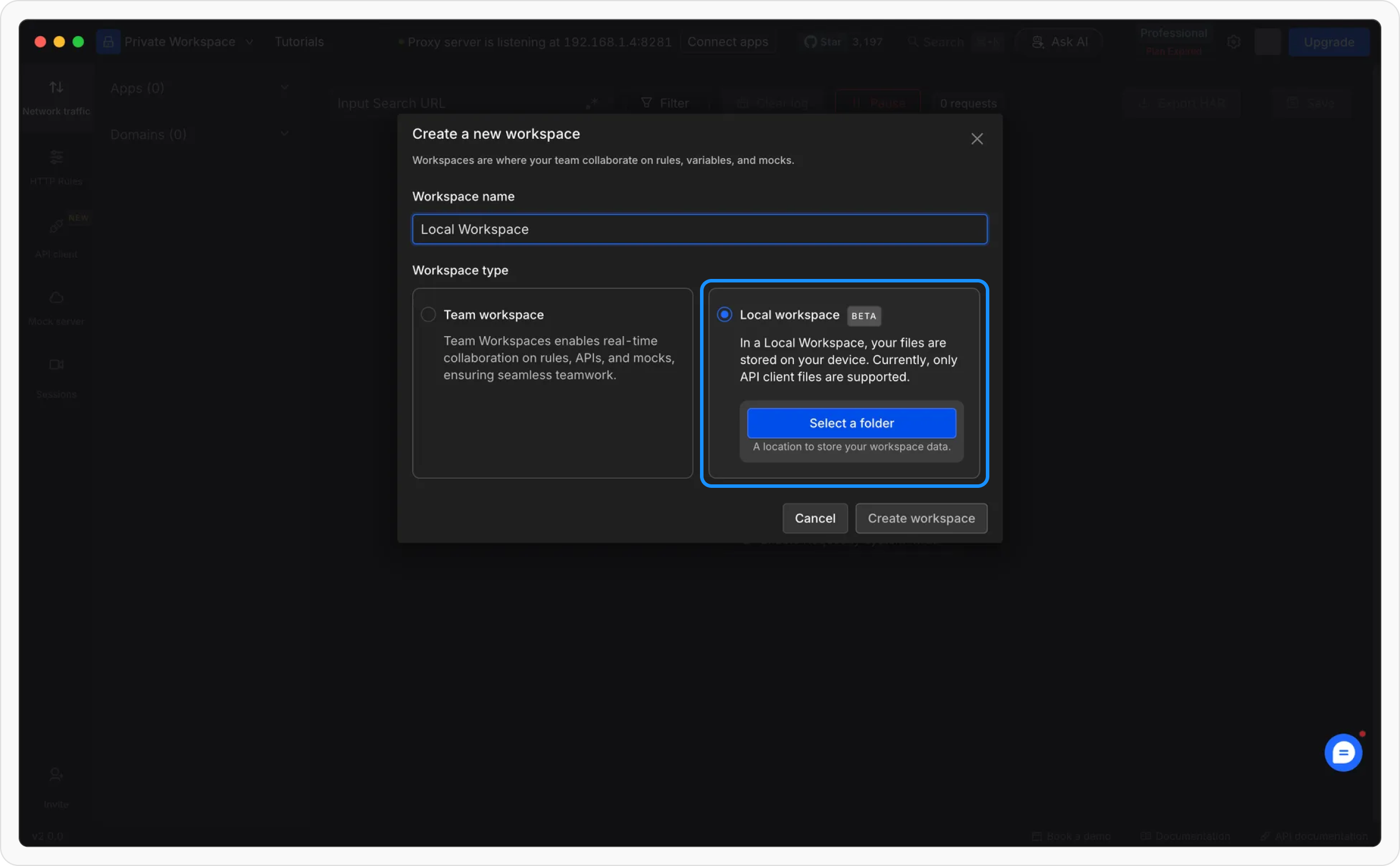
Choose Local Workspace and Configure

Select “Local Workspace” as the workspace type. Enter a workspace name and choose a folder where all configurations and API data will be stored.
4

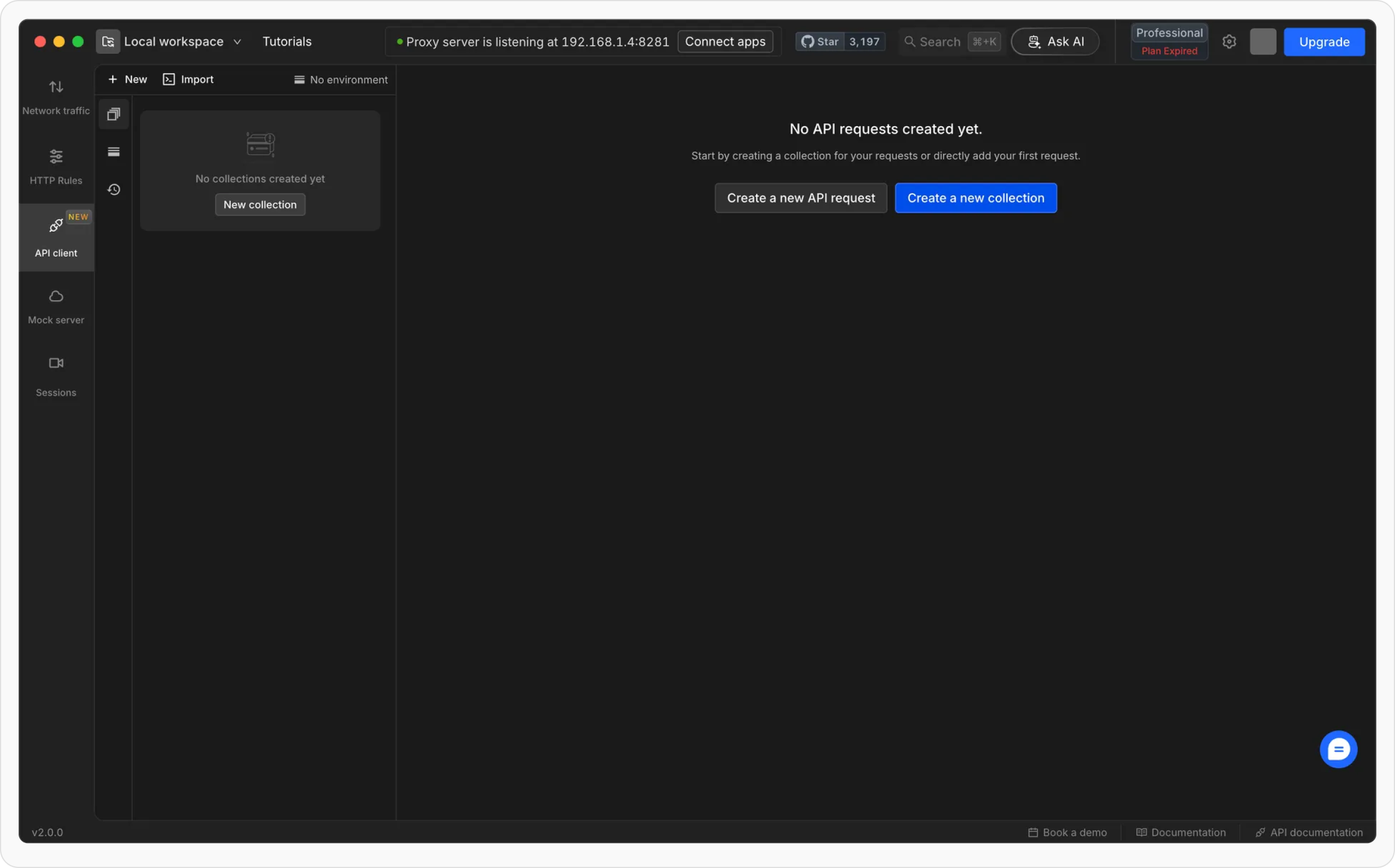
Click “Create”

Once all details are entered, click “Create” to finalize the setup. Your Local Workspace is now ready to use!

How to Delete a Local Workspace

1

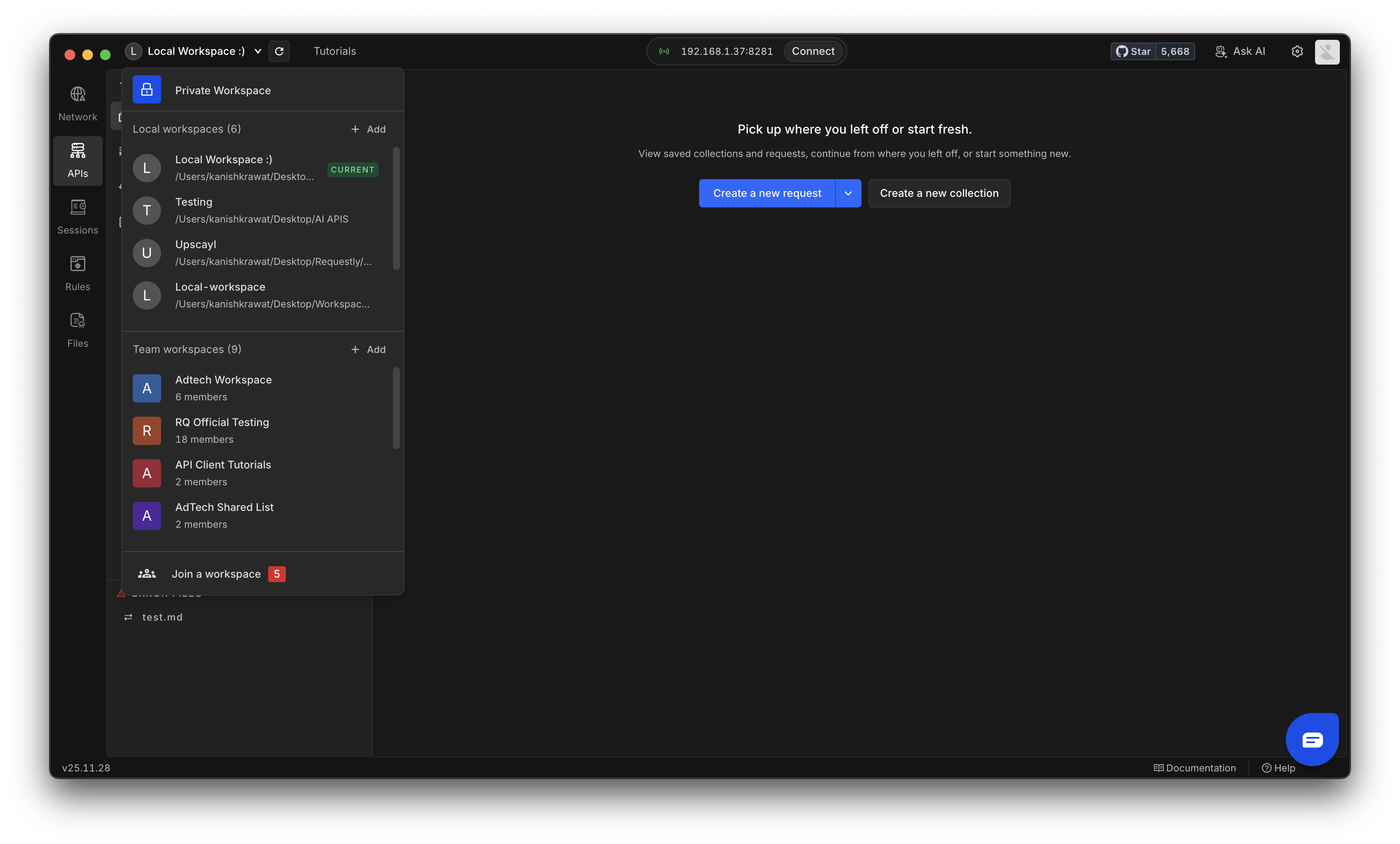
Open Workspace Menu

Click the current workspace name in the top left to open the workspace dropdown.Workspace Menu Pn
2

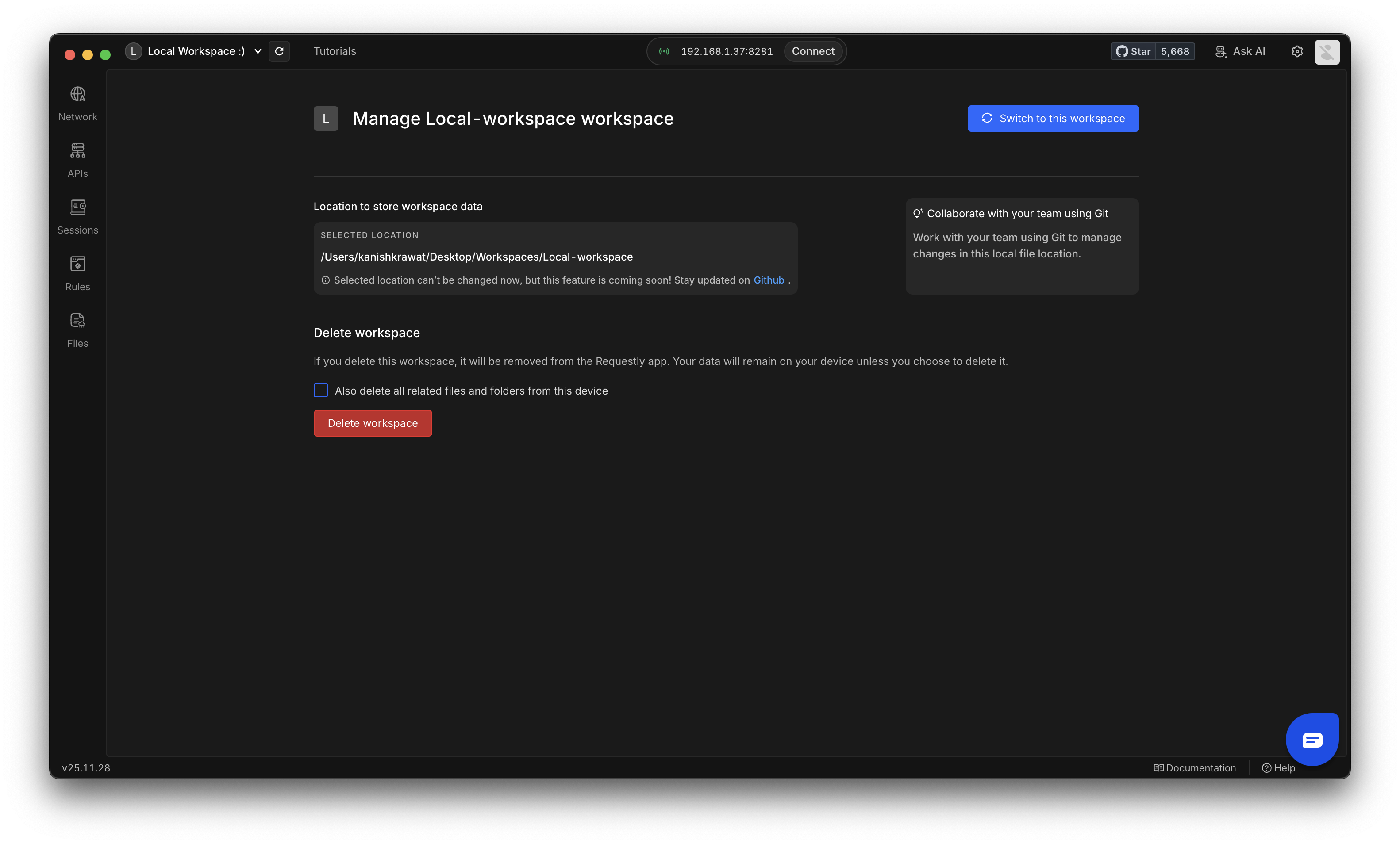
Go to Workspace Settings

Select the Local Workspace you want to remove and open its Settings.
You can also delete any related files or folders stored on your device if you want to clean up everything linked to that workspace
Workspace Settings Delete Pn
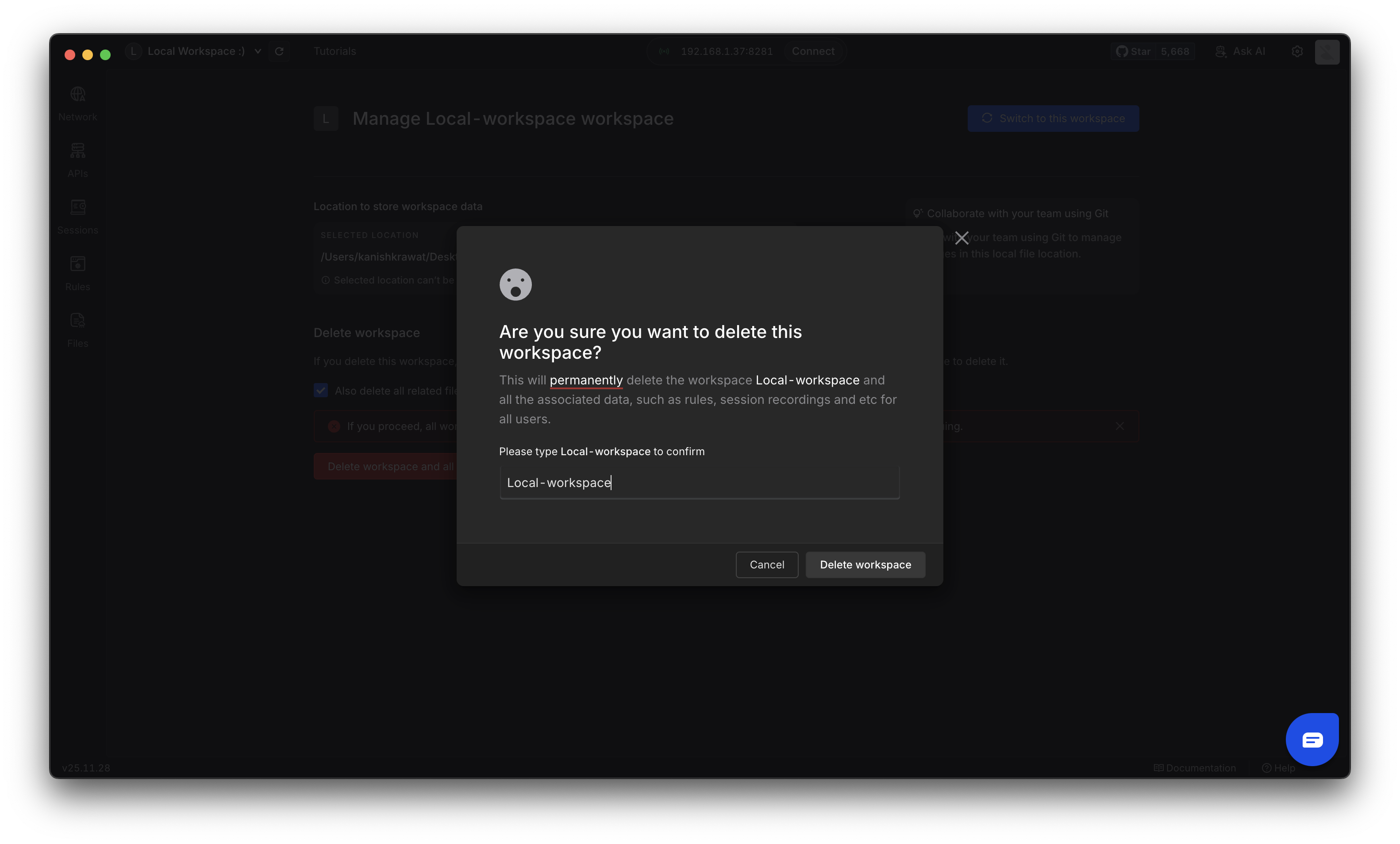
3

Delete Workspace

Click Delete Workspace and confirm the action by entering the workspace name. Then click the Delete Workspace button to complete the removal.Delete Workspace Modal Pn

Known Limitations 🚧

Since Local Workspaces are currently in beta, some features are not yet available:
  • Only API Client is Supported – Local Workspaces are available only for the API Client; other Requestly features are not supported.
We are actively working on improving Local Workspaces and will address these limitations in future updates. If you have any feedback or need support, please reach out to [email protected].