

Renaming a project
Projects can be renamed by following these steps1
Click on your project name
In the Requestly dashboard, locate and click on your project name at the top.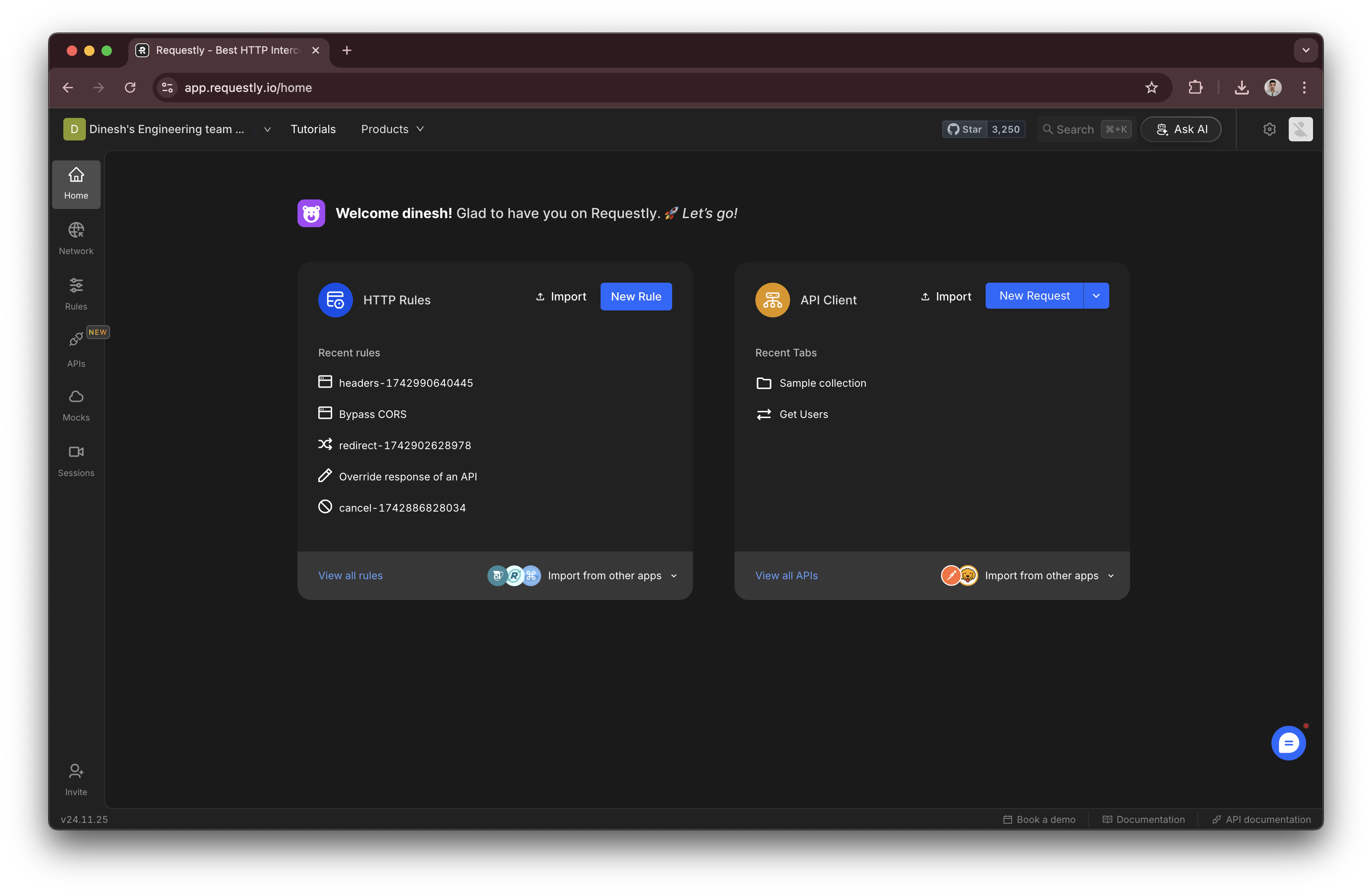
2
Go to project settings
From the dropdown or navigation menu, select Project Settings.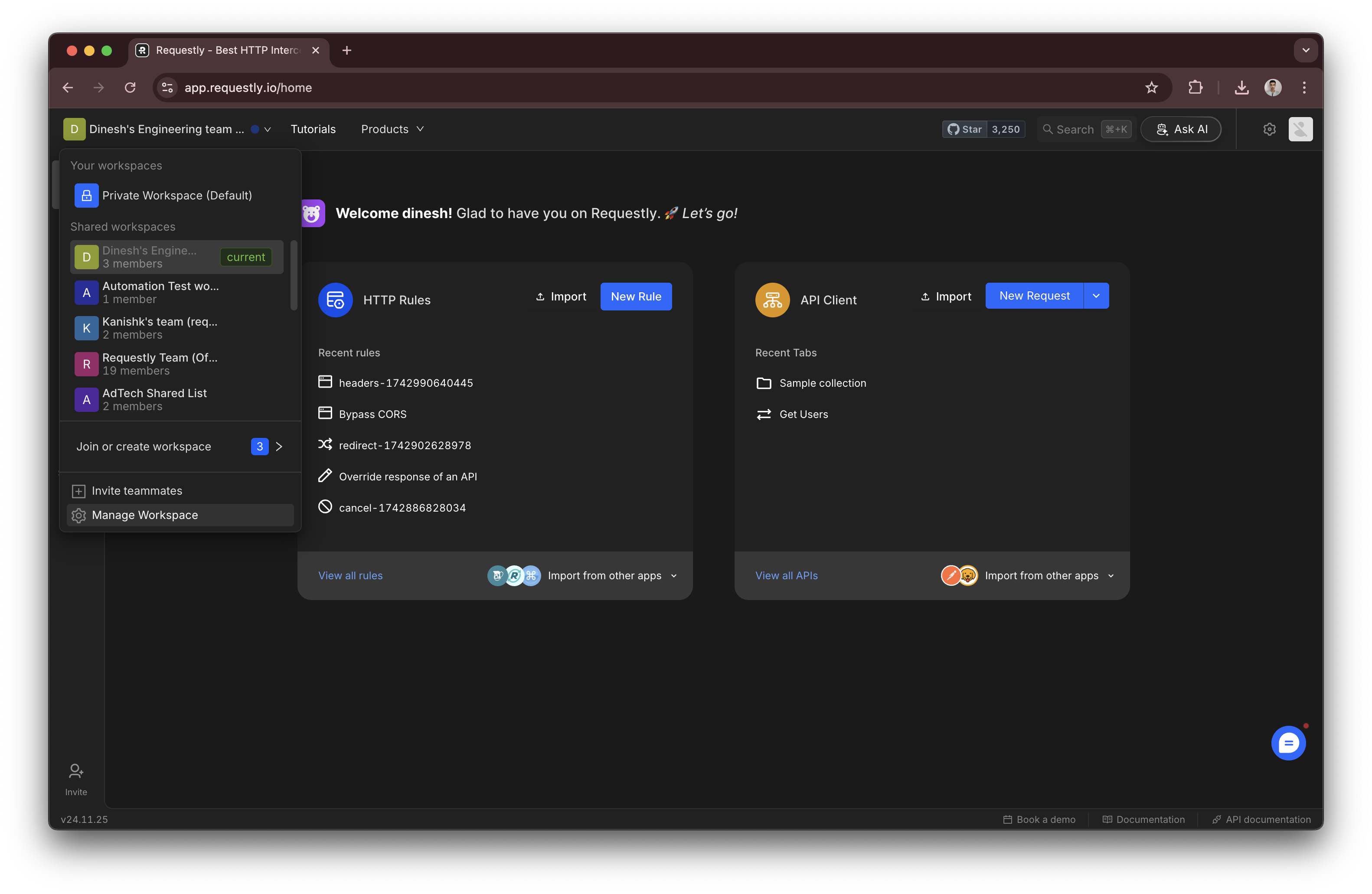
3
Edit the project name
In the Project Settings section, find the Project Name field and enter the new name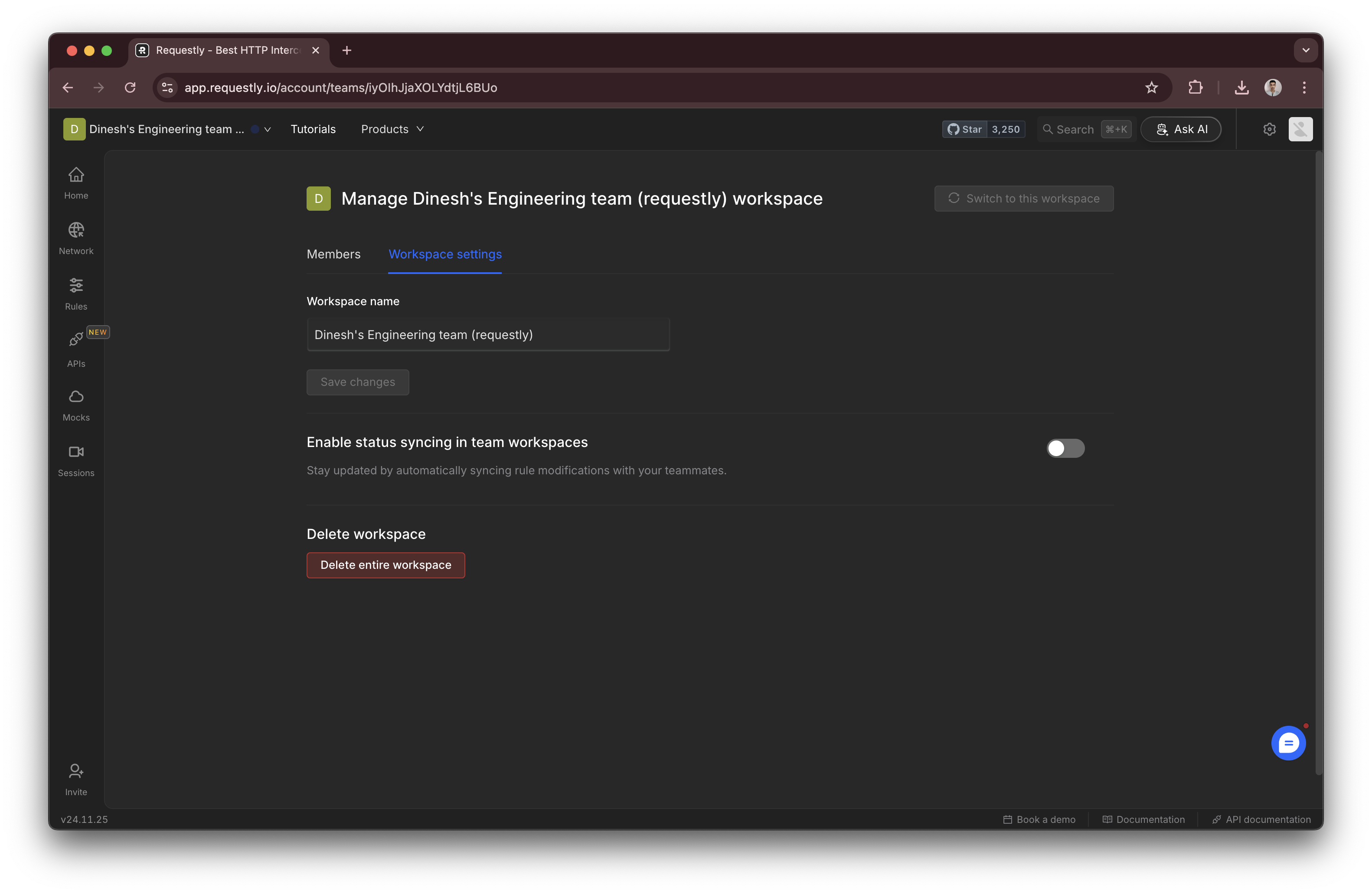
4
Save changes
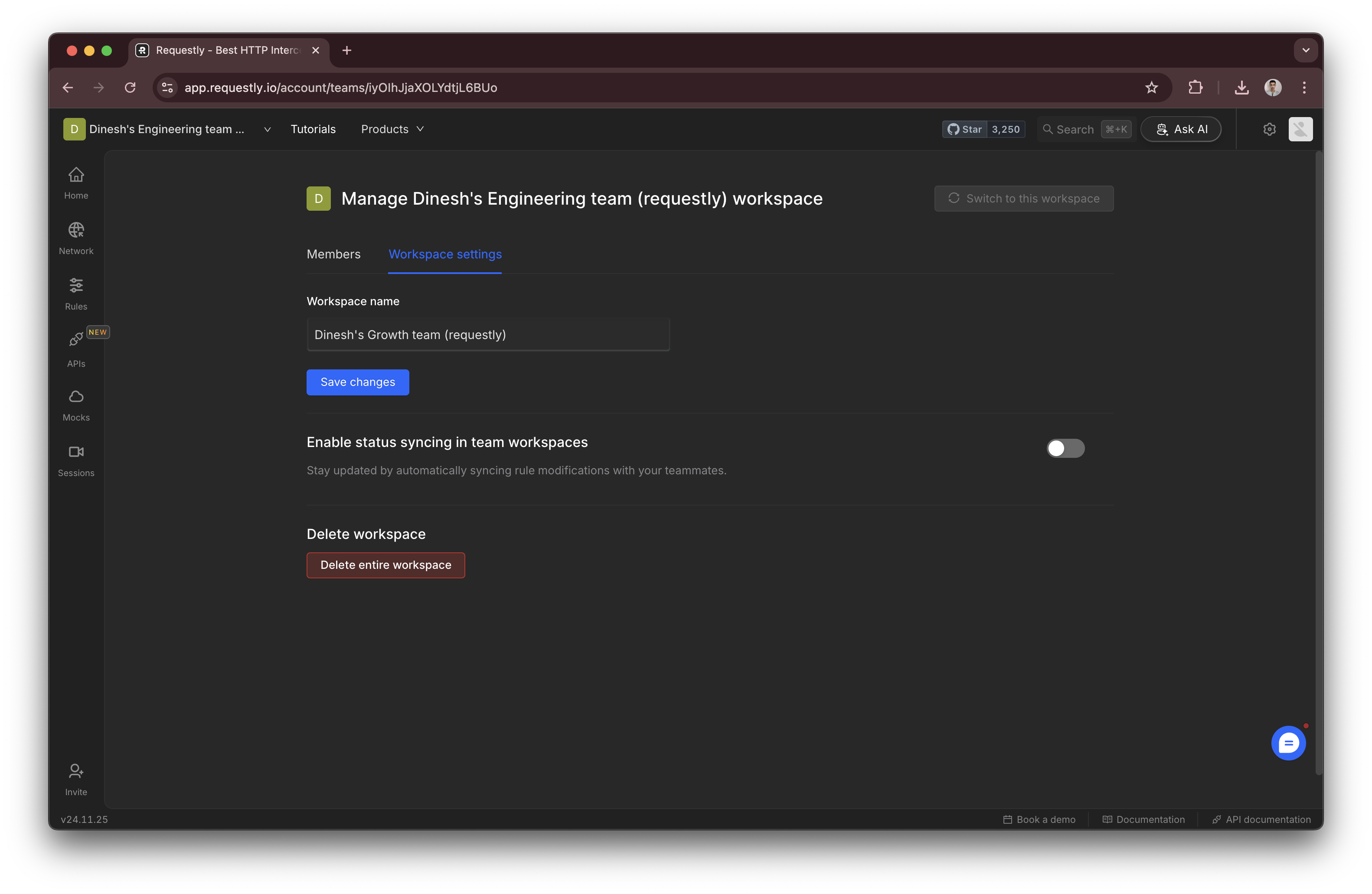
Delete a project
Projects can be deleted using the Delete Project button in the project settings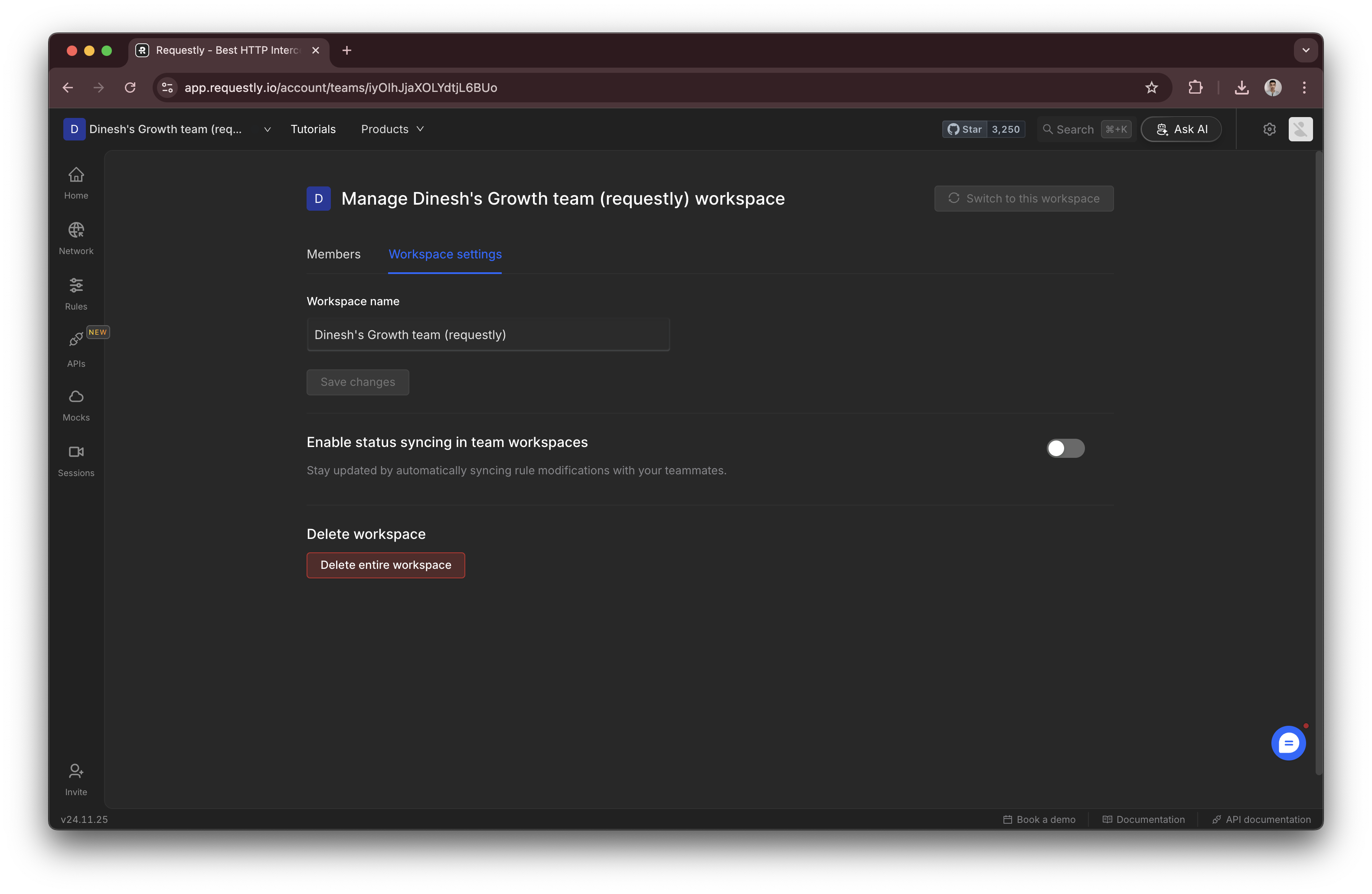
Deleted projects and their contents are retained for 7 days before being permanently removed. See the Data Recovery Policy if you need to restore a deleted project.