That precedence applies to reading a variable. A script that writes one with
rq.collectionVariables.set() targets the root collection by default, so the value is visible to every request in the collection, including requests in other sub-collections. Pass { level: "current" } to write to the sub-collection instead. See rq.collectionVariables.How to Create Collection Variables
Step 1: Access the Collections Tab
Click on the Collection Name to open Collection Overview and switch to Variables tab.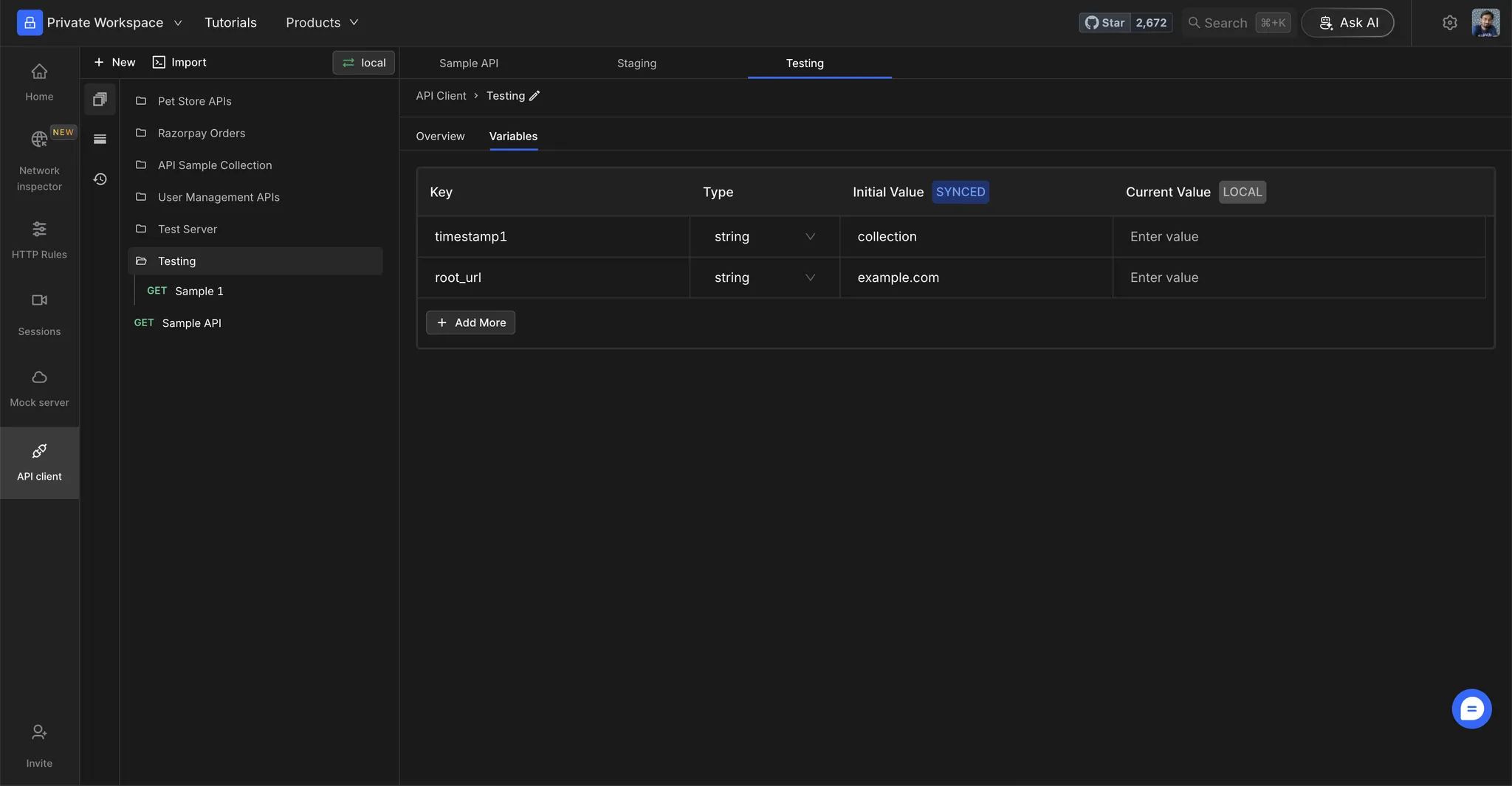
Step 2: Add Variables
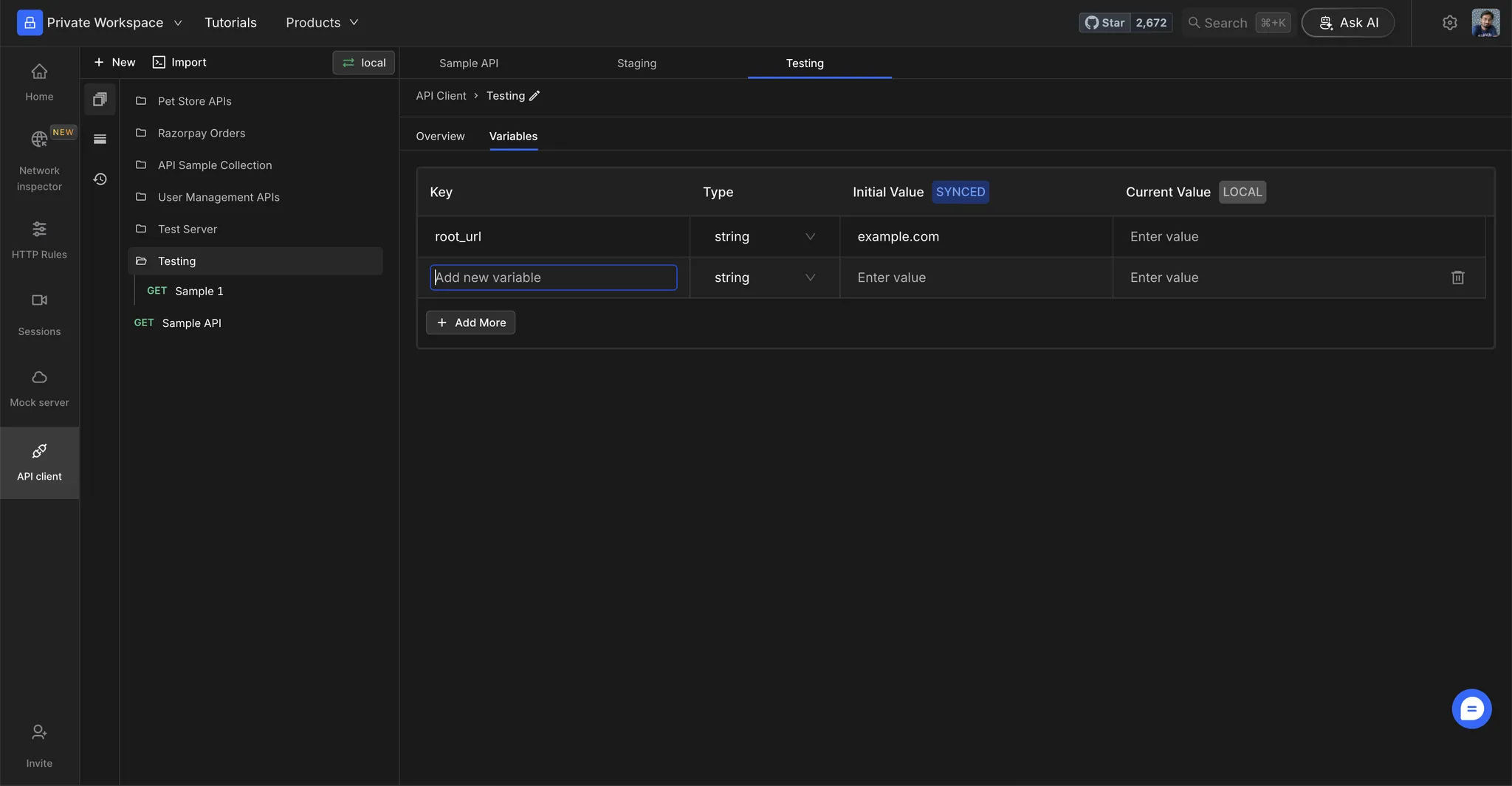
Add variables in the table by specifying the following details:- Key: The name of the variable that you will be referencing when sending requests. Note, an environment cannot have keys with the same name.
- Type: The type of value the variable will store. It can be a string, number, boolean, secret (a masked value), or array (a list of values). See Entering an array value for how to type a list. In a cloud project, a secret variable’s Initial value is encrypted at rest on Requestly’s servers and is never sent over live sync. Everyone in the project can still read and use it in the web app, the desktop app, the CLI and the API. A secret that comes from the Vault is different: its value stays on each user’s machine and is never sent to Requestly’s servers.
- Initial value (synced): Initial values will be synced across the project. These values will be used by default if no user-defined Current value is set for the variable.
- Current value (local): Current values are user-defined entries that are not synced across the project. These values will override the defined Initial values. If the current value is empty or left blank, then the initial value of the variable will be used.