

Why use runtime variables?
Runtime variables are designed to give you flexibility when testing APIs across different projects. Some common use cases include:- Quick testing: Store temporary values like access tokens or session IDs while debugging.
- Cross-project usage: Share the same variable across multiple local projects without redefining it each time.
- Persistence control: Choose whether the variable should survive after restarting the app or clear automatically for a fresh start.
Creating a runtime variable
1
Open Requestly and Go to runtime variables.
From the sidebar, click on Runtime variables.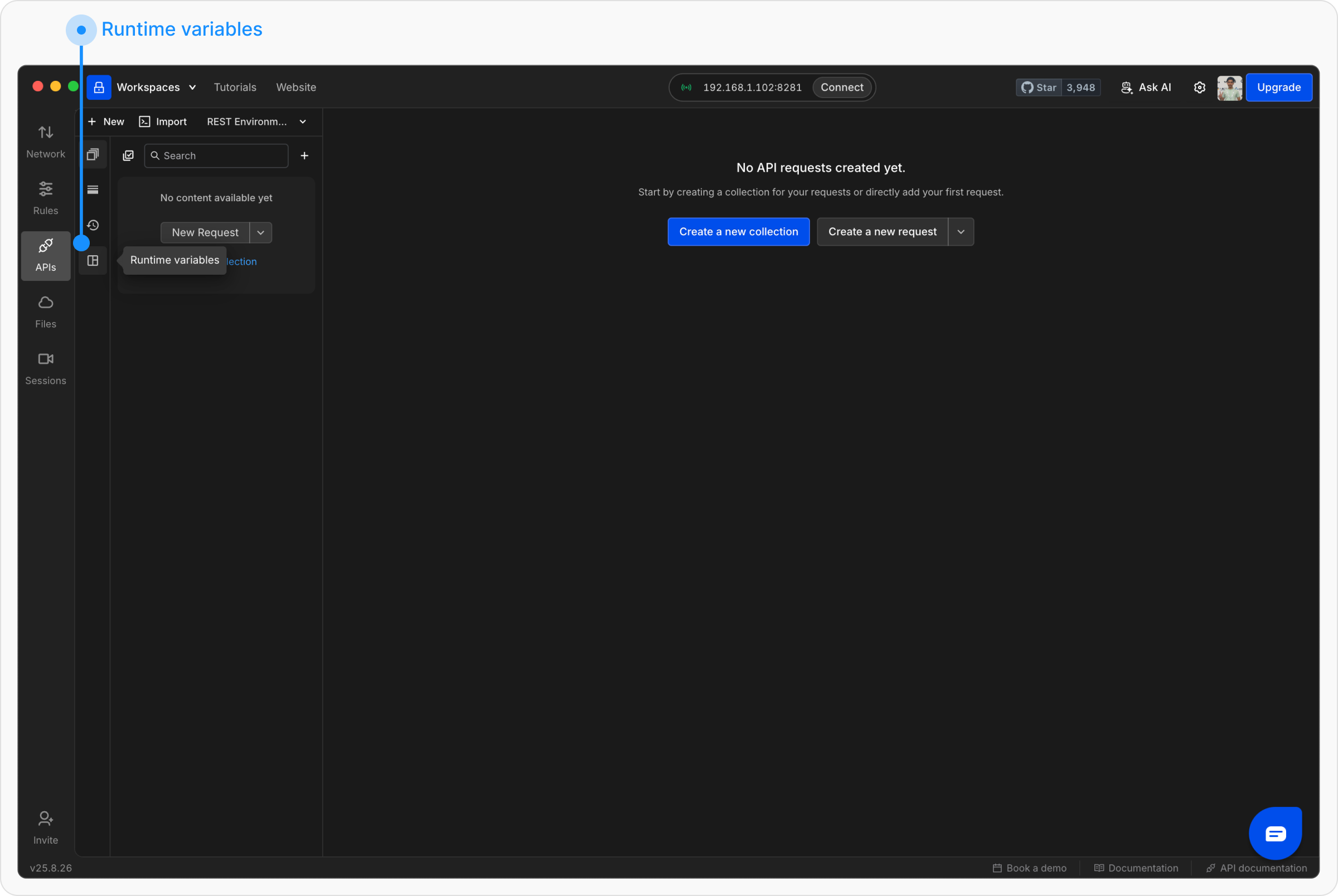
2
Create a new Variable
In the variables table, click + Add More and enter the variable details: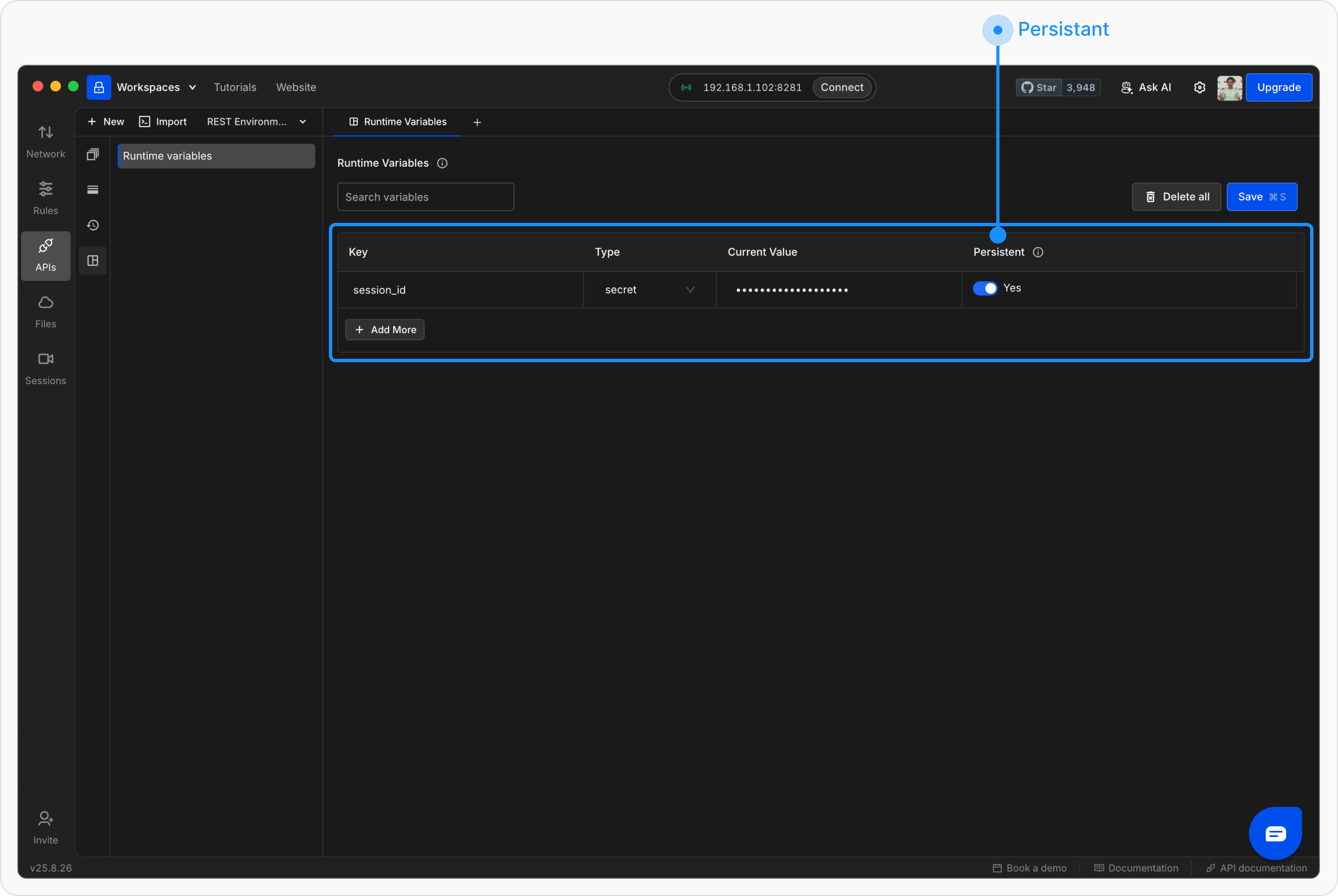
-
Key - The variable name (e.g.,
session_id). - Value - The value you want to store.
- Type - Select from String, Number, Boolean, Secret, or Array (a list of values). See Entering an array value for how to type a list.
-
Persistent - Toggle whether the variable should be saved across app restarts.
- Yes → Keeps its value after restarting the app.
- No → Clears itself automatically on restart.
Using runtime variables
Method 1: Insert variables directly in requests You can use runtime variables just like environment or collection variables. Wrap the variable name in double curly braces{{ }}:
https://api.example.com/users/{{session_id}}
Method 2: Set variables in scriptsYou can define or update runtime variables in the Scripts tab using the
rq.variables object.
setalways writes to the runtime scope, butgetreads from every scope.rq.variables.get("token")returns the runtime value if there is one, and otherwise falls back to a data file column, the active environment, the collection, or globals. See rq.variables for the full search order.- A value set from a script is temporary. It lasts for the session and is not saved back to the runtime variables list above, so a reload restores whatever you typed there yourself. Use environment, collection, or global scope for a value that should persist.