

When an endpoint returns a large JSON response, scrolling to the few fields you actually care about is slow. The Preview view of the response body lets you type a JSONPath expression and narrow the displayed JSON to only the matching values, the same way Postman does.

Open the filter bar

The filter is available in the Preview view when the response is JSON.
1

Send a request that returns JSON

Send any request whose response is JSON. The body opens in the Preview view, formatted and syntax-highlighted.
2

Click the funnel icon

In the response body toolbar, click the funnel icon on the right. A full-width filter bar appears below the toolbar.
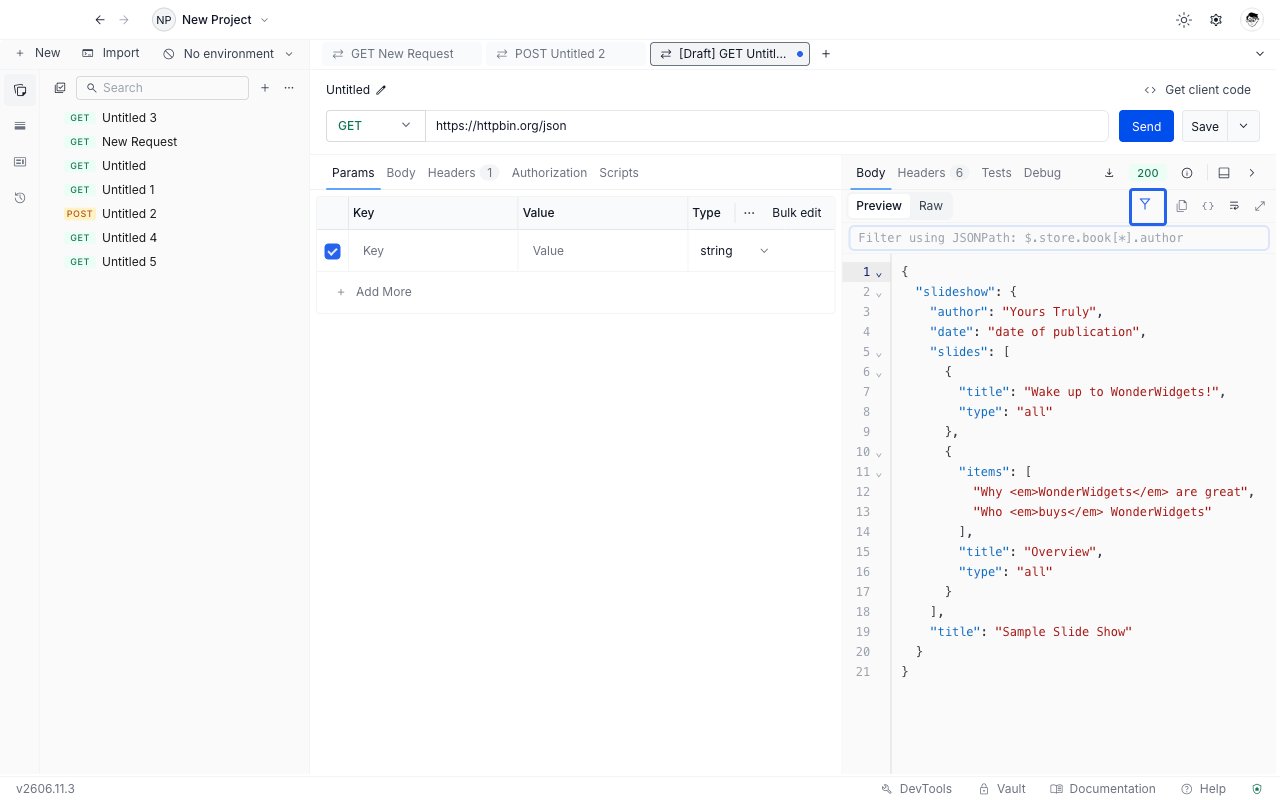
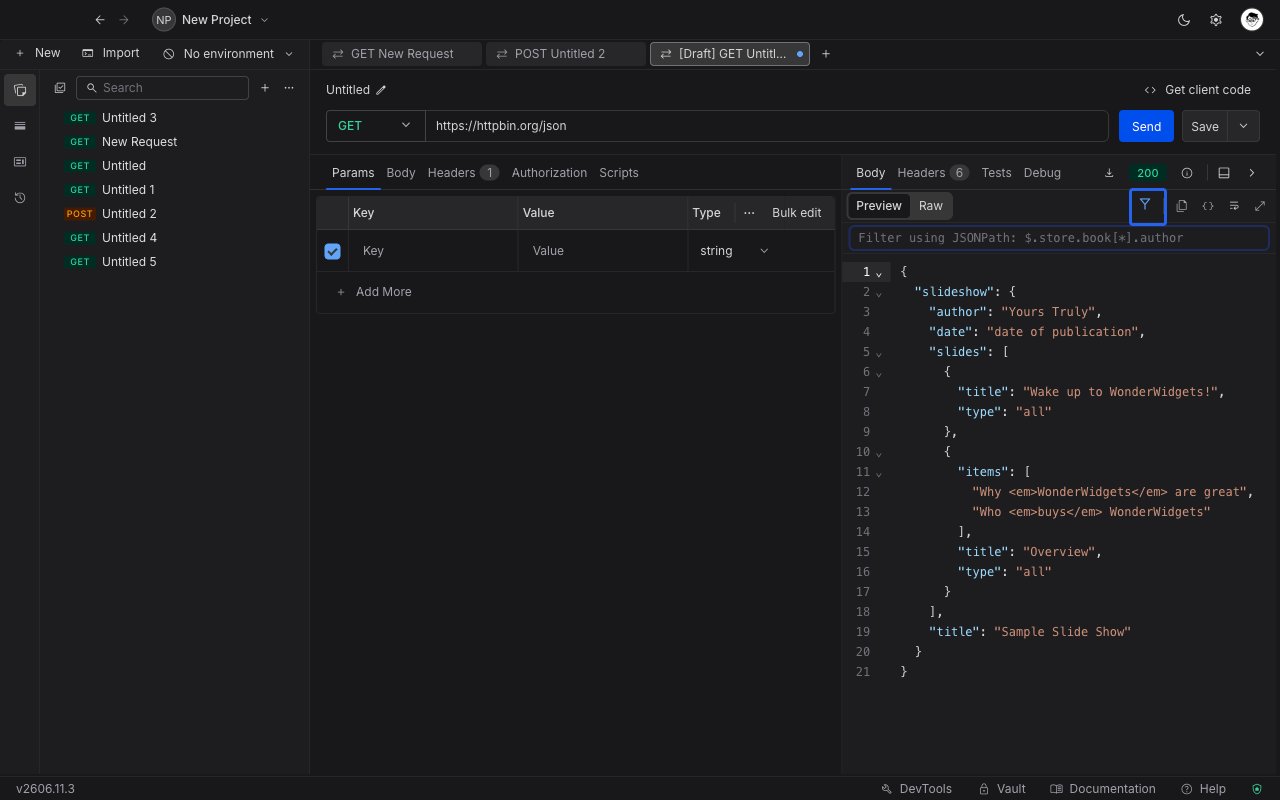
The JSON response Preview view with the funnel icon highlighted and the filter bar revealed below the toolbar
3

Type a JSONPath expression

Enter an expression such as $.store.book[*].author. The displayed JSON narrows to the matched values as you type.
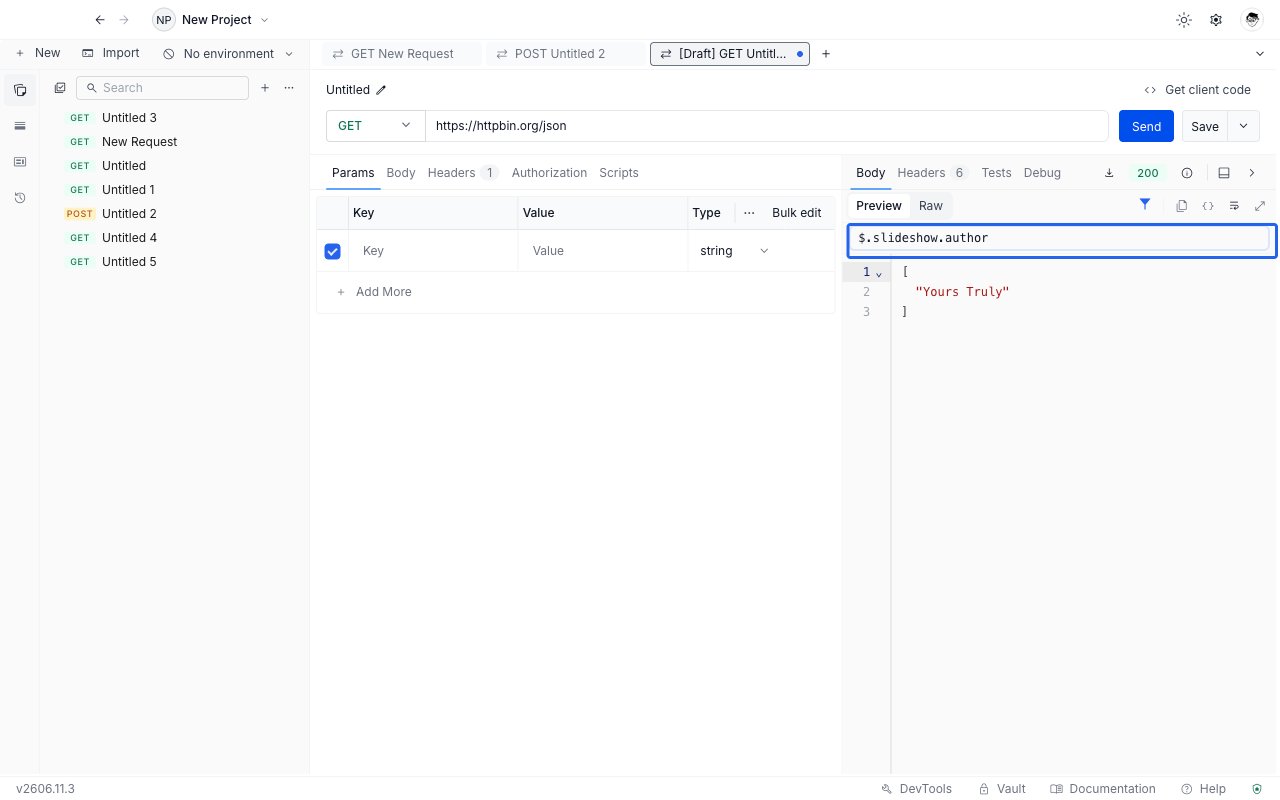
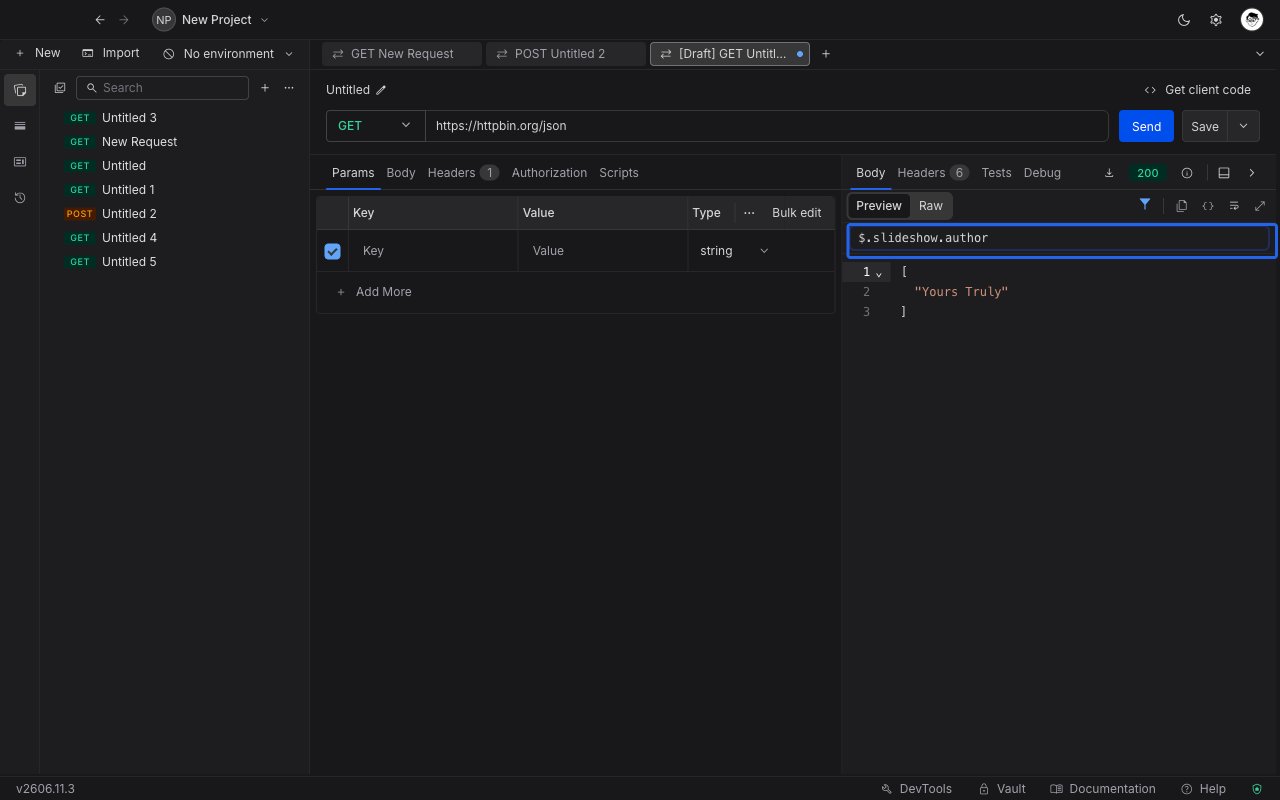
A JSON response narrowed to the matched values after typing a JSONPath expression in the filter bar

Write the expression

The filter uses standard JSONPath. A few common patterns:
ExpressionSelects
$.store.book[*].authorThe author of every book under store.book
$.items[?(@.price < 10)]Every item in items whose price is below 10
$.headersThe whole headers object
$.results[0]The first element of the results array