

You can also import SOAP requests directly using the WSDL. See the import guide to get started.
Create your first SOAP request
1
Create a New Request
Open Requestly Desktop App, then click the 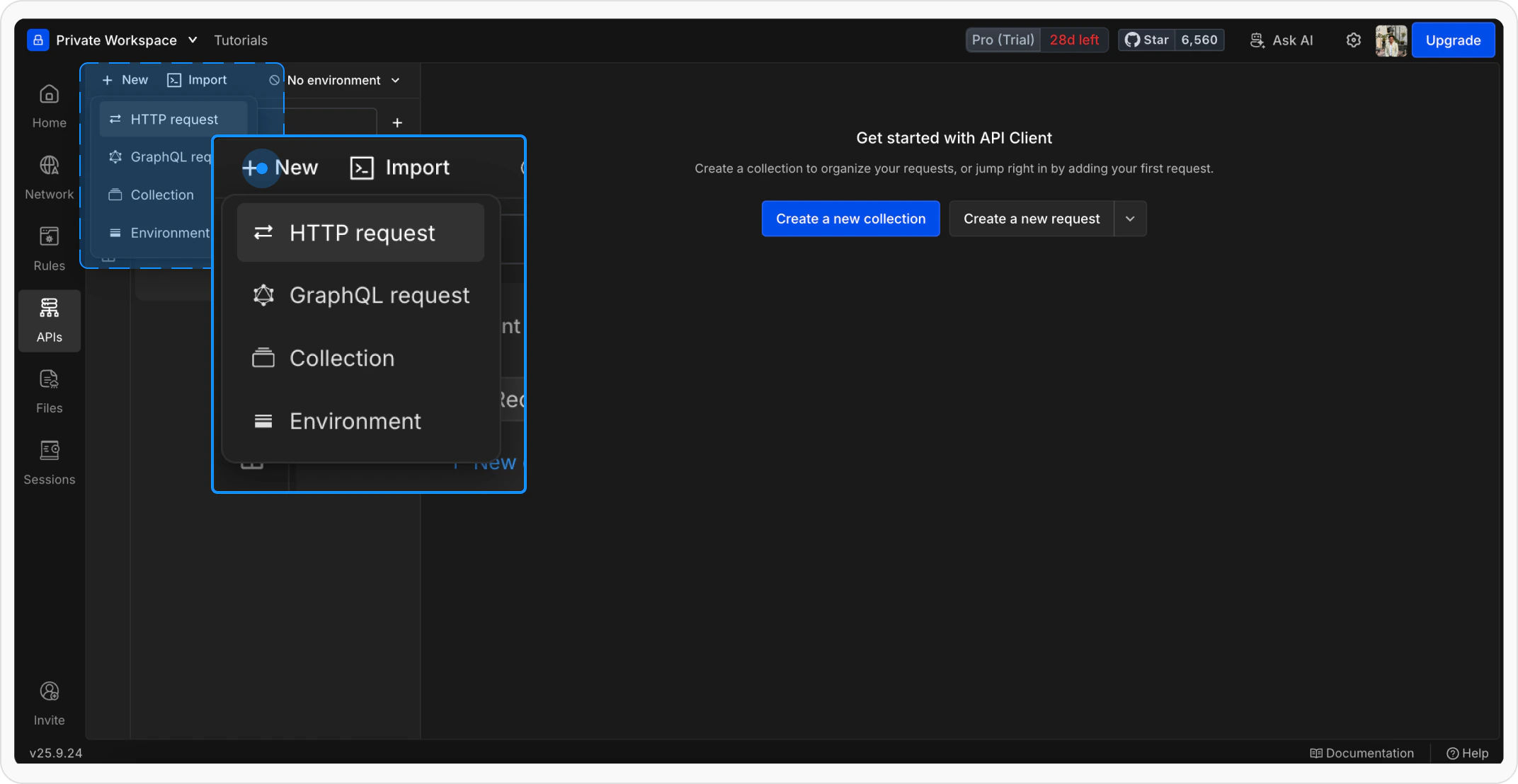
+ New button to create a new request. Select a standard HTTP request since SOAP works over HTTP.2
Name Your Request
Give your request a clear and descriptive name so it’s easy to identify later.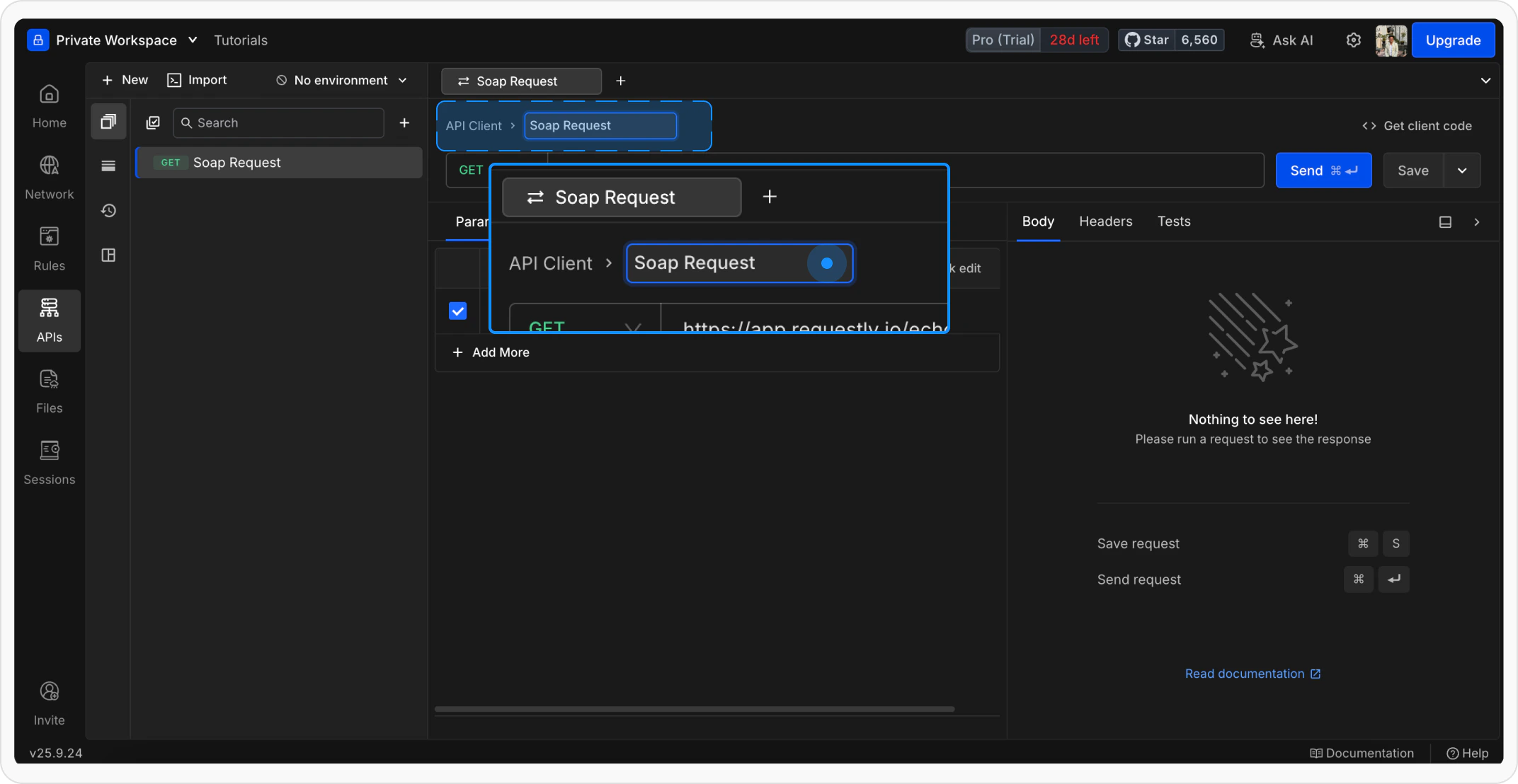
3
Enter the SOAP Endpoint
Add your SOAP service endpoint URL and set the method to POST: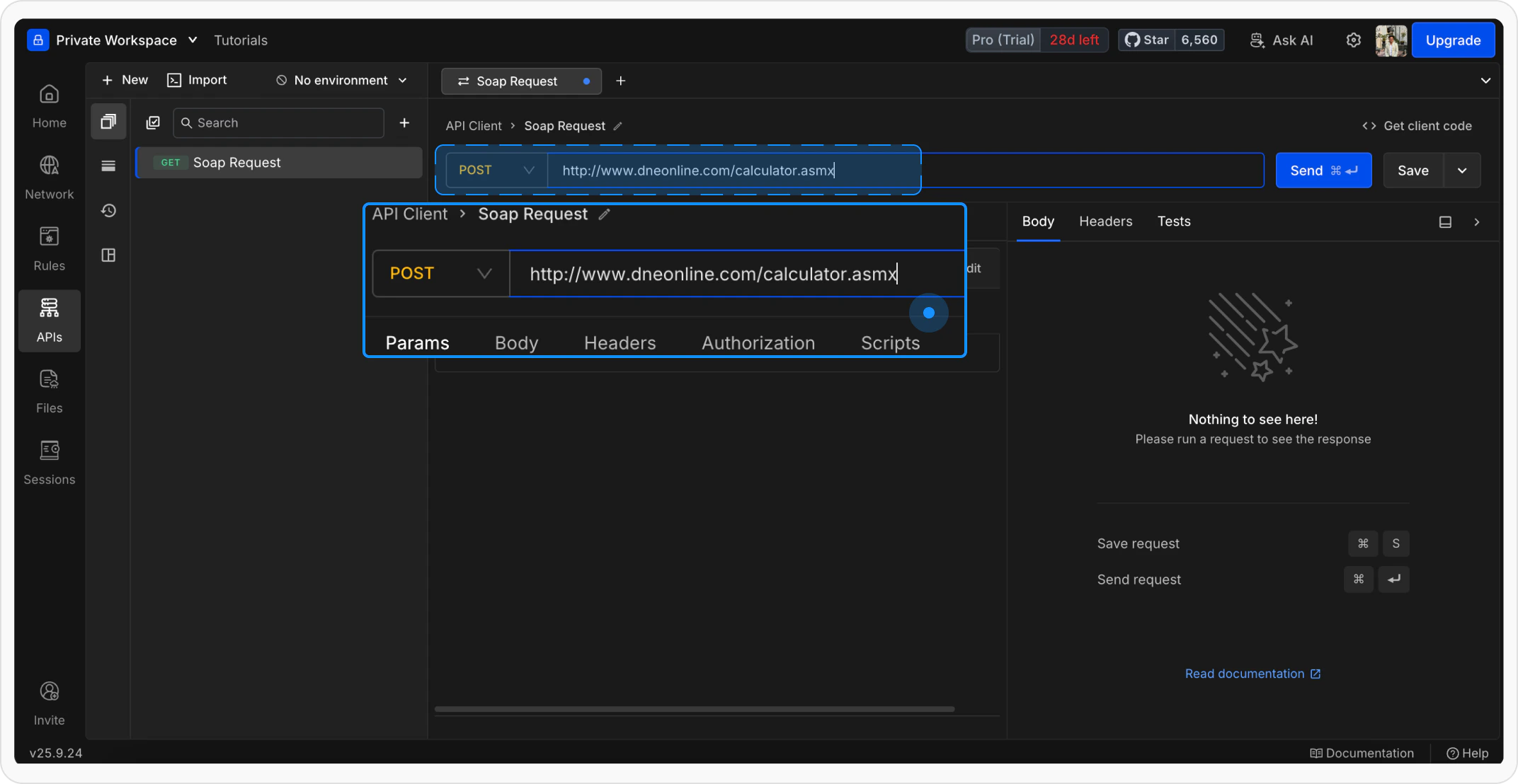
4
Add XML Body
Go to the Body tab, select raw, and choose XML format. Paste your SOAP request body: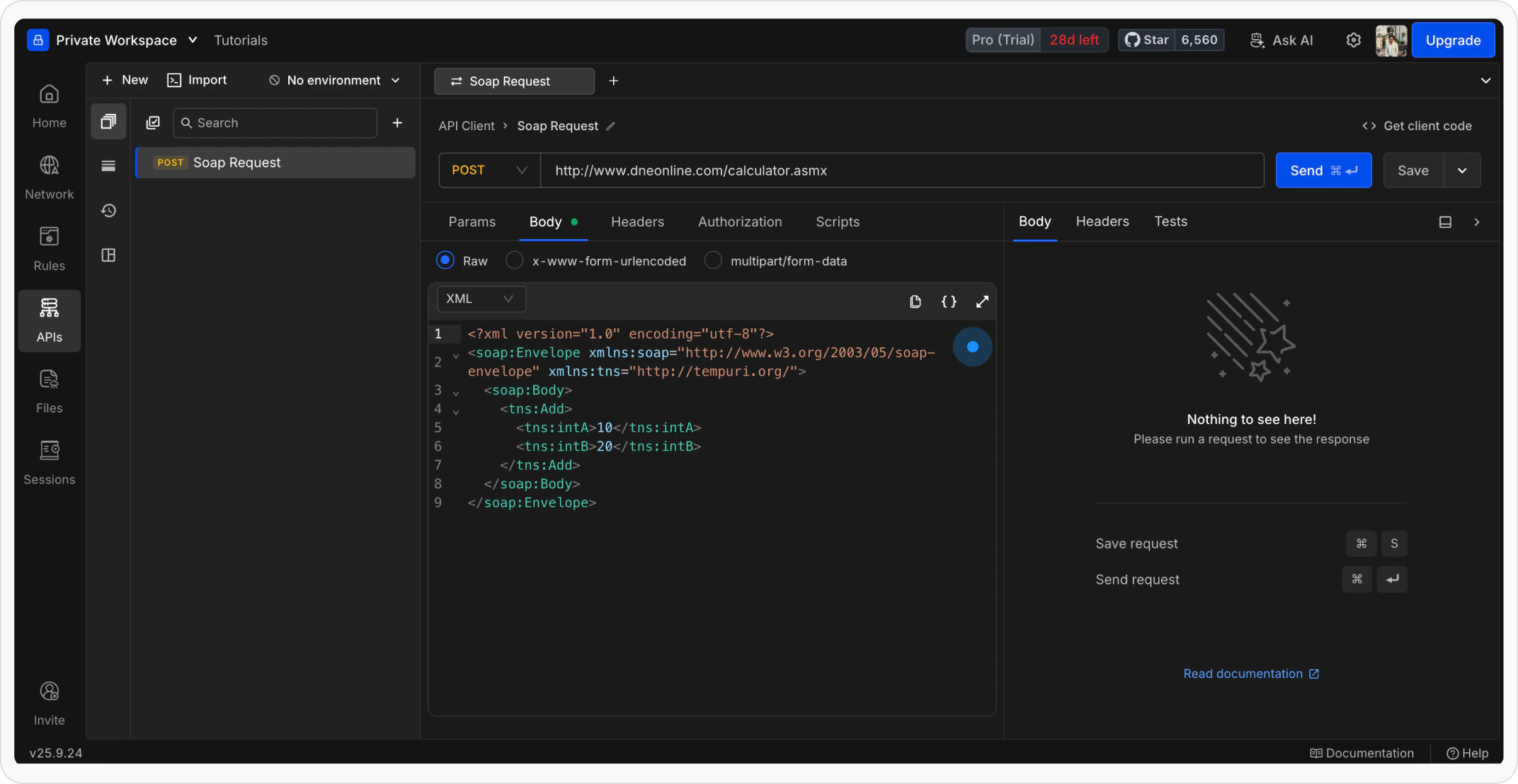
Your request must include the required SOAP structure such as Envelope and Body, along with proper namespaces.
5
Send the Request
Click Send to execute the request and view the response.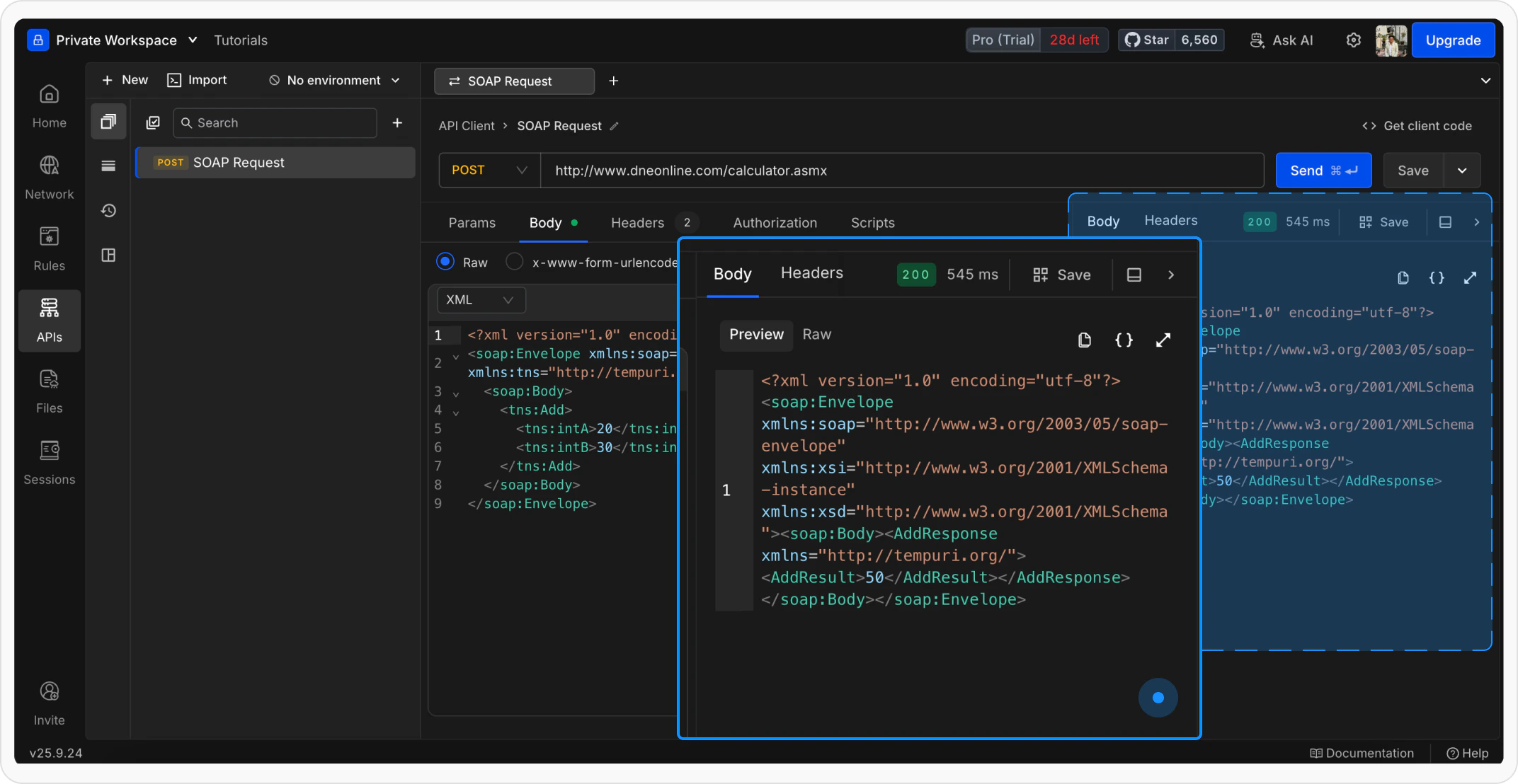
What’s Next?
Add Authorization
Secure your SOAP requests with API keys, tokens, or OAuth flows
Use Variables
Make your SOAP requests dynamic with variables
Organize in Collections
Group related SOAP requests together