Track and manage API requests with a clear, editable history view in the API Client.
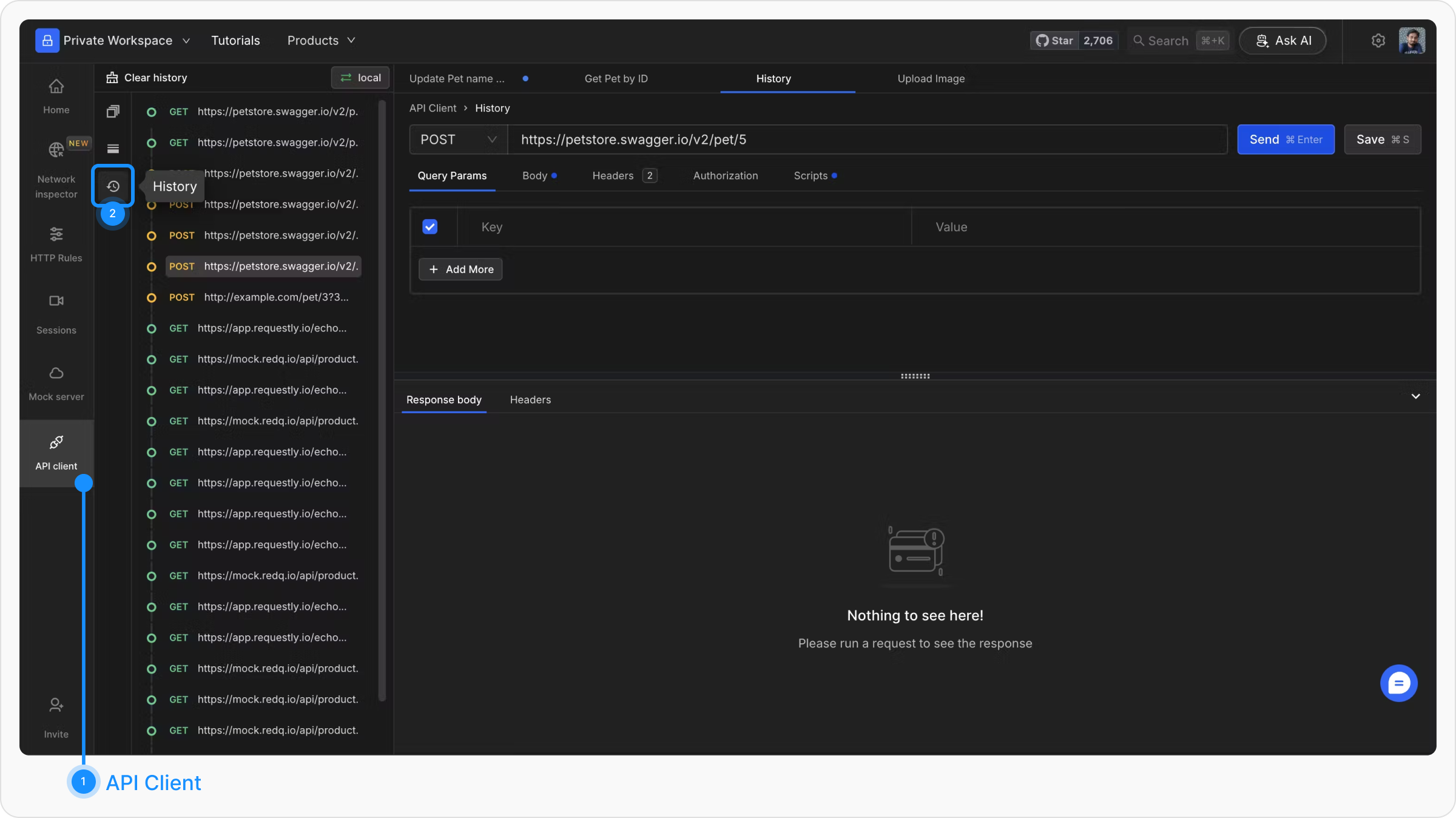
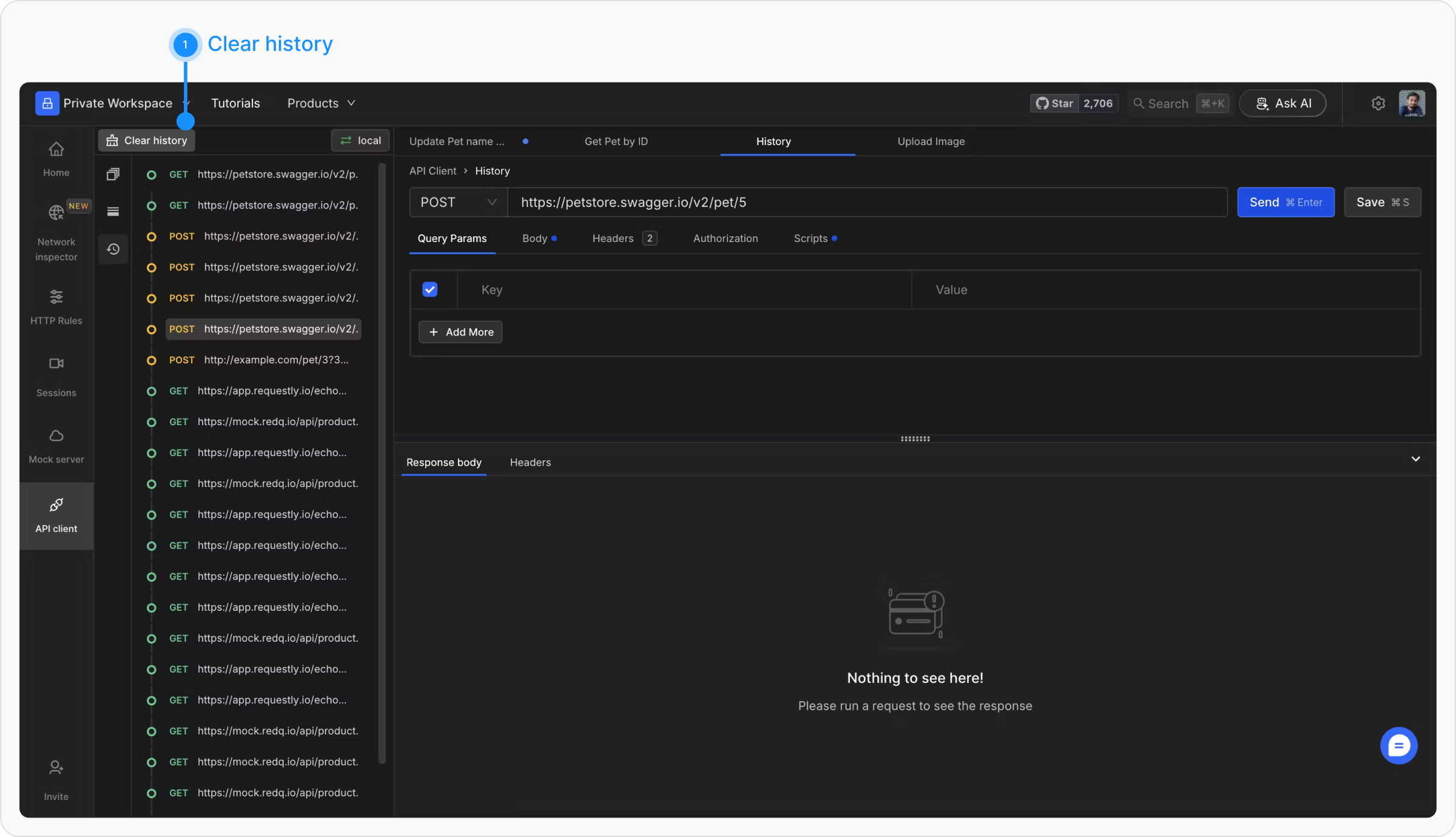
The API Call History feature allows users to track and manage all requests triggered from the API Client. The most recent request is displayed at the top of the history panel, providing a clear chronological view of interactions.
History is stored locally and is not synced to the cloud.
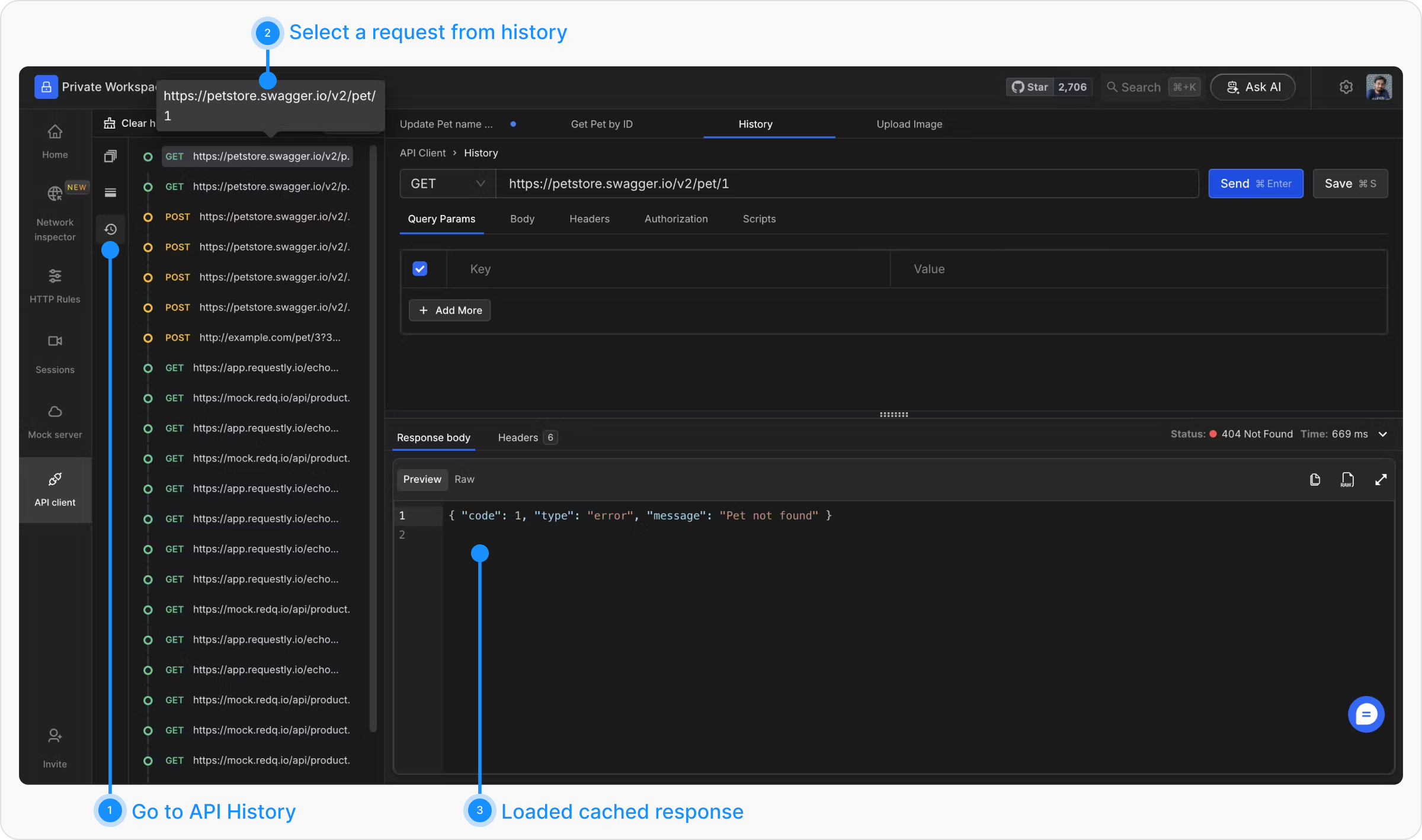
All API calls made from the client are listed in the left sidebar. Each entry can be clicked to load the request details back into the API Client. This enables users to quickly replay a request after editing some fields.
By default, cached responses are session-only: if you refresh the page, response data is cleared and requests must be re-sent to see their responses again. To keep responses across refreshes, enable Save responses from the history menu.
Additionally, the response for any request made during the current session is cached and can be revisited without making a new call, provided the page has not been refreshed.