

Git requires the desktop app. Download Requestly.
Read the change list
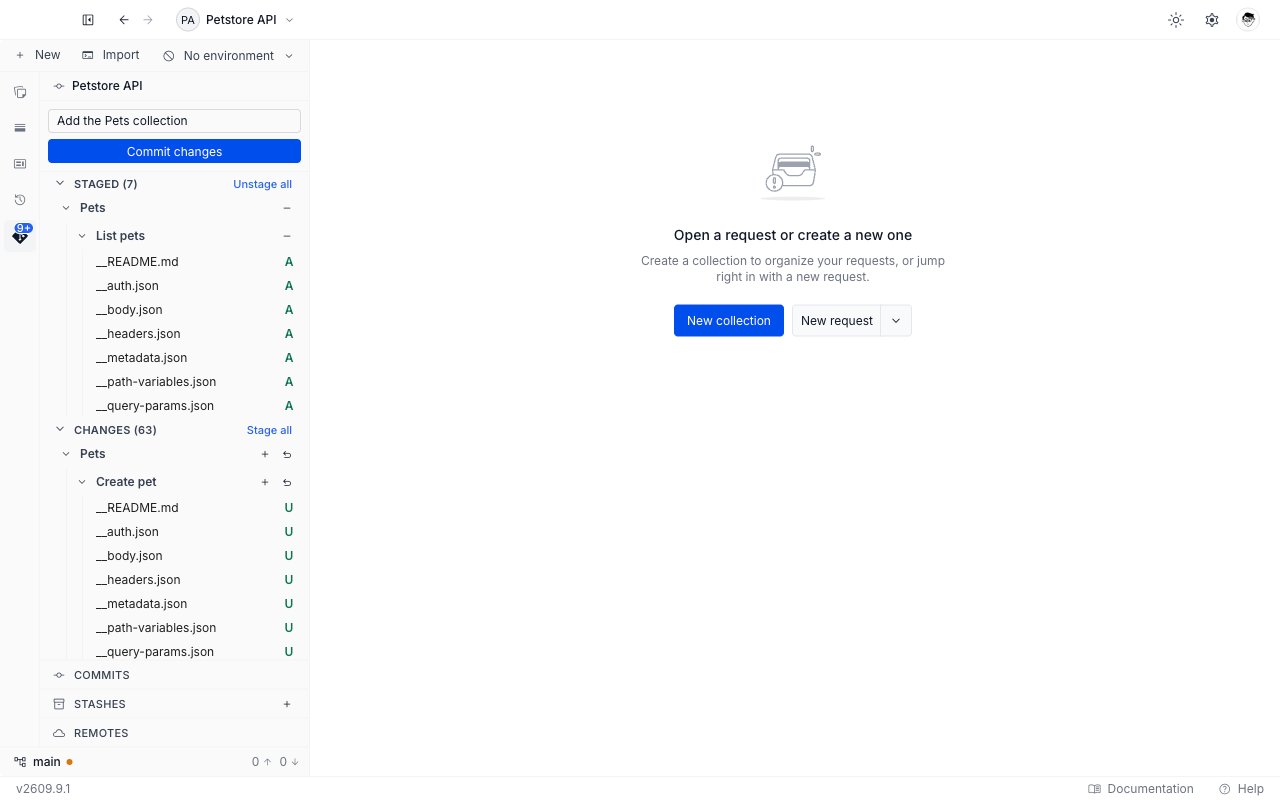
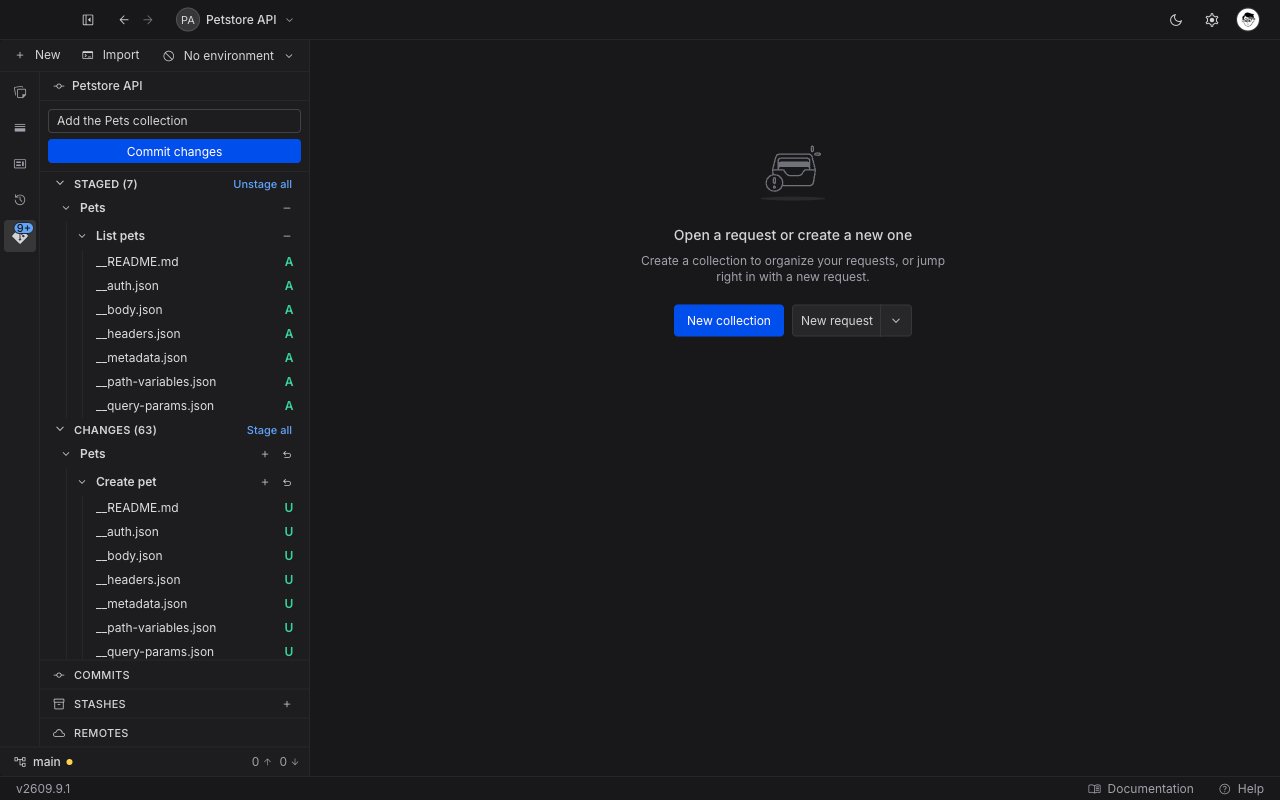
Open the Git tab. When the working tree holds changes, the panel shows the commit box, then up to two collapsible sections.- Changes (N) lists the files you have edited but not staged.
- Staged (N) lists the files that will go into the next commit.
The change tree
Files are not a flat list. Requestly groups them the way you already think about them: a collection holds requests, and a request holds the files that store it. Expand a collection to see its requests, and expand a request to see its files. Files that live outside the collections folder, such as the project’s own configuration, sit as their own rows at the top level of the tree, not inside a group. Hover a file row to reveal its actions. Collection and request rows keep their actions visible, so a whole group is always one click away.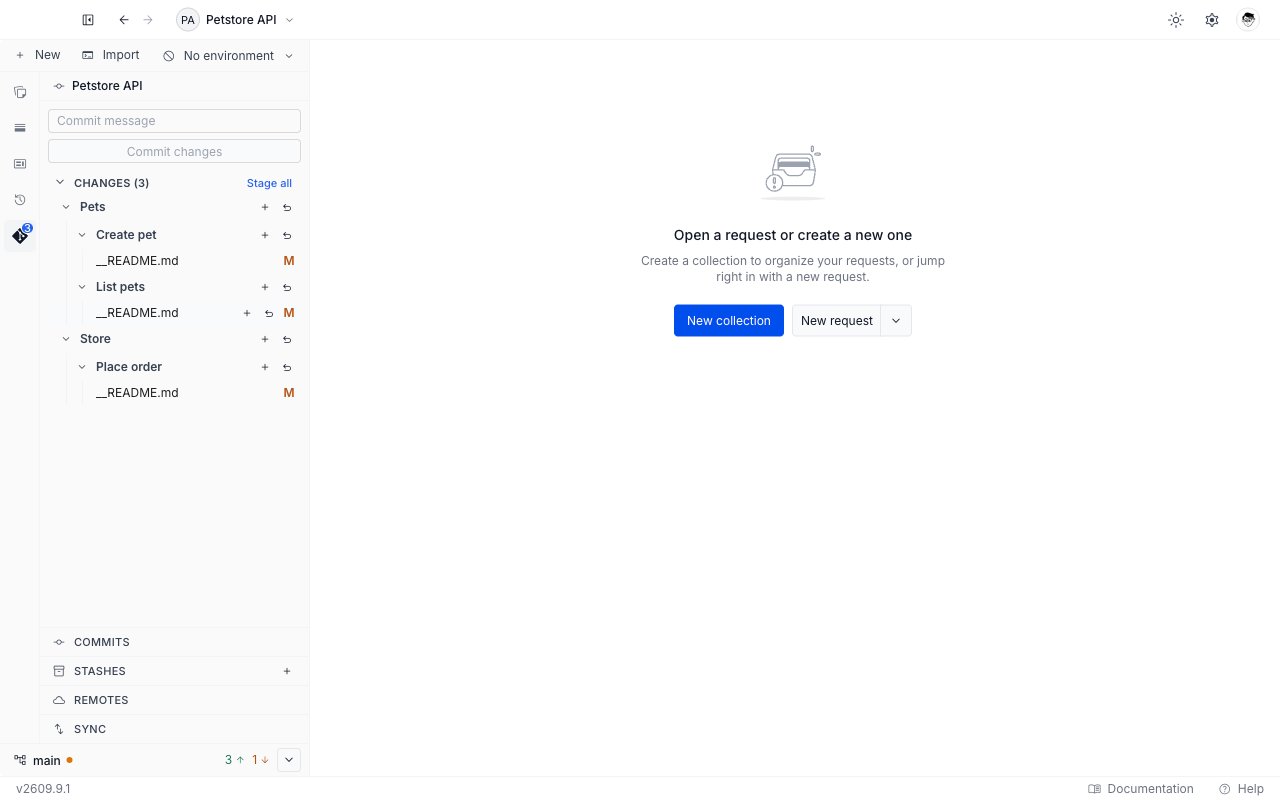
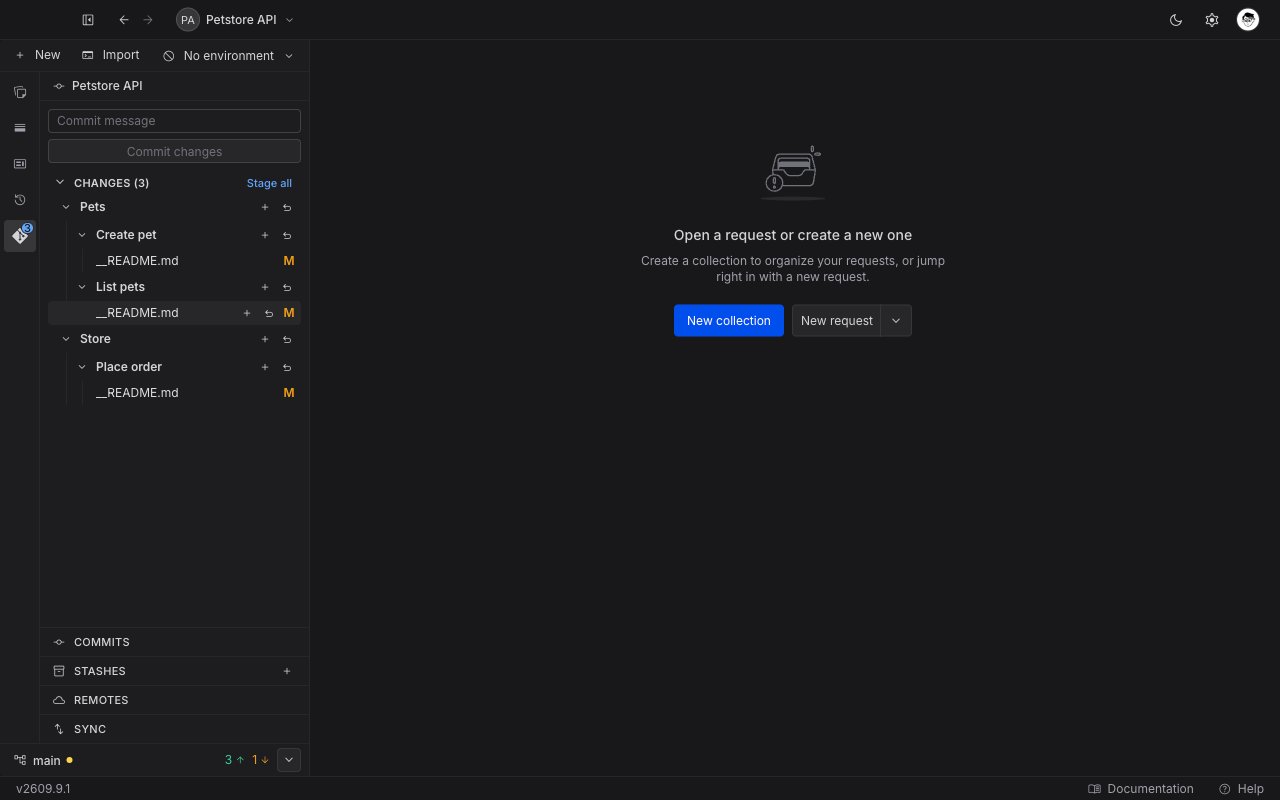
Click a file name to open its diff in a tab. From Changes the diff compares your working copy against what is staged. From Staged it compares what is staged against the last commit.
Status letters
A letter at the right of each file row states what changed. The letters are close togit status --short, with one difference: a file Git has never tracked reads as U here rather than ??.
A file that a merge left conflicted also carries a conflict badge next to its letter. See Resolve merge conflicts.
Discard a change
Discarding throws away work that is not committed, and Git cannot bring it back.1
Click the undo arrow
Find the file, request, or collection in Changes and click its undo arrow.
2
Read the confirmation
A dialog opens, headed Discard changes to 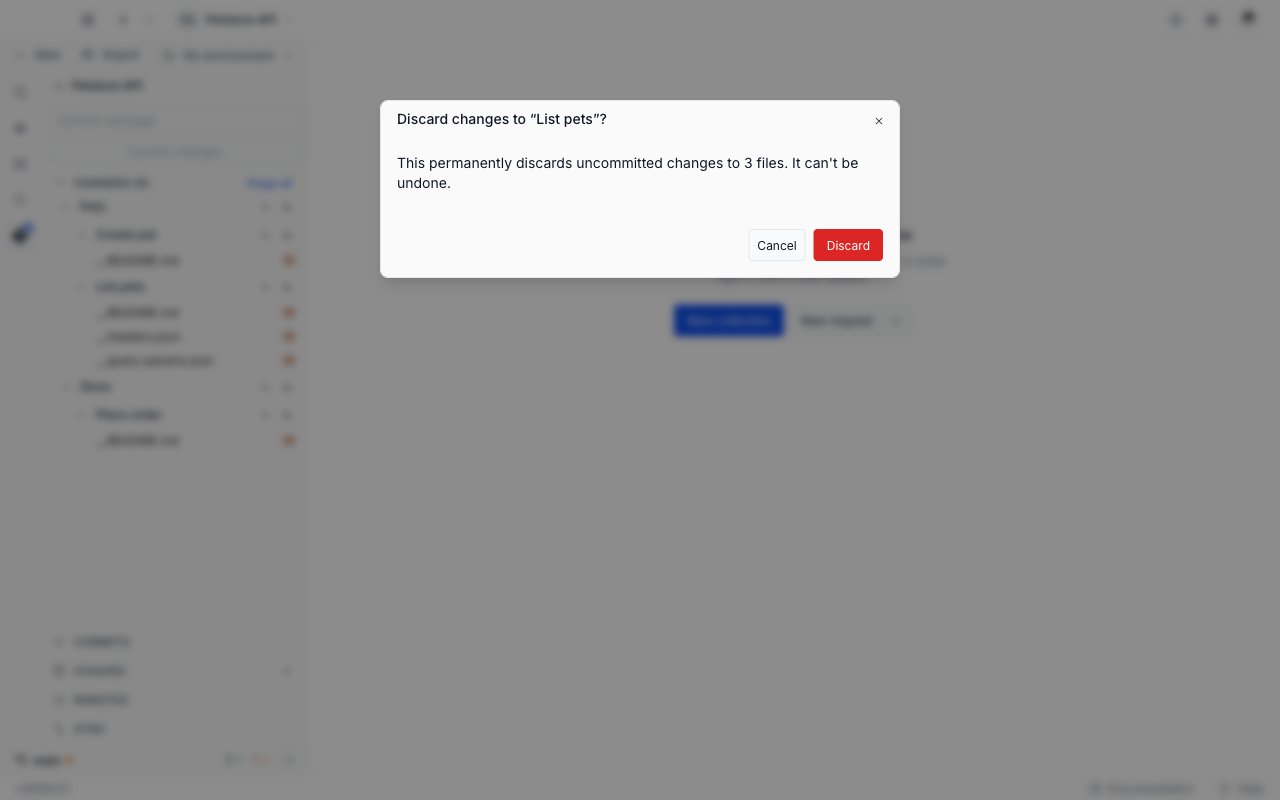
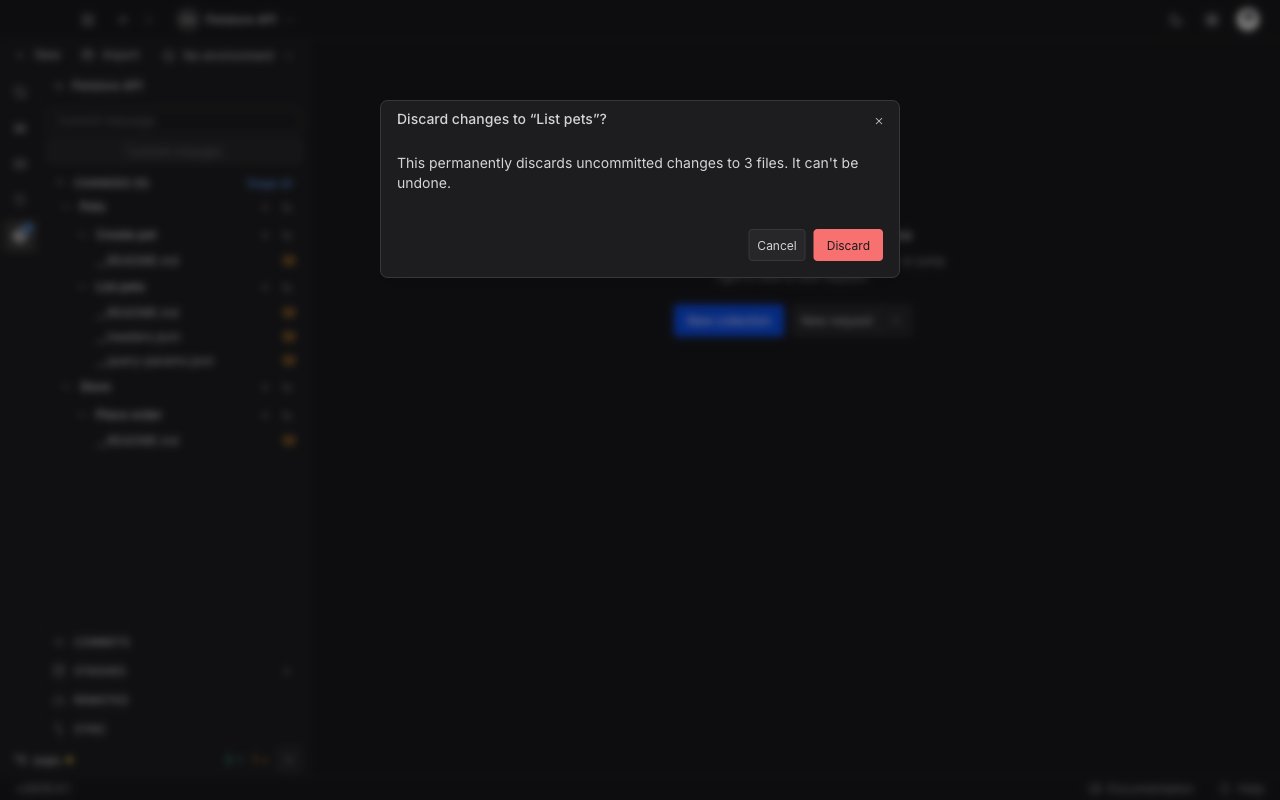
<name>?. For a single file it warns “This permanently discards your uncommitted changes to this file. It can’t be undone.” For a request or a collection it names the number of files instead, so you can see how wide the discard reaches.3
Confirm
Click Discard to throw the changes away, or Cancel to keep them.
Write a commit
1
Stage what belongs in the commit
Stage individual files, or click Stage all on the Changes header. Staged files move to the Staged section.
2
Describe the change
Type a message in the Commit message box at the top of the panel. The box grows as you type.
3
Commit
Click Commit changes. Requestly records the commit on the current branch and clears the message box.
Next steps
Push and pull
Send your commits to the remote and bring your teammates’ work in.
Git overview
The panel states, the sidebar status bar, and the messages Requestly shows.