

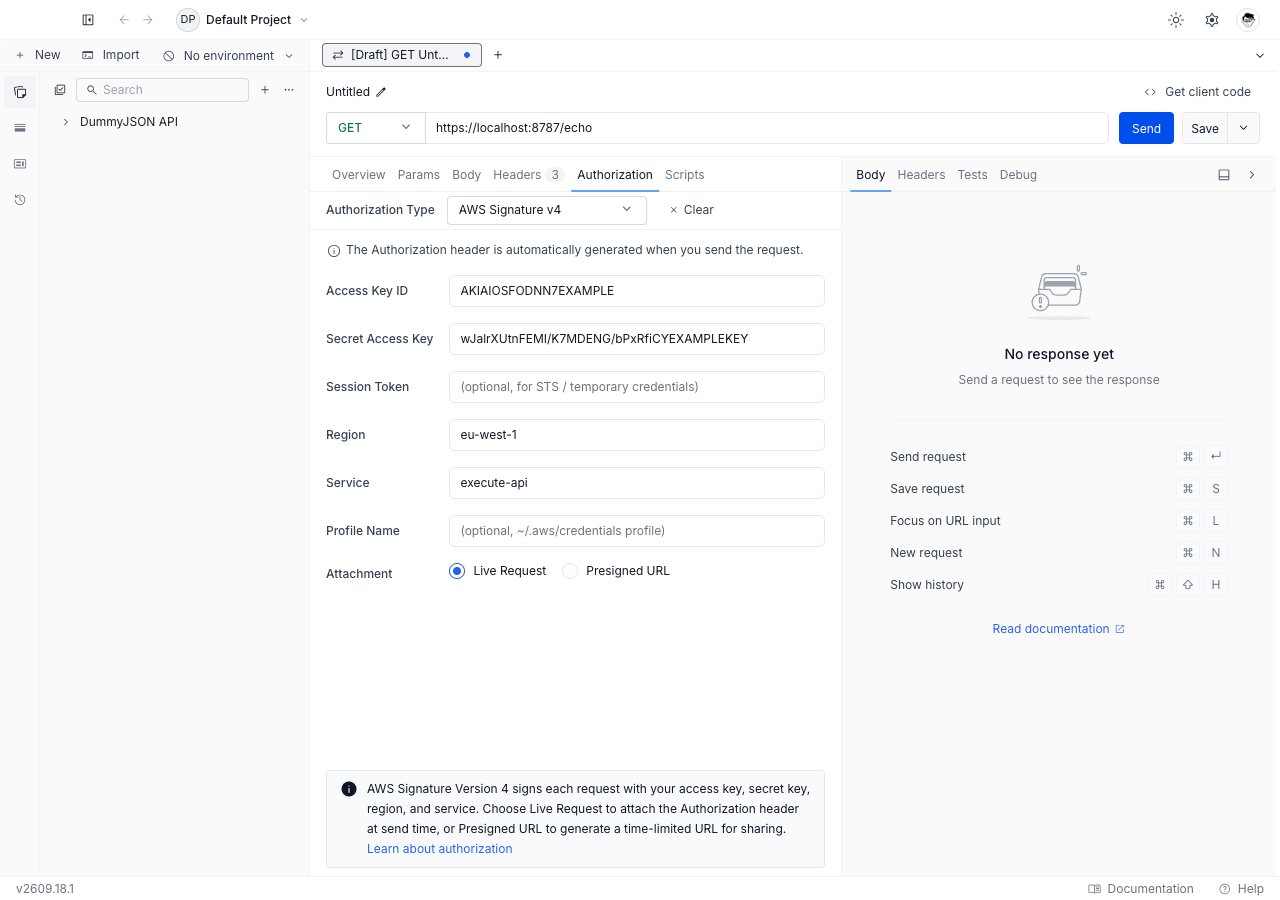
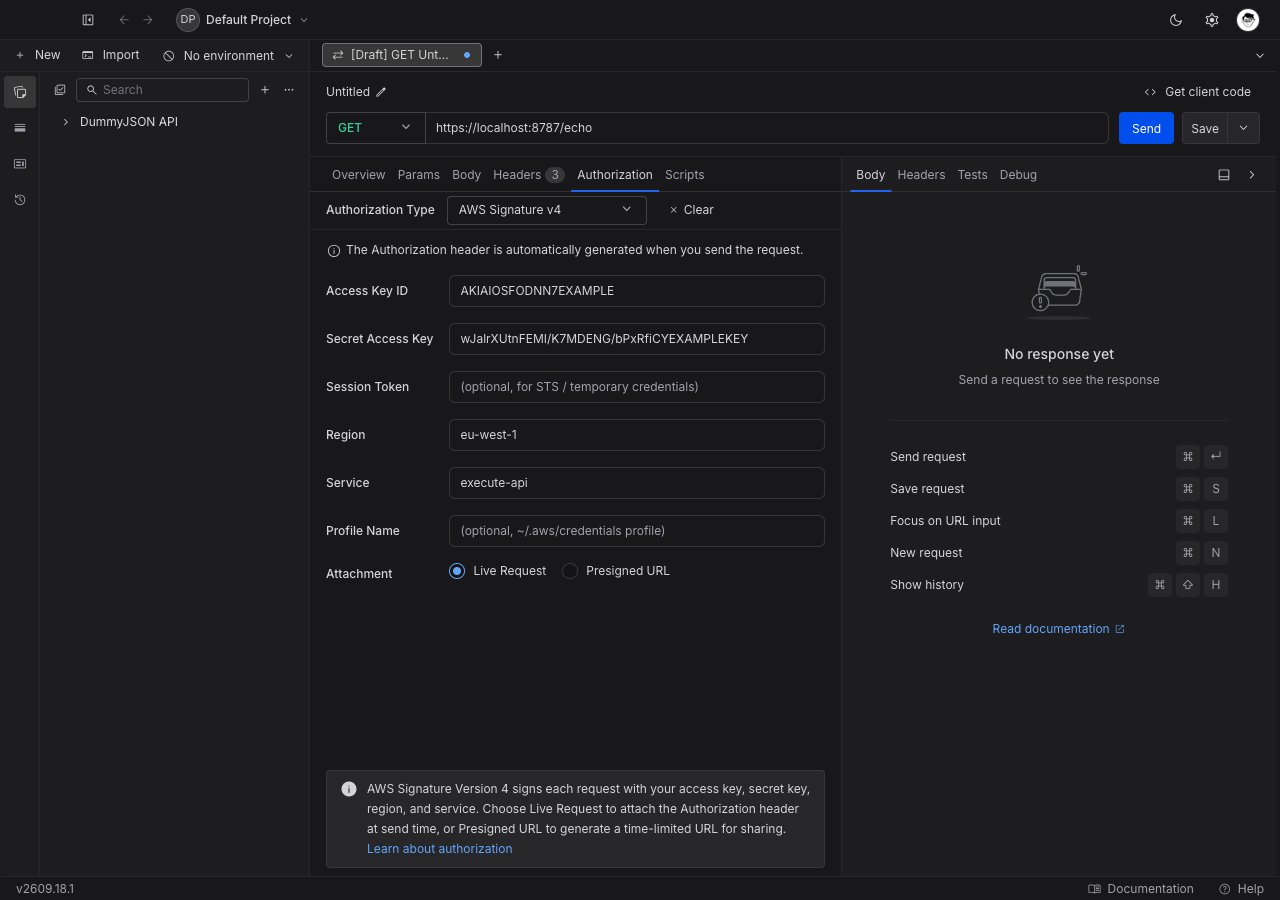
Set up AWS Signature v4
1
Open the Authorization tab
Open any request or collection, then go to the Authorization tab.
2
Select AWS Signature v4
Pick AWS Signature v4 from the Authorization Type dropdown. The AWS fields appear below the dropdown.
3
Enter your credentials
Fill in Access Key ID and Secret Access Key. Add Session Token as well if you are using temporary STS credentials. You can also leave all three blank and let Requestly find credentials elsewhere, as described below.
4
Set the region and service
Region defaults to
us-east-1. Service is the AWS service short name, such as s3, execute-api, or lambda. Both values go into the signature, so a mismatch produces a signature the service will not accept.5
Choose the attachment mode
Leave Attachment on Live Request to sign and send. Switch to Presigned URL to generate a shareable link instead.
6
Send the request
Click Send. In live mode Requestly signs the request and returns the service’s response. In presigned mode it returns the signed URL.
Field reference
Every credential field accepts Requestly variables and vault references.
Where credentials come from
Requestly looks in three places, in order, and uses the first one that produces a complete pair:1
The form fields
Access Key ID and Secret Access Key as typed above. Both must be non-empty; one alone is treated as not set.
2
Environment variables
AWS_ACCESS_KEY_ID and AWS_SECRET_ACCESS_KEY, plus AWS_SESSION_TOKEN when present. Both the ID and the secret must be set, otherwise Requestly moves on.3
A credentials profile
The profile you name in Profile Name, read from
~/.aws/credentials. The file is read fresh on every send, so rotating a credential there takes effect on the next request with no restart.Reading AWS credentials from this machine requires the desktop app. Download Requestly.
Live Request mode
The default. Requestly computes the signature at send time and attaches it as anAuthorization header, along with the X-Amz-Date header and, for temporary credentials, X-Amz-Security-Token. The response panel shows the service’s real response.
Presigned URL mode
Select Presigned URL and an Expiry (seconds) field appears, defaulting to3600 (one hour). AWS caps a presigned URL at 604800 seconds, which is seven days.
Press Send and Requestly does not send anything. It signs the request into a URL and shows it in the response panel, with a Copy button and a note stating how long it is valid. Anyone holding that URL can perform that one request until it expires.
Presigned mode applies to HTTP requests. It is not available for GraphQL, WebSocket, or Socket.IO requests, which have no single URL to sign. AWS Signature v4 as a whole is not offered for gRPC requests.
Inherit AWS Signature v4 from a collection
One AWS account usually fronts many endpoints, so collection-level auth fits well. Set AWS Signature v4 once on the collection and leave every request inside it on Inherit from parent. Requestly walks up from the request to the nearest ancestor that sets a concrete auth type. Remember that Service is part of the signature. A collection that mixess3 and execute-api endpoints needs the service set per request, or split into one collection per service.
A request that picks its own auth type stops inheriting, and a collection or folder whose auth type is cleared or left unset stops the walk for everything below it.
Troubleshooting
SignatureDoesNotMatch
SignatureDoesNotMatch
Check Region and Service before you check the keys. Both are inputs to the signature, so a request to a
eu-west-1 bucket signed for us-east-1 fails with exactly this error even though the credentials are correct.The token included in the request is expired
The token included in the request is expired
Your STS session has ended. Refresh the temporary credentials and update Session Token, or switch to a credential profile so Requestly reads the current values on every send.
Requestly says no credentials were found
Requestly says no credentials were found
All three sources came up empty. Fill in the form fields, or name a profile that exists in
~/.aws/credentials.Profile Name will not accept input
Profile Name will not accept input
You are in the web app, which cannot read files on your machine. Open the same project in the desktop app, or type the keys into the form fields instead.
What’s Next?
Hawk
The other per-request signing scheme in the dropdown.
Vault
Keep AWS secrets out of the collection.
Authorization
Back to every auth type Requestly supports.