

Authorization: Hawk header on every send. You supply the ID and the key; the nonce and the timestamp can be left to Requestly.
Hawk is offered for HTTP, GraphQL, WebSocket and Socket.IO requests. It is not offered for gRPC.
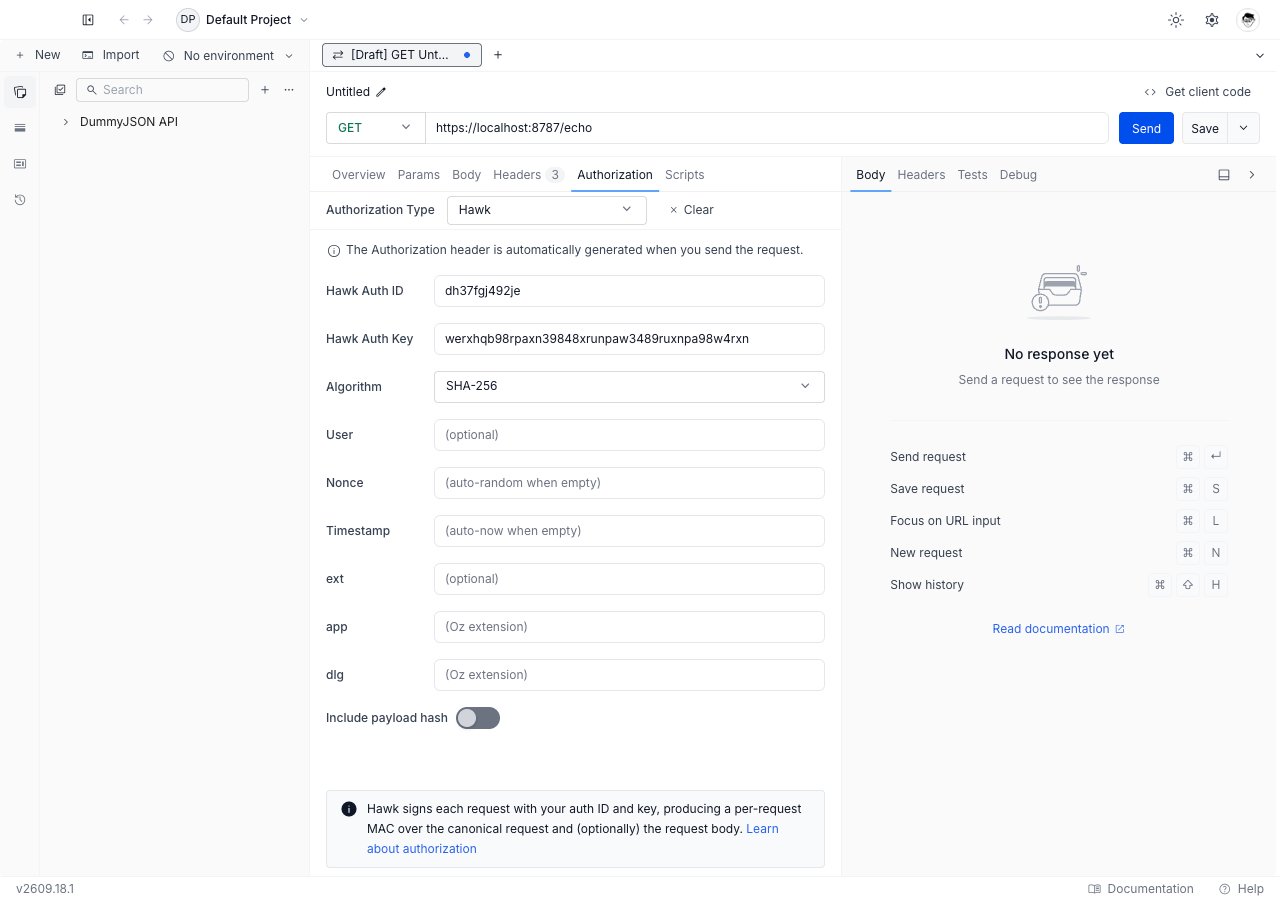
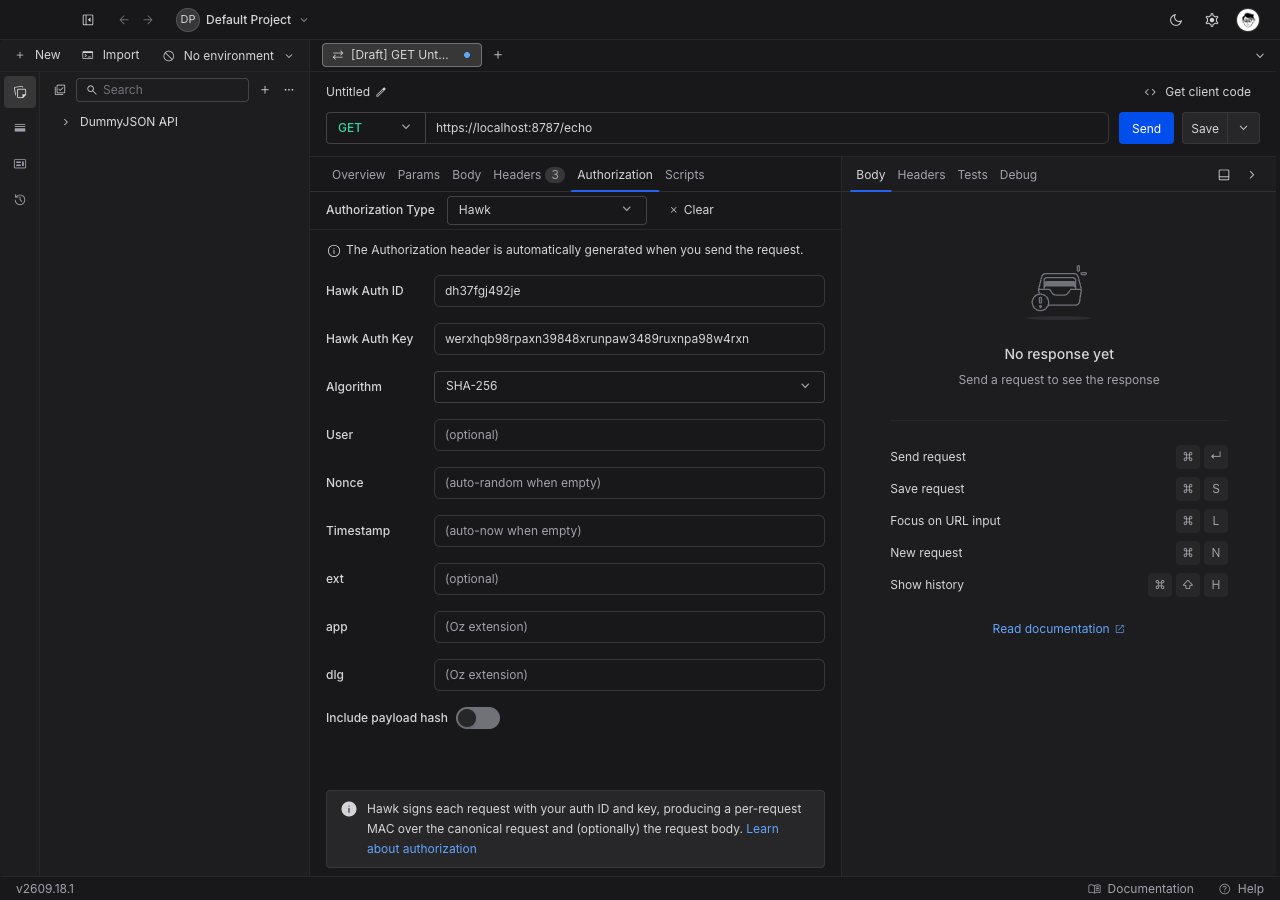
Set up Hawk
1
Open the Authorization tab
Open any request or collection, then go to the Authorization tab.
2
Select Hawk
Pick Hawk from the Authorization Type dropdown. The Hawk fields appear below the dropdown.
3
Enter the ID and key your API issued
Fill in Hawk Auth ID and Hawk Auth Key. These are the credential pair the API gave you; everything else is optional.
4
Match the algorithm
Leave Algorithm on
SHA-256 unless the API specifies SHA-1. The two sides must agree or verification fails.5
Send the request
Click Send. Requestly computes the MAC and attaches the
Authorization: Hawk header.Field reference
Required
Both credential fields accept Requestly variables and vault references. Store the key as a vault secret and reference it as
{{vault:hawk_key}}.
Optional
Include payload hash
When this is on, Requestly hashes the request body and binds the result into the MAC, so the signature covers the body as well as the request line. Turn it on when the API validates payload integrity, and leave it off otherwise. A server that does not expect a payload hash will reject the request when one is present.Inherit Hawk from a collection
Set Hawk once on the collection and leave every request inside it on Inherit from parent. Requestly walks up from the request to the nearest ancestor that sets a concrete auth type and signs with that credential pair. The nonce and timestamp are still generated per request, so inheriting one configuration does not reuse one signature. A request that picks its own auth type stops inheriting, and a collection or folder whose auth type is cleared or left unset stops the walk for everything below it.Troubleshooting
The server rejects the MAC
The server rejects the MAC
Check the algorithm first: a
SHA-256 signature against a SHA-1 verifier always fails. Then check that the key was pasted without a trailing newline, and that your machine clock is accurate, since most Hawk servers reject timestamps more than a minute or two out.Requests work without a body and fail with one
Requests work without a body and fail with one
Turn Include payload hash off, or turn it on, depending on which side you changed. Both ends must agree on whether the body is part of the signature.
The dlg value never reaches the server
The dlg value never reaches the server
dlg only travels when app is also set. Fill in app as well.What’s Next?
AWS Signature v4
The other per-request signing scheme in the dropdown.
Vault
Keep the Hawk key out of the collection.
Authorization
Back to every auth type Requestly supports.